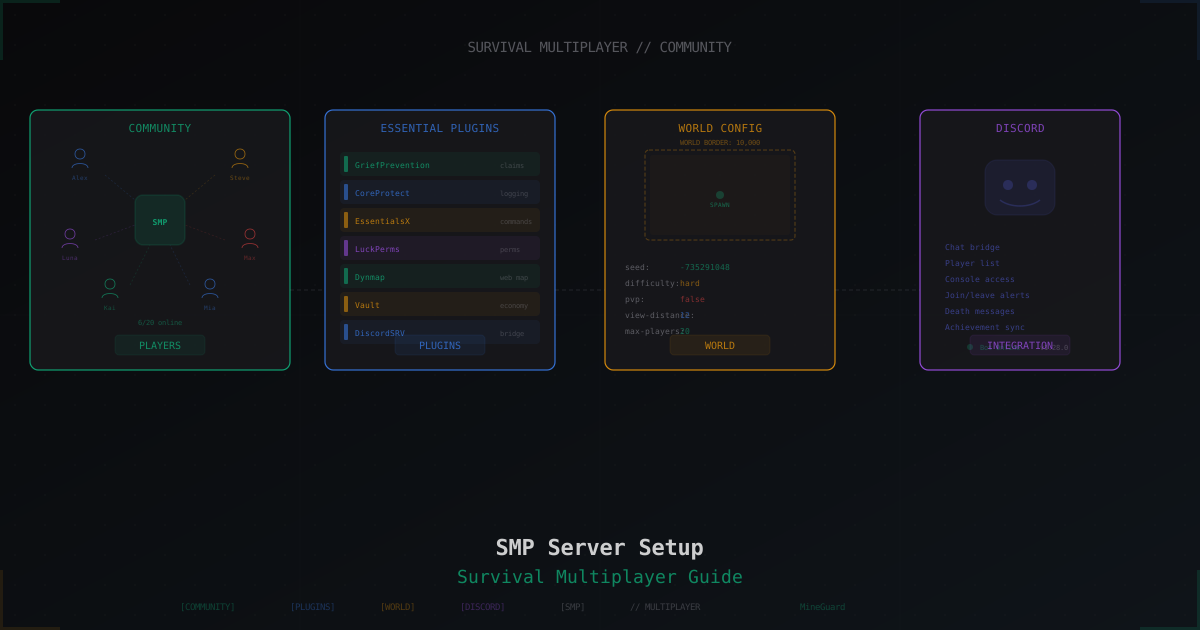
Minecraft SMP Server in 2026 - Setup and Configuration Guide
My first "our own SMP" lived in an eighth-grade Skype chat. The format never died. In 2026 SMP is its own subculture: YouTube channels with half a million subscribers, Twitch streams where people watch other people dig in a strip mine, Discord servers with 50k members.
The irony is that technically an SMP is just a survival server with plugins. No minigames, no lobby, no paid kits. Just a world and people in it. Building an SMP that players still log into a month after launch is actual work. Around month six a different set of problems shows up, and most guides skip them entirely.
This article is not about "launch the jar and you're done". It's about a durable SMP that survives the first griefer wave, the first bot flood, and the jump from 10 to 50 concurrent players.
How much hardware you actually need
Forum answers like "4 gigs is fine" usually lie. Here's the honest version.
Minecraft is nearly single-threaded. The main tick runs on one thread, and 32 cores won't speed it up. What actually matters: CPU clock speed, memory bandwidth, and disk IOPS during auto-save.
Honest table for SMP with plugins:
| Concurrent | Server RAM | CPU | Disk |
|---|---|---|---|
| 5-10 | 4 GB | 1 core at 3.5+ GHz | 20 GB SSD |
| 10-20 | 6-8 GB | 1 core at 4+ GHz | 40 GB SSD |
| 20-50 | 10-12 GB | 1 core at 4.5+ GHz | 80 GB NVMe |
| 50-100 | 14-20 GB | 1 core at 5+ GHz or Folia | 150 GB NVMe |
| 100+ | Folia or sharding | separate conversation | NVMe RAID |
Important nuance: allocating more than 14-16 GB to a single Java instance is usually pointless. The garbage collector starts stalling on large heaps. If you need more, either switch the core to Folia (multi-threaded) or split players across multiple backends with Velocity.
Disk is the most underestimated piece. A six-month-old SMP world with a hundred players takes 20-40 GB. Plus backups, plus system logs. Buy 1.5x what you think you need. A deep dive on RAM sits in this post.
Core choice: wider than Paper vs Fabric
In 2026 the choice is broader, and each core has real tradeoffs.
Paper is the SMP standard. A Spigot fork with heavy optimizations and active development. Thousands of plugins target it. If you don't know what to pick, pick Paper.
Purpur is a Paper fork with extra knobs. You can tune tree growth speed, disable explosions in specific biomes, tweak mob health. If you like dials, Purpur has more of them. 100% compatible with Paper plugins.
Pufferfish is another Paper fork focused on performance. Rewritten mob pathfinding, optimized chunk delivery. On large servers it beats Paper by 5-15% TPS. Downside: releases for new Minecraft versions land slightly later.
Folia is a different beast. Same Paper, but world regions run in parallel on different cores. Sounds like a dream, but most plugins don't work out of the box. Check every plugin against the Folia compatibility list before migrating. A full breakdown lives here.
Fabric is a mod loader, not a plugin platform. For SMP with mods like Create, Iris Shaders, or Ad Astra, Fabric fits. But mods have to be installed on the client too. That cuts 90% of potential players. For a public SMP, Fabric only makes sense if your audience is mod-ready.
Quilt is a Fabric fork that runs the same mods but with its own hook system. Smaller audience, ambitious roadmap.
Bottom line: for 99% of SMPs take Paper or Purpur. If you aim for 80+ concurrent, look at Folia. If you want serious mods, Fabric.
Java and JVM flags: don't copy blindly
Minecraft 1.21.x needs Java 21. Adoptium Temurin is free and trusted:
sudo apt install temurin-21-jdk
java -version
Now the flags. The internet is full of "Aikar's flags". That's a set of G1GC parameters that actually work better than JVM defaults:
java -Xms8G -Xmx8G \
  -XX:+UseG1GC -XX:+ParallelRefProcEnabled -XX:MaxGCPauseMillis=200 \
  -XX:+UnlockExperimentalVMOptions -XX:+DisableExplicitGC \
  -XX:+AlwaysPreTouch -XX:G1NewSizePercent=30 -XX:G1MaxNewSizePercent=40 \
  -XX:G1HeapRegionSize=8M -XX:G1ReservePercent=20 -XX:G1HeapWastePercent=5 \
  -XX:G1MixedGCCountTarget=4 -XX:InitiatingHeapOccupancyPercent=15 \
  -XX:G1MixedGCLiveThresholdPercent=90 -XX:G1RSetUpdatingPauseTimePercent=5 \
  -XX:SurvivorRatio=32 -XX:+PerfDisableSharedMem -XX:MaxTenuringThreshold=1 \
  -jar paper.jar --nogui
Two things matter here:
Xms = Xmx is mandatory. A lot of admins set Xms smaller "to save memory". That's bad. The JVM will keep expanding the heap and burn CPU doing it. Commit your target up front.
The flags above are tuned for 4-12 GB. On 16 GB or more, bump G1NewSizePercent and G1MaxNewSizePercent to 40/50. Blindly copying flags from a 2019 forum post is a mistake.
If you have more than 12 GB, consider switching G1GC to ZGC. ZGC has almost no pauses even on big heaps. Flag -XX:+UseZGC, that's it. Costs slightly more CPU, but you stop thinking about GC pauses. Deeper dive here.
server.properties: fields that actually matter
Most of server.properties is fine at defaults. These you should understand:
view-distance=8
simulation-distance=6
view-distance is how many chunks the client can see. simulation-distance is the chunks where mobs, plants, and farms actually tick. The difference matters. Mobs only spawn inside simulation-distance. Setting both to 10 makes CPUs cry. 8/6 is a solid public SMP balance.
spawn-protection=0
By default spawn is protected from non-ops within 16 blocks. With GriefPrevention or WorldGuard in place, this is redundant and gets in the way. Set it to 0.
online-mode=true
enforce-secure-profile=true
online-mode=true means Mojang verifies player auth. Keep it on unless you are intentionally running a cracked server. Offline mode and its risks are covered separately.
max-tick-time=60000
Watchdog timeout. Default 60 seconds. On a strong CPU you can raise it to 120000 to survive heavy chunk generation without a crash loop.
Then paper-world-defaults.yml. Hundreds of options, but for SMP these are the big ones:
entities:
  spawning:
    per-player-mob-spawns: true
Distributes the mob cap across players. Without it, one player's farms eat the whole cap and nobody else sees mobs. Mandatory on SMP.
chunks:
  max-auto-save-chunks-per-tick: 24
Chunks saved per tick. Default 24 is fine for most cases. On slow disk drop to 8-12.
A broader Paper security and tuning guide lives here.
Pre-generation: why and the math
When a player walks into a new chunk, the server generates it on the fly. Chunk generation costs milliseconds of CPU. One player, not a problem. 30 players scattering in different directions, laggy TPS.
Fix: generate the world ahead of time. Chunky plugin:
/chunky world world
/chunky radius 5000
/chunky start
A radius of 5000 blocks takes 30-90 minutes on a modern CPU. After that, players can roam anywhere without generation stalls.
The math: radius 5000 is 625 chunks per side, roughly 400 thousand chunks. On disk that's 10-15 GB for the overworld. Plus Nether (usually 1/8 the size) and End.
Handy trick: run pregen the day before launch. While the world bakes, configure plugins and park spawn events.
Land protection: three camps
GriefPrevention is ridiculously simple. Player grabs a golden shovel, clicks two corners, land is claimed. No commands required. Starter blocks, bonus blocks with playtime. For 90% of SMPs this is the right choice. Free, stable, long history.
Lands is more modern and premium. GUI, wars, rent, taxes, per-chunk flags. Pretty, but paid (around 20 euros on Polymart). Worth it if the server is serious.
Towny is towns and nations. Players found settlements, pay taxes, hire citizens. A game mechanic on top of claims. Perfect for roleplay-flavored SMP. Overkill for a friends SMP.
Typical path: start on GriefPrevention, migrate to Lands as online grows. Migration is annoying but doable through their tools. More on grief protection here.
CoreProtect: don't ship without it
This plugin logs every action by every player into SQLite. Placed a block, broke one, opened a chest, took an item, put on armor. All recorded.
Baseline config:
use-mysql: false
default-radius: 10
api-enabled: true
rollback-items: true
rollback-entities: true
skip-generic-data: true
lang: "en"
Real-world usage:
/co inspect
Inspection mode. Click a broken block, see who broke it and when.
/co rollback u:Pupkin t:1h r:50
Rolls back Pupkin's actions for the last hour within 50 blocks. Favorite command after a friend "renovates" your base with TNT.
/co lookup u:Pupkin a:container
Every container interaction by Pupkin. Gold for theft investigations.
CoreProtect keeps 30 days by default. On a big server that's gigabytes. Either configure rotation or manually purge:
/co purge t:30d
Anti-cheat: Grim or Vulcan
An eternal debate, let's close it.
Grim is free, open source, and simulates the player's movement server-side. Catches Speed, Fly, and KillAura almost perfectly. Requires online mode and recent Paper. On offline servers a chunk of the checks stop working.
Vulcan is paid (about 20 euros), closed source, same base principles plus heuristics. Slightly fewer false positives, slightly better tuning. Recommended for PvP-focused servers.
For SMP where PvP is secondary, Grim handles it. The 20 euros are better spent on backups or a domain.
Rule: don't run two anti-cheats at once. They fight each other and both work worse. Pick one.
Anti-bot: plugins aren't enough
A 30+ concurrent SMP will eventually see a bot attack. Someone spins up 500 bots that join the server and flood chat or just squat on slots.
Plugins like AntiVPN or IPWhitelist handle dumb bots. Serious bots imitate real players well enough that no plugin can separate them. They pass the handshake, answer keep-alives, turn their head.
Real bot protection is a captcha at the proxy layer, before the bot reaches your Paper. Simple mechanic: unknown IP gets redirected to a captcha page, solves it, and only then is forwarded to the server. Legit players see it once per 30 days. The mechanic is explained in detail here.
The difference matters: a plugin deals with the bot after it has taken a slot, eaten bandwidth, and held the connection. A proxy deals with the bot before it touches Paper. Different defense layers.
Voice chat: it changes the feel
Voice changes an SMP fundamentally. Caves get scarier. Farms get funnier. PvP brawls get livelier. Newcomers integrate faster.
Plasmo Voice needs a client mod but gives you 3D audio, groups, walkie-talkies, disguise. Requires Fabric/Forge or a Paper mod loader. Full guide here.
Simple Voice Chat also runs through mods, slightly simpler, installs in 10 minutes. For vanilla Paper there's a plugin bridge.
For a friends SMP Discord is enough. For a public SMP in-game voice is a real plus.
World map: BlueMap vs Dynmap
BlueMap renders the world in 3D through a web viewer. Gorgeous, feels like the real world. Heavier to install, more CPU during render.
Dynmap is a flat 2D map. Fast, light, 5 minutes to set up. Looks like Google Maps with chunks.
Common move: BlueMap for the "check out our world" page, Dynmap for "where does Pupkin live". Both run in parallel without conflict.
An economy that doesn't die in a month
Classic broken economy on SMP: start with 1000 coins, an NPC shop for emeralds, an auction. Within a month emeralds cost 1 coin and the only valuable item is a Beacon with Haste 2. The economy collapsed.
Three rules for a living economy:
Money has to leave. If coins only appear (selling resources to NPCs) and never disappear, inflation is inevitable. Introduce money sinks: land taxes, teleport costs, repair, unique purchases.
No diamonds from thin air. Don't sell rare resources through NPCs. Anything a player can "print" breaks the balance.
Open auction beats NPC shops. Players should trade with each other more than with the server. AuctionHouse or ShopGUI+ in player-to-player mode.
A full breakdown here.
Backups: 3-2-1 and restore drills
The 3-2-1 rule: three copies of data, two types of storage, one copy off the main system.
In practice for SMP:
- Hourly world snapshot (plugin, or cron plus rsync). Lives on the same disk.
- Nightly copy to a second disk or S3-compatible bucket.
- Weekly copy to the cloud (Backblaze B2, Wasabi). Cheap and safe.
A simple cron script:
#!/bin/bash
WORLD_DIR="/opt/mc"
BACKUP_DIR="/backup/mc"
DATE=$(date +%F_%H-%M)
cd "$WORLD_DIR" && tar czf "$BACKUP_DIR/world_$DATE.tar.gz" world world_nether world_the_end
find "$BACKUP_DIR" -name "world_*.tar.gz" -mtime +30 -delete
The thing most admins skip: restore drills. Once a month deploy the latest backup to a test instance. Confirm the archive isn't corrupt, the world loads, plugins come up. A backup you can't restore from is not a backup. Full plan here.
World border and seed picking
An infinite world on an SMP is bad. Players scatter across thousands of kilometers, and the server balloons to hundreds of gigabytes in months.
/worldborder center 0 0
/worldborder set 10000
A circle with diameter 10000 is enough for 10-20 players. For 50+ set 16000-20000.
Nice trick: expand the border as an event. "We hit 40 concurrent, border grows by 2000 blocks." Players talk about it, come back for the event, bring friends.
Seed picking is its own art. Don't take a random one. Look for a seed where:
- Spawn is on plains or in a forest
- 3+ biomes exist within 1000 blocks
- A village sits 300-500 blocks from spawn
- A water body and a desert are within reach (cactus, fresh water)
Use chunkbase.com. Enter the seed, look at the map, find villages and biomes. A good seed picks itself in 30 minutes and pays off for the whole server lifetime.
Whitelist: when to turn it on
Friends SMP, turn it on from day one. Less trouble.
white-list=true
/whitelist add Nickname
Public SMP often uses whitelist as a filter: player applies in Discord, moderator approves, bot adds them to the whitelist. Cuts 90% of trolls and "just checking" visitors.
EasyWhitelist plus DiscordSRV sets this up in half an hour. Bonus: every application gives you a player's Discord. When you need to reach them later (bug report, personal event invite), you have their contact.
Discord as the community hub
DiscordSRV syncs in-game chat with a Discord channel. But the real value is different: it's a community hub that works even when the server is off.
Baseline channel set for SMP:
#announcements(admins only)#general(open chat)#ingame-chat(DiscordSRV sync)#support(questions to staff)#applications(whitelist requests)#bug-reports(forum channel with a template)#off-topic(memes and random)#builds-showcase(build screenshots)
Turn on an @online role for players currently in-game. DiscordSRV does it automatically. Adds life to the Discord.
Announce events 2-3 days ahead. People need time to plan.
Resource pack: not for everyone
A custom resource pack is powerful. You can swap sword textures, add sounds, change the UI. ItemsAdder even adds brand-new items with custom models.
Downside: the pack has to download. First join takes 30-60 seconds. Fine for a community SMP, risky for a server grinding for traffic.
Rule: if you ship custom content (bosses, quests, magic), a pack is mandatory. Pure survival, you can skip it.
Retention: a plan for the first three months
Launching the server is 10% of the work. The other 90% is retention. The statistic is harsh: out of 100 players who try a new SMP, 15-20 remain after a month. After three months, 5-8. Your job is to maximize those numbers.
What works:
Weekly events. Friday evening or Saturday. PvP tournament, build contest, team dragon raid. A reason to log in.
Seasons. After 6-9 months the world ages. Bases are gigantic, the economy is inflated, new players have nothing to chase. Announce Season 2 with a world reset and a stats hall of fame. Old players return, new ones don't feel a year behind.
Public progress. A website with "first Ender Dragon kill", "biggest town", "longest railway". People compete for this harder than for cash prizes.
Personal touch. The first 50 regulars should know you by name. It's hard, but it works. You're not "admin", you are "Pavel, who responds in chat within 30 minutes and fixes things".
More on player growth here.
Monetization without pay-to-win
Pay-to-win kills an SMP faster than DDoS. The moment your shop sells "starter kit: diamond armor for $3", your free players leave.
What you can sell:
- Cosmetic ranks with chat prefixes
- Name color
- Extra
/homeslots (say 3 to 5) - Private worlds (island plugins)
- Cosmetic items with no stats
- Emotes or pets without combat buffs
What you must not:
- Resources (diamonds, emeralds, netherite)
- Enchanted gear
- Crate keys with OP loot
- PvP advantages (damage or armor buffs)
- Auto-mining, auto-crafting
A reasonable monetization setup pulls in $50-100 per 100 active players per month. Enough for the VPS and part of admin time. Getting rich off an SMP is rare, don't plan on it.
Soft launch: don't open in prime time
Classic mistake: announce the server before it's tested. Opening day, 30 people join, a plugin breaks, the DB stalls, players leave. Half of them never come back.
Soft launch plan:
- Week minus 2. Server live with 3-5 trusted friends. They hunt bugs, test commands, check plugins.
- Week minus 1. Invite 10-15 beta testers. Wipe or keep the world, your call. Collect feedback.
- Day 0. Public announcement. By now obvious bugs are gone. Server is stable at 20-30 concurrent.
- Week plus 1. Monitor TPS, fix small things, answer everything in Discord.
- Week plus 2. First event. This matters. Shows that the server is alive.
Don't announce to your 1000 subscribers until step 3. New server reputation is fragile, and the second attempt costs more than the first.
When your SMP becomes a target
40 steady concurrent, your own Discord, your own memes, first donations. Everything is great. Then the server drops. Then again. Then again.
It's DDoS. Someone got banned and held a grudge, a competitor wants to steal your players, or a bored teenager on a Friday night. Regular hosting won't stop it. Cloudflare is for web traffic, not Minecraft protocol. You need a filter that understands Minecraft and drops garbage before it reaches Paper.
MineGuard does exactly that. Proxies your IP, catches SYN floods and fragmented UDP spam at the network layer, and filters application-layer bots with a captcha. You point player traffic at the MineGuard address, MineGuard forwards the clean traffic to your backend. Players don't notice anything.
The free tier absorbs small attacks and is enough for SMPs up to 50-100 concurrent. The paid tier holds serious botnets.
Don't wait for the first attack to think about protection. A day of downtime costs 10-20% of your active players. For a young SMP that's a month of setback, sometimes the end of the project.
Protect Your Server from DDoS Attacks
Free protection with 5-minute setup. 1 TB bandwidth included.
Try for FreeRelated Articles
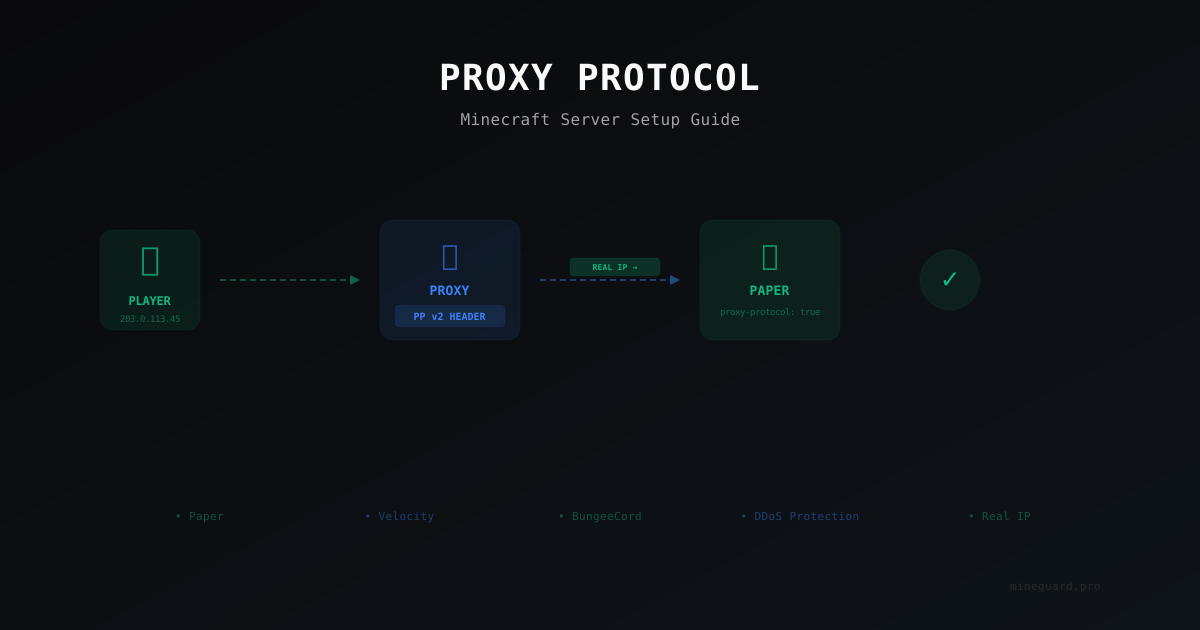
Proxy Protocol for Minecraft: Why You Need It and How to Set It Up
Proxy Protocol preserves real player IP addresses when your server runs behind a reverse proxy or DDoS protection. Learn how to configure it for Paper, Velocity, and DDoS mitigation setups.
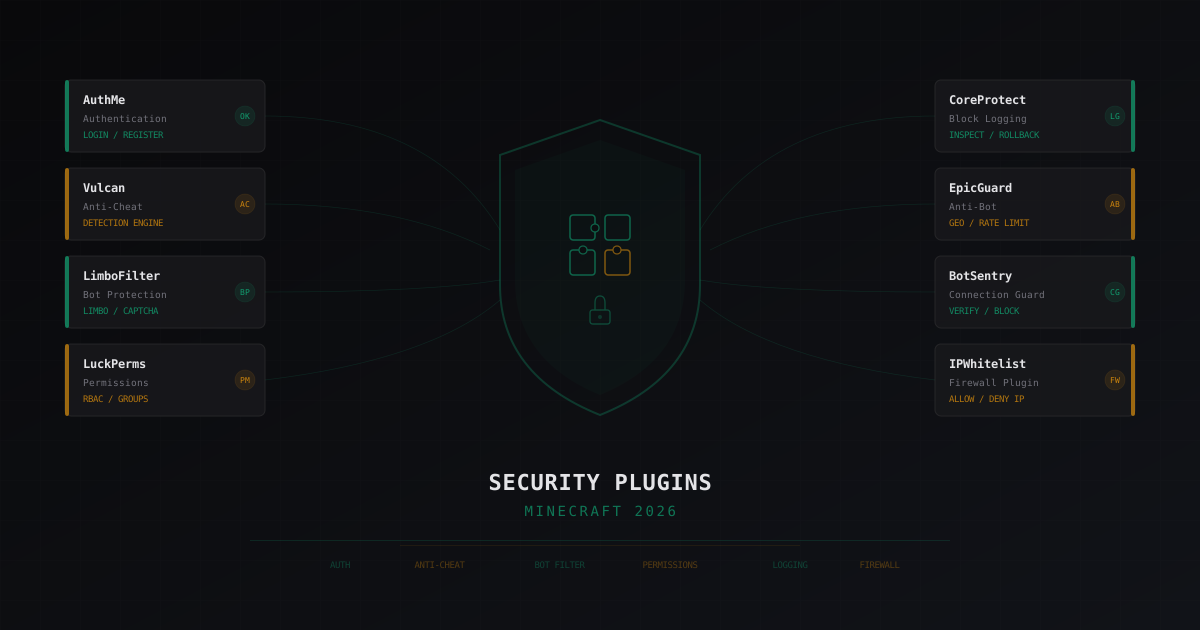
Best Security Plugins for Minecraft 2026: An Honest Review
Breaking down security plugins for Minecraft servers: authentication, anti-cheat, bot protection, permissions, logging. Honest pros and cons for each solution with configuration tips.
EliteMobs: setting up PvE bosses on a Minecraft server (2026)
EliteMobs by MagmaGuy: level scaled elites, Adventurers Guild hub, instanced dungeons, custom YAML bosses, abilities, custom items, WorldGuard, Vault and DiscordSRV integration. Install on Paper 1.21+, real config and where the plugin breaks.