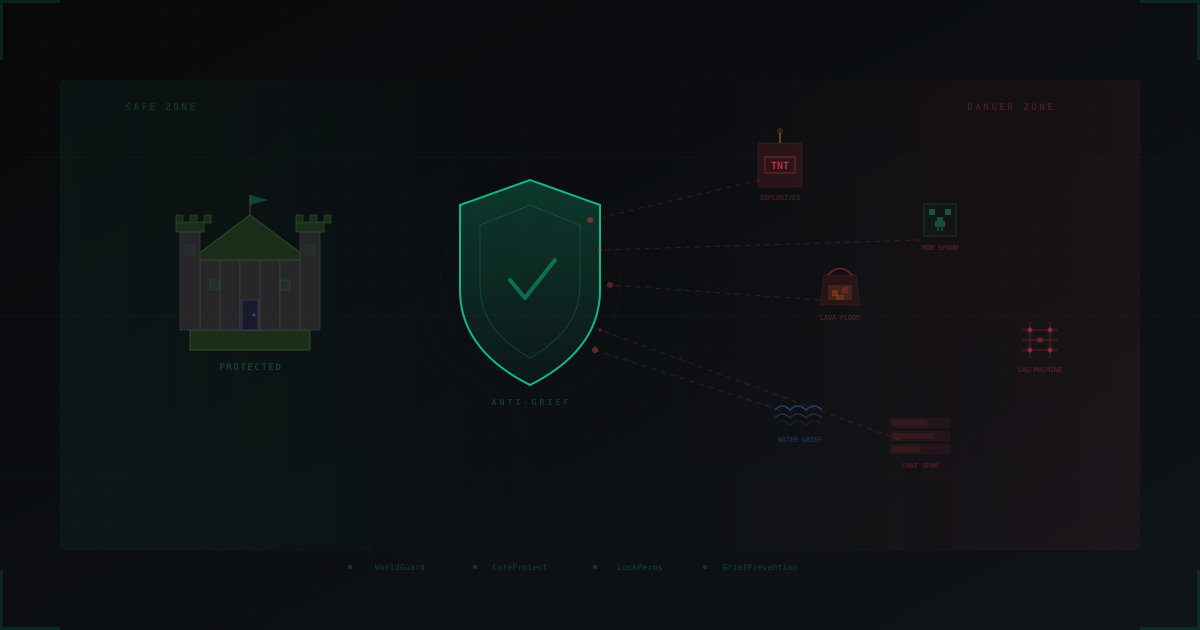
Anti-Grief Protection: Complete Guide for Minecraft Server Admins
You spent a week building your spawn. Every block placed with care, NPCs set up, teleporters configured. You log in the next morning and find a crater of obsidian and lava where your spawn used to be. Someone left "lol" in the chat.
If you run a Minecraft server, you have dealt with griefers. It is one of the oldest and most persistent problems in the game. And it is not going away.
This article covers everything you need to know about anti-grief protection: from basic plugins to advanced automated detection systems. Practical advice with real configs.
Types of griefing
Before you can defend against something, you need to understand what you are dealing with.
Block destruction
The most obvious type. A player breaks other people's builds. Can be targeted (destroying a specific house) or random (running around breaking everything in sight).
Lava and water flooding
A bucket of lava on someone's roof. A waterfall across the entire spawn area. Fast, effective, and the damage is hard to fix by hand.
TNT and explosions
If TNT is available on your server, griefers will use it. One TNT cannon can destroy builds from dozens of players. End crystals are another popular destruction tool.
Mob spawning
On servers where spawn eggs or commands are accessible, mass-spawning hostile mobs is a go-to grief method. Withers, thousands of zombies. This damages builds and tanks server performance.
Lag machines
Advanced griefing. A player builds a redstone, piston, and hopper contraption that generates massive server load. TPS drops to 5-10, and the game becomes unplayable for everyone.
Chat spam
Does not break blocks but kills the atmosphere. Flood, insults, advertising, symbol spam. New players join, see a toxic chat, and leave forever.
Three layers of defense
Anti-grief protection works on three levels: prevention, detection, and recovery. A good system uses all three.
Prevention stops the griefer from causing damage in the first place. Land claim plugins, permission systems, restrictions on new players.
Detection catches griefing as fast as possible. Action logging, automatic alerts, behavior monitoring.
Recovery undoes the damage. CoreProtect, backups, action logs for precise rollback.
Land claim plugins: first line of defense
GriefPrevention
One of the most popular land protection plugins. Its biggest advantage: players create and manage their own claims, which takes the load off administrators.
How it works: a player gets a certain number of claim blocks. The longer they play, the more blocks they earn. A golden shovel is used to mark territory.
# GriefPrevention config.yml
GriefPrevention:
  Claims:
    InitialBlocks: 100
    BlocksAccruedPerHour: 100
    MaxAccruedBlocks: 80000
    AutomaticNewPlayerClaimsRadius: 4
    MinimumSize: 10
  Spam:
    Enabled: true
    LoginCooldownSeconds: 60
    WarningCount: 1
    BanCount: 4
Key settings:
InitialBlocks: 100gives new players enough blocks for a small house.BlocksAccruedPerHour: 100rewards time spent on the server.AutomaticNewPlayerClaimsRadius: 4auto-creates a claim when a player places their first chest. Protects newcomers who do not know the commands.
WorldGuard
More powerful and flexible, but requires manual setup by an administrator. Perfect for spawn protection and shared areas.
# Creating a spawn region
//wand
//pos1
//pos2
/rg define spawn
/rg flag spawn pvp deny
/rg flag spawn block-break deny
/rg flag spawn block-place deny
/rg flag spawn tnt deny
/rg flag spawn lava-flow deny
/rg flag spawn creeper-explosion deny
/rg flag spawn mob-spawning deny
/rg flag spawn enderman-grief deny
WorldGuard supports nested regions with different permissions. For example, inside a protected spawn you can carve out a zone where players can place blocks (for shop stalls).
Towny and Lands
Towny is a full town-and-nation system. Every town has a mayor, residents, and its own permission settings. Ideal for RPG and political servers where territory protection is a natural part of gameplay.
Lands is a more modern alternative with a GUI. It supports roles, taxes, wars between territories. Great for economy servers.
Which plugin to choose?
- Vanilla survival with minimal admin involvement: GriefPrevention
- Server needing detailed territory control: WorldGuard
- RPG/political server: Towny
- Modern survival with GUI: Lands
Permission systems: default deny
LuckPerms
A properly configured permission system is the foundation of security. The principle is simple: everything is denied by default, permissions are granted explicitly.
# LuckPerms group setup

# Newcomer group (first 2 hours)
# /lp group newcomer permission set essentials.build false
# /lp group newcomer permission set worldguard.region.bypass.* false

# Player group (after 2 hours)
# /lp group player permission set essentials.build true
# /lp group player permission set griefprevention.claims true
# /lp group player permission set essentials.tnt false

# Moderator group
# /lp group mod permission set coreprotect.inspect true
# /lp group mod permission set coreprotect.rollback true
# /lp group mod permission set essentials.ban true
Key points:
Do not give newcomers build permission immediately. Require minimum online time or verification. This blocks 90% of casual griefers.
Separate permissions into tiers. Newcomer, Player, Trusted, Moderator, Admin. Each tier unlocks new capabilities.
TNT, lava, fire: trusted players only. These destruction tools are not needed for normal gameplay.
CoreProtect: rollback and investigation
CoreProtect is a must-have. It logs every action by every player: block breaks and placements, container interactions, kills, chat messages. And it lets you undo all of it.
Investigation commands
# Inspect a specific block
/co inspect                    # enable inspection mode
# click the broken block to see its history

# Search by parameters
/co lookup u:PlayerName t:24h  # all actions by player in 24 hours
/co lookup r:50 t:1h a:break   # all breaks within 50 blocks in 1 hour
/co lookup b:tnt t:12h         # all TNT explosions in 12 hours
Rolling back damage
# Rollback a specific player's actions
/co rollback u:GrieferName t:2h    # undo everything from the last 2 hours

# Rollback in a specific radius
/co rollback u:GrieferName r:100 t:1d  # 100 block radius, last day

# Preview before applying
/co rollback u:GrieferName t:2h #preview
/co apply
For servers with more than 20 players, use MySQL instead of SQLite. The database can grow to gigabytes. Set automatic cleanup for old records:
# Keep logs for 30 days
default-time: 30
Anti-cheat integration
Griefers often use cheat clients to speed up their work. Flight lets them traverse the server quickly. Speed hacks break blocks faster. Reach exploits let them interact with blocks from a distance. X-ray reveals valuable builds.
Main anti-cheat options:
- Vulcan is one of the best paid anti-cheats. Excellent movement and combat detection.
- Grim is free and open-source. A solid alternative to paid solutions.
- Polar is a newer contender gaining traction.
# Anti-cheat config (general principles)
checks:
  flight:
    enabled: true
    max-violations: 5
    punishment: kick
  speed:
    enabled: true
    max-speed-multiplier: 1.3
  reach:
    enabled: true
    max-reach: 3.1        # vanilla = 3.0
  auto-clicker:
    enabled: true
    max-cps: 18
Make sure your anti-cheat accounts for any custom mechanics that grant speed or flight (elytras, potions, custom items).
Chat protection
Toxic chat is griefing too. Players leave servers over unbearable chat just as often as over destroyed builds.
# Anti-spam settings
anti-spam:
  enabled: true
  max-messages-per-second: 3
  max-caps-percentage: 50
  max-repeat-messages: 3
  mute-duration-seconds: 300
Give moderators the tools they need:
/mute PlayerName 30m
/chatlog PlayerName
/warn PlayerName spam
Banning: IP vs UUID
UUID bans
UUID is tied to the Minecraft account. More reliable than a nickname (which can be changed) or an IP (which can be changed via VPN).
On licensed servers (online-mode=true), UUID is tied to the Mojang account. Circumvention requires buying a new account.
On cracked servers (online-mode=false), UUID is generated from the nickname. Change the nick, change the UUID. This makes UUID bans less effective.
IP bans
Problems with IP bans:
- VPN. A player turns on a VPN and gets a new IP in seconds.
- Dynamic IP. Many ISPs assign a new IP on every connection.
- Shared IP. Multiple people can share one IP (family, dorm, NAT). Ban one, punish everyone.
Combined approach
UUID ban + IP ban + VPN detection works best together. More on VPN detection in our article VPN and Proxy Detection on Minecraft Servers.
Trust systems for new players
Restricting new players is one of the most effective anti-grief measures. Most griefers are not willing to spend hours earning full access.
Tiered access
# Tier 0: Newcomer (0-2 hours)
# Can walk and look, cannot build outside their claim
# No lava, TNT, or fire
# Local chat only

# Tier 1: Player (2-10 hours)
# Can build, break, and claim land
# Can use global chat
# No lava or TNT

# Tier 2: Trusted (10+ hours)
# Full access to normal features
# Can use lava within own claims
# Can invite others to claims

# Tier 3: Veteran (50+ hours)
# Extended capabilities
This blocks 95% of griefers. Someone willing to play for 10 hours just to lava-grief a house is the exception, not the rule.
Additional verification
- Discord linking. Require a linked Discord account before granting full access. Adds another layer of identity.
- Application whitelist. On small servers (under 50 players), a simple application form reviewed by moderators works well.
- Vouching. An existing player vouches for a newcomer. If the newcomer breaks rules, the voucher faces consequences too.
Whitelist vs open server
Whitelist gives you total control over who plays. Griefing becomes nearly impossible because every player is vetted. The downside: slow audience growth and admin overhead.
Open server grows fast but needs serious protection. Griefers show up daily.
The middle ground is an open server with newcomer restrictions. Anyone can join and start playing, but full access requires time investment or verification.
When griefing turns into DDoS
Here is a pattern that hits every popular server sooner or later:
- A griefer does not like your server (or got banned)
- They decide to "get revenge"
- They buy a DDoS attack for $10-20
- Your server goes offline
The connection between griefing and DDoS attacks is much tighter than most admins expect. A significant portion of DDoS attacks on Minecraft servers start right after a player ban.
What to do:
- Do not expose your server IP. Use a domain and hide the real IP behind protection.
- Set up DDoS protection before you need it. Connecting protection during an attack is harder and more expensive.
- Log the ban-to-attack pipeline. If a DDoS starts after banning a specific player, that helps with investigation.
More on the connection between bot attacks and griefing in our article Bot Attacks on Minecraft Servers: How to Stop Them.
Automated detection
Advanced servers use automated pattern detection:
What to track
- Mass block breaking. A player breaks >100 blocks per minute in someone else's claim.
- Lava/water placement outside own claim. Almost always griefing.
- Rapid territory hopping. A player visits 10 different claims in 5 minutes.
- Mass animal killing. 50+ animals killed in a short period.
Response
Do not auto-ban. Instead:
- Send a notification to staff in Discord
- Auto-freeze the player pending review
- Create an incident log with coordinates and timestamps
Staff training
Even the best plugins are useless without competent moderators.
What moderators should know
- CoreProtect. How to inspect blocks, review logs, perform rollbacks.
- Ban commands. The difference between ban, mute, and kick. When to use each.
- Escalation. When to handle it yourself, when to call a senior mod or admin.
- Documentation. Record every incident: who, what, when, what action was taken.
- Staying calm. Griefers often try to provoke moderators. A mod who takes the bait makes things worse.
Checklist: minimum anti-grief setup
Required:
- Land claim plugin (GriefPrevention for most servers)
- CoreProtect for logging and rollback
- LuckPerms for permission management
- Spawn protection via WorldGuard
- Basic chat anti-spam
Recommended:
- Anti-cheat (Vulcan or Grim)
- Trust system for new players
- Staff alerts via Discord
- Regular world backups
- DDoS protection
Advanced:
- Automated suspicious behavior detection
- Discord/email verification
- VPN/proxy detection (detailed guide)
- Moderator training program
Bottom line
Anti-grief protection is not a single plugin or setting. It is a system that combines technical measures (plugins, configs), human factors (moderation, training), and preventive measures (trust systems, verification).
Perfect protection does not exist. A motivated griefer will find a way. But a properly configured system minimizes the damage and lets you recover fast.
Start with the basics: GriefPrevention + CoreProtect + LuckPerms. That covers 80% of problems. Scale up your defenses as your server grows.
And remember: the best defense against griefers is a healthy community. Players who love your server will become its guardians. Invest in atmosphere, not just plugins.
If you are new to Minecraft server security, start with our Beginner's Guide to Minecraft Server Protection.
Protect Your Server from DDoS Attacks
Free protection with 5-minute setup. 1 TB bandwidth included.
Try for FreeRelated Articles
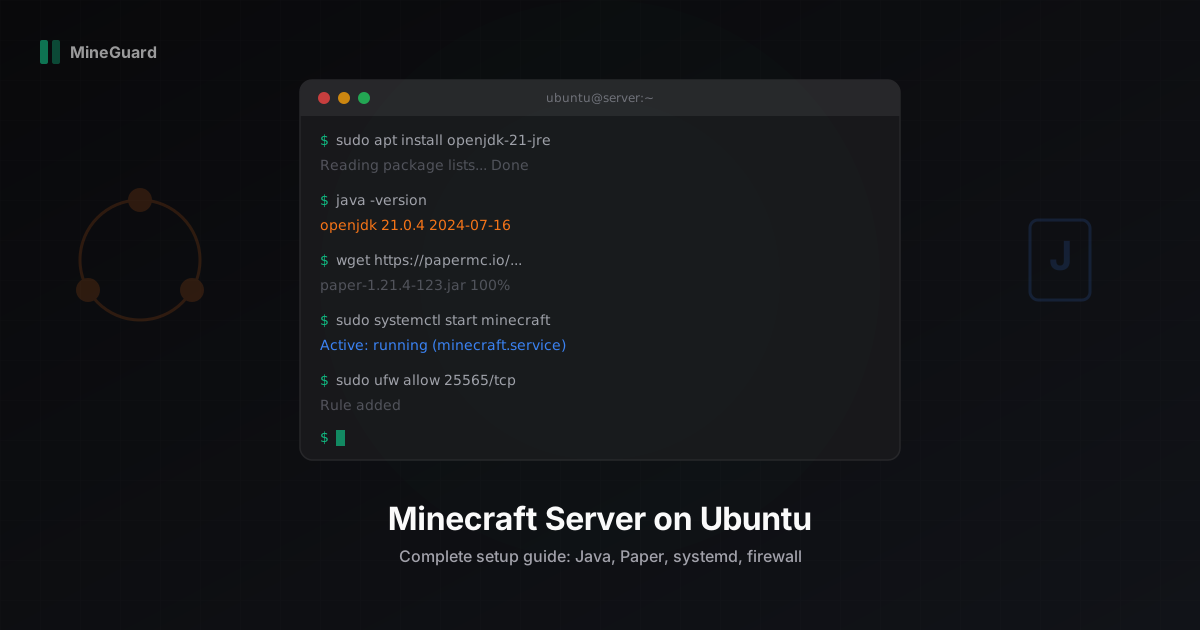
Minecraft Server Setup on Ubuntu Linux: Step-by-Step Guide
Complete guide to installing and configuring a Minecraft server on Ubuntu 22.04/24.04. Java 21, Paper, systemd, firewall, JVM flags, and auto-restart.
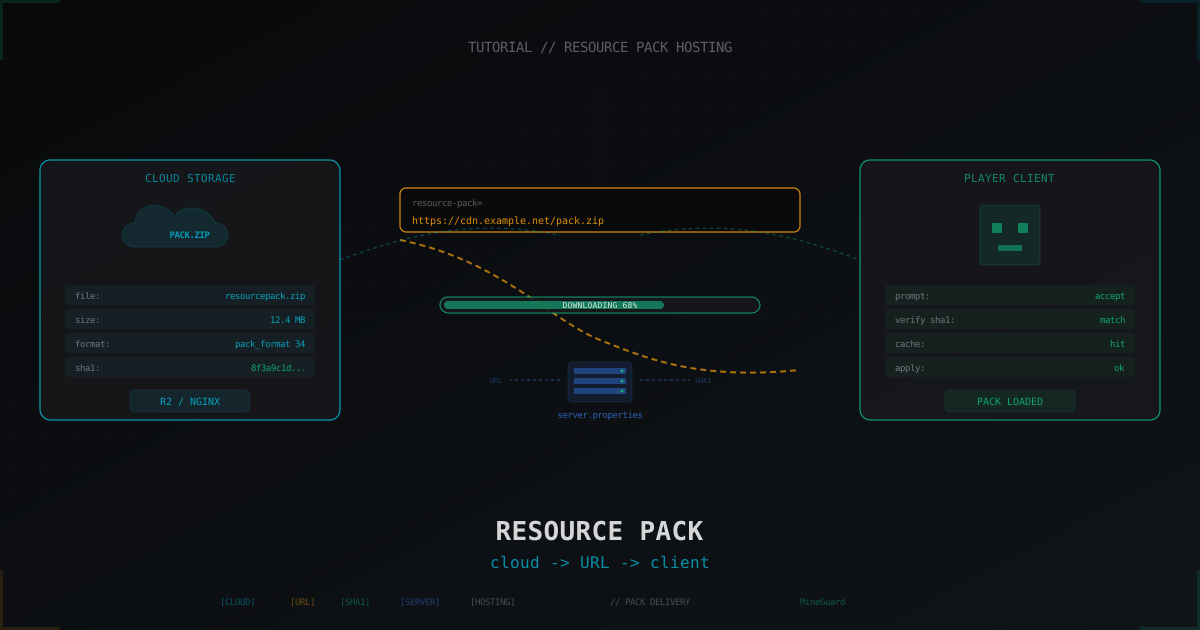
Hosting a resource pack for a Minecraft server: complete guide (2026)
How to put a resource pack on a host, generate the sha1 and feed it to the client via server.properties. GitHub raw, Mc-Packs.net, Cloudflare R2, self-hosted nginx, versioning, multi-language and why Discord CDN died in 2024.
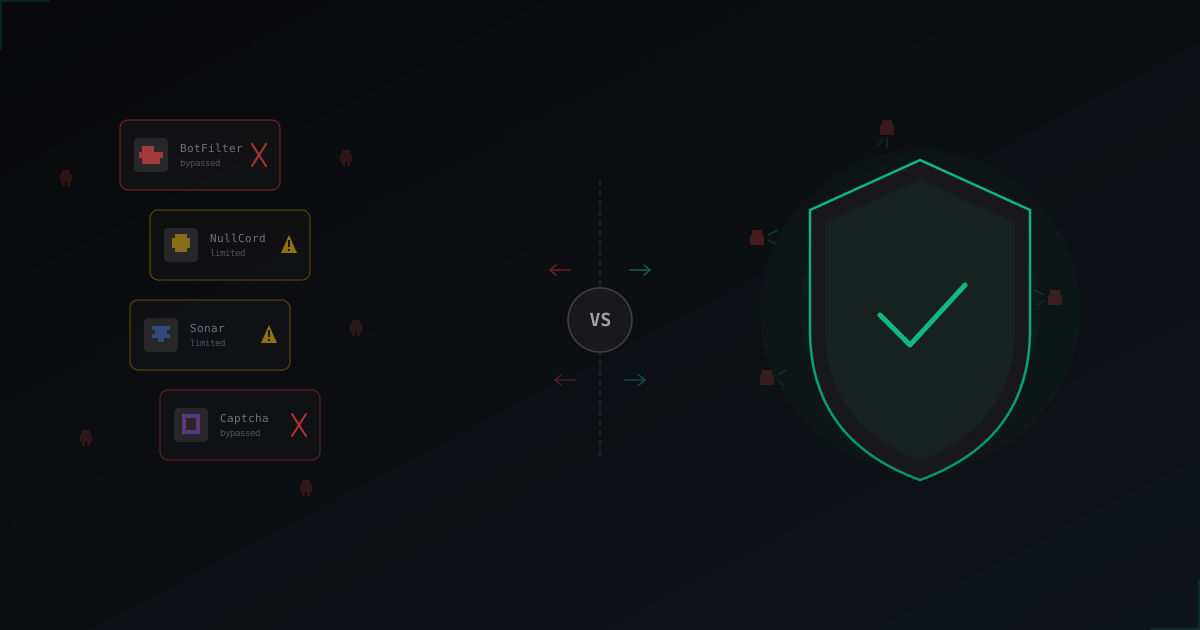
Plugins vs Protection Service: What Actually Works Against Bots in 2026
An honest breakdown of BotFilter, NullCord, Sonar and in-game captcha plugins. Why in-game checks hit a ceiling and what the servers that survive bot attacks are doing differently.