How to Set Up PlasmoVoice on a Minecraft Server
Voice chat changes the way people play on Minecraft servers. Instead of typing messages, players start talking to each other. PlasmoVoice is one of the best options for this: open-source, actively maintained, and works on Paper, Fabric, and Forge.
This guide covers everything from installation to fine-tuning permissions and encryption. If you already have a running Minecraft server, you can get started right away.
What is PlasmoVoice
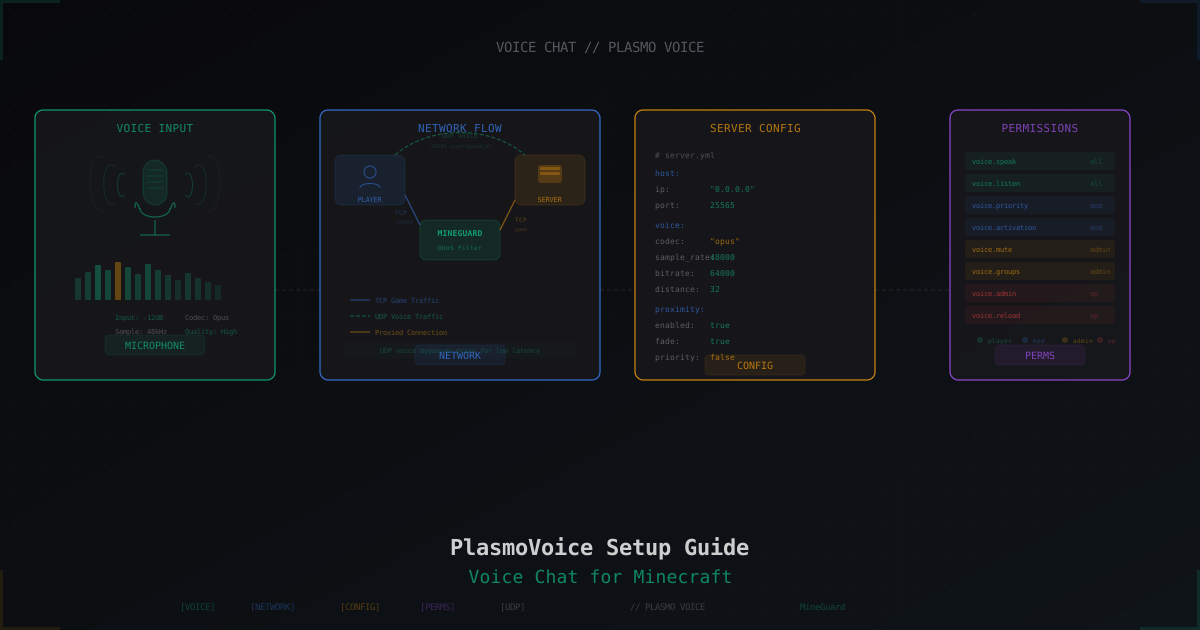
PlasmoVoice is a voice communication mod for Minecraft. On the server side, it runs as a plugin (Paper/Spigot) or mod (Fabric/Forge). On the client side, it's a mod. Voice traffic is transmitted over UDP, separate from the main TCP game traffic.
Key features:
- Proximity chat - voice is only heard within a certain radius
- Push-to-talk and voice activation modes
- Groups and channels for communication
- Voice traffic encryption
- Flexible permission system
Server Installation
Paper / Spigot / Purpur
- Download the latest PlasmoVoice version from Modrinth or GitHub
- Place the
.jarfile in your server'splugins/folder - Restart the server
- Verify the plugin loaded:
/plugins
PlasmoVoice should appear in green.
Fabric
- Install Fabric Loader if you haven't already
- Install Fabric API
- Download the server version of PlasmoVoice for Fabric
- Place the
.jarin themods/folder - Restart the server
Forge
Same as Fabric - download the Forge version, place it in mods/, restart.
UDP Port Configuration
This is the most critical step. PlasmoVoice uses UDP for voice transmission and defaults to the same port as your Minecraft server. The config is located at plugins/PlasmoVoice/server.yml (Paper) or config/PlasmoVoice/server.yml (Fabric):
host:
  # IP to bind the UDP server. 0.0.0.0 = all interfaces
  ip: "0.0.0.0"
  # UDP port. 0 = same port as Minecraft server
  port: 0
If your Minecraft server runs on port 25565, PlasmoVoice will open UDP 25565 by default. You can specify a different port:
host:
  ip: "0.0.0.0"
  port: 25566
Opening the Port in Your Firewall
A common mistake is forgetting to open the UDP port. The TCP port for Minecraft is already open, but UDP needs to be allowed separately:
# iptables
iptables -A INPUT -p udp --dport 25565 -j ACCEPT

# ufw
ufw allow 25565/udp

# firewalld
firewall-cmd --permanent --add-port=25565/udp
firewall-cmd --reload
Client Setup
Players need to install PlasmoVoice as a mod on their client. It works with Fabric, Forge, and Quilt. After installing and connecting to the server, a PlasmoVoice menu appears in settings (default key: V).
Main client settings:
- Microphone - select input device
- Capture volume - microphone sensitivity
- Speaker - select output device
- Playback volume - overall voice volume
- Activation mode - push-to-talk or voice activation
Activation Modes
Push-to-Talk (PTT)
Voice is only transmitted while a key is held down. The default is Left Alt, configurable in the client. This is the preferred mode - no background noise, players control when they're heard.
Voice Activation
The microphone turns on automatically when the sound level exceeds a threshold. Convenient but can pick up background noise. The activation threshold is adjustable in the client via a slider.
Permissions
PlasmoVoice uses the standard permissions system. Key permission nodes:
# Basic permissions
voice.speak - permission to speak
voice.listen - permission to hear others
voice.mute - right to mute other players
voice.mutelist - view the muted players list

# Priority speech (overrides others)
voice.priority - use priority mode

# Activation
voice.activation.voice - voice activation
voice.activation.ptt - push-to-talk
voice.activation.inherit - inherit activation mode
Example setup with LuckPerms:
# Allow everyone to speak and listen
/lp group default permission set voice.speak true
/lp group default permission set voice.listen true

# Give moderators the right to mute
/lp group moderator permission set voice.mute true

# Priority speech only for admins
/lp group admin permission set voice.priority true
Proximity Chat
Proximity chat is the core feature of PlasmoVoice. Voice is only audible within a certain radius from the player. The further away, the quieter. Settings in server.yml:
voice:
  # Proximity chat distances (in blocks)
  proximity:
    distances:
      - 8    # whisper
      - 16   # normal conversation
      - 32   # shout
    default_distance: 16
Players switch distances with a key (default: mouse scroll wheel in the PlasmoVoice menu).
Groups and Channels
PlasmoVoice supports addons for extended functionality. With pv-addon-groups you can create separate voice channels:
- Groups for clans or teams
- Separate channels by role (staff chat, guilds)
- Ability to speak in proximity and a group simultaneously
Encryption
PlasmoVoice encrypts voice traffic by default using AES. This is important for privacy - nobody can intercept conversations even if they have access to the network traffic. Encryption settings in server.yml:
voice:
  # AES encryption
  aes_encryption_key: ""  # Leave empty for auto-generation
The key is generated automatically on first launch. You don't need to change it manually.
PlasmoVoice vs Simple Voice Chat
Both mods solve the same problem, but there are differences:
| Feature | PlasmoVoice | Simple Voice Chat |
|---|---|---|
| Platforms | Paper, Fabric, Forge, Quilt | Paper, Fabric, Forge, Quilt |
| Encryption | AES (default) | None |
| Addon API | Yes, mature API | Limited |
| Proximity chat | Multiple distances | Single fixed distance |
| Priority speech | Yes | No |
| Performance | Good | Good |
| Documentation | Detailed | Basic |
PlasmoVoice wins on features: built-in encryption, flexible distances, priority speech, and a better API for addon developers. Simple Voice Chat is simpler for basic setup but limited in capabilities.
Protecting Voice Traffic with MineGuard
A separate concern is protecting PlasmoVoice UDP traffic from DDoS attacks. Standard DDoS protection only filters TCP (Minecraft game traffic), leaving the voice chat UDP port exposed to attacks.
MineGuard solves this problem. In the control panel, you can enable PlasmoVoice support, and MineGuard will proxy not only TCP but also UDP voice chat traffic through the filter. Nothing changes for players - connecting to the server works as before, but now both game and voice traffic are protected from attacks.
Setup takes a couple of minutes: enable PlasmoVoice in the MineGuard panel, specify the UDP port, and you're done. The filter automatically starts handling voice traffic.
Common Issues and Solutions
Players Can't Hear Each Other
- Check that the UDP port is open in your firewall
- Make sure both players have the client mod installed
- Verify permissions -
voice.speakandvoice.listenare required - Check the server log for PlasmoVoice errors
"Voice chat is not available" on the Client
This usually means the client cannot connect to the UDP server. Causes:
- UDP port blocked by the server firewall
- NAT not forwarding UDP packets
- Hosting provider blocks non-standard UDP ports
To troubleshoot, check the port:
# On the server - is PlasmoVoice listening
ss -ulnp | grep 25565

# From the client - are packets reaching
nmap -sU -p 25565 your-server-ip
High Latency in Voice Chat
- Make sure UDP traffic isn't routing through a VPN or proxy with high latency
- Check for packet loss:
mtr -u your-server-ip - If the server is behind DDoS protection, make sure it supports UDP proxying (MineGuard supports this natively)
Port Conflicts
If you run multiple Minecraft servers on one machine, each PlasmoVoice instance needs its own UDP port. Don't leave port: 0 - set unique ports manually:
# Server 1 (port 25565)
host:
  port: 25565

# Server 2 (port 25566)
host:
  port: 25566
PlasmoVoice Won't Start on Fabric
Check version compatibility:
- Fabric Loader must be up to date
- Fabric API must be installed
- PlasmoVoice version must match your Minecraft version
Best Practices
- Use push-to-talk by default - less background noise, better communication quality
- Configure proximity chat distances - 8/16/32 blocks works well for most servers
- Give moderators mute permissions - essential for maintaining order
- Don't forget the firewall - the UDP port must be open, otherwise voice won't work
- Protect the UDP port from DDoS - voice traffic is vulnerable to UDP flood attacks, use DDoS protection with UDP proxying support
Protect Your Server from DDoS Attacks
Free protection with 5-minute setup. 1 TB bandwidth included.
Try for FreeRelated Articles
Aurelium Skills (AuraSkills) vs mcMMO: which RPG skills plugin is better in 2026
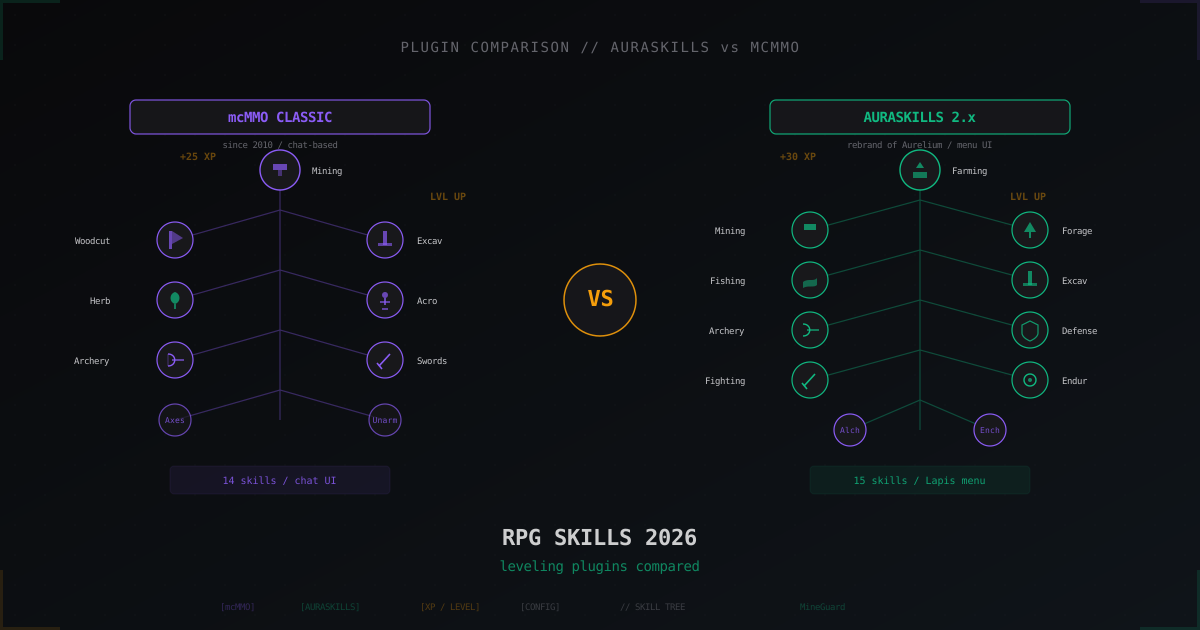
mcMMO has held the RPG-plugin throne since 2010, AuraSkills (formerly Aurelium Skills) arrived in 2020 and became its main rival in a couple of years. We break down XP formulas, skill systems, UI, integrations and real configs.
Skyblock Server from Scratch: Setup with BentoBox and Beyond
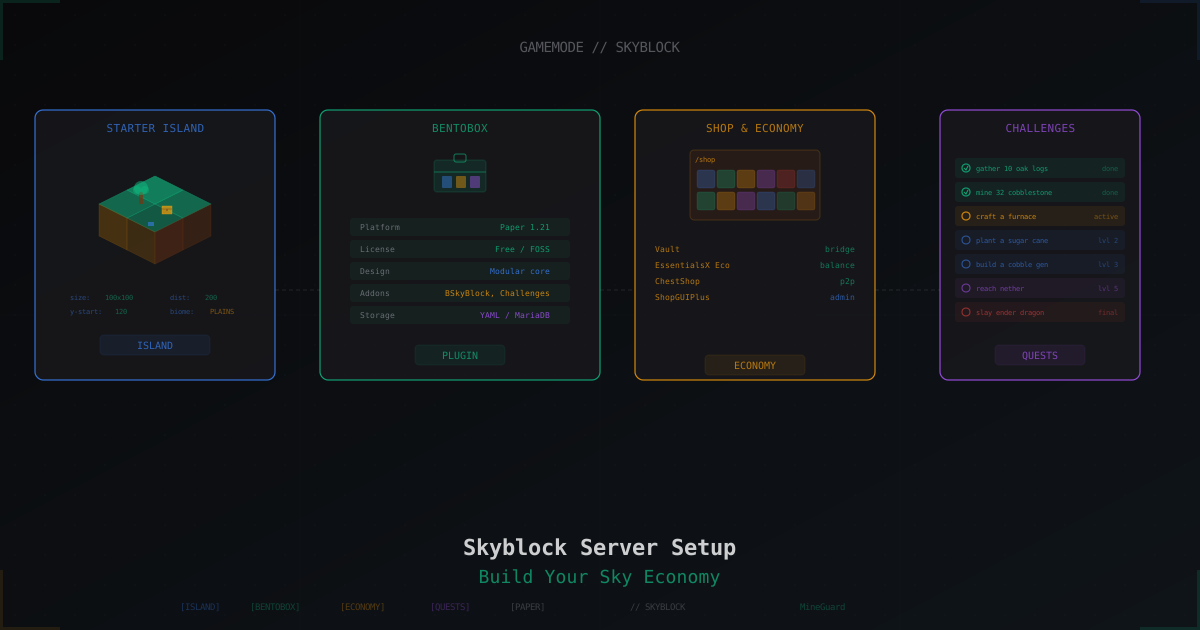
Complete guide to launching a Skyblock server on Paper 1.21: BentoBox with BSkyBlock, alternatives like SuperiorSkyblock2 and ASkyBlock, economy setup, challenges, island levels, and anti-griefing.
Best Minecraft Server Mods 2026: Forge, Fabric, and What to Install
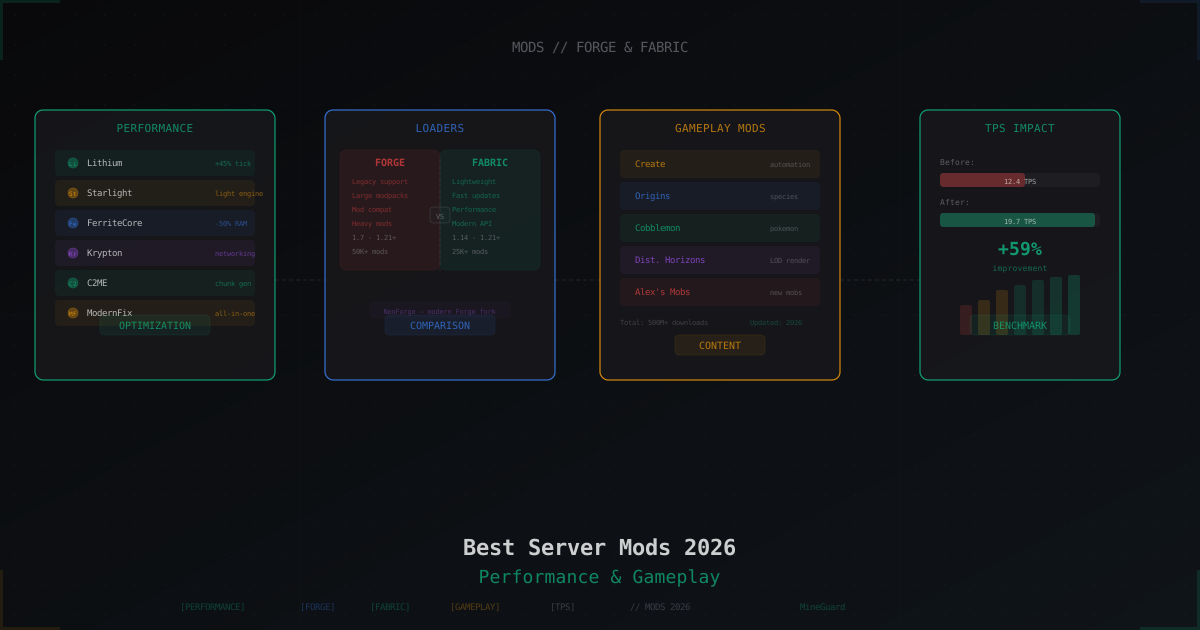
Curated list of server-side Minecraft mods for 2026: performance, world gen, gameplay, utilities. Forge and Fabric covered separately with versions and compatibility tips.