How to Set Up Economy on a Minecraft Server: Complete Guide
Why Your Server Needs an Economy
Let's be real: a server without an economy is a sandbox where players get bored fast. When people have a goal - earn, buy, sell, get rich - they stick around way longer. Economy creates motivation, social connections, and that "just one more hour" feeling before bed.
I've seen hundreds of servers where players left after a week because there was nothing to work toward. And I've seen 20-slot servers with insanely loyal communities - because they had a well-thought-out economic system. The difference isn't budget, it's approach.
In this guide, I'll walk you through setting up economy from scratch, which plugins to use, and how to avoid the typical mistakes that kill server economies in days.
Vault - The Foundation of Everything
First thing you need to install is Vault. It's not an economy plugin itself, but an API layer that lets all your other plugins communicate with each other. Without Vault, your shops won't know about player balances, and your jobs plugin can't pay salaries.
Installation is dead simple:
- Download Vault from SpigotMC or Hangar
- Drop the .jar file into your
plugins/folder - Restart the server
- Vault will automatically hook into your economy plugin once you install one
Takes literally a minute, but nothing else works without it. Think of Vault as the foundation of a house - you can't see it, but without it everything collapses.
Choosing a Currency Plugin
Vault is in. Now you need a plugin that actually manages money. Two main contenders:
EssentialsX Economy
If you already have EssentialsX installed (and almost everyone does), economy comes bundled. Just make sure the module isn't disabled in the config. EssentialsX Economy is simple, stable, and battle-tested.
Pros: free, stable, huge community, easy to configure. Cons: minimalistic features, you'll need extra plugins for advanced stuff.
CMI
An all-in-one powerhouse that replaces dozens of plugins, including economy. If you want maximum functionality in one place, CMI is your pick. Economy, warps, kits, cooldowns - it's all there.
Pros: all-in-one, powerful features. Cons: paid, harder to configure, can conflict with other plugins.
My recommendation: beginners should go with EssentialsX. It's free and covers 90% of servers. CMI is for those who know exactly what they're doing.
Shops: Where Players Spend Money
Money without shops is just numbers on a screen. Players need a place to buy and sell. Here are the best options:
ShopGUI+
The most popular GUI shop plugin. Player types /shop, a clean menu opens with categories, they click an item and buy it. Completely intuitive.
Configured through YAML files where you set categories, items, and prices. It's paid, but worth every penny.
ChestShop
A classic. Players create shops using signs on chests. Perfect for servers that want to give players freedom to trade. Free.
How it works: place a chest, put a sign with the price on it - done. Other players click the sign and buy directly from the chest.
QuickShop
A modern alternative to ChestShop with a cleaner interface and better performance. Supports virtual displays and Discord integration. Free.
Pro tip: Many successful servers combine ShopGUI+ (admin shop with fixed prices) and ChestShop/QuickShop (player shops). This creates a baseline market while still allowing free trade.
Auction House
An auction system takes server trading to the next level. Players list items for sale, others bid or buy instantly. It creates a real market with competition.
Best plugins:
- AuctionHouse - simple and reliable. Free.
- zAuctionHouse - more features, categories, sales history.
- CrazyAuctions - another solid option with GUI.
Auctions work especially well on servers with unique items, custom crafts, and rare resources.
Earning Money: Jobs and McMMO
Okay, we have currency and shops. But where do players get money? This is where earning plugins come in.
Jobs Reborn
Players pick a profession (miner, farmer, hunter, builder, etc.) and earn money for performing actions. Mine stone - get coins. Chop trees - get coins. Everything is configurable: how much to pay for each action, max jobs, level bonuses.
This is one of the most important parts of economy because it creates a steady income stream for players and motivates them to spend time on your server.
McMMO
McMMO is more about RPG skills, but it complements Jobs beautifully. Players level up skills, get bonuses, and it creates a sense of progression. You can set up money rewards for reaching certain skill levels.
The combination of Jobs + McMMO gives players both steady income and long-term goals. That's what keeps people coming back day after day.
Balancing: How Not to Kill Your Economy
Here's where it gets tricky. A poorly balanced economy dies in two ways: hyperinflation (money is worthless) or deflation (nobody has money).
Controlling Inflation
Every time a player earns money from Jobs, that's new money entering the system. It didn't come from another player - it appeared from thin air. That's your inflation source.
The solution is money sinks - mechanics that remove money from circulation:
- Teleportation tax (
/home,/warp) - a small fee for each teleport - Item repair costs
- Land claims for in-game currency (GriefPrevention claims for money)
- Admin shop buy/sell spread - when players sell to NPC, money enters; when they buy, money leaves
- Rank purchases with in-game currency
Golden rule: money entering the economy should roughly equal money leaving it.
Starting Balance
Don't give newcomers too much money at the start. 100-500 coins is enough to buy basic tools. If you give them 10,000, you devalue the work of everyone already playing.
Monitoring
Periodically check top balances (/baltop). If the #1 player has millions while the average player has hundreds, something went wrong. Find the source and adjust payouts.
Player-Set Prices vs Admin-Set Prices
This is one of the big questions in server economics. Two approaches:
Admin prices (ShopGUI+): you decide how much a diamond costs. Stable, predictable, but kills the free trade spirit.
Player prices (ChestShop/QuickShop/Auction): the market sets prices. Dynamic, engaging, but can be chaotic.
Best approach - a hybrid. The admin shop sets a "ceiling" and "floor" for prices (buys low, sells high), while players trade freely within those bounds. This creates stability without killing the free market.
Integration with Ranks
The ability to buy ranks with in-game currency is a powerful motivator. Set it up through LuckPerms + special plugins or shop commands.
Example: a "Tycoon" rank for 1,000,000 coins that grants extra perks. The player sees the goal, works toward it for weeks - and all that time they're on your server.
Just make sure ranks give nice-to-have, not critical advantages. No pay-to-win, even with in-game currency.
Anti-Dupe Protection - This Is Critical!
A single dupe glitch can destroy your entire economy in hours. When players can duplicate items or money, inflation spirals out of control, honest players leave, and the server dies.
What to do:
- Keep your server and plugins up to date - most dupes come from bugs in outdated versions
- Install an anti-dupe plugin - IllegalStack, ExploitFixer, or similar
- Log transactions - plugins like CoreProtect help track suspicious activity
- Monitor /baltop - if someone's balance suddenly spikes, investigate
- Set a maximum balance cap - it's a safety net against economy-breaking exploits
Seriously, dupe protection should be your number one priority. It's better to spend a day setting up protection than a week recovering from disaster.
Quick Setup Checklist
- Install Vault
- Install EssentialsX (with economy module)
- Configure starting balance (100-500)
- Install Jobs Reborn and set up professions
- Install ShopGUI+ (admin shop) and/or QuickShop (player shops)
- Add AuctionHouse
- Set up money sinks (taxes, claim purchases, ranks)
- Install anti-dupe protection
- Enable transaction logging
- Test, monitor, adjust
Protect Your Investment
Building a working economy is serious work. But here's what many people forget: the more popular your server gets, the more attention it attracts. Not just from players, but from competitors and griefers too. DDoS attacks on successful servers are a reality.
We at MineGuard protect servers from exactly these situations. When you've spent weeks building the perfect economy and grown an active community, the last thing you need is downtime from an attack. Our filter works at the network level and adds zero lag for your players.
Set up your economy, protect your server, and enjoy watching your community grow.
Protect Your Server from DDoS Attacks
Free protection with 5-minute setup. 1 TB bandwidth included.
Try for FreeRelated Articles
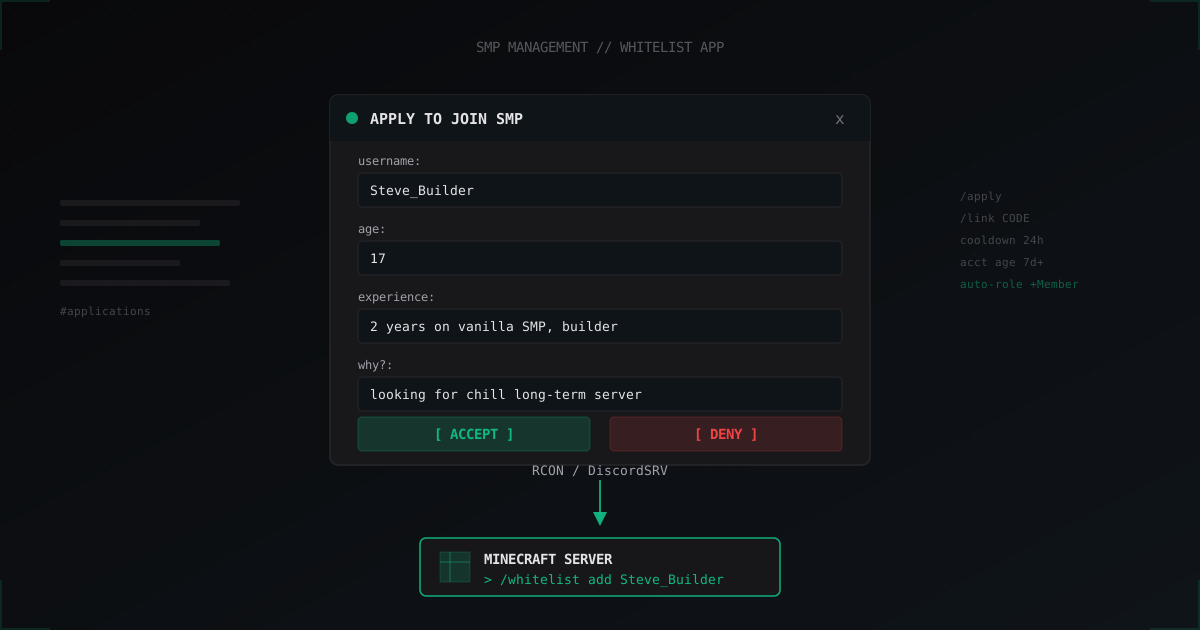
Discord Whitelist Bot: Application Form and Auto-Whitelist for SMP
Discord bot with an application form, accept/deny buttons and auto-whitelist via RCON or DiscordSRV. Ready bots, custom discord.js setup, anti-fake protection.
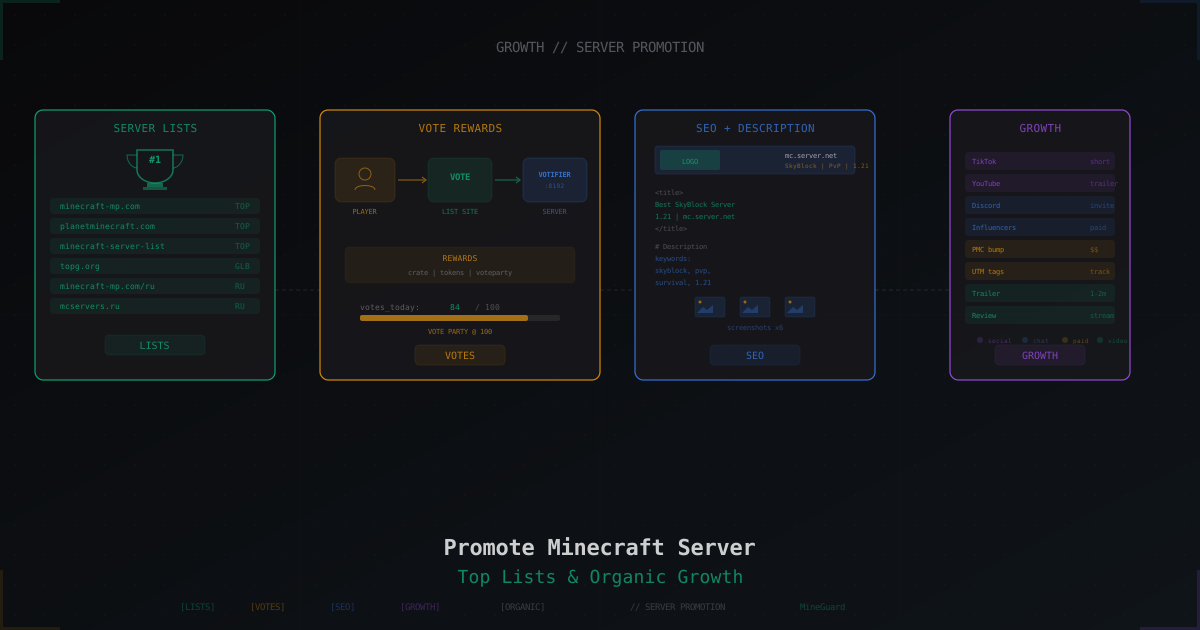
How to Promote a Minecraft Server: Top Lists, Voting and Ads
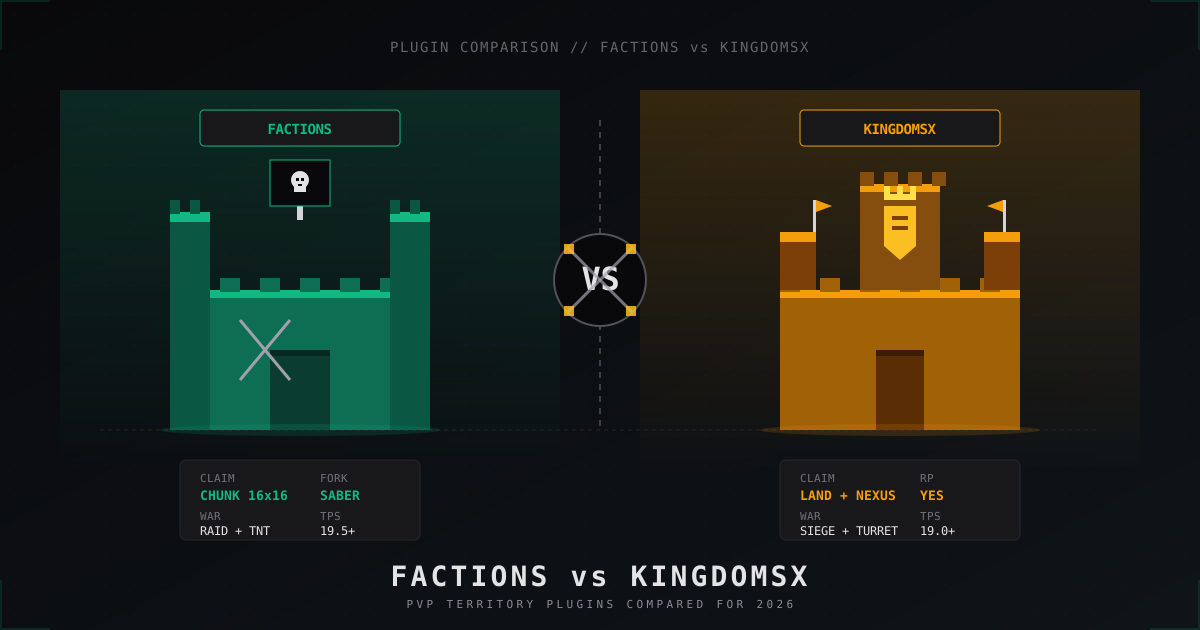
Factions vs KingdomsX: which PvP plugin to pick in 2026
Honest 2026 comparison of SaberFactions and KingdomsX: claiming, war, sieges, economy, performance, addons and which faction plugin fits which server style.