How to Reduce Minecraft Server Ping: Complete Guide
If your players complain about ping, you know the problem. Blocks place with delay, PvP becomes a coin flip, and competitive modes lose their appeal. High ping drives players away. In this guide, we cover practical methods to reduce Minecraft server ping - from network configuration and hosting choices to JVM tuning and the latency impact of DDoS protection.
What Ping Means for Minecraft
Ping is the round-trip time for a packet to travel from the client to the server and back. Minecraft runs at 20 ticks per second (one tick every 50ms). A player with 150ms ping has their actions arrive 3 ticks late. In PvP, someone with 20ms ping will always land hits first.
Practical thresholds:
- 0-30ms - ideal, no noticeable delay
- 30-80ms - fine for most gamemodes
- 80-150ms - noticeable in PvP, tolerable for survival
- 150ms+ - serious gameplay issues
Server-Side Optimizations
Server Software
Paper, Purpur, and Folia process packets faster than vanilla or Spigot. This does not reduce network ping directly, but it lowers the time the server spends processing each tick. When a server uses 45ms of a 50ms tick on game logic, there is almost no headroom for packet processing. Players see this as lag even though their network latency is normal.
Java Flags and Network Impact
JVM flags affect more than chunk loading. Some directly impact packet processing:
-XX:+UseZGC -XX:+ZGenerational
ZGC with generational mode keeps GC pauses under 1ms. G1GC can produce 50-200ms pauses during full collection. During those pauses, the server stops processing incoming packets - players see a ping spike.
-XX:+AlwaysPreTouch -XX:+UseTransparentHugePages
These optimize memory access patterns, eliminating delays when the JVM first touches new memory pages.
A solid set of flags for Paper/Purpur:
java -Xms8G -Xmx8G -XX:+UseZGC -XX:+ZGenerational -XX:+AlwaysPreTouch -XX:+UseTransparentHugePages -Djava.net.preferIPv4Stack=true -jar server.jar nogui
Configuration Tweaks
In server.properties, set network-compression-threshold=256. Packets under 256 bytes skip compression, reducing CPU overhead on small packets. For PvP servers, view-distance=6-8 sends fewer chunk packets.
Linux Network Tuning: sysctl
Most Minecraft admins skip kernel-level network tuning. A few sysctl changes can shave 5-15ms off latency.
Key TCP Settings
# TCP Fast Open - send data in the SYN packet
net.ipv4.tcp_fastopen = 3

# BBR congestion control - better than CUBIC on modern networks
net.ipv4.tcp_congestion_control = bbr
net.core.default_qdisc = fq

# Increase socket buffers for high-bandwidth links
net.core.rmem_max = 16777216
net.core.wmem_max = 16777216
net.ipv4.tcp_rmem = 4096 87380 16777216
net.ipv4.tcp_wmem = 4096 65536 16777216

# Connection queue sizes
net.core.somaxconn = 65535
net.core.netdev_max_backlog = 65535
Add these to /etc/sysctl.conf and apply with sysctl -p. Check with your hosting provider which parameters you can modify on shared or managed hosts.
Hosting Location: Physics Wins
Light travels through fiber at roughly 200,000 km/s. Moscow to Frankfurt is about 2,000 km - minimum 10ms one way, 20ms round-trip. In practice, routing adds overhead: Moscow to Frankfurt is typically 35-45ms.
If 70%+ of your players are in a specific region, place the server there. For a Russian audience, a Moscow datacenter gives most players 5-30ms instead of 40-80ms from European locations.
For mixed audiences (e.g., Russia + Europe), Helsinki or Stockholm offers a reasonable compromise - 25-35ms to Moscow, 25-30ms to Frankfurt.
DDoS Protection and Latency
Every DDoS protection service adds latency because traffic passes through an extra node. The question is how much.
The added delay has two components:
- Packet processing time - typically 0.1-2ms with XDP/eBPF filtering
- Network distance from filter to server - depends entirely on where the filter sits
Here is the problem: if your filter is in Germany and your server is in Russia, every packet travels Moscow - Frankfurt - Moscow. That adds 70-80ms to every player's ping.
Geo-Routing Solves This
The solution is filtering traffic through the nearest node. If most of your players are in Russia, filtering through a Moscow node makes sense. The packet hits the local filter, gets checked in under a millisecond, and goes to the server in the same city. Added latency: 1-3ms instead of 70-80ms.
Some protection providers offer regional nodes for exactly this reason. MineGuard, for example, runs a filtering node in Moscow that handles traffic from Russian players automatically through geo-routing, instead of sending packets across Europe and back.
When choosing DDoS protection for Minecraft ping optimization, check:
- Regional node availability near your players
- Whether geo-routing is automatic
- Actual latency overhead (request a test IP and measure)
- Whether they use XDP/eBPF filtering (much faster than userspace)
Monitoring Ping
Before optimizing, measure. Use spark plugin for server-side network stats. On Linux, ss -ti shows RTT for every TCP connection. On the player side, mtr your-server.com traces each hop and its latency.
Practical Checklist
Sorted by impact:
- Host near your audience - biggest effect (20-60ms difference)
- Use DDoS protection with local nodes - save 30-80ms if you need protection
- Tune sysctl - BBR + buffers + TCP Fast Open (5-15ms)
- Optimize JVM flags - ZGC for stable tick times (eliminates spikes)
- Upgrade server software - Paper/Purpur over Spigot
- Adjust compression threshold - right balance for your bandwidth
- Reduce view distance - fewer packets on the wire
Conclusion
Reducing Minecraft server ping is not about one magic setting. The biggest gains come from hosting location and filter node placement. Physics is non-negotiable - if packets travel across a continent, latency follows.
Apply optimizations in order and measure at each step. Start with location and protection, then move to server tuning. Even 20ms matters in competitive play.
Protect Your Server from DDoS Attacks
Free protection with 5-minute setup. 1 TB bandwidth included.
Try for FreeRelated Articles

TCP vs UDP Attacks on Minecraft Servers: Breaking Down the Differences
Minecraft Java runs on TCP, Bedrock on UDP. Attacks on these protocols differ fundamentally: SYN floods vs amplification, stateful filtering vs DPI. We break down each attack type, real traffic volumes, and defense strategies.
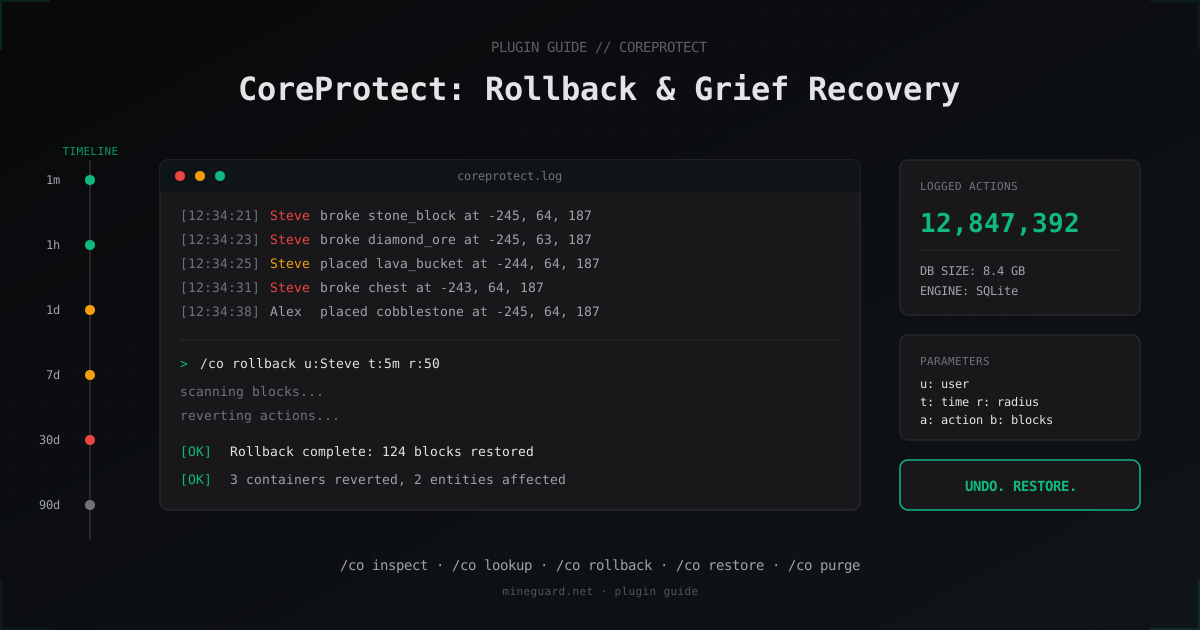
CoreProtect: Rollback Grief and Investigate Incidents on Your Minecraft Server
How to install CoreProtect, find the griefer via /co lookup, and undo the damage with /co rollback without restoring a world backup.
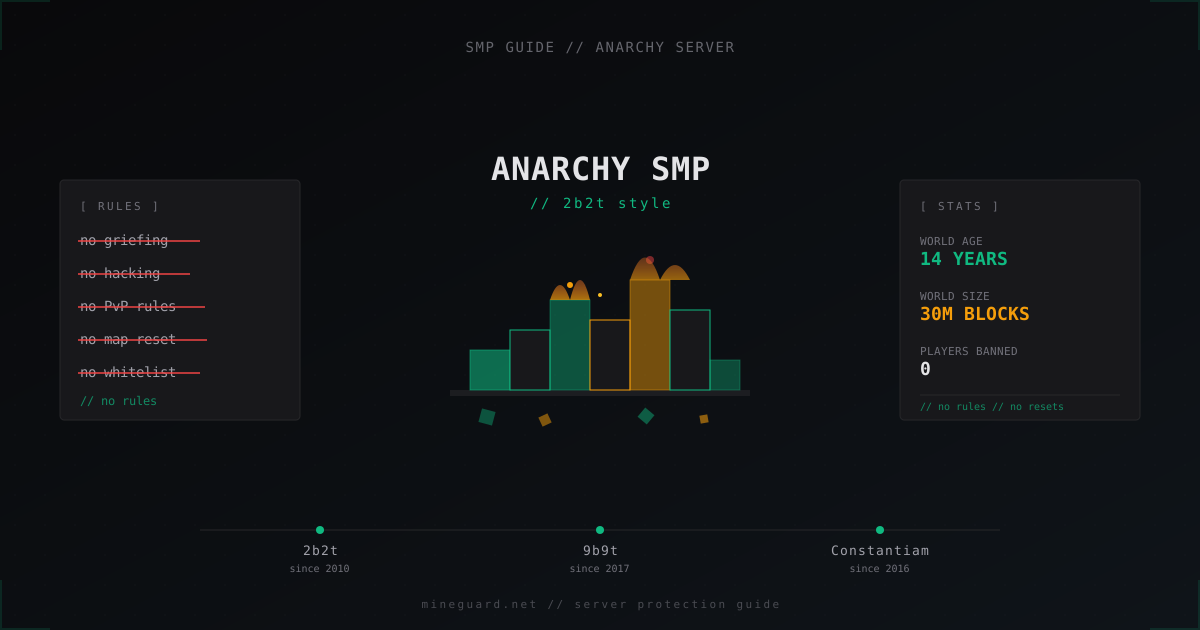
Anarchy SMP Server from Scratch: How to Build a 2b2t Style Server
Full guide: how to launch an anarchy Minecraft server in 2b2t style. Paper, Velocity, queue, DDoS protection, no-rules philosophy without anti-cheat.