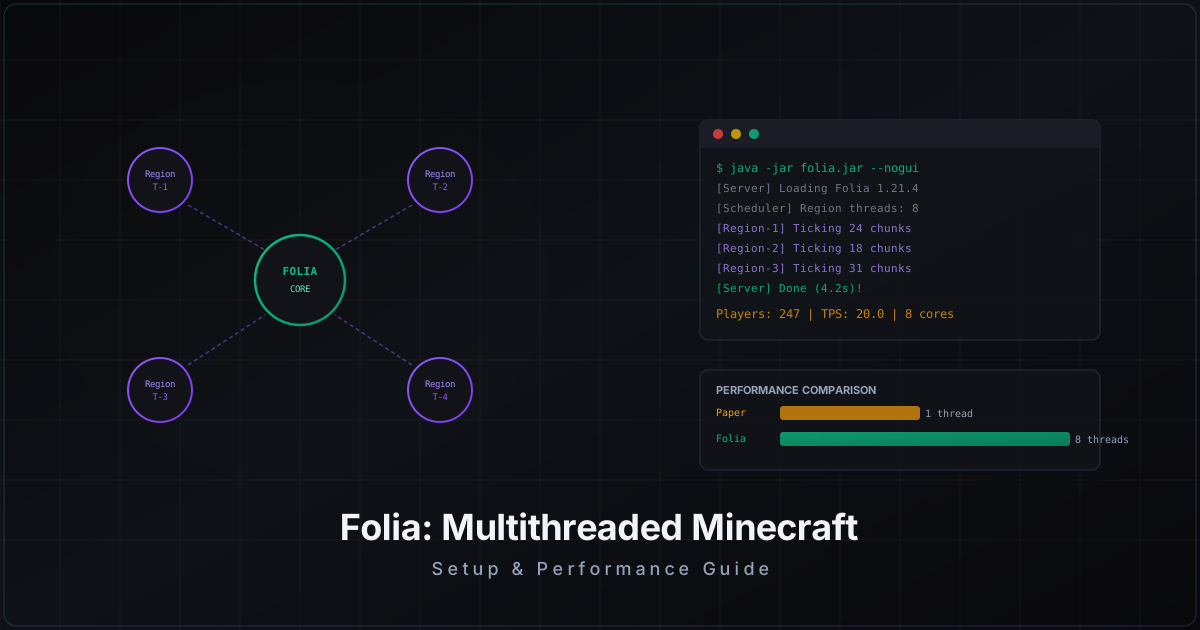
Folia: Complete Guide to Multithreaded Minecraft Server
Folia: Complete Guide to Multithreaded Minecraft Server
A Minecraft server runs on a single thread. That was fine in 2011 when servers hosted 20 people. Today, with servers handling hundreds and thousands of concurrent players, a single thread becomes the bottleneck. Folia solves this problem, and in this guide we will cover everything from theory to practical setup.
What is Folia
Folia is a fork of Paper by the PaperMC team. The core idea: split the game world into regions and tick each region on a separate thread. Instead of one main thread processing the entire world sequentially, Folia distributes the load across all available CPU cores.
Technically this is called "regionalized multithreading." Each region is a group of loaded chunks that gets processed independently. If there is a massive redstone build in one corner of the map and 50 players fighting mobs in another, these processes do not interfere with each other.
How Folia Differs from Paper
Paper (along with Spigot and Vanilla) all follow the same pattern: one main thread ticks the entire world 20 times per second. All chunks, all entities, all redstone mechanics, the entire world is processed sequentially. If TPS drops to 15, every player on the server suffers.
Folia breaks this model. Here are the key differences:
- Independent regions. Each region ticks on its own thread. Lag in one region does not affect others.
- Scales with cores. More CPU cores = more parallel regions. An 8-core processor actually uses all 8 cores, not just one.
- Dynamic splitting. Regions are not fixed. Folia automatically merges and splits them based on load and player positions.
- No global tick. The concept of "server TPS" in the traditional sense no longer exists. Each region has its own TPS.
When Folia Actually Makes Sense
Folia is not for every server. Here are scenarios where it provides real benefits:
- Large survival servers (200+ players). When players are spread across the map creating load at different points.
- Servers with huge worlds. If your world spans 50,000+ blocks with active bases across the entire territory.
- SMP projects with technical players. Redstone farms and mob grinders create enormous load. With Folia, one player's farm does not bring down the server for everyone else.
- Servers where CPU is the bottleneck. If your processor is powerful (Ryzen 9, Xeon) but only runs at 15% because Minecraft loads a single core.
When NOT to Use Folia
Let us be honest: for most servers, Folia is not the right choice yet. Here is why:
- Few players (under 100). Paper handles that load perfectly fine. Folia adds complexity without noticeable benefit.
- Plugin dependency. If your server relies on 30+ plugins, most of them probably do not work with Folia. Migration will require rewriting or replacing them.
- Minigame servers. Arenas, BedWars, SkyWars - players are concentrated in a small area. Multithreading provides no advantage.
- If you are not ready to debug. Folia is under active development. Bugs will happen. Documentation is limited. You need to be comfortable troubleshooting on your own.
Plugin Compatibility
This is the biggest pain point. Folia requires plugins to be written with multithreading in mind. Standard Bukkit/Spigot plugins use the Bukkit Scheduler, which runs on the main thread. In Folia, there is no main thread.
Plugins that already support Folia:
- ViaVersion / ViaBackwards - multi-version support
- Geyser - Bedrock Edition crossplay
- Chunky - world pregeneration
- Spark - performance profiling
- TAB - tab list customization
- LuckPerms - permissions system
- PlaceholderAPI - placeholders (with caveats)
- FoliaLib - library for adapting plugins
Plugins that do NOT work with Folia without modification:
- Most protection plugins (AntiCheat)
- WorldEdit (partial support through FAWE)
- Most economy plugins
- Plugins using Bukkit.getScheduler()
Check every plugin before migrating. The Folia GitHub repository maintains an up-to-date list of compatible projects. Also search for "Folia support" in the issues of your plugins.
Installation and Setup
Step 1: Download
Folia is available through PaperMC. Download the latest build:
wget https://api.papermc.io/v2/projects/folia/versions/1.21.4/builds/latest/downloads/folia-1.21.4.jar
Step 2: Launch
Launching is identical to Paper. Create a start script:
#!/bin/bash
java -Xms8G -Xmx8G -XX:+UseG1GC -XX:+ParallelRefProcEnabled \
  -XX:MaxGCPauseMillis=200 -XX:+UnlockExperimentalVMOptions \
  -XX:+DisableExplicitGC -XX:+AlwaysPreTouch \
  -XX:G1HeapWastePercent=5 -XX:G1MixedGCCountTarget=4 \
  -XX:G1MixedGCLiveThresholdPercent=90 \
  -XX:G1RSetUpdatingPauseTimePercent=5 \
  -XX:G1HeapRegionSize=8M \
  -jar folia-1.21.4.jar --nogui
Important: allocate at least 8 GB of RAM for servers with 200+ players. Folia consumes more memory due to multithreading overhead.
Step 3: Configuration
After the first launch, Folia creates standard Paper config files plus its own additions. Key settings in config/paper-global.yml:
# Number of threads for region ticking
# -1 = automatic (recommended)
# Folia will determine the optimal count based on your CPU
region-threads: -1
In config/paper-world-defaults.yml, adjust view distance for your load:
chunks:
  simulation-distance: 6
  view-distance: 10
  send-distance: 10
Step 4: World Migration
Folia works with the same world files as Paper. Simply copy over the world, world_nether, and world_the_end folders. No conversion is needed. But always make a backup before migrating.
Performance Comparison: Folia vs Paper
Real benchmarks on a server with Ryzen 9 7950X (16 cores / 32 threads), 64 GB DDR5:
| Metric | Paper | Folia |
|---|---|---|
| 200 players, TPS | 14-16 | 19.8-20.0 |
| 400 players, TPS | 8-10 (unstable) | 18.5-19.5 |
| CPU usage | 12-15% (1 core at 100%) | 45-60% (all cores) |
| RAM consumption | 12 GB | 18 GB |
| Chat command latency | 50-200 ms | 5-20 ms |
The results speak for themselves. With few players (under 50), the difference is minimal. Folia shines at 200+ players when a single thread physically cannot keep up.
Plugin Compatibility Checker
Before switching to Folia, verify your plugins:
- Check plugin.yml. If a plugin declares
folia-supported: true, it has been adapted. - Search the source code. If a plugin calls
Bukkit.getScheduler().runTask()orrunTaskTimer(), it is not compatible. - Look for FoliaLib. Some plugins use the FoliaLib library for compatibility. That is a good sign.
- Test on staging. Spin up a separate test server with Folia and check each plugin manually. Some plugins "seem to work" but crash under load.
The Future of Folia
PaperMC is actively developing Folia. Here is what to expect:
- Expanded API. More tools for plugin developers to simplify migration.
- Merge with Paper. In the long term, multithreading may become part of mainline Paper.
- Growing plugin ecosystem. As Folia gains popularity, more authors will adapt their plugins.
- Performance improvements. The current implementation is far from perfect. The team is working on reducing synchronization overhead between regions.
Folia is not a Paper replacement right now. It is a look into the future of Minecraft servers. Unless Mojang adds native multithreading (and they have no plans to), Folia remains the only real solution for large-scale servers.
DDoS Protection for Folia Servers
Folia servers with 200+ players are prime targets for DDoS attacks. A large community, serious infrastructure, and motivated attackers. At MineGuard, we work with Folia servers exactly the same way as with Paper. No special configuration is needed: our protection operates at the network level, below the server software. It does not matter whether you run Paper, Folia, Purpur, or even Vanilla - proxy traffic filtering happens before packets reach your server.
If you are building a large Folia server, take care of protection early. Migrating to a protection service during an active attack is always harder and more expensive than connecting proactively.
Conclusion
Folia is a significant step forward for high-load Minecraft servers. Region-based multithreading lets you use the full power of modern processors instead of being limited to a single core. But the transition requires preparation: check your plugins, test on a staging server, and be ready for some familiar software to need replacement.
For servers with 200+ players where TPS constantly dips, Folia might be the solution you have been looking for. For smaller servers, Paper remains the better choice.
Protect Your Server from DDoS Attacks
Free protection with 5-minute setup. 1 TB bandwidth included.
Try for FreeRelated Articles
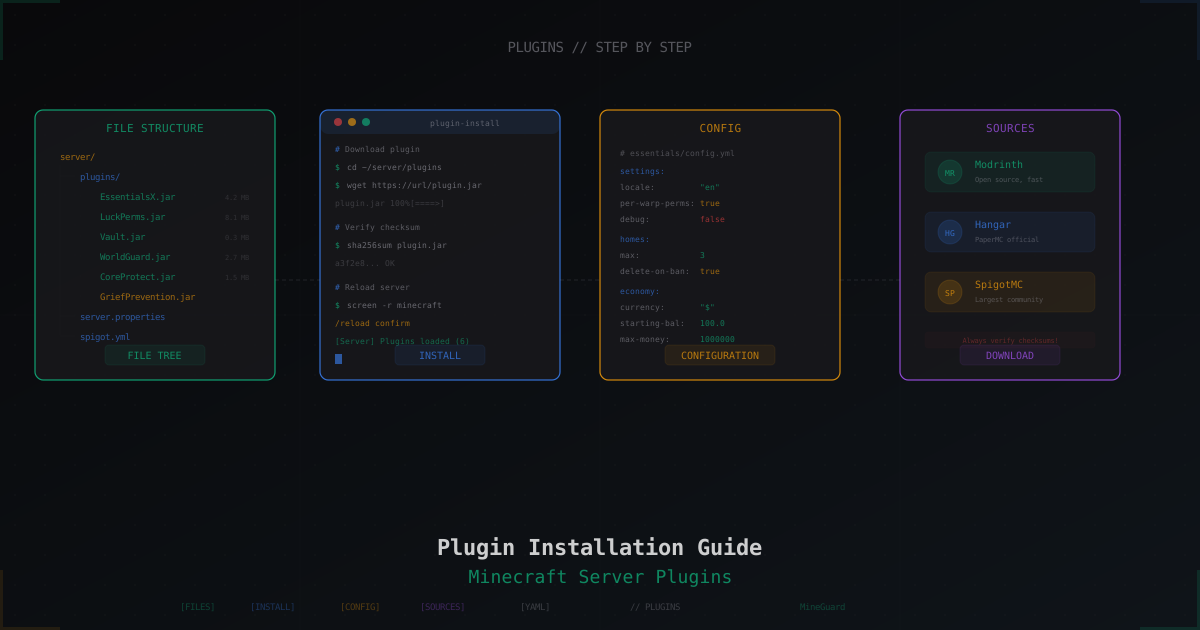
How to Install Plugins on a Minecraft Server: Complete Guide
Step-by-step guide to installing plugins on a Minecraft server: where to download, how to install, how to fix errors. Bukkit, Spigot, Paper - practical walkthrough.
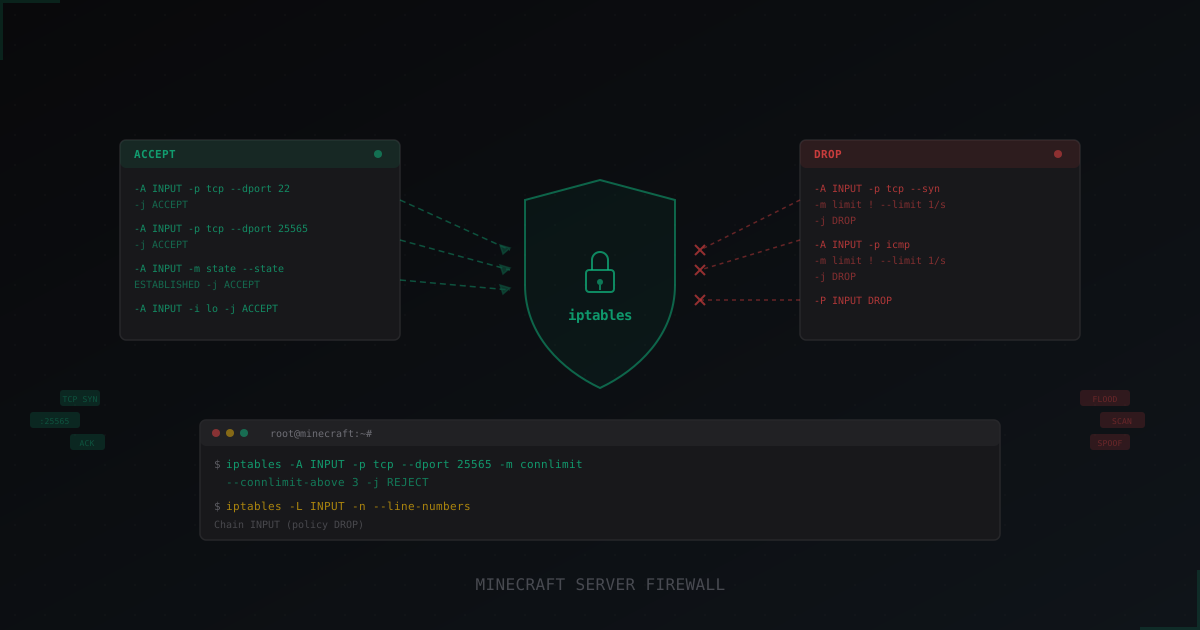
How to Set Up iptables for a Minecraft Server: Complete Guide
Step-by-step iptables setup for Minecraft server protection: basic rules, rate limiting, port scan defense, connlimit, and persistent configuration. Real command examples with comments.
Why Free DDoS Protection Isn't Enough for Growing Servers
A free plan works great when you are starting out. But as your server grows, attacks get stronger, and free bandwidth and features fall short. We break down when it is time to upgrade.