Protecting Your Minecraft Server from Port Scanning
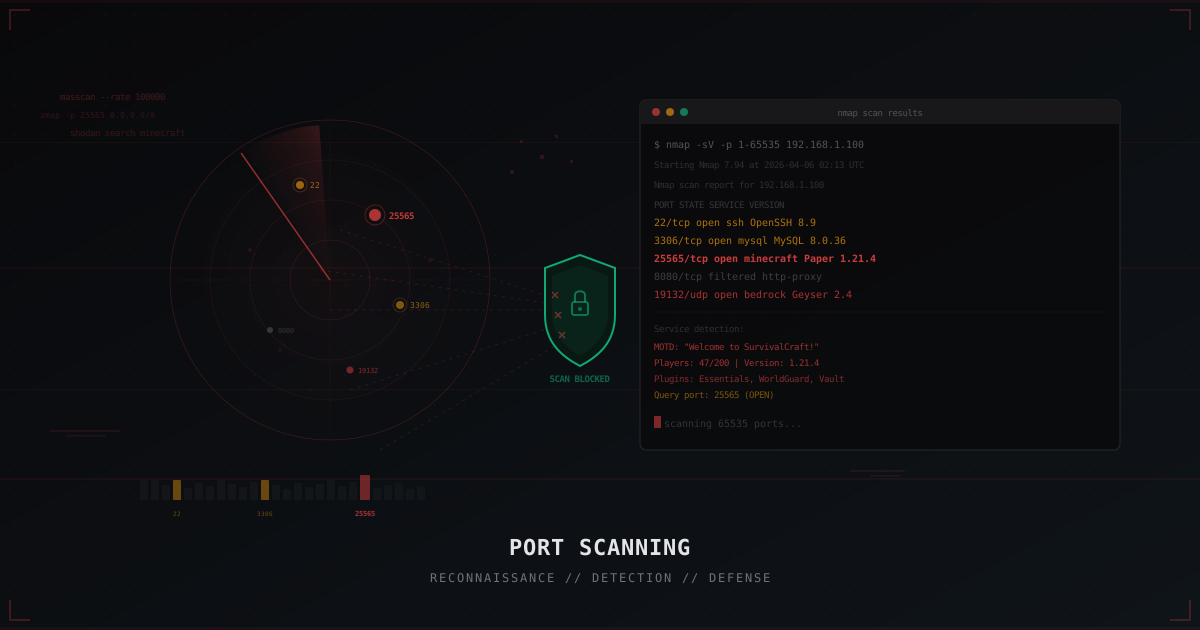
Your Minecraft server is visible on the internet, and automated scanning tools are constantly probing IP ranges looking for open ports. If port 25565 is reachable, your server can be discovered, fingerprinted, and targeted -- often without you even knowing it happened.
This article explains what information your server exposes by default, how to detect when you are being scanned, and how to build a layered defense that makes your server effectively invisible to attackers.
How your server gets discovered
Every network service runs on a specific port. SSH on 22, MySQL on 3306, HTTP on 80, and Minecraft Java Edition defaults to 25565. Bedrock Edition uses UDP port 19132.
Automated scanning tools sweep large IP ranges and check which ports are open. When they find port 25565 responding, they flag it as a Minecraft server. From that single open port, an attacker can learn your server version, player count, installed plugins, and more.
These scans happen continuously. Specialized internet indexing services catalog every open port they find across the entire internet, storing the results in searchable databases. Your Minecraft server is most likely already indexed in one or more of these systems.
This means you cannot rely on obscurity. Even if you never advertised your server anywhere, it has already been cataloged. Defense must be proactive.
What information your server leaks
A Minecraft server is chatty by default. When someone connects to port 25565 (even without fully logging in), the server reveals significant information:
Server List Ping (SLP). When a client adds a server to its list, it sends an SLP request. The server responds with JSON containing the version, MOTD, icon, player count, and even a sample of online player names.
Query Protocol. If the query port is enabled (defaults to 25565 on UDP), the server reveals even more: plugin list, world type, software version, max players.
# server.properties - DEFAULT (insecure) setting
enable-query=true
query.port=25565
A query response exposes data like this:
hostname: SurvivalCraft Network
gametype: SMP
version: 1.21.4
plugins: Paper 1.21.4: Essentials 2.20, WorldGuard 7.0.9, Vault 1.7.3
numplayers: 47
maxplayers: 200
With this information, an attacker knows your exact software stack and can search for known vulnerabilities in those specific plugin versions.
Favicon and player sample
The SLP response also includes the server icon (favicon) in base64. If it shows a recognizable network or community logo, it immediately identifies your server.
More concerning is the player sample. The server sends a list of several online players as UUID + name by default. This can be used to:
- Identify active player nicknames and admin accounts
- Track player activity patterns over time
- Determine peak hours and low-activity windows
- Collect UUIDs for potential session attacks
On small servers, this data reveals when the admin is online and when the server is most vulnerable. Protecting this information is your first line of defense.
Understanding scan techniques (to defend against them)
To configure effective defenses, you need to understand what types of probes your firewall must handle:
SYN probes (half-open). The most common technique. A probe sends a TCP SYN packet; if the port is open, the server responds with SYN-ACK. The probe immediately sends RST, never completing the handshake. Many basic firewalls do not log these half-open connections, so they can go unnoticed.
FIN, NULL, and XMAS probes. These use non-standard TCP flag combinations specifically to bypass simple firewalls. FIN probes send a packet with the FIN flag, NULL probes send a packet with no flags, and XMAS probes send multiple flags simultaneously. Many basic firewalls are configured to block only SYN packets and let these probe types through. Your firewall rules must account for all of these.
UDP probes. Used to discover Bedrock servers (port 19132) and Minecraft Java's query port. Bedrock's Raknet protocol responds with a characteristic unconnected pong, which unmistakably identifies the server. Disabling unnecessary UDP services is critical.
Service fingerprinting. Advanced probes send protocol-specific requests (like an SLP handshake) to identify the exact service and version, regardless of which port it runs on. This is why changing the port alone is not sufficient protection.
Detecting port scans
Iptables logging
The first step is knowing when you are being scanned. Set up logging for suspicious connection patterns:
# Log new connections to MC port
iptables -A INPUT -p tcp --dport 25565 -m state --state NEW \
  -m recent --set --name MC_SCAN

# Log IPs connecting too frequently
iptables -A INPUT -p tcp --dport 25565 -m state --state NEW \
  -m recent --update --seconds 60 --hitcount 10 --name MC_SCAN \
  -j LOG --log-prefix "MC-SCAN-DETECT: " --log-level 4
Look for patterns: one IP hitting many ports in a short time, or rapid repeated connections to your Minecraft port.
Fail2ban
Fail2ban parses logs and automatically bans suspicious IPs.
Create a filter for scan detection:
# /etc/fail2ban/filter.d/portscan.conf
[Definition]
failregex = MC-SCAN-DETECT:.*SRC=<HOST>
ignoreregex =
And the jail:
# /etc/fail2ban/jail.d/portscan.conf
[portscan]
enabled  = true
filter   = portscan
logpath  = /var/log/kern.log
maxretry = 5
findtime = 60
bantime  = 3600
action   = iptables-allports[name=portscan]
If one IP makes more than 5 connections in 60 seconds, it gets blocked for an hour.
PSAD (Port Scan Attack Detector)
PSAD analyzes iptables logs in real time and identifies scanning patterns. It can distinguish different probe types and automatically block the source IPs.
apt install psad
PSAD integrates with iptables and provides automated, real-time scan response.
Manual log analysis
Even without specialized tools, you can detect scanning by analyzing logs. Telltale signs:
- Multiple connections from one IP to different ports in a short period
- Connections to ports you know are closed (someone probing port 23, 445, or 8443 that you don't use means reconnaissance)
- Series of SYN packets without completing the handshake
- Connections at unusual times (3-5 AM in your target audience's timezone)
# Check recent connections to MC port
journalctl -k | grep "MC-SCAN-DETECT" | tail -20

# Or via iptables counters
iptables -L INPUT -v -n | grep 25565
Regular log reviews can help you spot attack preparation before it begins.
Reducing your scan footprint
Disable Query Protocol
If you don't need external monitoring via query (and you probably don't), turn it off:
# server.properties
enable-query=false
This immediately eliminates plugin, world type, and other detailed information leaks.
Hide server version and player count
Plugins like MiniMOTD or ServerListPlus let you customize the SLP response:
# MiniMOTD config
server-list:
  hide-player-count: true
  version-name: " "
Not bulletproof, but it significantly reduces the information available to automated tools.
Rate limiting with iptables
Limit connection frequency to your Minecraft port:
# Limit new connections: max 3 per second per IP
iptables -A INPUT -p tcp --dport 25565 -m state --state NEW \
  -m recent --set --name MC_CONN

iptables -A INPUT -p tcp --dport 25565 -m state --state NEW \
  -m recent --update --seconds 1 --hitcount 4 --name MC_CONN \
  -j DROP
For SSH protection:
# Max 3 SSH connection attempts per 60 seconds
iptables -A INPUT -p tcp --dport 22 -m state --state NEW \
  -m recent --set --name SSH
iptables -A INPUT -p tcp --dport 22 -m state --state NEW \
  -m recent --update --seconds 60 --hitcount 4 --name SSH \
  -j DROP
For more firewall details, check our iptables guide for Minecraft.
Port knocking
Port knocking is an advanced technique where a port stays closed until the client "knocks" on a specific sequence of ports.
How it works: your Minecraft port 25565 is closed to everyone. To open it, you must connect sequentially to ports 7000, 8000, 9000 (the secret sequence). After the correct knock, the firewall opens port 25565 for that IP.
# /etc/knockd.conf
[openMinecraft]
  sequence    = 7000,8000,9000
  seq_timeout = 5
  command     = /sbin/iptables -A INPUT -s %IP% -p tcp --dport 25565 -j ACCEPT
  tcpflags    = syn

[closeMinecraft]
  sequence    = 9000,8000,7000
  seq_timeout = 5
  command     = /sbin/iptables -D INPUT -s %IP% -p tcp --dport 25565 -j ACCEPT
  tcpflags    = syn
The catch: port knocking is impractical for public servers. Every player would need to knock first, which is hard to automate for the Minecraft client. It's better suited for admin SSH access or private servers.
Honeypots
A honeypot is a decoy service that mimics a real server to detect and track attackers. You can run a decoy Minecraft server on the default port 25565 that logs all connection attempts, while your real server runs on a different port.
Simple Python honeypot:
import socket
import json
import time
import logging

logging.basicConfig(filename='honeypot.log', level=logging.INFO)

sock = socket.socket(socket.AF_INET, socket.SOCK_STREAM)
sock.bind(('0.0.0.0', 25565))
sock.listen(5)

while True:
    conn, addr = sock.accept()
    logging.info(f"{time.strftime('%Y-%m-%d %H:%M:%S')} - Probe from {addr[0]}:{addr[1]}")
    conn.close()
Collected IPs can feed into iptables blocklists or threat analysis. For a more advanced approach, use ready-made solutions like HoneyMC or deploy a honeypot in a Docker container. A honeypot with a realistic MOTD attracts more probes and gives a more complete threat picture.
For automatic blocking of detected scanners:
# Simple script to ban IPs from honeypot log
tail -f /var/log/honeypot.log | while read line; do
  IP=$(echo "$line" | grep -oP '\d+\.\d+\.\d+\.\d+')
  if [ -n "$IP" ]; then
    iptables -A INPUT -s "$IP" -j DROP
    echo "Banned scanner: $IP"
  fi
done
Changing the default port
Moving your server off 25565 to something like 38742 reduces automated scans. Most scripts and bots only check standard ports.
# server.properties
server-port=38742
But it's not real security on its own:
- Full port scans will still find you -- automated tools can scan all 65535 ports in minutes
- Internet indexing services catalog all ports, not just defaults
- Service fingerprinting works by response signature, not port number
Port changes are "security through obscurity." Useful as an extra layer, never as the only measure.
SRV records for convenience
If you change the port, players don't need to remember it. Use a DNS SRV record:
_minecraft._tcp.play.example.com. 86400 IN SRV 0 5 38742 mc.example.com.
Players connect to play.example.com, and DNS points to the right port automatically.
How our DDoS protection hides your server
The most reliable way to hide from scanners is to never expose your real IP at all.
When you use MineGuard, players connect to our proxy IP. Only our proxy knows your real server IP. Scanners see the proxy and cannot find the actual server.
What this gives you:
- Scanning the proxy is useless -- attackers cannot discover your real IP
- On the real server, you can close all ports except SSH and the proxy connection
- Even if someone attacks the proxy, we filter traffic before it reaches your server
- Internet indexing services catalog our proxy IP, not yours
Critically, you must avoid leaking the real IP through other channels. DNS history (some services store all past DNS records), email header leaks, direct API connections without the proxy, or even accidentally mentioning the IP in public chats can undo all your protection.
Some attackers use historical DNS data to find real IPs. If your domain once pointed directly at the server and then you added a proxy, the old IP is already indexed. The solution is to change the server IP at the same time you enable protection.
Read more in our guide on hiding your server IP.
Firewall config with our proxy
On the real server, lock down the Minecraft port to only the proxy:
# Allow Minecraft only from proxy IP
iptables -A INPUT -p tcp --dport 25565 -s PROXY_IP -j ACCEPT
iptables -A INPUT -p tcp --dport 25565 -j DROP

# Allow SSH only from your IP
iptables -A INPUT -p tcp --dport 22 -s YOUR_IP -j ACCEPT
iptables -A INPUT -p tcp --dport 22 -j DROP
Now a full 65535-port scan reveals nothing interesting. The server looks like an empty host.
Layered defense strategy
No single measure gives complete protection. You need a multi-layered approach:
- Use a DDoS proxy to hide your real IP
- Close all unnecessary ports via iptables
- Disable Query Protocol in server.properties
- Hide version and player count with plugins
- Set up rate limiting on connections
- Install fail2ban for automatic scanner blocking
- Move to a non-standard port (in addition to other measures)
- Don't leak your IP through DNS history, email headers, or other channels
- Regularly audit what your server exposes to the outside world
For the full checklist, see our Minecraft server security checklist for 2026.
Port scanning is the first step in any targeted attack. By reducing your server's visibility and building proper defenses, you make that first step useless. An attacker cannot strike a server they cannot find -- and with the right setup, your server stays invisible.
Protect Your Server from DDoS Attacks
Free protection with 5-minute setup. 1 TB bandwidth included.
Try for FreeRelated Articles
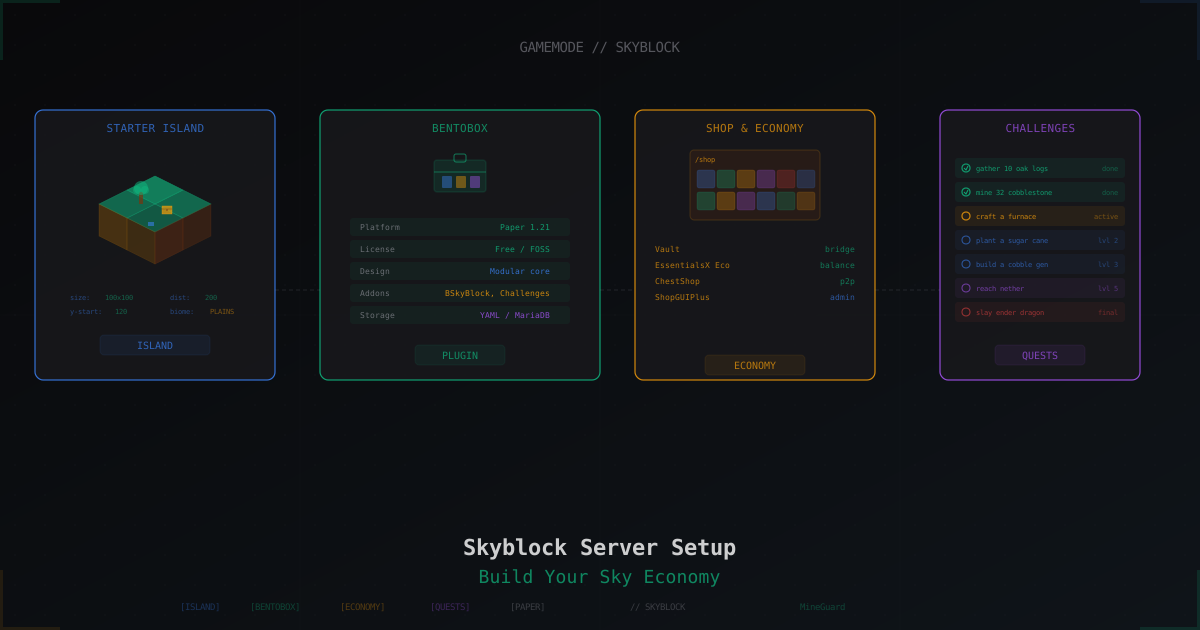
Skyblock Server from Scratch: Setup with BentoBox and Beyond
Complete guide to launching a Skyblock server on Paper 1.21: BentoBox with BSkyBlock, alternatives like SuperiorSkyblock2 and ASkyBlock, economy setup, challenges, island levels, and anti-griefing.
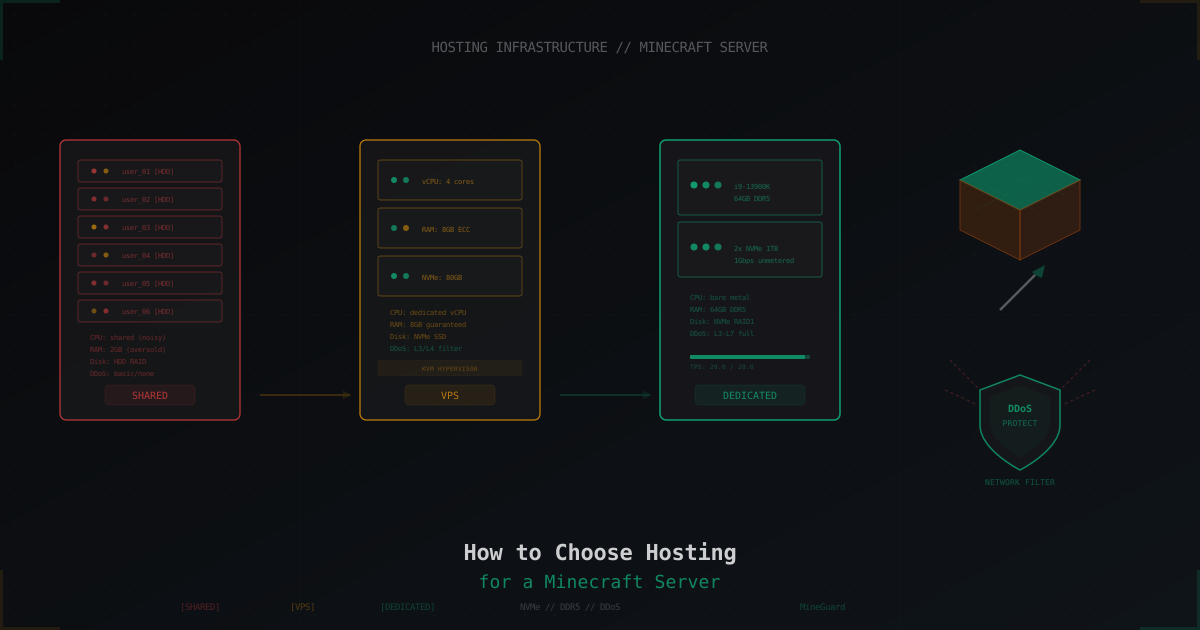
How to Choose Hosting for a Minecraft Server
A practical guide to choosing Minecraft server hosting: shared vs VPS vs dedicated, CPU and RAM requirements, disk types, DDoS protection, control panels, and red flags when picking a provider.
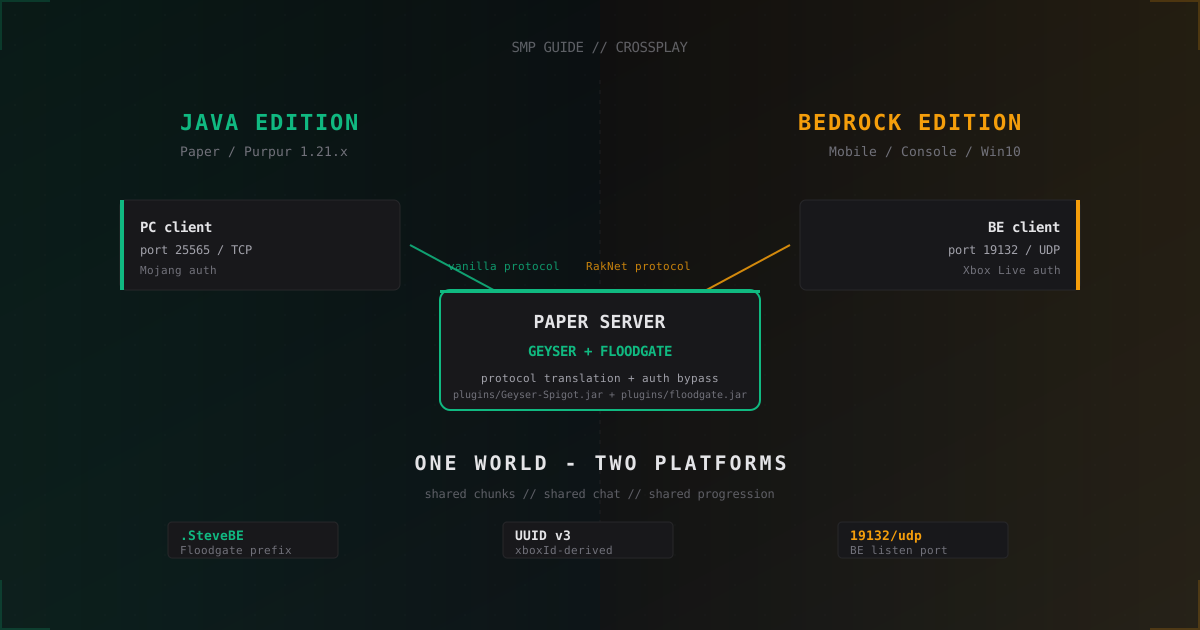
Crossplay SMP: One Server for Java and Bedrock with Geyser and Floodgate
How to run a Paper server for Java and Bedrock players via Geyser and Floodgate: prefixes, UUIDs, resource packs, anti-cheat, UDP ports.