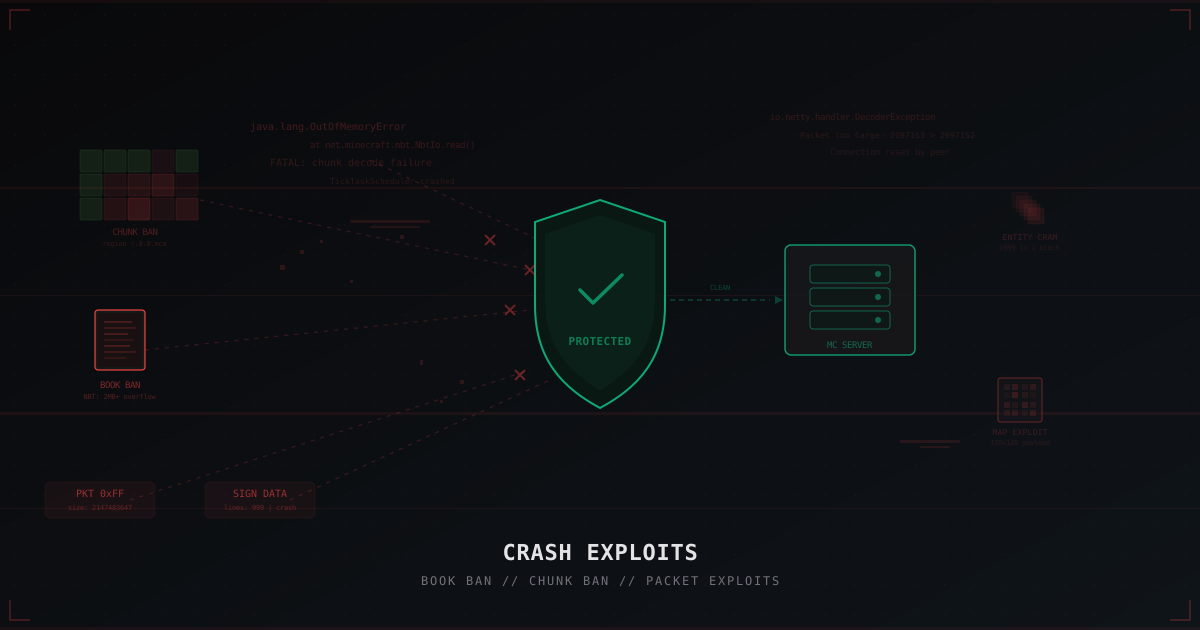
Crash Exploits in Minecraft: Book Ban, Chunk Ban and How to Protect Against Them
When people talk about Minecraft server security, DDoS attacks are the first thing that comes to mind. Thousands of bots, gigabits of traffic, server goes offline. But there's another category of threats that often flies under the radar: crash exploits.
One player. One specially crafted item or packet. Your server goes down. Or worse, a specific player can never log back in because their client crashes every time they load a chunk or their inventory.
This article covers all major types of crash exploits, how they work, and concrete steps to protect against them.
What is a crash exploit
A crash exploit is a targeted attack that abuses bugs or weaknesses in server/client code to trigger a critical error. Unlike DDoS, where the attacker floods the server with traffic volume, a crash exploit works surgically. One well-formed request is enough.
Main types:
- Book ban - NBT data overflow through books
- Chunk ban - corrupted chunks that crash clients on load
- Packet exploits - malformed network packets causing server exceptions
- Sign exploit - data overflow through signs
- Map exploit - map data abuse
- Entity cramming - spawning massive numbers of entities in one block
Each works differently, and protection against them varies too.
Book ban: the classic
Book ban is probably the most well-known crash exploit in Minecraft. The concept is simple: a player creates a book with massive NBT data and drops it near another player. When the victim tries to open their inventory or load the chunk containing that book, their client crashes from memory exhaustion.
How it works
NBT (Named Binary Tag) is the data format Minecraft uses to store item information. Every item has an NBT tag, and books can contain page text in theirs.
The problem is that vanilla Minecraft's NBT size limits were far too generous for a long time. A book can hold up to 100 pages, each up to 32,767 characters. That's a potentially enormous amount of data in a single item.
Attackers use modified clients or commands to create books with maximally bloated NBT tags. Such a book, once it lands in someone's inventory or shulker box, effectively "bans" that player. They can't join the server because their client crashes trying to deserialize the NBT.
Protection against book ban
Paper added NBT restrictions long ago:
# paper-global.yml
item-validation:
  book:
    page-max: 100
    max-page-length: 1024
  book-size:
    page-max: 2560
    total-multiplier: 0.98
The max-page-length: 1024 setting limits a single page to 1024 characters instead of vanilla's 32,767. This dramatically reduces the maximum NBT size of a book.
Chunk ban: the world trap
Chunk ban works differently. Instead of a poisoned item in inventory, the attacker corrupts a chunk in the game world. When any player tries to load that chunk, their client crashes.
How it happens
There are several ways to create a "toxic" chunk:
Entity overflow. A player spawns thousands of items, mobs, or other entities in a single chunk. On load, the client tries to render them all and crashes.
Corrupted tile entities. Containers (chests, hoppers) with corrupted NBT data. The server sends the tile entity data to the client, which can't process it.
Massive sign arrays. Hundreds of signs with long text in one chunk create a massive data payload that must be sent to the client.
Protection against chunk ban
# paper-world-defaults.yml
entities:
  spawning:
    per-player-mob-limit: true
    max-per-chunk: 50

# bukkit.yml
spawn-limits:
  monsters: 70
  animals: 10
  water-animals: 5
  water-ambient: 20
  ambient: 15
The max-per-chunk: 50 parameter is critical. It sets a hard limit on entities per chunk.
Packet exploits: protocol attacks
Packet exploits are a broad category of attacks based on sending malformed or oversized network packets to the server.
Main types
Oversized packets. Sending packets exceeding the maximum allowed size. A vanilla server accepts packets up to 2 MB by default. An attacker sends a 2 GB packet, and the server runs out of memory trying to process it.
Invalid packet data. Packets with correct headers but invalid data inside. For example, a player movement packet with NaN or Infinity coordinates. The server tries to process these coordinates and throws an exception.
Packet spam. Mass-sending legitimate packets at high speed. Hundreds of tab-complete packets per second, thousands of block interaction packets. Each packet is valid on its own, but the volume overwhelms the handler.
Configuring the packet limiter
Paper has a built-in packet limiter that needs proper configuration:
# paper-global.yml
packet-limiter:
  kick-message: '<red>Connection terminated: packet rate exceeded'
  limits:
    all:
      interval: 7.0
      max-packet-rate: 500.0
    ServerboundCommandSuggestionPacket:
      interval: 1.0
      max-packet-rate: 15.0
    ServerboundMovePlayerPacket:
      interval: 1.0
      max-packet-rate: 50.0
    ServerboundContainerClickPacket:
      interval: 1.0
      max-packet-rate: 20.0
    ServerboundSignUpdatePacket:
      interval: 1.0
      max-packet-rate: 5.0
The all limit sets a global cap: no more than 500 packets per 7 seconds from a single player. Individual limits on specific packet types give finer control.
Sign exploit and map exploit
Sign exploit
Signs in Minecraft can contain text. The attack involves sending the server a sign update packet with excessively long text or special characters that cause rendering errors.
In older server versions, this allowed creating signs that crashed all players within render distance. Paper fixed this by limiting string lengths and validating content.
Map exploit
Maps in Minecraft store 128x128 pixel data. The exploit works by creating large numbers of maps with maximally complex data and force-sending them to other players. The client tries to render dozens of maps simultaneously and freezes.
Entity cramming
Entity cramming attacks work by creating huge numbers of entities (mobs, items, vehicles) in a confined space. When a player approaches, their client tries to render all entities and crashes.
Vanilla Minecraft has a maxEntityCramming mechanic (default 24) that damages crowded entities. But it doesn't prevent creation, just slowly kills them.
# spigot.yml
world-settings:
  default:
    max-entity-collisions: 8

# paper-world-defaults.yml
entities:
  spawning:
    per-player-mob-limit: true
    max-per-chunk: 50
How crash exploits differ from DDoS
These are fundamentally different threats requiring different defenses.
| Parameter | DDoS | Crash Exploit |
|---|---|---|
| Attack type | Volumetric | Targeted |
| Source | Thousands of bots | One player |
| Goal | Overload bandwidth/CPU | Trigger a code error |
| Traffic | Gigabits | Minimal |
| Detection | Traffic anomaly | Hard without logs |
| Defense | Network filtering | Updates, settings, plugins |
| Recovery | Automatic after attack | May require manual intervention |
DDoS is stopped by a network filter (like MineGuard) that blocks junk traffic before it reaches your server. A crash exploit passes through the filter because it's technically a legitimate connection from a legitimate player. One packet, one request.
That's why crash exploit protection lies at the application level. Paper updates, correct settings, plugins.
Protection plugins
PacketLimiter
Paper has a built-in packet limiter, but for finer control there's the PacketLimiter plugin. It lets you configure limits for each packet type individually and log suspicious activity.
ExploitFixer / AntiCrash
Plugins like ExploitFixer close multiple known exploits in one solution. They validate NBT data, packet sizes, book contents, and sign text.
ViaVersion
If your server supports multiple versions through ViaVersion, keep it updated. Many crash exploits work through protocol version mismatches. ViaVersion regularly patches these vulnerabilities.
How to recover players from book/chunk bans
If a player is already "banned" and can't join the server, there are several recovery methods.
Method 1: Console teleportation
For chunk ban (player stuck in a toxic chunk):
/tp PlayerName 0 100 0
Method 2: Inventory clear
For book ban (poisoned item in inventory):
/clear PlayerName minecraft:written_book
/clear PlayerName minecraft:writable_book
Method 3: Edit player data file
If the server crashes before processing commands:
- Stop the server
- Find the player file:
world/playerdata/<UUID>.dat - Use an NBT editor (NBTExplorer, NBT Studio) to open the file
- Remove problematic items or change spawn coordinates
- Save and start the server
Method 4: Delete the corrupted chunk
For chunk ban, delete the corrupted chunk with MCEdit or Chunker. This is destructive and all builds in that chunk will be lost.
Why updates are critical
Most crash exploits target specific server versions. PaperMC regularly releases patches closing known vulnerabilities:
- Paper 1.20.4 closed several NBT exploits through stricter validation
- Paper 1.21.x added improved packet and NBT size limits
- Every minor Paper version contains security fixes
For more on Paper security settings, see our article on Paper and Spigot security settings.
Network level vs application level
Crash exploits operate at the application layer (L7). Network protection (L3/L4) doesn't stop them directly because the attack travels inside a legitimate TCP connection.
But network protection still plays a role:
-
Bot filtering at connection stage. Many crash exploits are automated through botnets. MineGuard filters bots before they connect, reducing potential attack sources.
-
Connection limits per IP. If the attacker can't create many connections, automated exploit effectiveness drops sharply.
-
Traffic analysis. Protection systems can detect anomalous packet patterns characteristic of exploits.
More on network-level exploit protection in our article on null attacks and BungeeCord exploits.
Protection checklist
Quick checklist for administrators:
Server software:
- Paper latest version for your MC branch
- ViaVersion updated (if used)
- AntiCrash or ExploitFixer plugin installed
Settings:
- Book NBT limits configured in paper-global.yml
- Packet limiter enabled and configured
- Entity limits set in bukkit.yml and paper-world-defaults.yml
- max-entity-collisions limited in spigot.yml
Monitoring:
- Server logs checked for NBT/packet errors
- Crash-restart alerts configured
- World backups running regularly
If you're new to server security, start with our beginner's guide to Minecraft server protection.
Bottom line
Crash exploits aren't as visible as DDoS attacks, but for the affected player, the result is the same: they can't play. Book ban locks someone out through a poisoned item. Chunk ban turns a world area into a trap. Packet exploits can bring down an entire server with one connection.
Defense is layered. At the software level: updated Paper with correct settings and plugins. At the network level: bot filtering and connection limits. At the admin level: regular backups and log monitoring.
No protection is absolute. New exploits appear with every Minecraft update. But servers running current Paper with proper configuration block 95% of known attacks. The remaining 5% is covered by admin vigilance and fast incident response.
Additional measures: what else you should do
Restricting creative mode and commands
On servers where players have access to Creative Mode or commands like /give, crash exploit risk multiplies. In creative mode, a player can freely create items with arbitrary NBT tags. This opens the door to book bans, poisoned shulker boxes, and items with anomalous data.
The solution: use a permissions system (LuckPerms, LPX) for strict access control over dangerous commands. Deny /give to regular players. If Creative Mode is necessary (e.g., on a creative server), install a plugin that validates NBT tags on created items.
# LuckPerms: deny dangerous commands for the default group
# /lp group default permission set minecraft.command.give false
# /lp group default permission set minecraft.command.summon false
Logging and alerts
Configure server log monitoring for key patterns that indicate exploit attempts:
# Patterns to monitor in logs:
# "Tried to load a TOO LARGE NBT tag"
# "Disconnect: Packet too large"
# "Entity count exceeded limit"
# "Connection throttled"
Modern monitoring systems let you set up alerts when these strings appear in logs. This gives you the ability to respond to attacks in real time rather than discovering them after the fact when players complain they can't log in.
Backups: the last line of defense
Regular world backups are critical for fast recovery after chunk bans and other destructive exploits. If a chunk is corrupted, you can restore it from backup instead of deleting it entirely and losing all builds.
Recommended strategy:
- Full backup once a day
- Incremental backups every 1-2 hours
- Keep at least 7 daily backups
- Back up playerdata separately from the world (for fast inventory restoration)
# Simple backup script using rsync
rsync -a --delete /path/to/server/world/ /path/to/backups/world-$(date +%Y%m%d-%H%M)/
Whitelist and verification
On servers with valuable content (RPG, SMP with history), consider using a whitelist. It won't protect against insider attacks, but it completely eliminates random griefers with crash clients.
For public servers where a whitelist isn't feasible, use verification systems: AntiBot plugins, login captcha, Discord account linking. The harder it is to get onto the server, the less motivation an attacker has to spend time on exploits.
Real-world cases
2b2t and the chunk ban culture
On the oldest anarchy server 2b2t, chunk ban has become part of the culture. Players create "lavacasts" and chunk ban traps around their bases as defensive structures. Newcomers exploring the world regularly fall into these traps and lose access to their character.
The 2b2t administration doesn't intervene since it's an anarchy server. But on a normal SMP, this situation is unacceptable. One toxic player with a hack client can "ban" dozens of other players through book ban or chunk ban, and the admin will be forced to manually restore each one.
Packet exploits in competitive modes
On PvP servers and minigame networks, packet exploits are used to gain unfair advantages. Players send the server movement packets with invalid coordinates, allowing teleportation or anomalous speed. Worse, some exploits can crash a specific opponent during a PvP fight.
Anti-cheat plugins (Vulcan, Grim, Polar) help detect such manipulations, but fully closing all attack vectors is impossible without server-level restrictions.
Protect Your Server from DDoS Attacks
Free protection with 5-minute setup. 1 TB bandwidth included.
Try for FreeRelated Articles
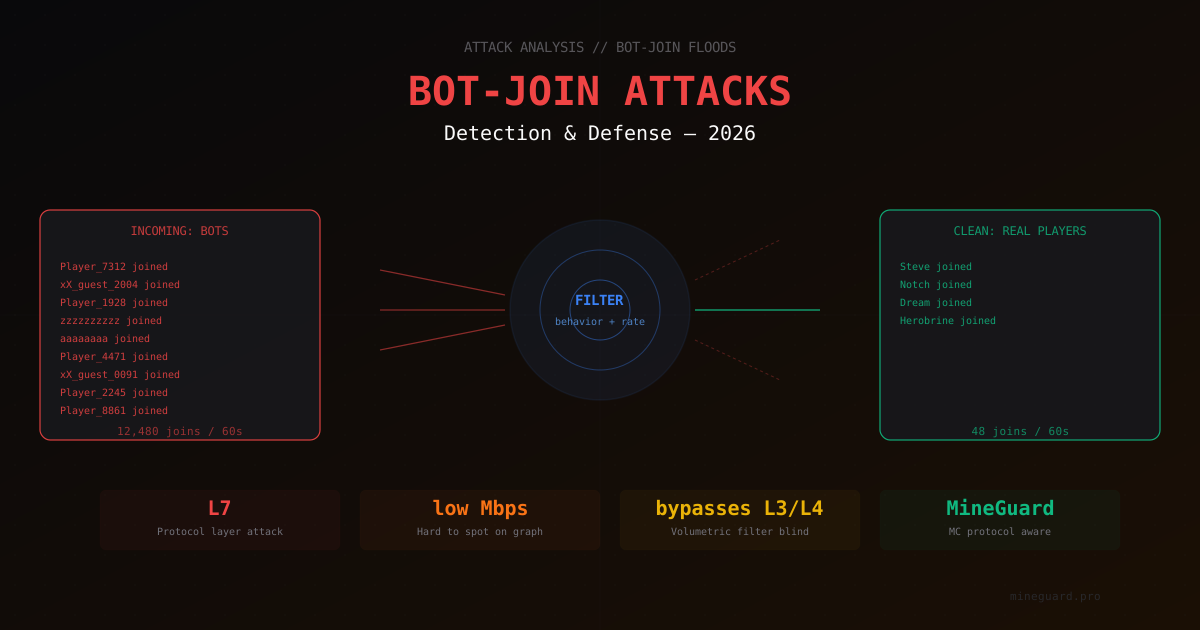
Bot-Join Attacks on Minecraft 2026: How to Tell a Bot from a Real Player
In-depth look at bot-join attacks on Minecraft servers in 2026. How bot connections look in logs, what signals filters use for detection, and which defensive measures actually work.
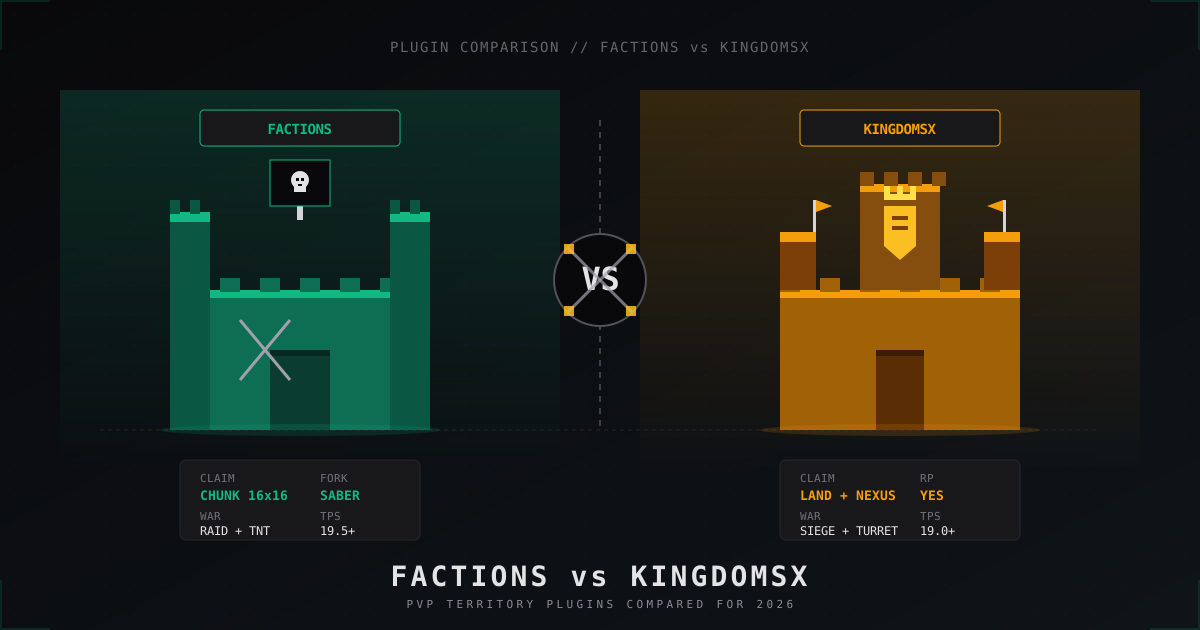
Factions vs KingdomsX: which PvP plugin to pick in 2026
Honest 2026 comparison of SaberFactions and KingdomsX: claiming, war, sieges, economy, performance, addons and which faction plugin fits which server style.
Minecraft Server Not Starting: 11 Causes and Fixes
Complete guide to diagnosing Minecraft server startup problems. Covering Java errors, insufficient RAM, busy ports, plugin conflicts, corrupted world files, and other common causes.