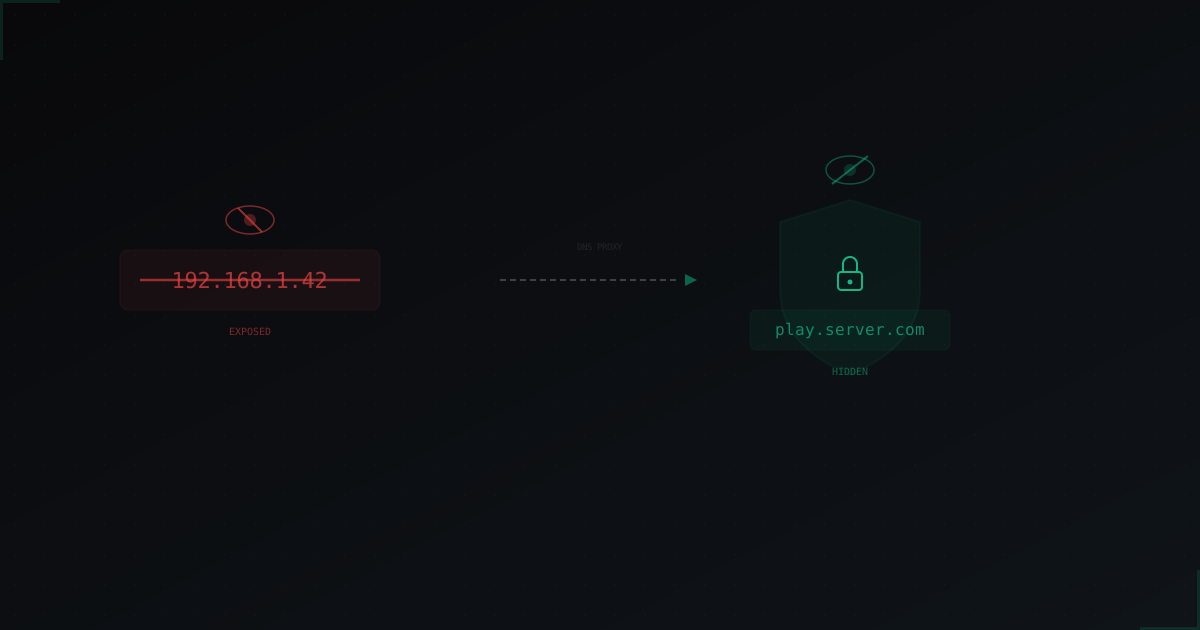
How to Hide Your Minecraft Server IP: Complete Guide
Why hiding your server IP matters
If an attacker knows your server's IP address, they can flood it with traffic directly. No website Cloudflare, no server plugin will help when a UDP flood hits your address head-on. The server goes down, the host might null-route you, and players leave.
Hiding your real IP isn't paranoia, it's basic hygiene. Same as not publishing your root password. If the IP is unknown, there's nowhere to attack.
How attackers find your IP
Before hiding your IP, you need to understand where it leaks from. Here are the main channels:
DNS history
The most common case. You bought a domain, initially pointed the A record at your real server, then added proxy protection later. But the old record is saved in DNS history. Services like SecurityTrails, ViewDNS.info, and DNSHistory store all record changes. An attacker simply looks up what IP was there before.
Shodan and Censys
These search engines scan the entire internet and index open ports. If your server responds on port 25565 (or any other), Shodan will find it. A simple search by MOTD or server name reveals your IP.
Discord and forums
A classic. Someone drops the IP in a Discord channel, on a forum, or a Minecraft server list. Even if you later moved behind a proxy, the old IP is already public.
Direct connections and logs
If you ever gave players a direct IP (not a domain), that IP spread across their clients. Server history in launchers persists for years. Some plugins and mods also leak server IPs in requests to external APIs.
Control panels and websites
Admins often host their panel (Pterodactyl, AMP, Multicraft) on the same IP as the game server. Or a website on the same host. The web server responds on ports 80/443, Shodan sees it and links it to your server.
Email server
If mail is sent from the same IP, email headers contain the real sender IP. One email from your domain is enough.
Core principle: domain + reverse proxy
The idea is simple. Players connect to a domain (e.g., play.yourserver.com), not an IP. The domain points not to your real server, but to a proxy. The proxy accepts traffic, filters it, and forwards clean traffic to your real server.
Only the proxy knows the real IP. Players see only the proxy IP. An attacker can DDoS the proxy, but that's the proxy service's job to handle.
This is how MineGuard and similar protection services work. You get a protected address, point your domain at it, and your real IP stays hidden.
DNS setup: A, CNAME, and SRV records
This is where many people get confused, so let's break it down.
A record
An A record links a domain to an IP address:
play.yourserver.com → 104.167.24.91 (proxy IP)
This is the foundation. The A record must point to the proxy IP, never to your real server.
CNAME record
A CNAME is an alias pointing to another domain. Some proxy services give you a domain instead of an IP:
play.yourserver.com → CNAME → yourserver.proxy-service.com
CNAME is convenient because if the proxy service changes their IP, you don't need to update anything. However, CNAME can't be set on the root domain (yourserver.com without a subdomain). Only on subdomains like play.yourserver.com.
SRV record
An SRV record lets you specify a particular port. The Minecraft client automatically looks up SRV records for a domain:
_minecraft._tcp.yourserver.com → SRV → 0 5 25565 play.yourserver.com
This means: "to connect to yourserver.com via Minecraft protocol, use play.yourserver.com on port 25565". The player just types yourserver.com and connects.
Recommended setup
For most servers, the optimal scheme is:
- A record
play.yourserver.com→ proxy IP - SRV record
_minecraft._tcp.yourserver.com→play.yourserver.com:25565
Players connect using just yourserver.com, and the real IP is hidden behind the proxy.
How to check for IP leaks
After setup, make sure your real IP isn't exposed anywhere.
SecurityTrails
Go to securitytrails.com, enter your domain. Check DNS record history. If your real IP is there, it may have been seen. The good news: if you changed IPs after setting up the proxy, old records lead nowhere.
Shodan
Go to shodan.io, enter your real IP. If Shodan sees an open port 25565 and shows your server's MOTD, that's a problem. You need to close the port for everyone except the proxy IP.
Also try searching by MOTD or server name in Shodan. If it finds results, your server is responding to everyone.
nslookup and dig
Verify DNS records point where they should:
nslookup play.yourserver.com
dig +short play.yourserver.com
dig SRV _minecraft._tcp.yourserver.com
Make sure your real IP isn't in the response. Only the proxy IP.
Ping test
ping yourserver.com
If ping returns your real IP, the root domain (or some subdomain) still points to the real server. Fix it.
Common mistakes that break everything
Mistake 1: A record pointing to real IP
The most common mistake. You set up the proxy for play.yourserver.com, but the root domain yourserver.com or www subdomain still points to the real IP. An attacker just checks all subdomains.
Fix: every DNS record must point to the proxy or a separate hosting. No record should lead to the game server IP.
Mistake 2: Panel on the same IP
Pterodactyl, AMP, or any other panel on the same IP as the server. The panel runs on port 80 or 443, Shodan sees it, IP exposed.
Fix: host the control panel on a separate server, or at least behind Cloudflare. If the panel is on the same host, block ports 80/443 externally via firewall and use VPN or SSH tunnel for management.
Mistake 3: Email from the same server
If your domain has mail configured and the MX record points to the same IP, anyone can discover the real IP from email headers.
Fix: don't use email on the game server IP. Use an external mail service (Gmail, Yandex, Mailgun).
Mistake 4: Server accepting connections from everyone
Even behind a proxy, if your server responds on port 25565 to anyone who tries to connect, it can be found by scanning. Shodan scans all of IPv4 in hours.
Fix: configure your firewall so port 25565 is only open for the proxy's IP addresses. Drop everything else.
# iptables example
iptables -A INPUT -p tcp --dport 25565 -s PROXY_IP -j ACCEPT
iptables -A INPUT -p tcp --dport 25565 -j DROP
iptables -A INPUT -p udp --dport 25565 -s PROXY_IP -j ACCEPT
iptables -A INPUT -p udp --dport 25565 -j DROP
For MineGuard, you can find the proxy IP list in the control panel.
Mistake 5: Plugin leaks
Some plugins (Dynmap, BlueMap, Votifier, analytics trackers) open additional ports or make requests to external APIs, exposing your IP.
Fix: check all open ports on your server (ss -tlnp). Close everything unnecessary. Proxy Dynmap and web maps through Cloudflare on a separate subdomain.
What to do if your IP is already leaked
If your real IP is already public, hiding it is pointless. You need a new IP.
Option 1: New IP from your host
Ask your hosting provider to change your IP. Some do it free, some charge a small fee. After the change, set everything up correctly from the start: firewall, proxy, DNS.
Option 2: Migrate to a new server
If your host won't change the IP, move to a different server. Yes, it's inconvenient, but it's the only reliable option.
Option 3: GRE/IP tunnel
A more advanced option. You get a new IP via a GRE tunnel from the proxy service, and the real server IP isn't used for game traffic at all.
After changing IP
- Update DNS records (proxy only)
- Configure firewall on the new IP
- Don't publish the new IP anywhere
- Check via Shodan after 2-3 days that the new IP isn't visible
- Remove the old IP from all monitoring, DNS records, and configs
Step-by-step checklist
Here's a concrete action plan:
- Domain purchased and configured. Players connect via domain, not IP.
- Proxy protection active. DNS records point to the proxy (MineGuard or similar), not the real server.
- Firewall configured. Port 25565 (and other game ports) open only for proxy IPs.
- No DNS leaks. All subdomains checked, none point to the real IP.
- No Shodan leaks. Real IP doesn't respond on port 25565 to external scans.
- Panels on separate host. Pterodactyl, AMP, etc. not on the server IP (or ports are closed).
- Email via external service. MX records don't lead to the server IP.
- Plugins checked. Dynmap, Votifier, etc. don't expose the IP.
- IP not published anywhere. In Discord, forums, server lists - only the domain.
- SSH access restricted. Port 22 accessible only from your IPs or via VPN.
Conclusion
Hiding your IP isn't a one-time action, it's an ongoing process. Every time you change server configuration, add a plugin or subdomain, check for new leak points.
The main rule: nobody should know your real server IP except you and the proxy service. Follow the checklist above, and finding your IP becomes practically impossible, which means directly attacking your server won't work either.
Protect Your Server from DDoS Attacks
Free protection with 5-minute setup. 1 TB bandwidth included.
Try for FreeRelated Articles
Jobs Reborn: setting up RPG jobs on a Minecraft server (2026)
A full walk-through of Jobs Reborn 5.x in 2026: Vault install, Miner and Woodcutter configs, XP and payment formulas, placed-block anti-abuse, and /jobs reward shops.
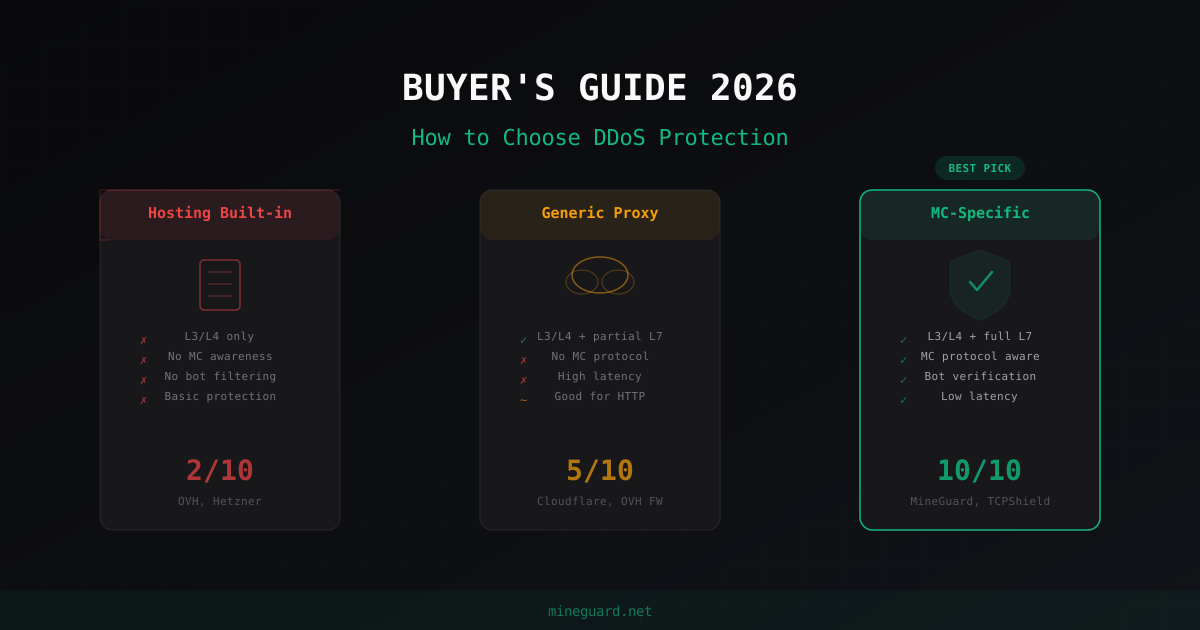
How to Choose DDoS Protection for Minecraft Server in 2026
Complete buyer guide: what to look for in Minecraft DDoS protection, which approaches exist, red flags to watch for, and why MC-specific protection beats generic solutions every time.
Minecraft Server Setup on Ubuntu Linux: Step-by-Step Guide
Complete guide to installing and configuring a Minecraft server on Ubuntu 22.04/24.04. Java 21, Paper, systemd, firewall, JVM flags, and auto-restart.