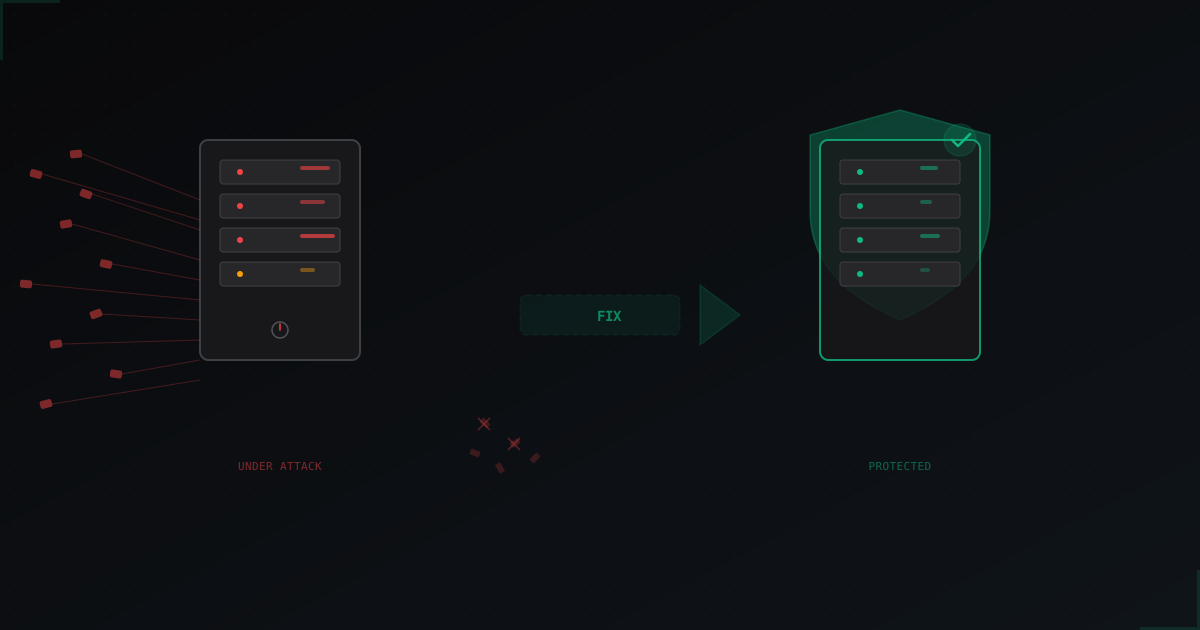
My Minecraft Server Is Being DDoSed: What to Do Right Now
Don't panic. Let's figure this out.
If you're reading this, your server is probably down right now, players are spamming your Discord with "wtf is happening", and you're frantically googling for answers. Been there. Every owner of a semi-popular server goes through this eventually.
A DDoS attack on your Minecraft server is not the end of the world. Most attacks stop within 10-30 minutes if the attacker sees you're not reacting and not paying. The key is to not do anything stupid right now.
Step 1: Make sure it's actually DDoS
Before you panic, check a few things. Not every lag spike is an attack.
Signs of a DDoS attack:
- Server completely unreachable (no ping, can't connect)
- TPS is fine but players can't join
- Console shows hundreds of connections from different IPs per second
- Your hosting provider sent a notification about abnormal traffic
netstat -an | wc -lshows thousands of connections
This is probably NOT DDoS:
- Only some players are lagging (routing issue)
- TPS drops to 5-10 (heavy plugins or world)
- Server runs but stutters (not enough RAM or CPU)
- Everything broke after installing a new plugin
If it's just lag and not DDoS, check your timings, memory usage, and CPU load. Don't go looking for an attack where there isn't one.
Step 2: Quick temporary fixes
If you're sure it's DDoS, here's what you can do right now. This won't solve the problem, but it might buy you some time.
Turn on whitelist. The simplest way to block bots is to enable whitelist during the attack. Yeah, new players won't be able to join, but at least your current players can play.
/whitelist on
Set up rate-limiting with iptables. If you have a VPS or dedicated server, you can limit new connections:
iptables -A INPUT -p tcp --dport 25565 -m connlimit --connlimit-above 3 -j DROP
iptables -A INPUT -p tcp --dport 25565 -m recent --set --name mc
iptables -A INPUT -p tcp --dport 25565 -m recent --update --seconds 60 --hitcount 10 --name mc -j DROP
Don't change the port. Common advice from 2015 forums - "just change the port". This doesn't work. The attacker will find the new port in a minute with a scanner. You'll only lose players who don't know about the port change.
Don't restart your server every 30 seconds. Seriously. Each restart means lost data, new logs, confusion. Restart once, wait 5 minutes, see what happens.
Step 3: Get proper protection
Temporary band-aids won't save you from a serious attack. If you're getting DDoSed regularly, you need to solve this properly.
Reverse proxy. The concept is simple - players connect not directly to your server, but to an intermediate server that filters traffic and only passes through legitimate packets. The attacker only sees the proxy's IP, not your real one.
Two paths:
-
Set it up yourself. You can configure your own proxy on a separate VPS. But you need to understand filtering, write rules, keep up with new attack vectors. For L7 (application layer) Minecraft attacks, you need protocol-specific filtering - a simple nginx won't cut it.
-
Use a dedicated service. Specialized services like MineGuard already know what normal Minecraft traffic looks like versus an attack. Filters are updated, new protocol versions are supported, and you don't need to be a network engineer.
Whatever you choose, the key point is to hide your real server IP. If the attacker knows your actual IP, no proxy will help because they'll just bypass it.
Step 4: Hide your real IP
This is arguably the most important step, and it's the one people mess up most often.
What you need to do:
-
Use a domain, not an IP. Players should connect via
play.myserver.com, not123.45.67.89. An SRV record in DNS will point to the protected proxy IP. -
Set up DNS correctly. The A record for your domain should point to the proxy IP, not your real server. The SRV record
_minecraft._tcp.play.myserver.comspecifies the port. -
Check for IP leaks. Even with a proxy set up, your IP can leak through:
- Old DNS records (check history via SecurityTrails or similar)
- Query responses from plugins that show IP in MOTD
- Control panels (Pterodactyl, Multicraft) accessible by IP
- Mail server on the same IP
- Other services/websites on the same server
-
If your IP is already leaked, change it. Yes, it's inconvenient. But if the attacker knows your IP, the only option is to get a new one from your host and set everything up again, this time without exposing it anywhere.
Step 5: After the attack
The attack is over, server is running. But don't relax just yet.
Check logs. Look at when the attack started, what type of traffic came in, from which IPs. This helps you understand if it was a kid with a $5 stresser or something more serious.
Update everything. Server software, plugins, Java. Old versions often have vulnerabilities that make attacks easier.
Set up monitoring. Configure alerts for abnormal traffic. Better to learn about an attack from a Telegram notification than from angry players in Discord.
Talk to your host. If you're on shared hosting and getting DDoSed, the host might just shut your server down to protect other customers. Find out their DDoS policy beforehand. Some hosts offer basic protection, others will just kill your server without warning.
Types of attacks and what they look like
Not all DDoS is the same. Understanding the attack type helps you choose the right defense.
L3/L4 attacks (network layer)
SYN Flood. The most common attack. Thousands of fake TCP connection requests. The server tries to respond to each one and chokes.
Signs: netstat shows thousands of connections in SYN_RECV state. Server completely unreachable.
UDP Flood. A stream of junk UDP packets that saturates your bandwidth. Especially relevant for servers with query enabled on UDP.
Signs: incoming traffic is 10-100x higher than normal. iftop shows traffic from many IPs.
Amplification (DNS/NTP/Memcached). The attacker sends small requests to public servers with a spoofed return address (your IP). Those servers respond to you with packets 50-100x larger than the original request.
Signs: massive incoming traffic from ports 53 (DNS), 123 (NTP), 11211 (Memcached).
L7 attacks (application layer)
Bot Join Flood. Hundreds of bots simultaneously try to connect. Each one completes the handshake, sends login, and your server wastes resources processing them.
Signs: hundreds of "logged in" or "lost connection" messages per second in console. TPS may drop because the server is processing fake connections.
Null/Invalid Packet Attack. Sending invalid Minecraft protocol packets. Poorly written plugins can crash from these.
Signs: packet decoding errors in logs, plugin crashes, sometimes full server crash.
A proper protection service filters all these types automatically. MineGuard, for example, analyzes the Minecraft protocol at the packet level and blocks invalid traffic before it reaches your server.
Common mistakes during attacks
"I'll DDoS them back." No. Just no. First, it's illegal. Second, the attacker is using a botnet/stresser, they don't have "their own server" you can take down. Third, you'll make things worse.
Paying to stop the attack. If someone messages "pay $50 and I'll stop" - don't pay. If you pay, they'll ask for more. It's like feeding a seagull at the beach: all the others will show up too.
Posting your server IP on public lists. Monitoring sites like minecraft-server-list.com show your server's IP to everyone. If you're being DDoSed, remove your server from these lists or use only a domain name.
Buying an "anti-DDoS" Minecraft plugin. Plugins work at the application level. During an L3/L4 attack, traffic floods the channel BEFORE it reaches Java. A plugin physically cannot help with a network-level attack. It can only partially help with L7 bots.
Switching hosts every week. I've seen people move 5 times in a month. Each time the attacker found the new IP within a day because the owner exposed it in Discord or through DNS. The problem isn't the host, it's the IP leak.
Quick checklist for when you're under attack
Bookmark this. When an attack starts, open it up and go through the list.
- Verify it's actually DDoS and not a server issue
- Enable whitelist if it's an L7 attack (bots)
- Don't restart the server more than once
- Contact your host if the attack is serious
- Don't publish your real IP anywhere
- After the attack, set up proper proxy protection
- Change IP if it's been compromised
- Set up DNS with a domain and SRV record
- Check that your IP isn't leaking through other services
Bottom line
DDoS on a Minecraft server is annoying but not fatal. Most attacks are kids with $10/month stressers who'll give up after half an hour. But if attacks are regular and serious, you need proper infrastructure-level protection.
Three main rules: don't expose your IP, use a proxy, don't panic. Everything else is details.
Protect Your Server from DDoS Attacks
Free protection with 5-minute setup. 1 TB bandwidth included.
Try for FreeRelated Articles

How to Set Up Economy on a Minecraft Server: Complete Guide
A complete guide to setting up economy on your Minecraft server: Vault, shops, jobs, auctions, and dupe protection. Everything you need for a stable server economy.
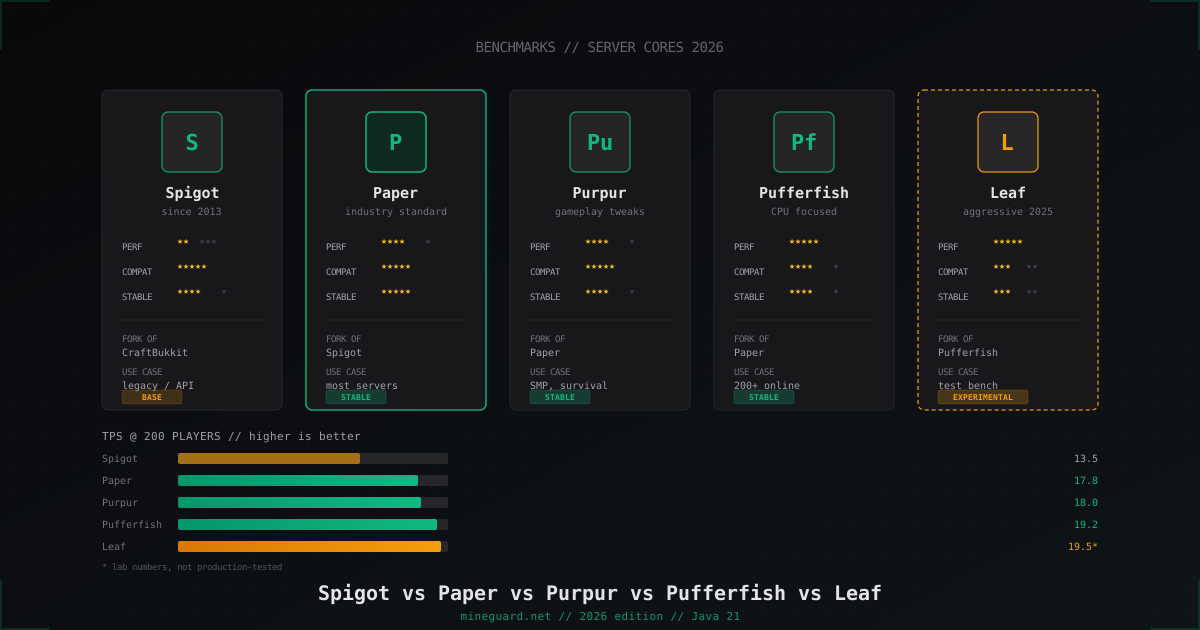
Minecraft Server Cores Compared 2026: Spigot vs Paper vs Purpur vs Pufferfish vs Leaf
Which Minecraft server core to pick in 2026: deep dive into Spigot, Paper, Purpur, Pufferfish and Leaf with real TPS numbers and player-count guidance.
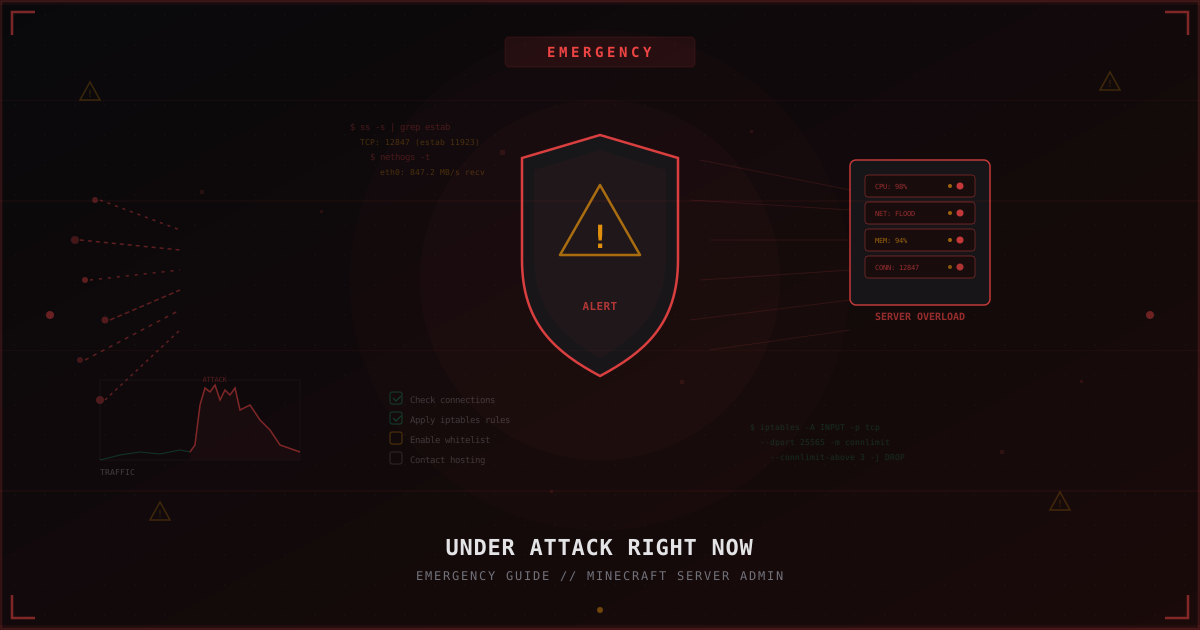
Under Attack Right Now: Emergency Guide for Minecraft Server Admins
Step-by-step emergency checklist: what to do when your Minecraft server is under attack right now. Diagnostics, quick iptables mitigations, temporary whitelist, when to contact hosting, and how to prepare for the next attack.