How to Choose DDoS Protection for Minecraft Server in 2026
If you run a Minecraft server in 2026, the question of DDoS protection is not "do I need it" but "which one do I pick." I have been through dozens of attacks on my own servers and tried almost everything on the market. In this guide I share what I have learned and help you make the right choice without wasting money.
Why regular hosting does not save you
Many people think that if a host advertises "DDoS protection included," they can relax. In practice, that is far from reality. Hosts like OVH or Hetzner provide basic L3/L4 filtering: they can handle volumetric UDP/TCP floods. But Minecraft servers in 2026 get attacked very differently.
Modern Minecraft attacks are L7 attacks at the game protocol level. Thousands of bots connect like normal players, pass through standard filtering, and kill the server from the inside. The host does not even notice because from its perspective everything looks like regular traffic.
What to look for in Minecraft DDoS protection
Here are the key criteria I pay attention to when choosing:
1. L3/L4 + L7 protection
Basic network filtering (L3/L4) is the minimum. But without L7 protection that understands the Minecraft protocol, you are vulnerable to botnets. Look for a solution that covers both layers.
2. Minecraft protocol awareness
This is the key difference between specialized and generic solutions. The protection must be able to parse Minecraft packets, verify handshakes, detect client versions, and analyze connection behavior. Without this, bot filtering is impossible.
3. Verification system (captcha)
When a bot attack hits, you need a way to tell a real player from a script. The best solutions offer captcha verification via a web page. When a suspicious player connects, they are kicked with a message containing a verification link. The player opens the link in their browser, passes Google reCAPTCHA, and reconnects to the server. This is more convenient for players and more reliable for protection.
4. Minimal latency (ping)
DDoS protection works as a proxy: traffic goes through the filter, then to your server. Every extra hop adds latency. For Minecraft this is critical because even 30-50 ms of additional ping is noticeable in PvP. Choose a service with filtering servers close to your audience.
5. Analytics and monitoring
Good protection does not just filter traffic but shows you what is happening. Attack graphs, connection geography, number of filtered bots, event history. Without analytics you have no idea what is going on with your server.
6. Pricing without hidden limits
Some services lure you with a low price, then charge extra for "traffic overages" or "extended filtering." Look for transparent plans where everything is included.
7. Support in your language
When your server is down under attack, you want to write to support in your language and get a fast reply. This is not a small thing; it is critically important in a stressful situation.
Red flags: when to walk away
Over the years I have learned to spot bad services before buying. Here is what to watch for:
- No free trial. If a service does not let you try before buying, it probably has something to hide. Any confident protection will offer test access.
- No Minecraft-specific features. If the website says nothing about Minecraft protocol, player captcha, or bot filtering, you are probably looking at a generic TCP proxy with nice marketing.
- Hidden traffic limits. "Unlimited protection" in the footnote turns out to be "up to 100 Gbps." Read the fine print.
- Single data center. If all filtering servers are in one location, that data center going down means your server goes down completely.
- No API or control panel. In 2026, this is standard. If management is only through tickets, run.
Comparing approaches
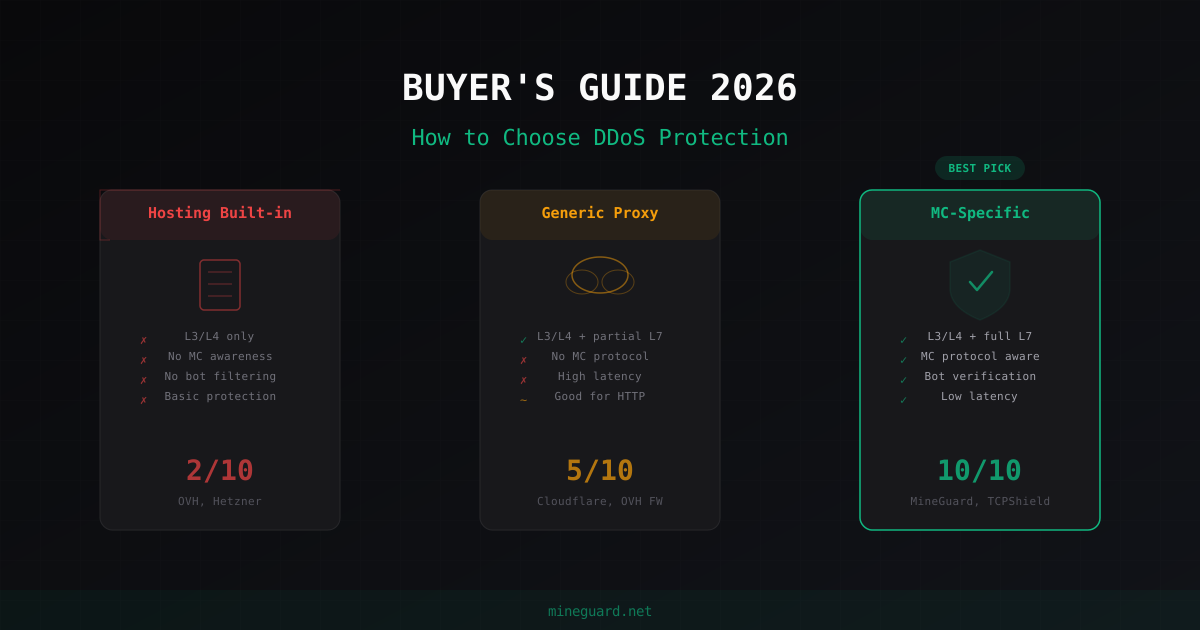
Hosting built-in protection (OVH, Hetzner)
Pros: Free, included with hosting, no setup needed.
Cons: L3/L4 only, does not understand Minecraft, does not filter bots, no captcha, no analytics. Useless against serious attacks.
My verdict: Only works as a base layer. Do not rely on this as your main protection.
Generic proxies (Cloudflare Spectrum)
Pros: Powerful infrastructure, good volumetric attack protection, well-known brand.
Cons: Does not understand Minecraft protocol, cannot filter Minecraft bots, high latency for game servers, expensive (from 50/month for TCP proxy). Cloudflare was built for the web, not for games.
My verdict: If budget is not an issue and you need L3/L4 DDoS protection, Cloudflare will handle it. But it will not save you from Minecraft bots.
MC-specialized solutions
This is what I recommend. Here are the main players:
TCPShield is one of the oldest services. Good basic protection, free tier. Downsides: limited L7 filtering, English-only support, limited analytics.
NeoProtect is a German service with solid infrastructure. Pros: low ping in Europe, decent filtering. Cons: high prices, no Russian language support, interface is an acquired taste.
CosmicGuard is a relatively new player. Decent bot filtering, reasonable prices. Cons: small team, sometimes slow support, limited geographic coverage.
MineGuard is our product, so I will be honest about the bias. But here are the facts: full L3/L4 + L7 protection, deep Minecraft protocol analysis, built-in web captcha, detailed analytics, support in Russian, English and German. Free tier to start, paid plans from 390 rubles per month. Plans: Free (0 RUB), Basic (390 RUB), Starter (860 RUB), Optimal (2790 RUB), Professional (8600 RUB).
Why MC-specialized protection wins
The reason is simple: Minecraft is not HTTP. Generic solutions are optimized for web traffic. They do not understand that a Minecraft handshake packet must contain a valid hostname, that a status ping has a specific structure, that a normal player does not send 50 login packets per second.
Specialized protection knows the protocol inside out. It can identify a bot at the connection stage, before it creates load on your server. It can verify players through web-based captcha - suspicious players are kicked with a link, pass Google reCAPTCHA in their browser, and reconnect. It collects statistics on Minecraft-specific metrics: connection counts, client versions, player geography.
The difference between generic and specialized protection is like the difference between a security guard at the entrance and a facial recognition system. The guard will stop obvious threats, but a smart attacker will get through. A system that knows every face operates on a different level.
Checklist before buying
Before you pay, check every item:
- Protection covers both L3/L4 and L7
- Has Minecraft protocol understanding (not just a TCP proxy)
- Has player verification system (web-based captcha)
- Filtering servers close to your audience
- Has a dashboard with analytics and monitoring
- Transparent pricing with no hidden limits
- Has a free tier or trial period
- Support responds in your language
- Has setup documentation
- Service has been running for over a year (stability)
My advice
Start with a free tier from any MC-specialized service. Connect your server, check the ping, look at the interface, write to support with a question. That way you will know if the service works for you without risking any money.
If you want a specific recommendation, I am of course biased, but I recommend trying MineGuard. Free tier with no time limits, setup takes 5 minutes, 24/7 support in Russian, English and German. If it does not work for you, you lose nothing. But in my experience, after the first attack gets blocked, the question of which service to choose answers itself.
Protect Your Server from DDoS Attacks
Free protection with 5-minute setup. 1 TB bandwidth included.
Try for FreeRelated Articles
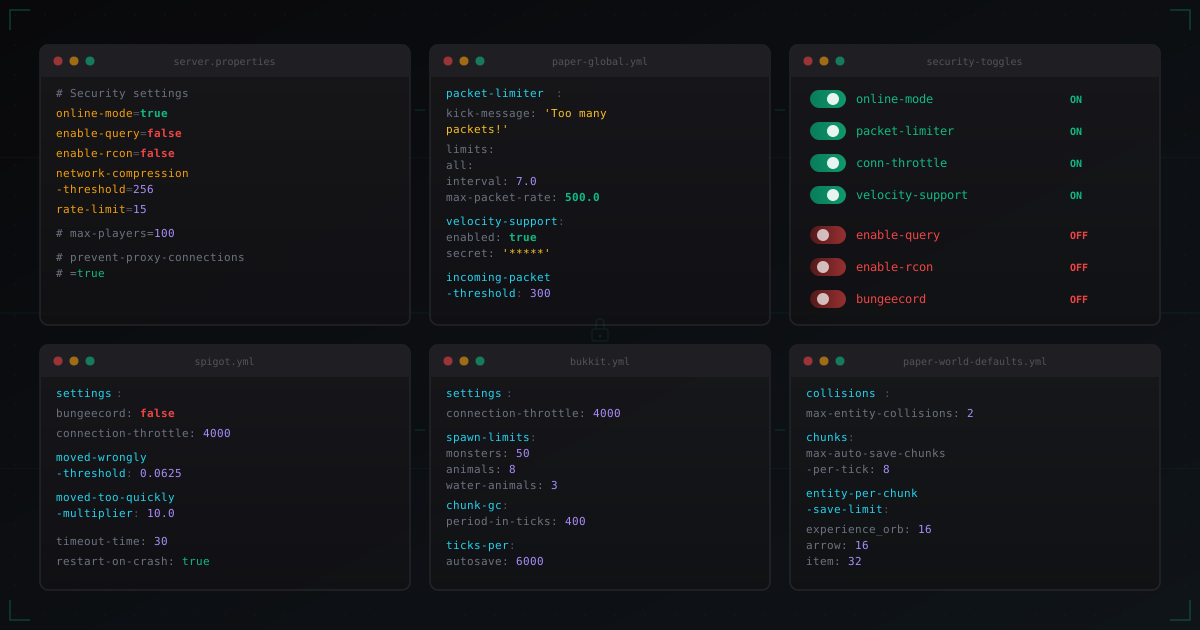
Paper and Spigot Security Settings: What to Enable and What to Disable
Detailed breakdown of security settings in server.properties, spigot.yml, paper-global.yml, paper-world-defaults.yml and bukkit.yml. Every parameter explained with production-ready values.
Citizens: NPCs and quest characters on a Minecraft server
Full Citizens guide: install, skins, traits, click commands, Quests, Denizen and Sentinel integration, holograms and performance tuning.
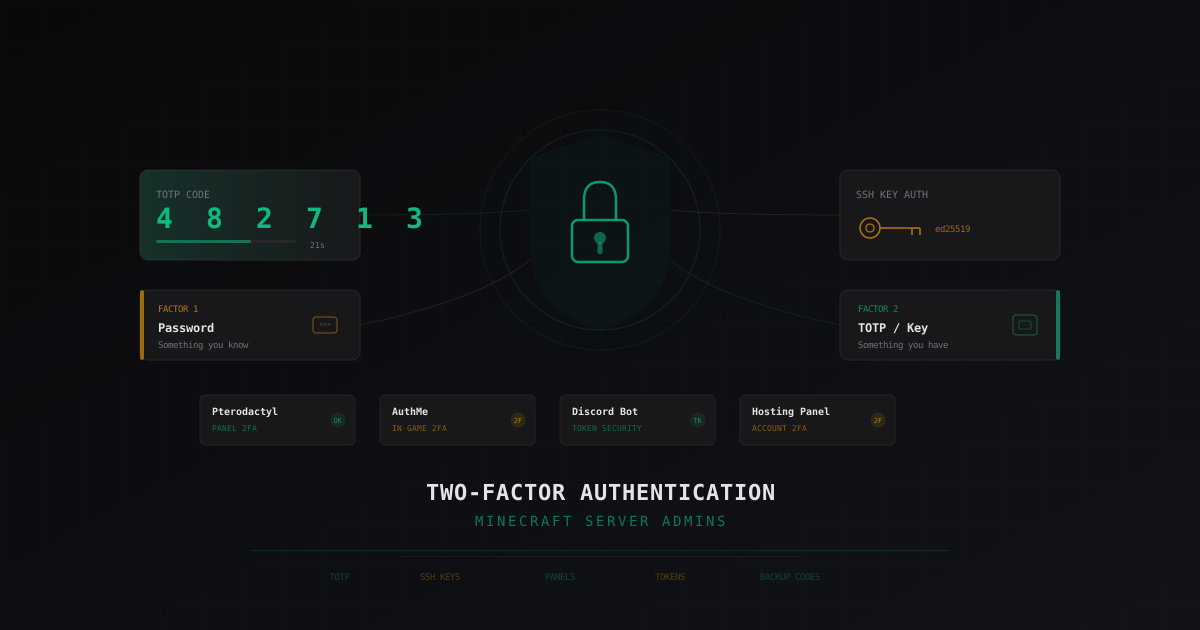
Two-Factor Authentication for Minecraft Server Admins: A Complete Guide
Why every Minecraft server admin needs 2FA, what happens when an admin account gets compromised, TOTP setup in AuthMe, panel access, and SSH. Protecting Discord bot tokens and backup codes.