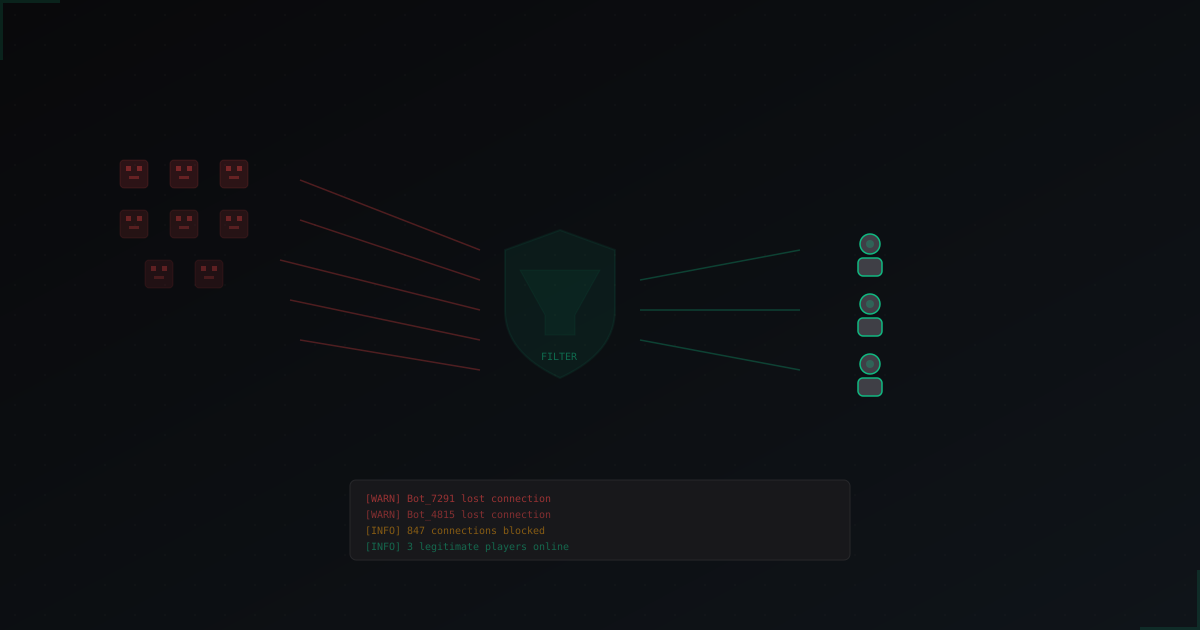
Bot Attacks on Minecraft Servers: How to Identify and Stop Them
DDoS vs Bot Attacks - They're Not the Same
When your server starts lagging or crashing, the first thought is "we're getting DDoSed". But most attacks on Minecraft servers are actually bot attacks, not classic DDoS. The distinction matters because the defenses are completely different.
DDoS (L3/L4) floods your server with junk traffic at the network level. UDP floods, SYN floods, amplification attacks. The goal is to saturate your bandwidth or exhaust server resources so legitimate packets can't get through. Plugins can't do anything about this.
Bot attacks (L7) send hundreds or thousands of fake players to your server through the normal Minecraft protocol. They send valid packets, so from a network perspective everything looks legitimate. The load hits your server directly - CPU, RAM, connection handling.
Attackers often combine both. First they hit you with bots to stress the server, then follow up with DDoS while you're busy dealing with the bots.
Types of Bot Attacks You'll See
Join Flood
The most common type. Bots just connect to your server one after another. They don't chat, don't move, just join. If you have auth plugins like AuthMe, they sit at spawn eating player slots.
In logs:
[09:14:01] [Server thread/INFO]: Bot_a83kd[/185.22.xx.xx:49312] logged in
[09:14:01] [Server thread/INFO]: Bot_k2md9[/185.22.xx.xx:49313] logged in
[09:14:02] [Server thread/INFO]: Bot_zm10v[/103.41.xx.xx:52001] logged in
Key signs: connections from the same subnet, random usernames, multiple connects per second, identical client versions.
Null/Invalid Bots
These don't even try to fully join. They send malformed or incomplete handshake packets. The goal is to overload the connection handler. Your server spends resources creating a session, then the bot disconnects or hangs.
In logs:
[09:14:01] [Server thread/WARN]: Failed to handle packet for /185.22.xx.xx:49312
[09:14:01] [Server thread/INFO]: com.mojang.authlib.GameProfile@xxxx lost connection: Disconnected
Chat/Command Spam
Bots join and start spamming chat or trying commands. Could be advertising garbage or brute-forcing commands like /op, /give, /stop hoping your permissions are misconfigured.
Crash Exploits
The most dangerous type. Bots connect and send specially crafted packets exploiting bugs in specific server versions. Books with huge NBT data, invalid inventory data, movement packets with NaN coordinates.
Telltale sign: 1-2 bots connect and the server immediately crashes. Not hundreds, literally a couple.
BungeeCord/Velocity Exploits
Specific to proxy networks. Two main vectors:
IPForward spoofing. If backend servers accept direct connections (not just from the proxy), attackers can spoof IP addresses through the Bungee protocol.
Handshake spoofing. Bots send modified handshake packets with forged data that the proxy forwards to backends, bypassing some plugin checks.
Why Anti-Bot Plugins Don't Fully Solve It
Let's be honest. Plugins like BotSentry, AntiBot, EpicGuard help. But they have a fundamental limitation.
A plugin runs inside the Minecraft server. The bot has already connected, already completed the TCP handshake, already sent the login packet. Only then does the plugin decide if it's a bot. With 5000 bots per minute, the server can't keep up with processing connections even if each one is rejected in 100ms.
It's like a bouncer standing inside the club. He can kick out troublemakers, but if 500 people rush the door at once, the room is still packed.
What plugins handle well:
- Slow bot trickle (10-50 per minute)
- Chat spam blocking
- Repeat join attempts after bans
What they can't handle:
- Mass join floods (hundreds per second)
- Null bots breaking the handshake
- Bots using residential proxies (look like real players)
- Bot attacks combined with DDoS
What Actually Works
Emergency Whitelist
If you're under attack right now and your server is dying:
/whitelist on
This stops the bot flow immediately. New players can't join either, but at least current players can keep playing. Use this as a temporary measure.
Connection Throttling
At the OS level, limit connections per IP:
iptables -A INPUT -p tcp --dport 25565 -m connlimit --connlimit-above 3 -j DROP
iptables -A INPUT -p tcp --dport 25565 -m recent --set --name mc
iptables -A INPUT -p tcp --dport 25565 -m recent --update --seconds 10 --hitcount 8 --name mc -j DROP
First rule - max 3 simultaneous connections per IP. Second - max 8 connections per 10 seconds. Invisible to normal players, but dumb single-IP bots get filtered.
Problem: serious attacks use thousands of different IPs.
Captcha Verification
A system that blocks players from the main server until they prove they're human. Usually done through an intermediate server (limbo) where the player completes a simple task - enter a code, click certain blocks, solve a visual puzzle.
Bots can't do this (yet). It's the most reliable way to filter L7 bots. MineGuard's captcha, for example, works at the proxy level, so bots never even reach your actual server.
Protocol-Level Filtering
The most effective approach - analyzing Minecraft packets before the connection reaches your server. Checking handshake validity, protocol compliance, packet send rates.
Null bots get dropped instantly because their packets are invalid. Join floods are reduced because suspicious connections are killed before hitting your Java process.
Securing BungeeCord/Velocity
If you run a proxy network:
1. Block direct backend connections. Only the proxy should access backend ports.
iptables -A INPUT -p tcp --dport 25566:25570 -s PROXY_IP -j ACCEPT
iptables -A INPUT -p tcp --dport 25566:25570 -j DROP
2. Use modern forwarding in Velocity instead of legacy BungeeCord forwarding:
player-info-forwarding-mode = "modern"
This uses HMAC signatures that can't be forged.
3. Enable connection throttle on your proxy.
What Real Bot Traffic Looks Like
Here's a real example of a serious bot flood (names and IPs changed):
[12:31:44] [Server thread/INFO]: mK82nd[/103.28.xx.xx:42901] logged in at ([world]-12.5, 64.0, 203.5)
[12:31:44] [Server thread/INFO]: xP93kl[/103.28.xx.xx:42902] logged in at ([world]-12.5, 64.0, 203.5)
[12:31:44] [Server thread/INFO]: rT02mx[/103.28.xx.xx:42903] logged in at ([world]-12.5, 64.0, 203.5)
... (repeats hundreds of times)
[12:31:52] [Server thread/WARN]: Can't keep up! Is the server overloaded?
Same subnet, same spawn point, "Can't keep up" after 8 seconds. Classic pattern.
Null bots look like this:
[12:31:44] [Netty Server IO #312/WARN]: Failed to handle packet
[12:31:44] [Netty Server IO #313/WARN]: Failed to handle packet
[12:31:44] [Netty Server IO #314/ERROR]: IOException: Connection reset by peer
Hundreds of errors per second, all from Netty (Minecraft's network engine).
When Plugins Are Enough vs When You Need External Protection
Plugins are enough if:
- Attacks are rare and weak (under 50 bots/minute)
- Bots are basic - one type, one subnet
- You run a small server without enemies
- You're willing to manually ban subnets
You need external protection if:
- Attacks are regular or targeted
- Bot attacks combine with DDoS
- Bots come from hundreds of IPs (residential proxies)
- Your server is a business and downtime costs money
- You run a BungeeCord/Velocity network
External protection (proxies like MineGuard, TCPShield, Cosmic Guard) routes traffic through a filtering server before it reaches you. Both L3/L4 DDoS and L7 bots are handled before they get close.
Quick Checklist: Basic Protection Setup
If you haven't been attacked yet but want to prepare:
- Update your server to the latest version (patches crash exploits)
- Install an anti-bot plugin (EpicGuard, BotSentry) as a basic filter
- Set connection throttle in server.properties:
connection-throttle=4000 - Close unnecessary ports via firewall
- If using Bungee/Velocity, block direct backend access
- Set up alerts for abnormal player counts
- Make regular backups (crash exploits can corrupt worlds)
- Consider external protection if your server is public and growing
Bot attacks aren't a question of "if" but "when". Every public Minecraft server will face them eventually. Better to prepare now than to panic-google solutions while players are complaining about lag.
Protect Your Server from DDoS Attacks
Free protection with 5-minute setup. 1 TB bandwidth included.
Try for FreeRelated Articles
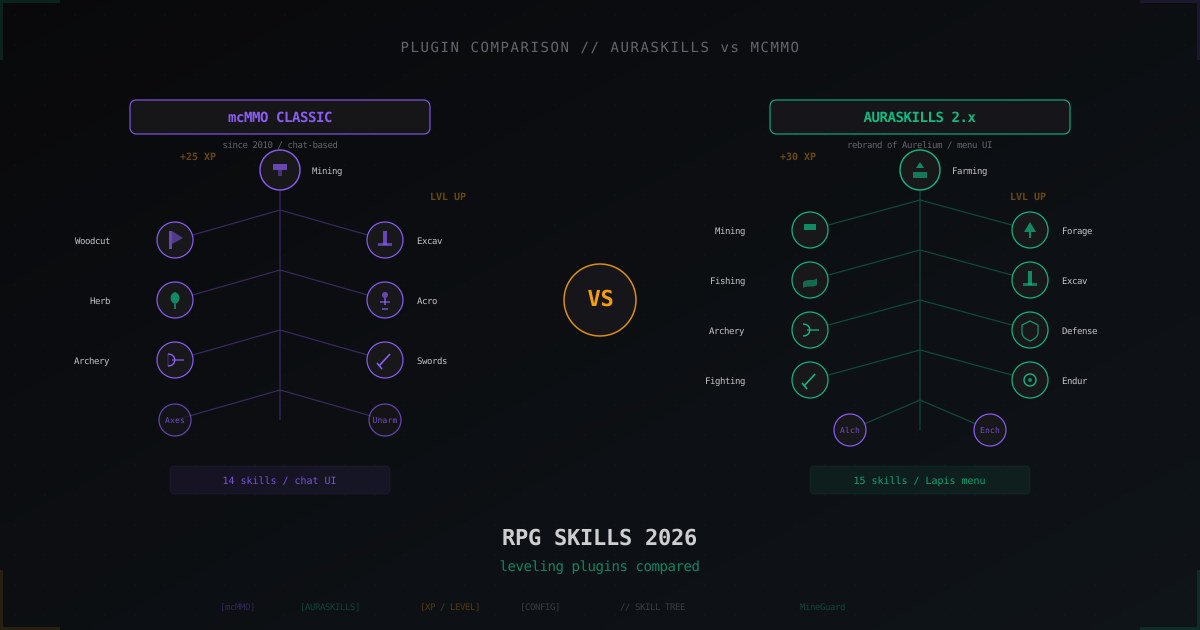
Aurelium Skills (AuraSkills) vs mcMMO: which RPG skills plugin is better in 2026
mcMMO has held the RPG-plugin throne since 2010, AuraSkills (formerly Aurelium Skills) arrived in 2020 and became its main rival in a couple of years. We break down XP formulas, skill systems, UI, integrations and real configs.
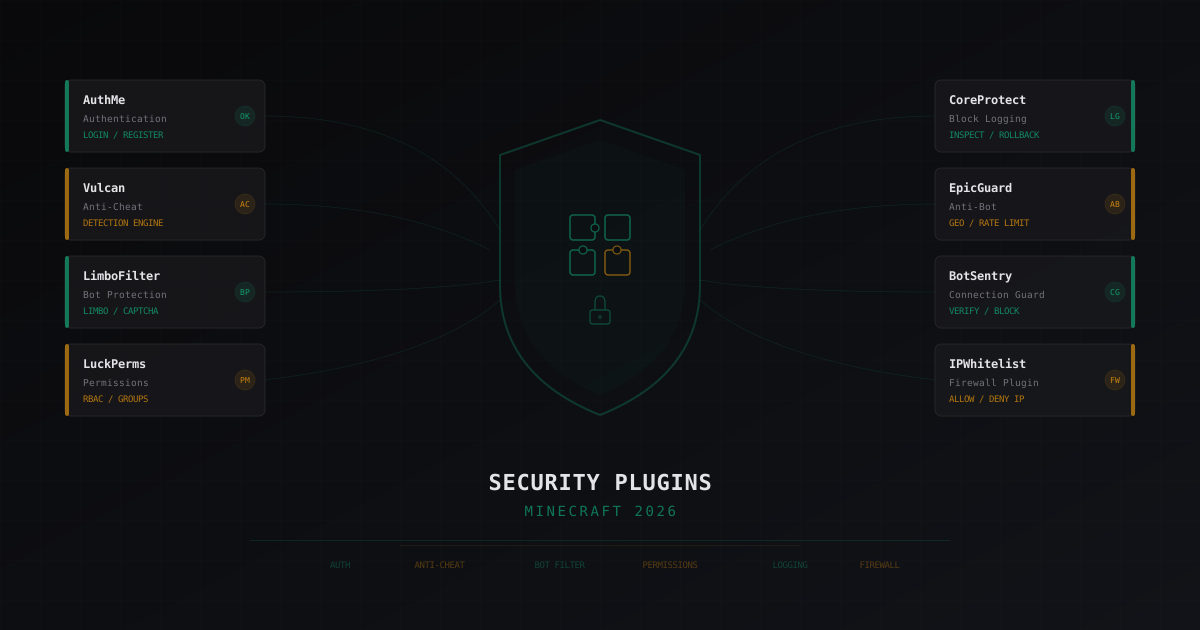
Best Security Plugins for Minecraft 2026: An Honest Review
Breaking down security plugins for Minecraft servers: authentication, anti-cheat, bot protection, permissions, logging. Honest pros and cons for each solution with configuration tips.
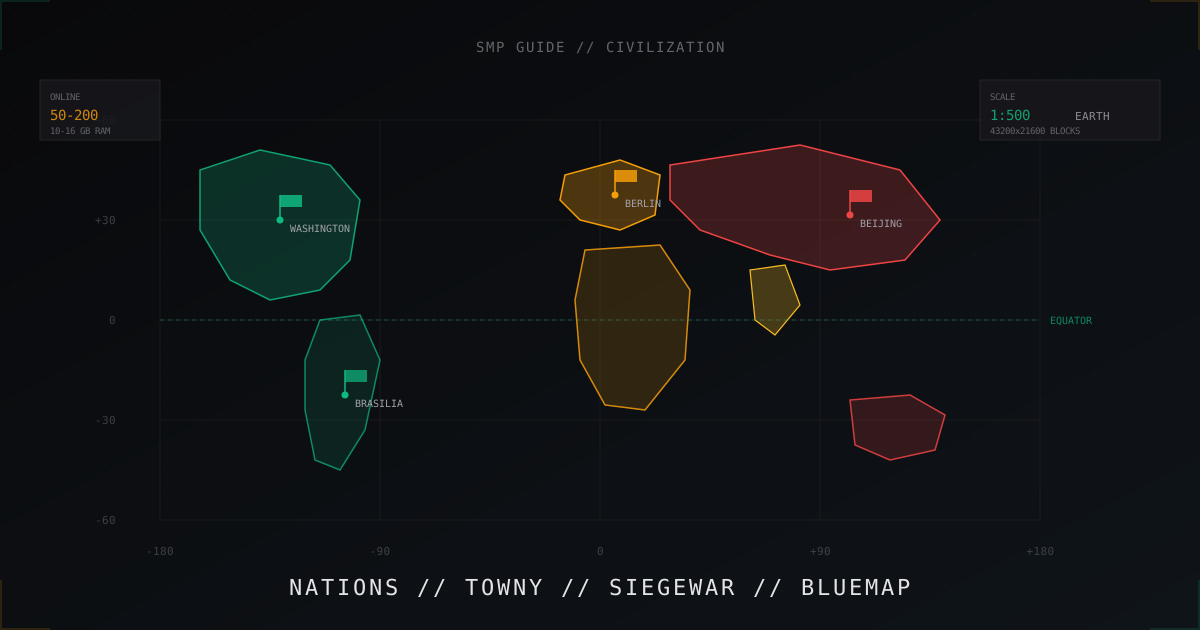
Civilization SMP from scratch: building an EarthMC-style nations server
Earth map, nations, city sieges and BlueMap. Full guide to building a civ SMP server in EarthMC style: plugins, economy, wars.