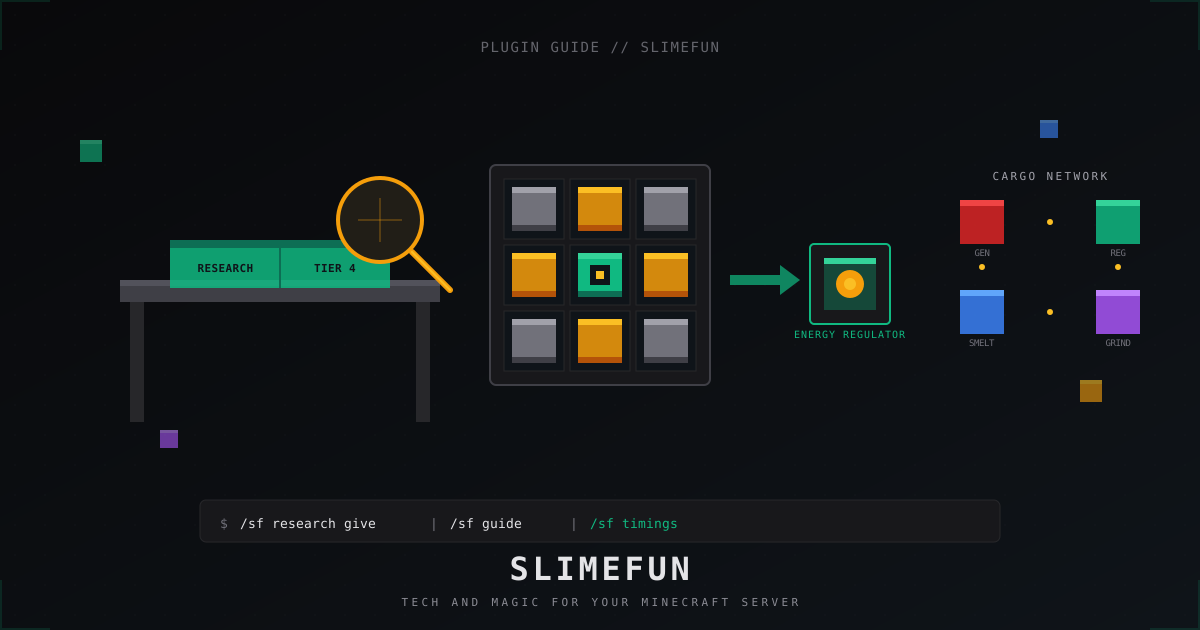
Slimefun: полный гайд по плагину для Minecraft сервера в 2026
Slimefun4 превращает обычный ванильный сервер в мини-индустриальную модпак-песочницу без единого мода на клиенте. Игрок ставит Paper, заходит со стандартным клиентом, а получает крафты в стиле GregTech, магические алтари, грузовые сети и десятки машин. Ниже разложу, как поставить Slimefun4 на Paper 1.21, не споткнуться об исследования и cargo, и не получить просадку TPS до 8 после первой недели игры.
Что такое Slimefun4 и зачем он на сервере
Slimefun4 это форк старого Slimefun, который активно развивается командой TheBusyBiscuit и сообщества начиная с 2019 года. На 2026 актуальна линейка RC-38, билды лежат на Hangar (hangar.papermc.io) и в релизах GitHub репозитория Slimefun/Slimefun4. Плагин полностью серверный, на клиенте ничего ставить не нужно: всё рисуется через ресурсы ваниллы и инвентори-меню.
Зачем брать Slimefun на survival или semi-vanilla проект:
- Бесконечный прогресс. Дерево исследований растягивается на сотни часов: от прокачанной кирки до квантового телепорта.
- Магия и техника в одном плагине. Алтари с гравированными рунами стоят рядом с электропечами и автоматическими крафтерами.
- Огромная экосистема аддонов. ExoticGarden даёт фрукты и кулинарию, InfinityExpansion расширяет endgame, Soul Jars ловит мобов в банки.
- Ноль клиентских модов. Никаких Forge или Fabric у игроков, только ванильный лаунчер.
Минусы тоже честно сразу: Slimefun дорогой по CPU и I/O из-за BlockStorage, плохо переносит крупные cargo-сети и любит разрастаться по диску. Решения дальше в разделе про производительность.
Установка Slimefun4 на Paper 1.21
Точка отсчёта на 2026: Paper 1.21.x на Java 21 LTS. Старые версии (1.20, 1.19) Slimefun ещё формально поддерживает, но новые аддоны и оптимизации тестируются на 1.21.
Минимальный набор:
- Сервер Paper 1.21.4 или новее.
- Java 21 (Temurin, Zulu, Liberica, что удобно).
- Slimefun4 RC-38 или свежее с Hangar.
- Никакого CS-CoreLib не нужно. Это устаревшая зависимость со времён Slimefun 3, в Slimefun4 её убрали много лет назад. Если кто-то советует ставить, он смотрит туториал из 2018 года.
Команды на Linux хостинге типа FastPanel или просто debian box, либо на ru.aternos / mc.lol, если у вас shared:
cd ~/server
wget -O server.jar https://api.papermc.io/v2/projects/paper/versions/1.21.4/builds/latest/downloads/paper-1.21.4-latest.jar
mkdir -p plugins
cd plugins
# Скачайте свежий Slimefun4 jar с Hangar и положите сюда
# https://hangar.papermc.io/Slimefun/Slimefun4
ls -la Slimefun-*.jar
Запуск:
java -Xms6G -Xmx6G \
  -XX:+UseG1GC -XX:+ParallelRefProcEnabled \
  -XX:MaxGCPauseMillis=200 -XX:+UnlockExperimentalVMOptions \
  -XX:+DisableExplicitGC -XX:+AlwaysPreTouch \
  -jar server.jar nogui
Первый запуск создаст папку plugins/Slimefun/. Останавливаем сервер, идём смотреть конфиги.
Базовая настройка: что трогать сразу
Главный файл plugins/Slimefun/config.yml. Самые важные ключи на старте:
options:
  auto-update: true
  chat-prefix: "&aSlimefun &7> "
  enable-armor-effects: true
  backwards-compatibility: false
  talismans-actionbar: true

researches:
  enable-researching: true
  free-creative-research: true
  guide-give-on-first-join: true
  use-levels: true

guide:
  default-view-book: false
  show-vanilla-recipes: true

logging:
  vanilla-recipes: false
Что это даёт:
free-creative-research: trueставлю всегда. Иначе админ в креативе будет тратить уровни просто чтобы дать комментарий по балансу.guide-give-on-first-join: trueэкономит вам сотни вопросов в чате. Книга-гайд падает в инвентарь новичку автоматически.use-levels: trueоставляйте, иначе исследования бесплатные и весь смысл прогрессии теряется.default-view-book: falseпереключает гайд в инвентарь-режим, кликать мышью удобнее, чем листать книгу.
Второй файл, который пригодится сразу: plugins/Slimefun/Researches.yml. Там можно перебить стоимость любого исследования отдельно. Полезно, если вы хотите сделать какие-то предметы дороже на сезонке.
Гайдбук и категории предметов
Slimefun Guide Book это центральный UI плагина. Игрок открывает книгу, видит категории: Tools, Weapons, Armor, Food, Magical Items, Cargo Management, Electricity и десятки других. Каждый предмет имеет требование уровня и стоимость в опыте.
Команды админа, которые я использую каждый день:
/sf guide                       # дать себе свежий гайд
/sf research <player> all       # открыть все исследования игроку (тестим балансы)
/sf research <player> reset     # сбросить прогресс, фикс читеров
/sf give <player> <item> <n>    # выдать любой Slimefun предмет
/sf timings                     # измерить нагрузку плагина
/sf debug                       # включить debug-режим для пинпойнта багов
ID предметов смотрите в исходниках или через /sf cheat, если включён cheat-режим в конфиге. Имя предмета пишется КАПСОМ_С_ПОДЧЁРКИВАНИЯМИ, например ELECTRIC_SMELTERY, CARGO_NODE_INPUT, ENERGY_REGULATOR.
Cargo-сеть и энергия: как это работает
Эти две системы сильнее всего грузят CPU, поэтому понимать их обязательно.
Энергосеть. Состоит из трёх типов блоков:
- Генератор: Coal Generator, Solar Generator, Bio Reactor, Nuclear Reactor.
- Регулятор: Energy Regulator. Один регулятор на сеть, физически соединяется с генераторами и потребителями через Energy Connector.
- Потребитель: Electric Furnace, Grind Stone, Auto Crafter и так далее.
Энергия не хранится в проводах. Регулятор каждый тик собирает то, что произвели генераторы за этот тик, и раздаёт потребителям. Если хотите буфер, ставьте Capacitor (от Small до Carbonado), они хранят до миллионов J.
Cargo-сеть. Это система автоматической передачи предметов между Slimefun-машинами и обычными ванильными сундуками. Базовые блоки:
- Cargo Manager: один на сеть, мозг.
- Cargo Node (Input): забирает из контейнера.
- Cargo Node (Output): кладёт в контейнер.
- Cargo Connector Node: соединительные узлы.
- Advanced Cargo Output Node: умеет фильтры по NBT и slimefun-id.
Номер канала на каждом ноде задаётся в его GUI. Это самая частая ошибка новичков: они ставят два Cargo Node Input на один сундук на разных каналах и удивляются, почему ничего не работает.
Пример типового завода: ферма древесины пишет в сундук, Cargo Node Input берёт оттуда дубовые брёвна на канале 1, Cargo Node Output на канале 1 кладёт их в Electric Smeltery. Уголь из второго сундука идёт по каналу 2 туда же. На выходе Cargo Node Input на канале 3 забирает уже готовый charcoal в финальный сундук-склад.
Совет, который реально экономит часы дебага: рисуйте каналы на бумаге или в Excalidraw до того, как поставите первую ноду. На сетях из 30 узлов держать схему в голове ещё реально, на сети из 200 уже нет. Игроки, которые этого не делают, обычно к концу сезона приходят с просьбой удалить им всю фабрику и начать заново.
Ещё одна тонкость: Cargo Manager имеет радиус действия только в пределах загруженных чанков. Если ваша автофабрика вынесена за пределы пер-чанк-загрузки, она просто остановится. Решение либо chunk loader из аддона типа ChrislieChunkLoader, либо размещение фабрик ближе к спавну в принудительно загруженных чанках через /forceload add.
Популярные аддоны: что брать в 2026
На Hangar и Modrinth лежит несколько десятков аддонов разной актуальности. Вот те, что я бы поставил на новый survival сервер сегодня:
| Аддон | Что добавляет | Стабильность 1.21 | Когда нужен |
|---|---|---|---|
| ExoticGarden | Фрукты, ягоды, готовка, вино | хорошая | Любой survival с акцентом на фермы |
| InfinityExpansion | Endgame машины и материалы | хорошая | Долгий сезон, нужен late-game |
| Soul Jars | Ловля мобов в банки + spawner | средняя | Если ванильные spawner-ы скучны |
| Networks (Slimefun Networks) | Беспроводные cargo-сети | хорошая | Когда обычные cargo тормозят |
| FoxyMachines | Доп. машины и автоматизация | хорошая | Расширение базы крафтов |
| HotBricks | Дополнительные блоки и декор | стабильная | Билдеры и creative-задачи |
| RykenSlimefunCustomizer | Кастомные предметы и крафты | средняя | Если хотите свою механику |
| GalactiFun | Космос и планеты | бета | Для тематических серверов |
Каждый аддон это отдельный jar в plugins/. Slimefun сам подхватит его при старте, если jar лежит правильно. Перед обновлением Paper всегда проверяйте, что аддон уже релизнули под новую версию, иначе получите NoSuchMethodError на старте.
Производительность: BlockStorage и AsyncBlockTicker
Самая больная тема. У Slimefun есть собственное хранилище данных каждого его блока, BlockStorage. Каждый Slimefun-блок на карте это запись в YAML-файле в plugins/Slimefun/data-storage/Slimefun/stored-blocks/. Если у вас 200 тысяч Cargo Node Connector по всему миру, у вас 200 тысяч записей и кучка YAML файлов на сотни мегабайт.
Что реально помогает:
# config.yml
worlds:
  enable-async-block-storage: true

performance:
  type: balanced  # варианты: low, balanced, high
  show-hidden-blocks-in-inventory: false
  show-vanilla-recipes-in-guide: false
  show-stats-on-startup: false
Ключ performance.type: balanced работает как пресет для AsyncBlockTicker. Slimefun сам решает, сколько блоков обрабатывать за тик и динамически подстраивается под текущий TPS. Если TPS падает ниже 18, пресет low урежет тики у машин. Это лучше, чем замораживать всё намертво.
Второй инструмент: команда /sf timings. Показывает топ медленных блоков и аддонов. Если видите, что Energy Regulator висит на 80% бюджета, у вас слишком большая электросеть и пора резать её на несколько независимых.
Третий совет: ограничивайте размер cargo-сетей через Slimefun.yml -> network-size-limit: 256. По умолчанию Cargo Manager обходит до 5000 нод, на больших фабриках это ад для CPU.
# Slimefun.yml
networks:
  cargo:
    max-nodes: 256
  energy:
    max-nodes: 1024
И помните про железо. Slimefun пишет YAML, а YAML это I/O. На обычном HDD у вас будут лаги при сейвах. Берите NVMe или хотя бы нормальный SSD у хостера.
Ещё про память. На больших мирах (>50 тысяч Slimefun-блоков) BlockStorage держит весь индекс в RAM. У меня на сезонке с InfinityExpansion и ExoticGarden плагин съел 2.4 ГБ heap, так что 6 ГБ Java-кучи уже впритык. Закладывайте -Xmx 8G минимум и мониторьте /sf debug на предмет утечек.
Полезная команда для диагностики: /sf timings paste. Она грузит timings отчёт на pastebin Slimefun и выдаёт ссылку. По ней разработчики плагина и комьюнити могут реально подсказать, что у вас тормозит. Но не показывайте такие ссылки публично без редактуры, там может быть имя сервера и список IP игроков из сопутствующих плагинов.
Типичные ошибки админа
Коротко по граблям, на которые наступал каждый, кто ставил Slimefun:
- Не делать бэкап
plugins/Slimefun/data-storage/. Если файлstored-blocksв этом каталоге побьётся, вы потеряете все Slimefun блоки на карте. Бэкапьте папку отдельно от мира. - Ставить старый Slimefun на новый Paper. Линейка RC-37 и старше не запустится на Paper 1.21 из-за изменений API. Если плагин не стартует, проверьте Hangar на свежий билд.
- Удалять Slimefun блоки через WorldEdit. Регион с cargo-нодами вы вычистите, но в BlockStorage эти записи останутся призраками. Используйте
/sf clearили специальный аддон Slimefun-WorldEdit-Support. - Не настраивать защиту регионов. Cargo Manager стоит на территории игрока без защиты, сосед ломает его киркой, вся фабрика встаёт. WorldGuard или GriefPrevention обязательны.
- Игнорировать
/sf timingsпосле первого месяца. Сервер за месяц обрастает машинами кратно. Раз в неделю смотрите тайминги, особенно если поставили InfinityExpansion. - Включать auto-update без тестового сервера. Свежий RC может прилететь с регрессиями. На проде ставьте
auto-update: falseи обновляйтесь вручную после теста. - Хранить research level в одной банке с XP-плагином. Если у вас CombatLevels, MyXp или подобное, исследования жрут уровни прогрессии. Решается
use-levels: falseи переключением на отдельную валюту через аддон.
FAQ
Нужен ли CS-CoreLib для Slimefun4?
Нет. CS-CoreLib был зависимостью Slimefun 3 и ранних версий Slimefun4, его выпилили несколько лет назад. Если в инструкции 2026 года вам предлагают его поставить, инструкция устаревшая. Slimefun4 RC-38 ставится одним jar.
Можно ли запустить Slimefun на Spigot, не на Paper?
Формально да, но никто этого не делает. Paper даёт async chunk loading и оптимизации, без которых Slimefun будет ронять TPS. Любой современный туториал и сами разработчики ориентируются на Paper или Folia (для Folia есть отдельный форк, статус актуальности смотрите в issue tracker репозитория).
Slimefun грузит CPU на 100%, что делать?
Сначала /sf timings и /timings paste от Paper. Найдите топ-5 тяжёлых блоков. Чаще всего это разросшиеся cargo-сети или Nuclear Reactor без правильного охлаждения. Уменьшите max-nodes, переключите performance.type на low, удалите заброшенные базы старых игроков.
Конфликтует ли Slimefun с ItemsAdder или Oraxen?
С ItemsAdder и Oraxen Slimefun уживается, конфликтов по item ID не будет, потому что Slimefun хранит свои предметы через PersistentDataContainer, а не через CustomModelData. Проблема возникает только если оба плагина пытаются обработать одинаковый клик по блоку. Решение: настроить приоритет ивентов или использовать разные миры под разные сборки.
Как сбросить прогресс игроков на новом сезоне?
/sf research <player> reset
Или массово через скрипт по всем игрокам из plugins/Slimefun/data-storage/Slimefun/Players/. Файлы там это просто YAML, можно зачистить через find . -name '*.yml' -delete после бэкапа.
Защищает ли Slimefun от DDoS-атак на сервер?
Конечно нет, это плагин логики. Защита периметра делается отдельно, на уровне сети. Если ваш сервер с Slimefun становится популярным, на него начнут лить мусорный трафик, и фильтры вроде MineGuard как раз для этого. Slimefun не отменяет необходимость ddos protection, он её увеличивает: чем интереснее сервер, тем больше внимания, в том числе нездорового.
Где смотреть документацию и ID предметов?
GitHub Slimefun/Slimefun4, вкладка Wiki. Там описаны все предметы, машины и API для разработчиков аддонов. Modrinth и Hangar дают только jar и краткое описание, полный справочник только в wiki.
На этом по базе всё. Slimefun4 запускается за полчаса, но настройка под живой проект занимает неделю экспериментов. Главное правило: бэкапы папки data-storage отдельно от мира, мониторинг через /sf timings раз в неделю, и не разрастайте cargo-сети до пятитысячных монстров. Тогда плагин выдержит и сезон, и второй, и десятый.
Защитите свой сервер от DDoS-атак
Бесплатная защита с настройкой за 5 минут. 1 ТБ трафика в подарок.
Попробовать бесплатноЧитайте также
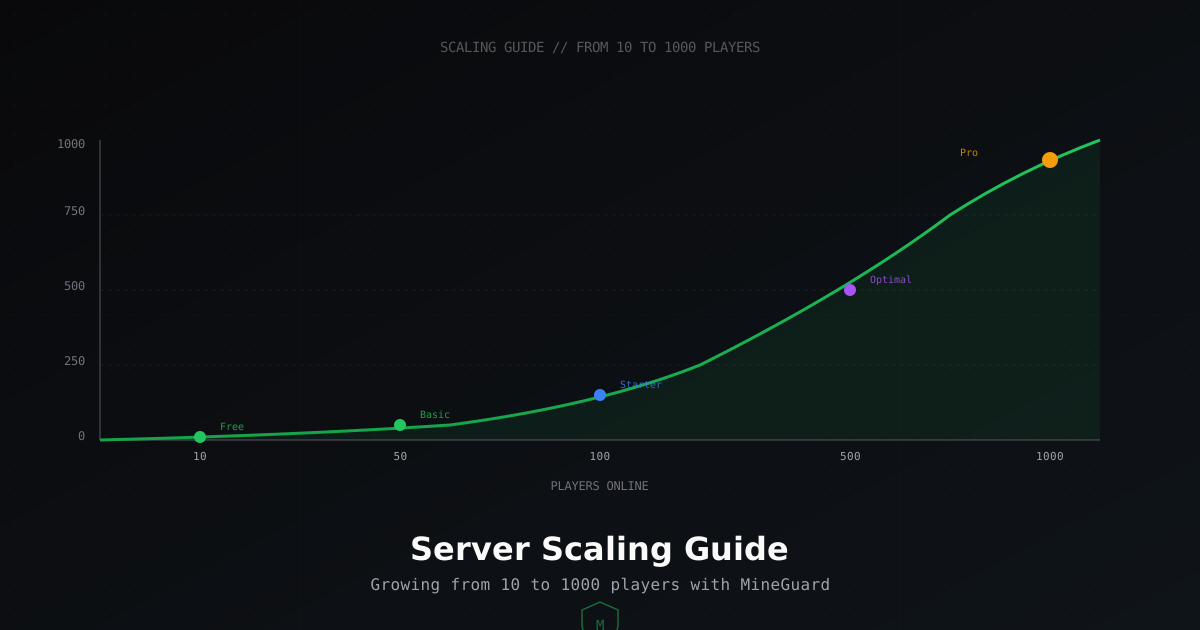
Как масштабировать Minecraft сервер: от 10 до 1000 игроков
Подробное руководство по масштабированию Minecraft сервера. Разбираем требования к железу, трафику и защите на каждом этапе роста: 10, 50, 100, 500 и 1000 игроков онлайн.
Почему крашится Minecraft сервер: полный гайд по диагностике и исправлению
Разбираем самые частые причины вылетов Minecraft сервера: нехватка памяти, повреждённые чанки, конфликты плагинов, перегрузка сущностями. Пошаговые инструкции по чтению краш-репортов и устранению проблем.
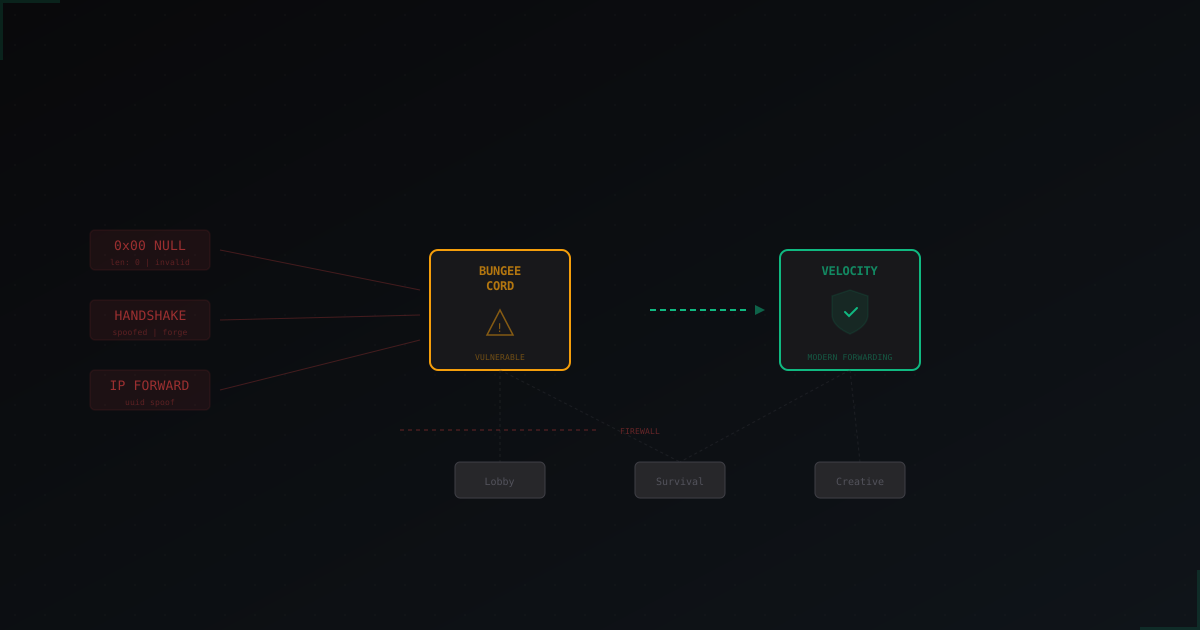
Null-атаки и BungeeCord эксплойты: как защитить Minecraft сервер
Null-атаки и эксплойты BungeeCord - одни из самых неприятных проблем для администраторов Minecraft серверов.