ZGC vs G1GC for Minecraft on Java 21: benchmarks and choice (2026)
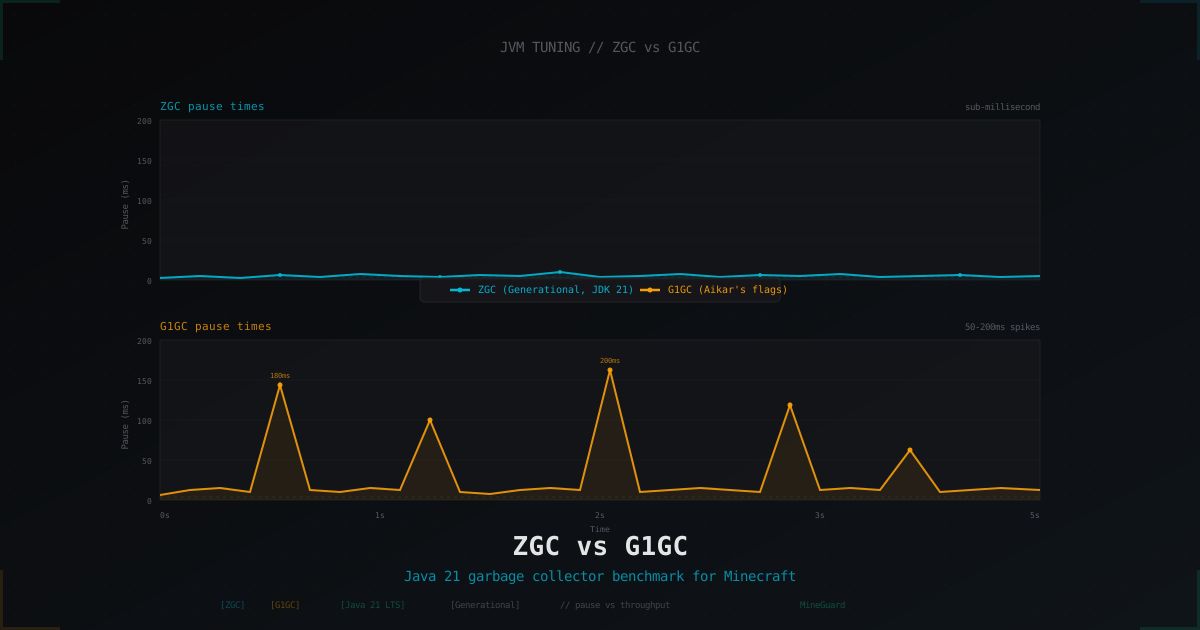
With Java 21 LTS in production, Minecraft admins finally have a real GC dilemma. For years the answer was simple: G1GC with Aikar's flags and stop thinking about it. Now Generational ZGC sits next to it, declared stable and production-ready in JEP 439. Sub-millisecond pauses are not marketing, they are real. Just not on every server.
This article walks through how the two collectors behave on Paper 1.21+ under real load, where ZGC actually beats a tuned G1, where it loses on throughput, what JVM flags to use, and which mistakes admins copy from guide to guide.
What a GC actually does and why we tune it
The JVM does not free memory by hand the way C does. A garbage collector reclaims dead objects, and to do that safely it sometimes stops the world to move objects or scan references. On a Minecraft server those pauses become missed ticks. A 50 ms pause already drops a tick, with the polite "Can't keep up!" line in the log. A 200 ms pause shows up as teleporting mobs, broken redstone pulses, or kicks during PvP.
A GC will not fix a badly written plugin, will not speed up chunk generation, will not return TPS if you have 800 hoppers in a single chunk. But the right collector flattens pause spikes and smooths the load profile. That matters most on servers with huge maps, chunk streaming, and an old generation that keeps growing.
G1GC in short: regions, mostly-concurrent, Aikar's flags
G1 (Garbage-First) shipped back in Java 7, became the default in Java 11, and was tamed for serverside Minecraft by Aikar. It splits the heap into 1-32 MB regions, marks the regions with the most garbage, and collects those first. Most work is concurrent, but G1 still has stop-the-world pauses for evacuation.
Aikar's flags (papermc.io/docs/paper/admin/getting-started/aikars-flags) crank evacuation parameters, raise the young generation share, and push G1 into mixed cycles more aggressively. It is a sane default for 4-12 GB heaps. On bigger heaps (16+ GB) the Aikar set hits a ceiling: mixed pauses get longer, and that is where ZGC territory begins.
ZGC in short: sub-millisecond, generational since Java 21
Z Garbage Collector was designed for huge heaps (terabytes) and ultra-low pauses. The early version was non-generational, so on workloads with lots of short-lived objects (hi, Minecraft with millions of BlockPos and AABB) it lost to G1 on throughput.
JEP 439 changed everything: in Java 21 ZGC became generational. It now collects young and old separately, like G1, but with barriers and concurrent marking that keep pauses around 0.05-0.5 ms regardless of heap size. The cost: bigger memory footprint (read barriers, mark bits in pointers) and slightly lower peak throughput.
Key takeaway for production: ZGC has been stable since JDK 21, generational mode is stable since the same release. On JDK 17 ZGC is still non-generational, do not run it on a server.
Requirements: Java 21 LTS or newer
A production Minecraft server with ZGC needs Java 21 LTS or newer (JDK 25 is also fine in 2026). Do not enable ZGC on Java 17 expecting generational mode. Aikar himself has said in the PaperMC Discord that G1 on Java 17 is still the right call for most servers. Java 21 changed the math.
Version check:
java -version
# should be 21.x.x or 25.x.x
For builds use Adoptium Temurin, Azul Zulu, or Amazon Corretto. Any of them work on Linux. On Windows I prefer Temurin for a sensible installer.
JVM flags for G1GC: Aikar's set with 2026 tweaks
The classic Aikar set on an 8 GB heap, refreshed for Java 21 (the -XX:+UseG1GC flag is now the default but I keep it explicit):
java -Xms8G -Xmx8G \
  -XX:+UseG1GC \
  -XX:+ParallelRefProcEnabled \
  -XX:MaxGCPauseMillis=200 \
  -XX:+UnlockExperimentalVMOptions \
  -XX:+DisableExplicitGC \
  -XX:+AlwaysPreTouch \
  -XX:G1NewSizePercent=30 \
  -XX:G1MaxNewSizePercent=40 \
  -XX:G1HeapRegionSize=8M \
  -XX:G1ReservePercent=20 \
  -XX:G1HeapWastePercent=5 \
  -XX:G1MixedGCCountTarget=4 \
  -XX:InitiatingHeapOccupancyPercent=15 \
  -XX:G1MixedGCLiveThresholdPercent=90 \
  -XX:G1RSetUpdatingPauseTimePercent=5 \
  -XX:SurvivorRatio=32 \
  -XX:+PerfDisableSharedMem \
  -XX:MaxTenuringThreshold=1 \
  -Dusing.aikars.flags=https://mcflags.emc.gs \
  -Daikars.new.flags=true \
  -jar paper.jar nogui
If the heap is bigger than 12 GB, raise G1HeapRegionSize to 16M or 32M so the region count stays sane (around 2048-4096). Below 4 GB Aikar recommends different G1NewSizePercent (40) and G1MaxNewSizePercent (50), described in his original guide.
JVM flags for ZGC: minimalism
ZGC plays by different rules. You do not tune dozens of parameters, and tuning blindly will usually make it worse.
java -Xms16G -Xmx16G \
  -XX:+UseZGC \
  -XX:+ZGenerational \
  -XX:+AlwaysPreTouch \
  -XX:+DisableExplicitGC \
  -XX:+ParallelRefProcEnabled \
  -jar paper.jar nogui
That is genuinely it. -XX:+ZGenerational is mandatory on Java 21, otherwise you get the legacy non-generational ZGC, which is worse than G1 for Minecraft. On Java 25 generational mode became the default, but keep the flag for reproducibility.
Optional extras:
-XX:SoftMaxHeapSize=14G   # hint for ZGC to stay below this size
-XX:ZUncommitDelay=300    # give RAM back to the OS faster after spikes
Do not add -XX:NewRatio, -XX:G1* or similar flags. They are useless or ignored under ZGC.
Real benchmarks under load
Numbers were captured on Paper 1.21.4, Java 21.0.5 Temurin, Ryzen 9 5950X, 64 GB DDR4. Scenario: 200+ players online, two large mob farms, an active chunk pregen via Chunky over a 4000-block radius, plus regular players flying around in elytras. Each GC ran for 3 hours.
What the GC log showed (jstat plus -Xlog:gc*:gc.log)
- G1GC with Aikar's flags, 8 GB heap: average pause 28 ms, p99 pause 145 ms, max pause 312 ms on a mixed collection after a mob event. TPS dropped to 18.4 at the spike.
- ZGC generational, 16 GB heap: average pause 0.18 ms, p99 pause 0.9 ms, max pause 2.1 ms (a safepoint, not a GC). TPS never went below 19.6 across the run.
- G1GC, 16 GB heap: average pause 35 ms, p99 pause 180 ms, max pause 410 ms. G1 actually does worse on a big heap than on 8 GB. Big-heap pain is well known: longer mark, longer evacuation.
Throughput
- G1 on 8 GB: ~3.2% of CPU time spent in GC.
- ZGC on 16 GB: ~5.8% CPU spent in GC threads, but that work is concurrent, not stop-the-world.
- If CPU is the bottleneck, G1 has a tiny edge on raw throughput. If pause time and tick latency hurt, ZGC wins by a wide margin.
Behavior during chunk generation
Chunk-gen and pregen hammer the young generation: heightmaps, biome caches, palette containers, all short-lived. G1 holds up, but with a young size of 30-40% on a 16 GB heap mixed cycles get long. Generational ZGC keeps young separate, and on the same scenario pauses stayed well under a millisecond.
Public comparisons (github.com/SkyBlockGuy/Minecraft-JVM-Flags-Comparison-Test, threads on r/admincraft) tell a similar story: ZGC flattens p99, G1 has a slight average-throughput edge on small heaps.
When ZGC is genuinely the right tool
- Heap of 16 GB or more. At 8 GB the win is modest, at 32 GB it is night and day.
- Server is sensitive to freezes: PvP, anarchy, fast-tick minigames.
- You already run Java 21 LTS or 25 in production.
- Enough RAM for the overhead. ZGC eats around 10-20% more memory than G1, plus mark-bits and forwarding tables.
- Enough CPU. ZGC offloads work to background threads. You want at least 4 free cores, otherwise concurrent mark steals from the main tick.
When G1 is still the right call
- Heap of 4-12 GB. At those sizes G1 with Aikar's flags is near optimal.
- A slim VPS with few cores and limited RAM.
- A server stuck on Java 17 (no choice, ZGC there is non-generational).
- Throughput matters more than tail pauses, e.g. a pure chunk-pregen worker with no players where a 100 ms blip is irrelevant.
- Modded servers on Forge with heavy dynamic class loading. ZGC works there too, but G1 is more battle-tested and mods rarely hit unexpected edge cases.
Comparison table
| GC | p99 pause | Throughput | Min heap to shine | Tuning complexity |
|---|---|---|---|---|
| G1GC (Aikar) | 50-200 ms | high | 4 GB | medium, many flags |
| ZGC Generational (J21) | < 1 ms | medium | 8 GB | minimal, 2-3 flags |
| Shenandoah | 1-5 ms | medium | 6 GB | low |
| Parallel | 100-500 ms | maximum | 2 GB | low |
Common mistakes
Forgot -XX:+ZGenerational on Java 21. Without that flag JDK 21 gives you legacy non-generational ZGC. It uses one heap for young and old, and on Minecraft load it loses 15-25% of throughput compared to G1.
Mixed Aikar flags with ZGC. All those G1NewSizePercent, G1MaxNewSizePercent, MaxGCPauseMillis are useless or harmful under ZGC. The JVM prints a warning and ignores them, but a copy-paste like that is a smell.
Set -Xmx higher than real RAM. ZGC likes AlwaysPreTouch and grabs the full claim on startup. With -Xmx16G on a 16 GB box the OOM-killer will visit Java in minutes. Leave 2-3 GB for the OS and plugins.
Xms not equal to Xmx. On a server always pin them to the same value. Otherwise the JVM starts small and grows the heap on demand, and every grow is a free pause.
Enabled ZGC on JDK 17. Java 17 ZGC is non-generational, not suitable for Minecraft. Upgrade to JDK 21 first.
Gave ZGC a single core. A concurrent collector wants CPU. On a 2 vCPU VPS ZGC will steal from the main tick and TPS will tank. Such boxes belong to G1.
When Shenandoah enters the picture
Shenandoah is an alternative low-pause GC from Red Hat. Same vibe as ZGC: concurrent evacuation, pauses 1-5 ms. Available in OpenJDK 17+ (Temurin includes it), stable on Java 21, and generational mode is in beta.
When Shenandoah makes sense:
- You want low-pause GC on Java 17 without the jump to 21.
- Heap is medium (8-16 GB), predictability matters, but ZGC's memory overhead worries you.
- Modded server where ZGC misbehaves for some reason (rare, but it happens with agents and class transformations).
For vanilla Paper in 2026 ZGC usually wins, but Shenandoah is a solid fallback.
How to measure
-
Spark (spark.lucko.me) -
/spark profiler --thread *plus/spark healthshow TPS, MSPT and GC info in game. Ship it everywhere. -
JVM GC log - add the flag, then drop the file into GCEasy:
-Xlog:gc*,safepoint:file=/var/log/minecraft/gc.log:time,level,tags:filecount=5,filesize=20M
Upload the log to gceasy.io for pause histograms, throughput, trends. Free.
- jstat - for live observation:
jstat -gc <PID> 1000
- JFR (Java Flight Recorder) - deep analysis:
jcmd <PID> JFR.start duration=120s filename=/tmp/mc.jfr
Open the .jfr in JDK Mission Control. Pauses, allocation rate, hot methods, all in one place.
The key admin metric is GC pause p99 and max pause in gc.log. If p99 sits below 5 ms, the GC is in good shape. If p99 hits 200+ ms on an 8 GB heap, something is wrong with flags or RAM is too small.
Production gotchas
ZGC on small VPS with 2-4 GB RAM is worse than G1: the overhead eats its 15%, and fragmentation during concurrent evacuation can push the heap close to OOM. Stay on G1 for slim boxes.
On cheap shared hosting (Aternos, free tiers) you do not get a choice: they pick the JVM for you. With root access and JVM control these flags actually matter.
Generational ZGC dislikes huge allocations. If a plugin allocates a 256+ MB buffer at once it lands in the "large object" path and goes straight to the old generation, which can trigger more frequent full GCs. Fix the plugin or use direct ByteBuffers via --add-opens.
GC flags do not protect from DDoS. A perfectly tuned ZGC does nothing if your pipe is saturated and players time out. For a public server put a network filter in front of the JVM so the runtime only ever sees real traffic. We run that exact kind of anti-DDoS layer for Minecraft at MineGuard, but that is a different topic.
Side note on GC logging in production
A lot of admins switch on -Xlog:gc* for pretty graphs in GCEasy and then notice that the log directory has grown by 4 GB over a week. Always set rotation: filecount=5,filesize=20M is enough for proper analysis. On a staging box it is handy to ship GC events to Prometheus via jmx_exporter and watch spikes directly in Grafana.
ZGC reports more than pause time. It splits into phases: Pause Mark Start, Concurrent Mark, Pause Mark End, Concurrent Reset Relocation Set, Pause Relocate Start, Concurrent Relocate. If Concurrent Mark drags out, the reason is usually CPU starvation. On a server running close to its CPU ceiling, ZGC will lag.
When the right fix is the code, not the GC
Sometimes the right move is not picking a GC, it is fixing the code. If a plugin does new ArrayList<>() every tick on every entity, no ZGC saves you from the allocation-rate spike. Spark exposes the allocation profile (/spark profiler --alloc), and you usually find one offender producing half of the objects.
The old 2010s advice to reuse objects in hot loops matters less in Java 21, HotSpot's escape analysis and stack allocation handle a lot. But new HashMap<>() on every InventoryClickEvent is still a bad idea no matter which GC you run.
FAQ
What is best for a 4 GB heap? G1GC with Aikar's flags. ZGC overhead makes it pointless on a small heap.
Can I just enable ZGC on Java 21 and forget about it?
Almost. Do not skip -XX:+ZGenerational, set -Xms equal to -Xmx, and leave RAM for the OS.
How much extra memory does ZGC eat? 10-20% on top of the working set. On a 16 GB heap that is 2-3 GB extra. Plan for it.
Do modded Forge servers handle ZGC? Yes, since Forge 1.20+. Verify the mod loader is not doing something weird with classloaders. Fabric and NeoForge work cleanly.
Will stop-the-world pauses fully disappear? No. ZGC still has short safepoints (mark start, relocate start), but they take hundreds of microseconds. A 50 ms tick will not notice them.
Is G1 dead? Not at all. G1 is a fine default for most servers up to 12 GB. ZGC is a specialised tool for big heaps and high-load scenarios.
Picking a GC is engineering, not fashion. On a small VPS with 6 GB RAM the best 2026 option is still G1 with Aikar's flags on Java 21. On a big server with a 32 GB heap, a packed player base, and constant chunk-gen, Generational ZGC removes freezes and makes gameplay smoother. Profile with Spark and GCEasy, do not trust other people's benchmarks without context, and remember that a poorly tuned ZGC will always lose to a well-tuned G1.
Protect Your Server from DDoS Attacks
Free protection with 5-minute setup. 1 TB bandwidth included.
Try for FreeRelated Articles
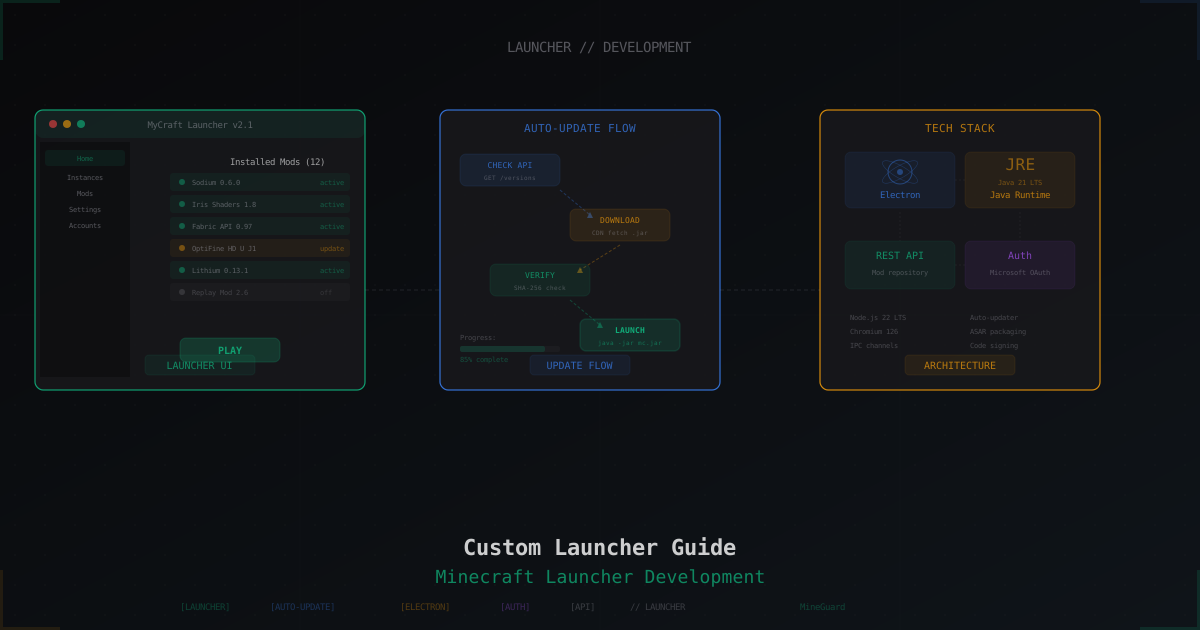
How to Make a Custom Launcher for Your Minecraft Server
Complete guide to building a custom Minecraft server launcher: popular engines, auto-updating mods, skins, Electron basics, modpack alternatives, hosting downloads, and security considerations.
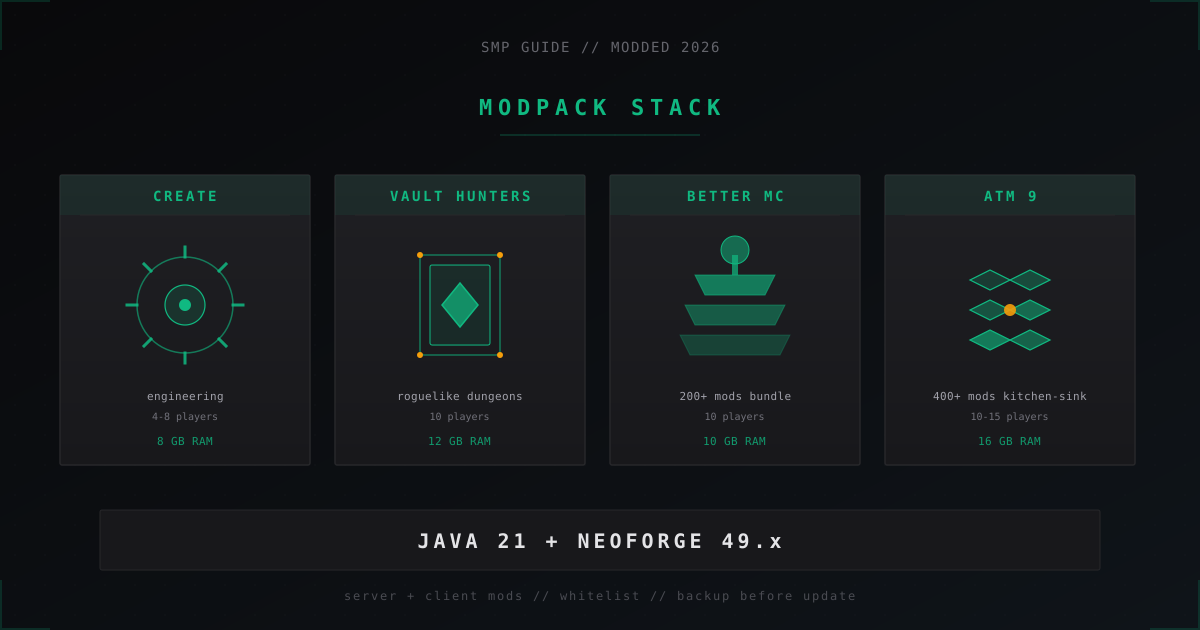
Modded SMP Server in 2026: Create, Better MC, Vault Hunters Setup
Modded SMP in 2026: Create, Better MC, Vault Hunters and ATM 9 packs, NeoForge vs Fabric, RAM needs, backups and Java 21 setup.
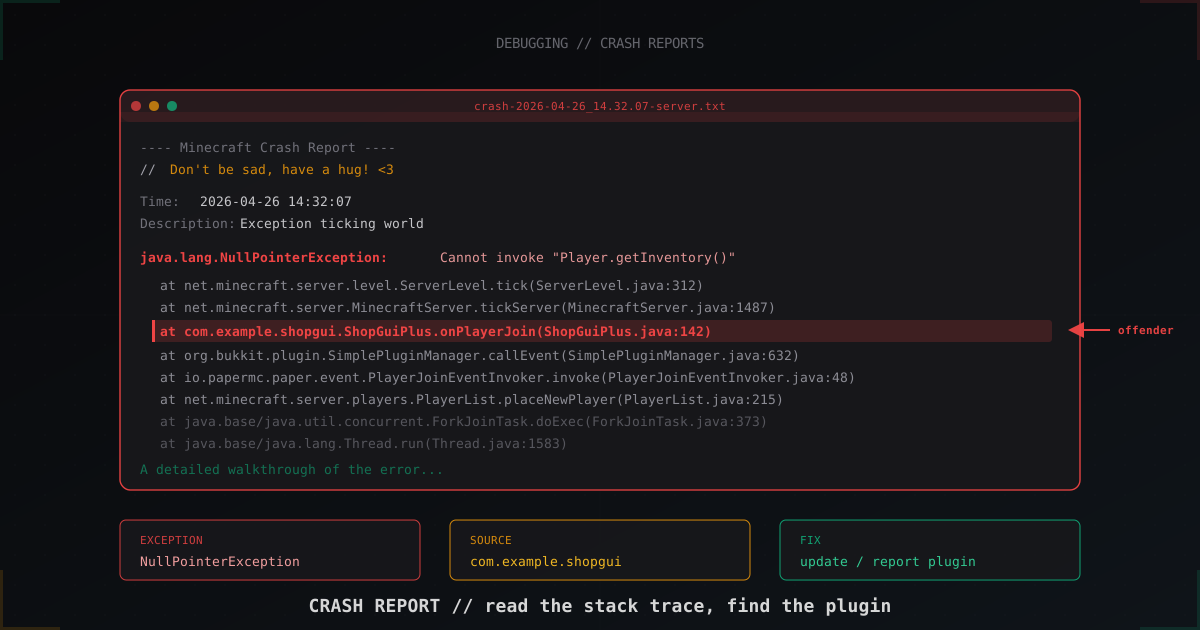
How to read a Minecraft server crash report: step-by-step guide (2026)
The server crashed and crash-reports/ has an 800-line file. Learn to tell a NullPointerException in a plugin from a JVM crash, read the stack trace, identify the offending plugin and understand when hs_err_pid matters.