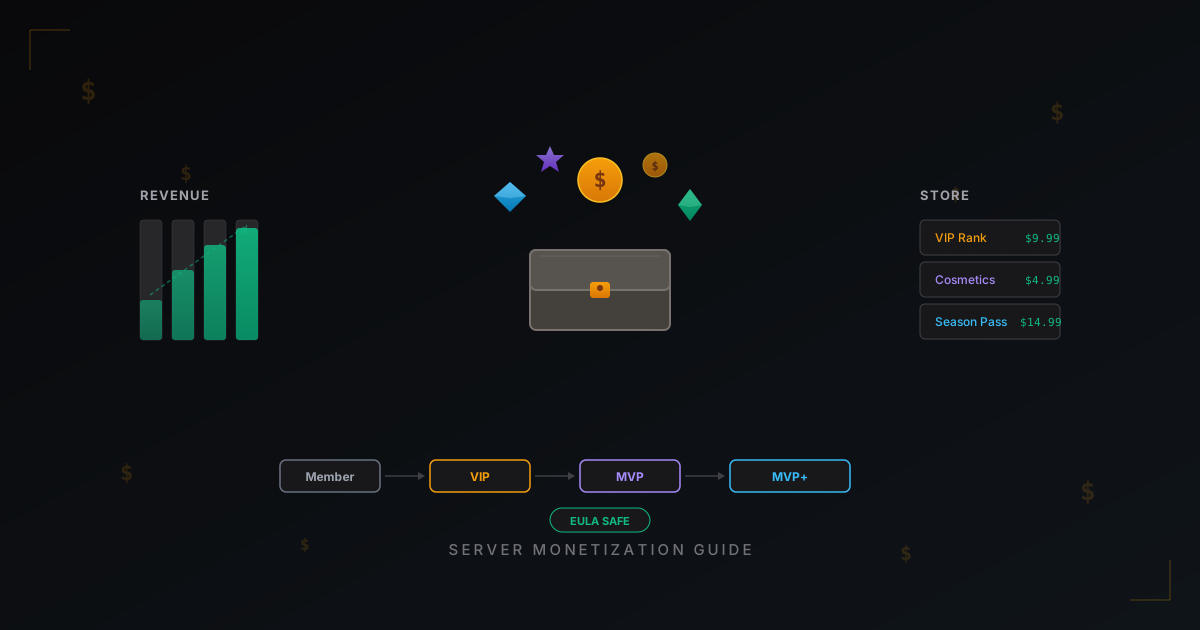
How to Monetize a Minecraft Server: Donations, Ranks, Stores & EULA
You've spent hundreds of hours tweaking your server, writing plugins, building a spawn, growing a playerbase - and now you want to at least cover hosting costs. Maybe even make some profit. That's perfectly reasonable. But server monetization is a minefield. Sell the wrong thing and Mojang might blacklist you. Set prices wrong and players leave. Pick the wrong plugin and you lose payments.
This is a practical guide. No fluff, real numbers, working models. We'll cover what the EULA allows, which plugins to use, how to price things, and how much you can actually expect to earn.
Mojang EULA: What You Can and Can't Sell
Let's start with the big one. In 2014, Mojang updated their EULA with explicit rules about server monetization. The rules have been clarified a few times since, but the core hasn't changed. Ignore this, and Mojang can blacklist your server. They do enforce it - not constantly, but there are cases.
What You Can't Sell
Gameplay advantages for real money. This is the golden rule. Nothing that gives a paying player an edge over a non-paying one. Specifically, you can't sell:
- Armor, weapons, or tools with better stats
- Extra hearts or health
- Survival mode flight
- Commands like /heal, /feed, /god
- Buffed potions or effects
- Extra inventory slots that affect gameplay
- Faster resource gathering
- PvP damage resistance
In short: anything that helps a player win, progress faster, or access mechanics unavailable to others - that's off limits.
What You Can Sell
Cosmetics. Anything that doesn't affect gameplay:
- Custom skins, capes, particles
- Chat prefixes and suffixes
- Colored names
- Custom emotes and animations
- Pets (visual only, no combat stats)
- Decorative items and blocks
Server access. You can charge for entry to your server, as long as everyone who gets in plays by the same rules. Risky model though - most servers don't use it.
Perks that don't grant advantages. This is where it gets nuanced:
- Extra homes (/sethome) - debatable, some consider it an advantage
- Access to cosmetic commands
- Client-side time changes
- Reserved slot on a full server - generally accepted
The Gray Zone
Some things don't technically violate EULA but cause debate:
- Claimed chunks / protected regions - Mojang hasn't explicitly banned this, but it could be seen as an advantage
- Access to separate worlds - depends on what's in the world
- Starter resource kits - if they don't give a lasting edge
My advice: if you're unsure, don't sell it. Better safe than losing your server.
Monetization Models That Actually Work
Now the practical stuff. Here are proven models that generate revenue without breaking EULA.
1. Cosmetic-Only Model
The cleanest model from an EULA standpoint. You sell only visual elements. Works best on servers with large audiences because cosmetics have a lower purchase conversion rate than "useful" items. But you'll never get complaints from Mojang or players.
What to sell:
- Particles (walking, kill effects, join effects)
- Custom tags and prefixes
- Visual weapon and armor effects
- Exclusive mounts (visual only)
- Cosmetic pets
Typical prices:
- Particle set: $2-5
- Chat prefix: $3-7
- Cosmetic pet: $5-10
- Custom exclusive particle set: $10-20
Expected revenue: With 100-200 players at peak - $200-600/month. Conversion rate is usually 2-5% of active players.
2. Ranks with Perks
The classic Minecraft server model. You create several rank tiers (VIP, MVP, MVP+, etc.), each with a set of perks. The key rule: perks must not grant combat advantages.
Acceptable rank perks:
- More homes (3, 5, 10 instead of 1)
- /fly access in spawn or lobby only (not in game worlds)
- Colored chat
- Custom nickname
- Priority join on full server
- Cosmetic commands access
- Reduced teleport cooldown
- More auction slots
Typical rank structure:
| Rank | Price | Perks |
|---|---|---|
| VIP | $5-10 | Colored chat, 3 homes, prefix |
| VIP+ | $10-20 | All VIP + particles, 5 homes, /nick |
| MVP | $20-35 | All VIP+ + cosmetic pets, 10 homes |
| MVP+ | $35-60 | All MVP + exclusive effects, priority join |
Expected revenue: With 100-200 players - $400-1200/month. Conversion rate 5-10%.
3. Subscription Model
A newer approach. Instead of a one-time rank purchase, players subscribe monthly. Lower upfront cost, but steady income every month.
How it looks:
- Basic sub: $3-5/month - cosmetics + basic perks
- Premium sub: $8-12/month - everything from basic + exclusive content, monthly rewards
Pros:
- Predictable revenue
- Player retention (already paid for the month - they'll keep playing)
- Monthly bonuses create a sense of ongoing value
Cons:
- Harder to set up technically
- Players prefer one-time purchases
- Need enough content for regular updates
Expected revenue: Usually 1-3% of your audience subscribes. With 200 players, that's 2-6 subs, $10-60/month. Works as a supplement, not a replacement.
4. Seasonal Content and VIP Passes
Borrowed from AAA games. You create a "season" (usually 1-3 months) with a reward track that unlocks as players play. Free track for everyone, paid track for money.
How to implement:
- Use a plugin like BattlePass or build your own
- Free track: basic rewards (resources, minor cosmetics)
- Paid track ($5-15 per season): exclusive cosmetics, unique titles, special effects
- Rewards must be cosmetic only to stay EULA-compliant
Expected revenue: Works best in the first weeks of a season. With 200 players - $300-800 per season. Requires regular content updates.
Donation Plugins: What to Pick
You need a platform that accepts payments, delivers items automatically, and doesn't go down. Here are the three main options.
Tebex (BuyCraft)
The most popular choice. Used by thousands of servers.
Pros:
- Massive feature set
- Tons of payment methods (cards, PayPal, Paysafecard, crypto)
- Automatic item delivery through plugin
- Customizable webstore
- API for custom integrations
Cons:
- Commission: 5% on the free tier, less on paid plans
- Paid plans range from $8 to $60/month for extra features
- Withdrawals take time
Best for: Servers making $100+/month. Below that, commission + fees eat too much.
CraftingStore
Free alternative to Tebex.
Pros:
- Free base plan with full functionality
- 0% commission (you only pay payment processor fees)
- Clean interface
- Supports PayPal, Stripe, Mollie
Cons:
- Fewer features than Tebex
- Less flexible store customization
- Fewer payment methods
Best for: New servers making under $200/month. Great for getting started.
DonationStore
Another alternative focused on simplicity.
Pros:
- No monthly fees
- Simple setup
- Supports major payment methods
Cons:
- Fewer features than competitors
- Less active development
Best for: Servers that want minimal functionality without complex setup.
My Recommendations
Start with CraftingStore - it's free and functional enough. When revenue exceeds $300-400/month, switch to Tebex for advanced features. DonationStore is a fallback if the other two don't fit.
Payment Methods: What to Enable
Minecraft's audience is mostly teenagers aged 13-20. This dictates your payment method choices.
Must have:
- PayPal - universal, available almost everywhere
- Credit/debit cards (Stripe) - for those who have cards (or their parents' cards)
- Paysafecard - extremely popular among European teenagers, bought with cash at physical stores
Nice to have:
- Cryptocurrency - small but growing audience segment
- Regional methods - depends on your audience (QIWI for CIS, iDEAL for Netherlands, etc.)
Important: More payment methods means higher conversion. A player who can't find their preferred payment option simply won't buy. In practice, adding Paysafecard increases revenue by 15-30% for European audiences.
Pricing Strategies: How Not to Burn Out
Pricing is the hardest question. Too high and nobody buys. Too low and you devalue your products while barely earning anything.
The Anchor Effect
Always have an expensive item. Even if almost nobody buys it, it makes everything else look cheap by comparison. If the most expensive rank is $50, a $15 rank feels reasonable. If the most expensive is $15, then $10 feels pricey.
The Rule of Three
Offer three options: cheap, mid, and expensive. Most people pick the middle one - it's psychology. The mid-tier should have the best value-for-money ratio.
Sales and Promotions
- Server anniversary sales (15-30% off)
- Black Friday and holiday sales (20-40% off)
- Bundles ("buy two, get one free")
- Limited-time exclusives
Sales work, but don't overdo them. If sales are constant, players stop buying at full price. Cap it at 2-3 promotions per month.
Rank Upgrades
Always offer the option to pay the difference when upgrading. A player bought VIP for $10 and wants MVP for $30? Let them pay $20, not $30. This is standard practice, and players expect it. Without upgrades, you'll lose upper-tier sales.
Real Numbers: How Much Servers Actually Earn
Let's cut the fantasies. Here's what the data shows.
Small Server (20-50 players at peak)
- Monthly revenue: $50-200
- Hosting costs: $10-30
- Net profit: $20-170
- Reality: enough to cover hosting with a bit left over
Mid-Size Server (100-300 players at peak)
- Monthly revenue: $500-2,000
- Hosting + DDoS protection: $50-150
- Moderator pay (if applicable): $100-300
- Net profit: $200-1,500
- Reality: a decent side income
Large Server (500-2,000+ players at peak)
- Monthly revenue: $3,000-15,000
- Costs: $500-3,000 (hosting, protection, staff, development)
- Net profit: $2,000-12,000
- Reality: a real business
Top-Tier Servers (5,000+ players)
- Monthly revenue: $20,000-100,000+
- These are full operations with dev teams, marketing budgets, and legal entities
Important reality check: 90% of servers never get past the first category. That's normal. If your server consistently covers hosting costs, you're already doing well.
How to Avoid Pay-to-Win
The temptation is real. You see cosmetics selling slowly and think: "What if I sell an enchanted sword? Or a diamond armor set? Just once..." Don't. Here's why:
-
Mojang can blacklist your server. They monitor reports, and if someone complains about yours, they'll check.
-
Players leave. Nobody likes losing to someone who just swiped their credit card. Your best free players - the ones who create atmosphere and content on the server - leave first.
-
Paying players leave too. When everyone has the sword, the advantage vanishes, and you need to sell an even more powerful sword. It's an arms race that destroys balance and interest.
-
Reputation. In the Minecraft community, "P2W server" is a death sentence. Monitoring sites, forums, Discord - word spreads instantly.
Instead of P2W, invest in quality cosmetics. Well-made particles and effects sell just as well as swords. You just need to put time into creating them.
Community First, Monetization Second
This is the rule almost every beginner breaks. They set up a store on day one and wonder why nobody's buying. The logic is simple: people pay for things they're attached to.
What to Do in the First Months
- Create quality content. Unique game modes, thoughtful gameplay, a beautiful spawn.
- Build your Discord. An active Discord with 200+ members signals a trustworthy server.
- Be present. Answer questions, take feedback, talk to players.
- Stability. Your server shouldn't go down. Protect it from DDoS attacks and optimize performance.
When to Launch the Store
Open your store when:
- Stable 30+ peak players for at least 2 weeks straight
- Active Discord (people are chatting, not just complaining)
- Players are asking about donations themselves
When players ask "Do you have a store?" - that's your signal. Don't push it - create conditions where people want to support the project on their own.
Legal Stuff
A quick note on things most people ignore.
Taxes. Income from a Minecraft server is income. In most countries, it's taxable. If you're making more than $500-1,000/month, talk to an accountant. Seriously.
Refunds. They'll happen. Teenagers buy without parental permission, parents demand refunds. PayPal usually sides with the buyer. Budget 3-5% of revenue for refunds and chargebacks.
Personal data. If you accept payments, you process personal data. In the EU, that falls under GDPR. At minimum: have a privacy policy and don't store card data yourself (use Stripe/PayPal).
Monetization Launch Checklist
- Study the Mojang EULA - know what's allowed and what isn't
- Choose your model (cosmetics, ranks, subscriptions, or a mix)
- Pick a platform (CraftingStore to start, Tebex to scale)
- Create 3-5 products to begin with - don't overload your store
- Set up 2-3 payment methods (PayPal + cards + Paysafecard)
- Set reasonable prices (check competitors)
- Launch the store once you have an audience
- Collect feedback and adjust
Monetization is a marathon, not a sprint. Don't expect $1,000 in month one. Build your community, deliver quality, and the revenue follows. Servers making thousands per month worked at it for years. But starting is worth it - even if just to cover hosting and protection costs.
Protect Your Server from DDoS Attacks
Free protection with 5-minute setup. 1 TB bandwidth included.
Try for FreeRelated Articles
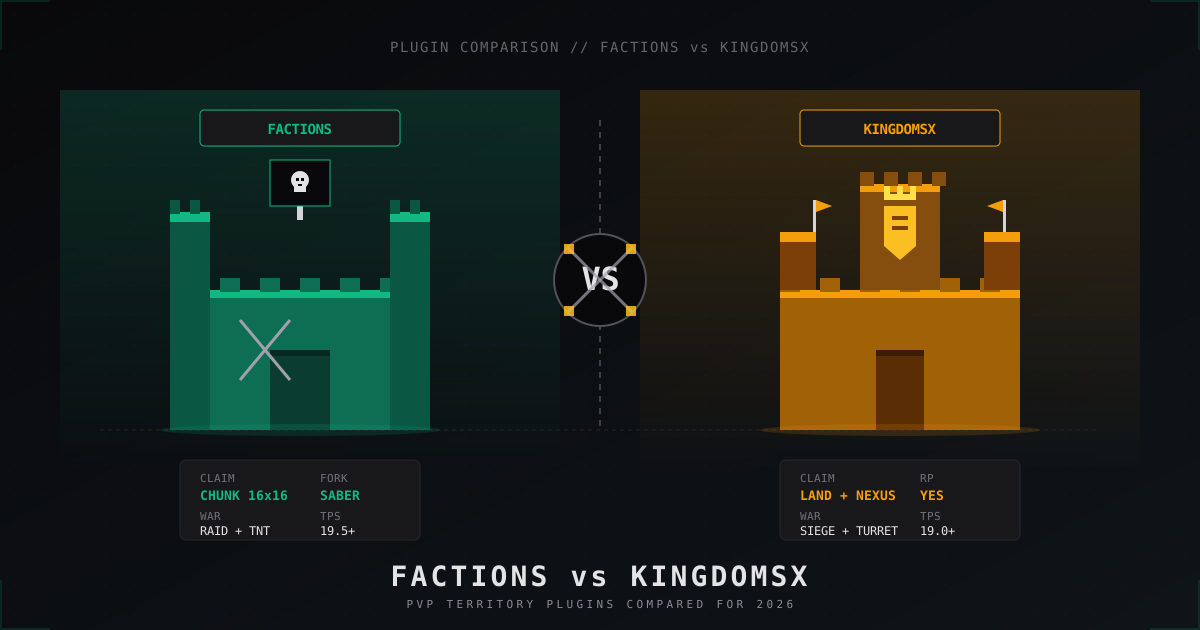
Factions vs KingdomsX: which PvP plugin to pick in 2026
Honest 2026 comparison of SaberFactions and KingdomsX: claiming, war, sieges, economy, performance, addons and which faction plugin fits which server style.
Pterodactyl Panel Security: How to Secure Your Server Management Panel
Complete guide to securing Pterodactyl Panel: SSL, 2FA, Wings hardening, Docker isolation, database and Redis security, API key management, monitoring, and brute-force protection. Plus a look at Pelican as the Pterodactyl successor.
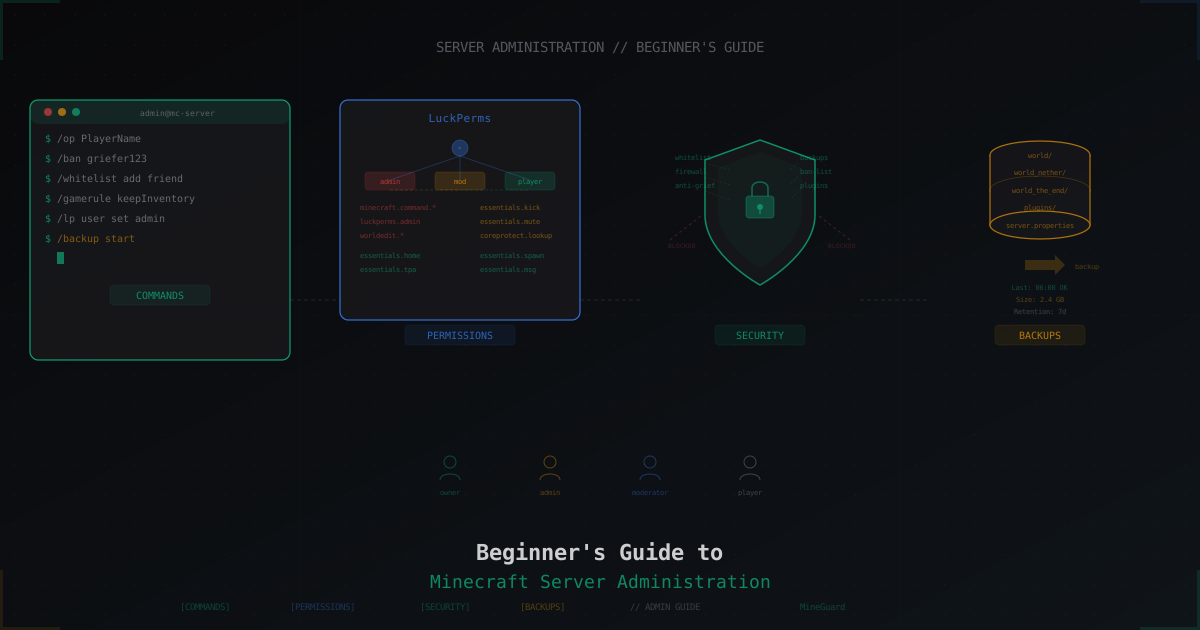
Beginner's Guide to Minecraft Server Administration
Complete guide for new Minecraft server admins: essential commands, LuckPerms permissions, world management, backups, player moderation, whitelist setup, basic security, and common beginner mistakes.