
ViaVersion + ViaBackwards: Multi-Version Support on One Minecraft Server
Minecraft ships new versions every six months, and the player base is spread across the full range from 1.8 to the latest release. Some people stick to 1.12 for pirate servers, some stay on 1.16.5 for a modpack, others wait for optimizations in a new build. If your server forces one specific version, half your audience simply cannot join.
The Via Project solves that. Three plugins (ViaVersion, ViaBackwards, ViaRewind) let you run a server on the current 1.21 while accepting clients as old as 1.8. It is the industry standard: Hypixel, Mineplex, and virtually every large project runs Via by default.
This guide covers how protocol compatibility actually works, installation on Paper, Velocity and BungeeCord, the version support matrix, performance impact, and common errors.
The multi-version problem
The Minecraft protocol changes with every major version. Between 1.8 and 1.21 the following shifted:
- chunk format (legacy chunk format to palette format starting with 1.13)
- item system (numeric IDs to namespaced strings)
- NBT structures for entities and tile entities
- network protocol packets (new IDs, new fields, removed packets)
- combat mechanics (1.8 no cooldown, 1.9+ with attack cooldown)
- dimension registry (dynamic from 1.16+, fixed on 1.12)
- login sequence (new configuration phase from 1.20.2+)
Without compatibility a 1.21 client connecting to a 1.20 server gets "Outdated server" and disconnects. Same the other way around.
What the Via Project is
Via Project is three linked plugins:
| Plugin | Job | When needed |
|---|---|---|
| ViaVersion | core, lets an old server accept new clients | almost always |
| ViaBackwards | new server accepting old clients | when server is newer than client |
| ViaRewind | support for very old clients 1.7 to 1.9 | separately |
All three work together. ViaBackwards requires ViaVersion, ViaRewind requires both for the full range.
How protocol remapping works
ViaVersion intercepts network packets between client and server and rewrites them on the fly.
Picture a 1.21 client and a 1.20.4 server. The client sends a handshake with protocol_version=767 (1.21). The server expects 765 (1.20.4). Without ViaVersion the server replies "Outdated client".
With ViaVersion on the server:
- Client sends 1.21 handshake
- ViaVersion intercepts, remembers the actual client version
- Replaces the handshake with 1.20.4 before passing it to the server
- Server accepts the client as 1.20.4
- After that every inbound and outbound packet is rewritten by ViaVersion between 1.21 and 1.20.4 formats
For each version pair Via ships a set of "protocols" in code: what was renamed, what was removed, how each field is converted. When 1.21 connects to 1.20.4 behind 1.19.4 behind 1.18.2 and so on, the transformation chain builds automatically.
ViaVersion: forward compatibility
ViaVersion lets new clients play on an old server. Example: Paper 1.16.5 server (pinned by a large modpack that cannot update), clients on 1.21.
Drop ViaVersion into plugins/. That is all. After a restart clients on 1.17, 1.18, 1.19, 1.20, 1.21 can connect to the 1.16.5 server.
What works:
- movement, attacks, world interaction
- chat and commands
- most blocks and items
- entities and mob spawning
What does NOT work automatically:
- new blocks (copper, sculk) render as placeholder blocks on the client (plain stone, for example)
- new items (mace, trial key) show as bedrock or air
- new entities (warden, breeze) do not render correctly
- new mechanics (trial spawner, crafter) do not function, the server knows nothing about them
ViaVersion shines when the server cannot upgrade for some reason and players do not want to downgrade.
ViaBackwards: backward compatibility
The reverse case. Server on 1.21, clients arriving from 1.17, 1.18, 1.19, 1.20. You need them all to play.
Install ViaVersion plus ViaBackwards. ViaBackwards adds the reverse remap: the server sends 1.21 packets, ViaBackwards converts them to the client format.
The most interesting piece of ViaBackwards is item remapping. On a 1.21 server a player has a mace in inventory. The 1.20.6 client has no concept of a mace. ViaBackwards visually swaps it for something close (iron_sword) and adds a lore line like [1.21 item: mace]. Breaking the client is not an option, so Via always substitutes unknown items with the closest equivalent.
Same for blocks: copper_bulb becomes redstone_lamp, trial_spawner becomes mob_spawner, vault becomes a barrel with a label and so on.
ViaRewind: legacy clients
ViaBackwards supports roughly 4-5 major versions back (currently 1.17+). For 1.8 and 1.9 you need a separate plugin, ViaRewind.
ViaRewind is a heavier workaround. Between 1.8 and 1.9 Mojang changed combat (attack cooldown, dual-wielding, shields). Between 1.12 and 1.13 the inventory format flipped (numeric item IDs to namespaced strings, the "flattening"). Each such change demands complex logic on Via's side to emulate new mechanics for the old client.
ViaRewind covers:
- 1.7.10 (via ViaLegacy, a separate plugin for very ancient clients)
- 1.8.x
- 1.9.x
- partially 1.10, 1.11, 1.12
On a 1.8 client PvP behaves as 1.8: no cooldown, no shields, old hitbox. This matters: projects with a 1.8 PvP community deliberately keep a 1.21 server with Via so that 1.8 players get the familiar gameplay and 1.21 players get the modern one.
Support matrix
Accurate as of 2026. Double-check at viaversion.com before production deploys.
ViaVersion
| Server version | Supported clients |
|---|---|
| 1.8.x | 1.8 through 1.21.x (via Via) |
| 1.12.2 | 1.12.2 through 1.21.x |
| 1.16.5 | 1.16.5 through 1.21.x |
| 1.18.2 | 1.18.2 through 1.21.x |
| 1.19.4 | 1.19.4 through 1.21.x |
| 1.20.4 | 1.20.4 through 1.21.x |
| 1.21.x | 1.21.x through 1.21.x (same version only) |
ViaBackwards
| Server version | Supported older clients |
|---|---|
| 1.21.x | 1.17 through 1.21 |
| 1.20.x | 1.16 through 1.20 |
| 1.19.x | 1.15 through 1.19 |
| 1.18.x | 1.14 through 1.18 |
ViaRewind
| Server version | Supported legacy clients |
|---|---|
| 1.21.x + Via | 1.8.x through 1.12.x |
| 1.20.x + Via | 1.8.x through 1.12.x |
| 1.19.x + Via | 1.8.x through 1.12.x |
The ViaVersion + ViaBackwards + ViaRewind combo on Paper 1.21 gives you the full 1.8 to 1.21 range. That is the maximum without custom engineering.
Installing on Paper / Spigot / Purpur
The simplest case. Standalone server.
- Grab the latest versions of all three plugins from Modrinth
- Drop the jars into
plugins/:
plugins/
  ViaVersion-5.x.x.jar
  ViaBackwards-5.x.x.jar
  ViaRewind-4.x.x.jar
- Restart the server
- Console should show:
[ViaVersion] Loaded 1.8 -> 1.21 protocols
[ViaBackwards] Loaded 1.17 -> 1.21 backward protocols
[ViaRewind] Loaded 1.7 -> 1.12 rewind protocols
- Verify with the command:
/viaversion list
Shows connected players and their actual client versions.
Installing on Velocity
Velocity is the modern proxy for server networks. Via behaves differently on it: it sits on the proxy, and each backend server does not need its own Via.
Proxy plugins/ folder:
plugins/
  ViaVersion-5.x.x.jar
  ViaBackwards-5.x.x.jar
  ViaRewind-4.x.x.jar
Proxy plugins/viaversion/config.yml:
# Velocity-specific
velocity-ping-interval: 60
velocity-ping-save: true

# Protocols the proxy accepts
check-for-updates: false

# Do not touch backend servers
# Via handles each one individually
Pros of Via on Velocity:
- single config for the whole network
- less CPU overhead: remap happens on the proxy, backends receive native packets
- easier version management
Cons:
- Via traffic flows through the proxy, slightly larger network footprint
- if a backend is on a different version than the proxy, you still need Via there too
Network recommendation
For small networks (2-3 servers on the same version) put Via only on the proxy. For mixed-version setups (one 1.21 lobby, one 1.8 PvP arena) put Via on every server with a version mismatch.
Installing on BungeeCord
BungeeCord is supported but Velocity wins on performance. If you do not have a concrete reason to stick with BungeeCord, switch.
For BungeeCord:
plugins/
  ViaVersion-5.x.x.jar
  ViaBackwards-5.x.x.jar
  ViaRewind-4.x.x.jar
Config plugins/ViaVersion/config.yml:
bungee-ping-interval: 60
bungee-ping-save: true
Backends do not need Via as long as they share the proxy protocol version.
Key config.yml settings
The plugins/ViaVersion/config.yml file has dozens of options. Here are the ones that matter most.
fix-non-full-blocks
# Fixes hitboxes of non-full blocks for new clients on an old server
fix-non-full-blocks: true
Needed when new clients connect to an old server. For example a 1.13+ client with flattened blocks on a 1.12.2 server. Without this option some block hitboxes (fences, walls) are computed incorrectly.
auto-team
# Automatically creates teams so name tags display correctly above heads
auto-team: true
Matters for 1.8 clients. 1.8 used teams to hide name tags (invisibility). Without auto-team plugins like NPCs or vanish behave poorly for 1.8 clients.
remap-pings
remap-pings: true
Fixes the server-list ping for clients of every version. Without it some older clients do not even see the server in the list.
1-13-team-colour-change
1-13-team-colour-change: true
Fixes team colors for pre-1.13 clients. Useful on PvP servers with colored team tags.
chunk-border-fix
chunk-border-fix: true
Fixes artifacts on chunk borders for old clients on a new server.
fix-infested-block-breaking
fix-infested-block-breaking: true
Small but annoying fix. Without it infested blocks break too slowly for 1.14+ clients.
Performance
Protocol remapping is not free. Every packet traveling from client to server (and back) goes through a chain of converters.
Overhead depends on the version gap:
| Gap | CPU overhead per player |
|---|---|
| none (client = server) | ~0% |
| 1 version (1.21 client on 1.20.4) | 3-5% |
| 3 versions (1.21 client on 1.19.4) | 8-12% |
| 5-8 versions (1.21 client on 1.16.5) | 15-25% |
| maximum (1.21 server, 1.8 client via Rewind) | 25-40% |
Numbers are rough and depend on server load. The most expensive remap is chunk data (especially the 1.13 flattening: old numeric IDs converted to palette format).
Optimization
If your 1.21 server sees 70% of players on 1.21 and 30% on older versions, no special tuning is needed, any modern CPU handles it.
For servers holding 300+ concurrent players with varied versions, consider:
- Bigger pool for Via:
# config.yml
velocity-pinger-thread-count: 4
chunk-border-fix: true
- Turn off
fix-non-full-blocksif most clients share one version - Run ViaVersion on the Velocity proxy instead of Paper, offload the backend
Pre-1.13 flattening
A specific pain point. When a 1.12 client connects to a 1.13+ server, ViaRewind converts every block and item between the two identification systems (numeric IDs to namespaced). On a chunk with thousands of blocks that burns noticeable CPU.
For servers with heavy old-client traffic a dedicated 1.12.2 instance is cheaper than funneling everything through Rewind.
Limitations
Via is not magic. What it cannot do:
New blocks and items
Copper bulb, trial spawner, mace, breeze rod, vault, all new in 1.21. For a 1.20 client Via visually substitutes them but the functionality is gone. A 1.20 player cannot interact with a crafter (a new 1.21 block), the client simply does not know the command.
New dimensions and biomes
If the server spawns a world in a new biome (cherry grove from 1.20), for a 1.19 client the biome will just be plains, wrong texture, wrong particles.
New animations and features
Armadillo (new 1.21 entity) may not render at all on a 1.20 client, or appear as a pig. New animations, smite wolf, specific attacks, do not play on older clients.
Resource packs
Resource packs are tied to a specific version. A pack built for 1.21 does not work on a 1.17 client. Cross-version servers either ship several packs or one minimal pack compatible with all targets.
PvP: 1.8 versus modern
A big topic for servers with a PvP community.
1.8 PvP: click-spamming, no cooldown, long hitbox, critical hits while jumping. Combat is very fast, reaction and aim decide fights.
1.9+ PvP: attack cooldown (sword charge indicator), shields block damage, dual-wielding. Combat is slower, timing decides fights.
If you run a 1.8 server through ViaVersion and accept 1.21 clients, the 1.21 players get 1.8 mechanics (the server is 1.8, so 1.8 rules apply). That is the typical Hypixel-style PvP server setup.
If you run a 1.21 server with ViaBackwards plus ViaRewind and accept 1.8 clients, the 1.8 players get 1.21 mechanics. Many 1.8 players do not want that, they came for old-school PvP.
Takeaway: for a PvP server pick the target mechanics and build on the matching base.
Troubleshooting
"Outdated server" / "Outdated client"
The most frequent issue. Possible causes:
- Client is newer than the max version ViaVersion supports. Update ViaVersion.
- ViaVersion did not load. Check the console.
- ViaVersion cache corrupted. Delete
plugins/ViaVersion/cache/and restart.
Invalid packet / client disconnected
Usually means the remap halted on an unsupported packet. Often a client mod sending custom packets. Fix:
- Check the client for incompatible mods (old Schematica, old BetterFPS).
- Update ViaVersion to the latest.
- Set
debug: truein config.yml and see which packet actually breaks.
NBT breakage when moving items between versions
A 1.20 client holding a mace from a 1.21 server. On save the NBT structure may corrupt because the client does not understand new fields. Via usually handles this gracefully, but if a player drops and picks up the item, data loss is possible.
Fix:
- enable
handle-invalid-player-data: truein config.yml - do not hand new items to players on old versions
Chunks not loading
Usually a clash with ProtocolLib or another packet-manipulating plugin. Make sure ProtocolLib is compatible with your Paper and Via versions. Update both.
"Your protocol is not supported"
The client is very old (1.6.4 or older) or a beta snapshot Via does not support. Not every version is supported, typically abandoned pre-releases and snapshots.
Via + ProtocolLib
ProtocolLib is used by many plugins to intercept packets (HolographicDisplays, NPC plugins, TAB plugins).
Via and ProtocolLib can collide because both rewrite packets. Typically Via runs first, ProtocolLib second, or the other way around. The wrong order produces broken packets.
Fix:
- update both to the latest builds
- set
handshake-hook-mode: LATEin ProtocolLib config.yml - test thoroughly for every plugin that uses ProtocolLib
If issues appear, temporarily disable ProtocolLib and see whether Via works alone.
Via + Geyser
Geyser lets Bedrock clients connect to a Java server. Separate job from Via: Via deals with Java clients, Geyser with Bedrock.
Both are compatible and often run together. Install order:
- Geyser in
plugins/ - ViaVersion + ViaBackwards + (optionally) ViaRewind in
plugins/ - Floodgate (to authenticate Bedrock players without a Microsoft account)
No conflicts, the plugins operate at different layers: Geyser translates Bedrock protocol to Java protocol, Via translates between Java protocol versions.
Best practices
Wide range versus stability
A server accepting 1.8 to 1.21 is a huge range. Upsides: the biggest possible audience. Downsides: CPU overhead, bugs at version seams, harder to maintain.
Advice: accept the range your audience actually needs. A survival server with serious modern features should cap at 1.19+. A PvP project with a 1.8 community should run the full Via plus Rewind stack and accept the associated pain.
Update Via regularly
Via Project is in active development. Every major Minecraft version demands a Via update. Set up an update reminder (InsaneAnnouncer or a plain calendar note) and read the changelog before deploying.
Avoid exotic client mods
Many Via issues are not Via's fault but come from custom client modifications (Feather, Lunar, Badlion). They frequently break packet flow. When a player reports issues, the first question is always "what is installed on your client".
Test every new release
1.21.4 shipped? Update Via, run a playtest session with a new client on the old server. Check the logs. Problems often surface in specific scenarios (one particular item, one particular mob).
Server protection and DDoS
Cross-version servers are popular and get attacked more often, more players means more envious competitors, unhappy admins of other projects, plain trolls. Beyond standard TCP filtering make sure Via holds up under load.
MineGuard puts Minecraft traffic through a filter, dropping junk packets before they reach the server. Via sits on top, it does not care where the packet came from as long as it is a valid handshake. Both layers compose cleanly.
Wrap-up
The Via Project is a required component for any serious Minecraft server that wants an audience larger than a single version. ViaVersion is essentially always needed, ViaBackwards is needed when your server is newer than the average client, ViaRewind rounds out support for the legacy 1.8 audience.
Installation is dumb simple: drop jars into plugins/ and restart. Fine-tuning: a dozen options in config.yml, most of which are already correct out of the box.
The rule of thumb: understand the cost. Via is not free on CPU, and new server features do not reach old clients. Pick the range that matches your real audience, not the theoretically maximum one.
Protect Your Server from DDoS Attacks
Free protection with 5-minute setup. 1 TB bandwidth included.
Try for FreeRelated Articles
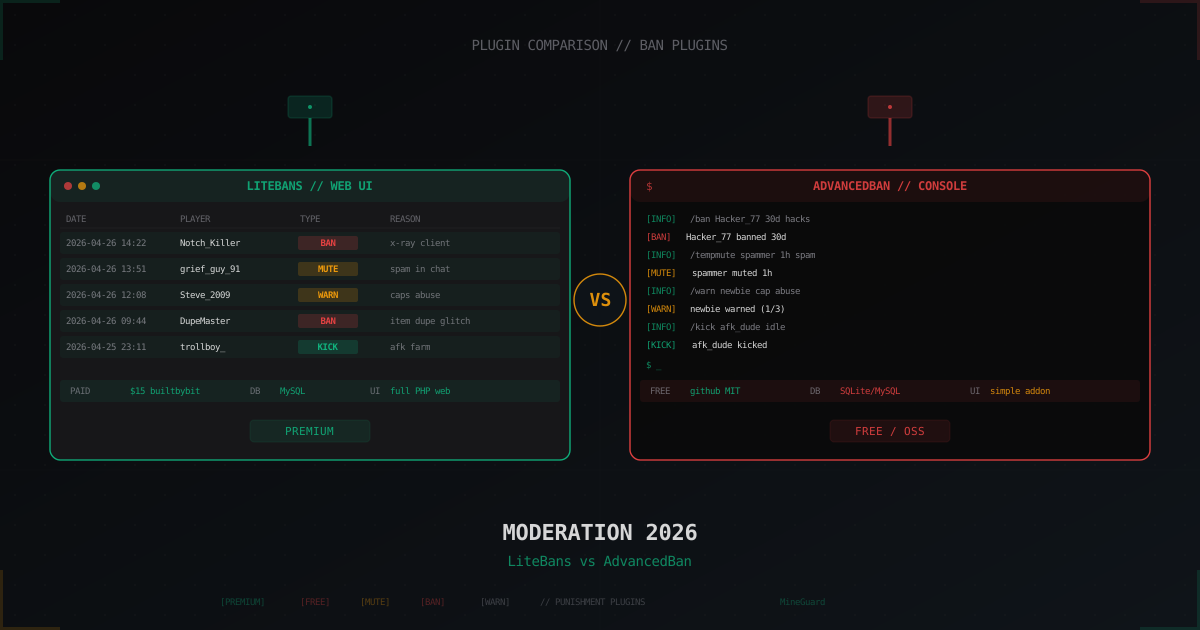
LiteBans vs AdvancedBan: which moderation plugin to pick (2026)
LiteBans is paid with a bundled PHP web UI, AdvancedBan is free and open source. Both cover /ban, /tempban, /mute, /warn, /kick and per-network bans via MySQL. We break down commands, API, migration, performance and when each one fits.
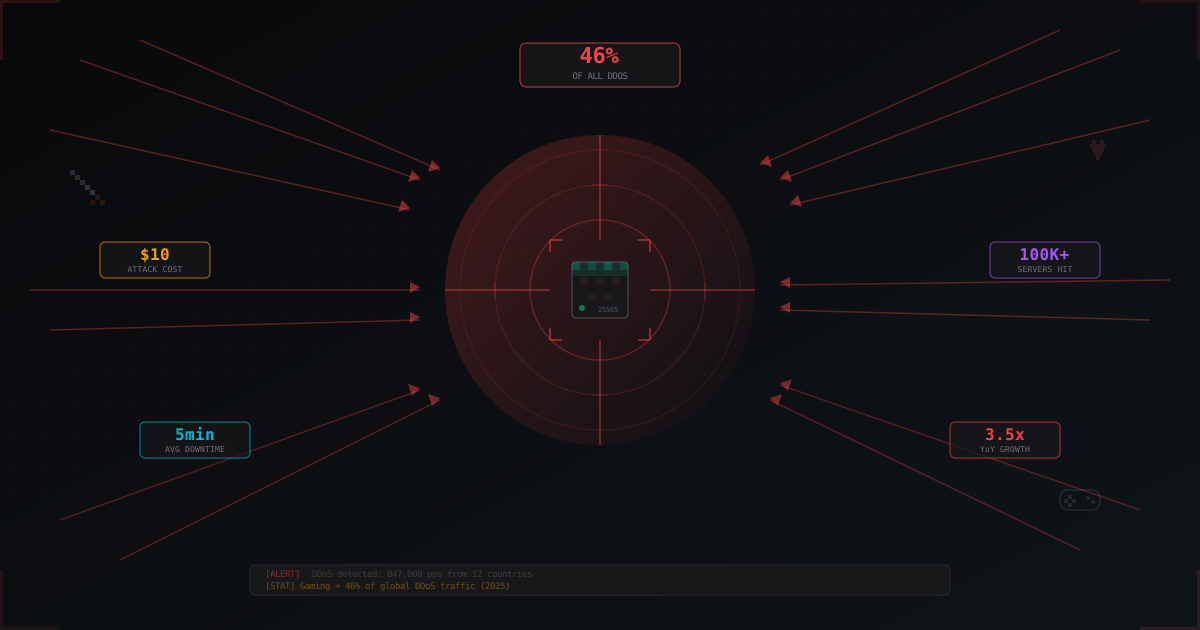
Why Gaming Servers Are the #1 Target for DDoS Attacks
The gaming industry absorbs over 46% of all DDoS attacks worldwide. We break down why gaming servers are attacked, who is behind it, what attacks cost, and why Minecraft suffers the most.
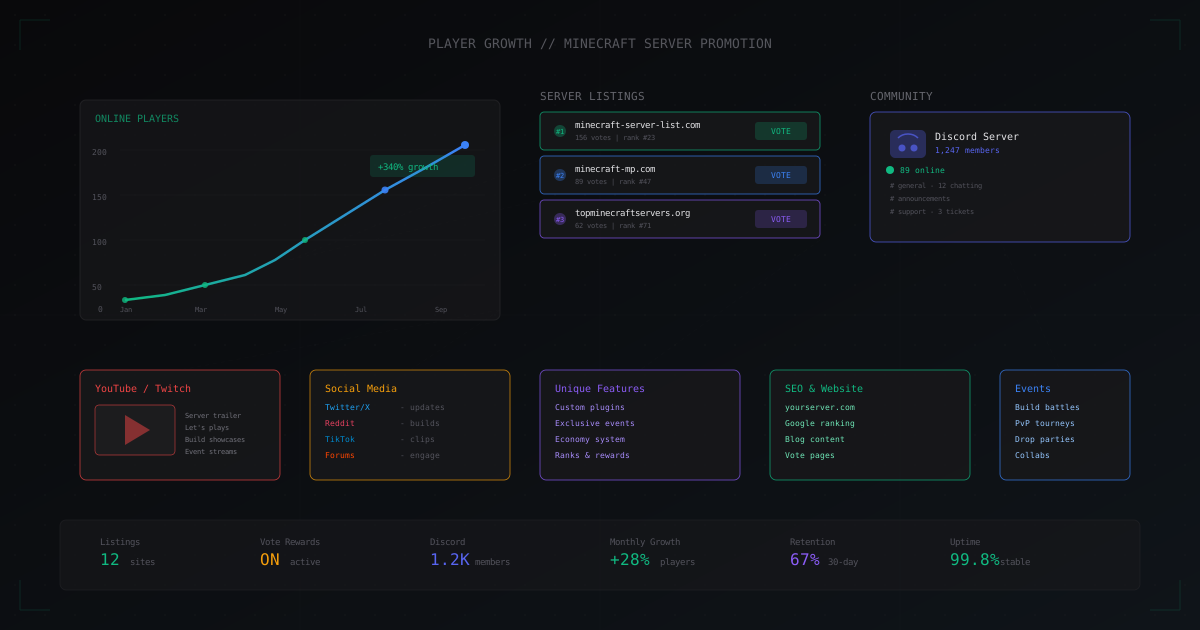
How to Get More Players on Your Minecraft Server
A hands-on guide to growing your player base: server listings, Discord community building, social media promotion, unique gameplay, events, vote rewards, website SEO, partnerships, and YouTube/Twitch promotion.