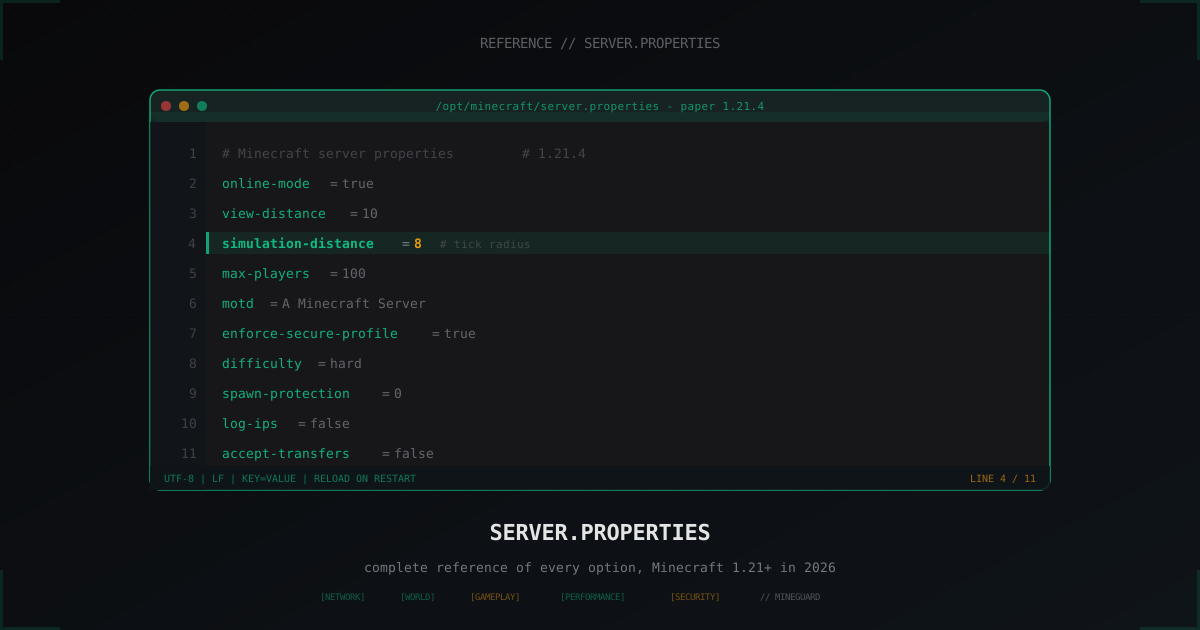
server.properties: complete reference of every option (Minecraft 2026)
The server.properties file lives in the server root and is read exactly once: at startup. Edit a line on a hot server, forget to restart, then wonder why nothing changed. Since 1.20.5 the file has grown new keys, 1.21 added the transfer packet and a couple of security flags. In one reference we walk through every line: what it does, the vanilla default, and what real operators set on SMP, minigames, hardcore and large public projects.
Where the file lives and how it is structured
The file is created on first startup in the same folder as paper.jar or server.jar. Format is trivial: key=value, one pair per line, comments start with #. Keys are lowercase with hyphens, no spaces around =. Encoding is UTF-8 without BOM, line endings LF (if you edit on Windows and then see garbled motd, encoding is the culprit).
The server reads the file once on boot. Any change requires a restart, or on Paper a /minecraft:reload for a subset of fields (most still need a full restart). Unknown keys are ignored after startup, missing keys are written back with default values. Delete the file and vanilla regenerates a fresh one with empty level-seed= and a fresh prompt to accept EULA in eula.txt.
Comments and line order are not preserved: after the first run the file is rewritten in canonical form (alphabetical on vanilla). If you need comments, keep them in a separate note. They will not survive in the actual file.
Network: ports, MTU and anti-proxy
The network block decides how the server listens for incoming connections and how it processes packets.
server-portis the TCP port, default25565. You can pick any free port, but if you change it, clients have to specify it explicitly (mc.example.com:25577) or you have to publish a SRV DNS record. Hiding from Shodan scans by changing the port barely helps: attackers sweep ranges anyway.server-ipis the interface to bind. Empty by default, which means all interfaces. If your dedicated box has multiple IPs and you want to bind to one, put the IP here. On a single-IP VPS leave empty.network-compression-thresholdis the packet size in bytes after which zlib compression kicks in. Default256. Set512if you have strong CPU and weak uplink,-1(disable compression) if you are on LAN or have a 10G uplink and want to save cycles.prevent-proxy-connectionsmakes the server probe Mojang API to detect VPNs/proxies on connect. Sounds good, in practice it stalls (synchronous blocking call per join) and does not catch modern residential proxies. Leavefalse, do filtering at the DDoS layer or in a plugin.rate-limitis the maximum packets per second from one client. Default0(no limit). Set300on a public server to mitigate in-session connection floods.enable-statuscontrols whether the server replies to ping requests (Server List Ping). Defaulttrue. If you want to hide the server from public trackers, setfalse, but the player list disappears too.hide-online-playerswas added in 1.18. Withtrueonly the player count is sent in Server List Ping, no nicknames. Useful against bots that scrape names for targeted spam or harassment.
World: generation, region format
level-nameis the world folder. Defaultworld. Change to swap between worlds without deleting the old: leaveworld_old, setlevel-name=world_new, a fresh world is generated on next boot.level-seedseeds world generation. Empty means random. Accepts both numbers and strings (strings are hashed to a long).level-typeis the generator type. Since 1.19 the format moved to a namespaced ID:minecraft:normal,minecraft:flat,minecraft:large_biomes,minecraft:amplified,minecraft:single_biome_surface. The legacy keysDEFAULT/FLAT/LARGEBIOMES/AMPLIFIEDstill work via a back-compat mapper, but Mojang prefers the new format.generator-settingsholds JSON for custom generation (layer list for flat, biome ID for single_biome). Most SMP owners leave it empty.generate-structuresdecides whether villages, strongholds and trail ruins are generated. Defaulttrue. Setfalseif you want a bare world for a survival show or for tests.world-creation-seedwas added for the new generator pipeline in 1.20+, mirrorslevel-seedfor compatibility with datapacks that read this exact key.region-file-compressionis the compression algorithm for region files. Since 1.20.5 supportsdeflate(default),lz4andnone. On large worlds LZ4 gives a +20-30% chunk-load speedup at the cost of +5-10% disk size. If your disk is not NVMe and I/O is weak, switch tolz4.max-world-sizeis world radius in blocks from spawn. Default29999984(vanilla cap). Lower it to 5000-10000 for minigame arenas to stop players from drifting off.allow-nethercontrols Nether generation and access. Defaulttrue. On skyblock or bedwars usuallyfalse.spawn-monsterscontrols hostile mob spawning. Defaulttrue. Setfalseon creative or hub servers.spawn-animalscontrols passive mobs.spawn-npcscontrols villagers.
Gameplay: mode, difficulty, respawn
gamemodeis the starting mode:survival(0),creative(1),adventure(2),spectator(3). Word or number both accepted.force-gamemoderesets every player to the configuredgamemodeon each connect whentrue. Useful on survival servers when an admin temporarily switched tocreativeand does not want it to stick.difficultyispeaceful,easy,normalorhard. Hardcore is a separate flag.hardcorewithtruemakes survival death = ban or forced spectator (depending on settings), no health regen, difficulty pinned at hard. Set once and you cannot easily revert: the world has the hardcore flag inside.pvpwithfalsemeans players cannot directly damage each other. Indirect damage (TNT, fall damage from push blocks) still goes through, plug those holes with plugins.allow-flightlets a plugin or item (Elytra, creative) enable flight without anti-cheat kicking. Defaultfalse. If you run jetpack/grappling plugins, settrue.spawn-protectionis the radius in blocks around the spawn point where non-ops cannot break or place blocks. Default16. For SMP without a spawn fortress set0, for public hubs set64-128.op-permission-levelis the starting privilege level of new ops. Range 1 to 4. Default4(full access). On large projects set2and grant4only to the owner: level 4 unlocks/op,/deop,/stopand command-block access.function-permission-levelis the level for commands inside functions (mcfunction). Default2.default-resource-packis the URL of the resource pack the server offers to clients (1.20.3+ supports multiple packs throughserver-resource-pack-promptand a series of fields).require-resource-packwithtruekicks clients that refuse to download the pack.resource-pack-sha1is the SHA-1 of the pack archive for integrity check. Mandatory if you want to make sure clients did not get a MITM-tampered pack.
Performance: view-distance, simulation-distance, ticks
This is where the hot settings live. A misjudged view-distance=32 brings down the server with 30+ players online, the right value adds free TPS.
view-distanceis the chunk radius the server sends to the client. Default10. SMP up to 50 players:8-10. 100+ players:6-8. Minigame arena:4-5(the map is small anyway).simulation-distanceis the chunk radius where mobs tick, farms run, crops grow, redstone fires. Introduced in 1.18 as a metric separate from view. Default10. Set6-8: players do not interact with farms beyond that anyway, CPU is saved dramatically.entity-broadcast-range-percentageis the percentage of view-distance at which the client sees entities (mobs, item frames). Default100. Drop to50-70on a server with laggy entities: visually the player sees fewer of them, network and client load drops.max-tick-timeis milliseconds a tick can run before the watchdog kills the server. Default60000(60 seconds) on vanilla,-1on Paper (off). If you are not on vanilla and watchdog kills your server in the middle of the night, switch to-1and chase the lag with/spark.max-chained-neighbor-updatescaps redstone neighbor cascades per tick. Default1000000in 1.21. On SMP where players build huge TNT dupers and redstone conveyors, drop to100000-300000: long physics chains are cut, lag machines die, normal farms keep working.sync-chunk-writeswrites chunks synchronously whentrue(default), async whenfalse. On SSD keeptrue, async breaks world integrity on a crash. On HDD under heavy loadfalseflattens spikes but real corruption risk.entity-tracking-rangeis hard-coded on vanilla, in paper-world.yml on Paper. It is not inserver.properties, do not write it there.
Security: online-mode, secure-profile, whitelist, log-ips, accept-transfers
online-modeis the most important line in the file. Withtruethe server verifies UUID and session against the Mojang/Microsoft API. Withfalseany client can join under any name. Defaulttrue. Set tofalseONLY if there is a Velocity/BungeeCord proxy in front of the server withonline-mode=trueset on the proxy.enforce-secure-profilewas added in 1.19, relevant in 1.21. Withtruethe client must present a Mojang-signed key for chat messages. Under Bedrock clients via Geyser, turn this off (false), otherwise Bedrock players cannot connect.prevent-proxy-connectionswas already covered in network.white-listwithtrueonly accepts names listed inwhitelist.json. Defaultfalse. Must-have for a private SMP.enforce-whitelistwithtruemakes the server kick removed players immediately. Withfalsea player removed from the whitelist while online stays in until they log out. Counterintuitive but that is vanilla behavior.log-ipswas added in 1.20.2. Withtrue(default) the player IP is written tolatest.logon every connect. For GDPR friendliness and to reduce leaks, setfalse. You still get logs for moderation, just without IPs.accept-transferswas added in 1.20.5. Allows accepting a transfer packet from another server: a player who ran/transferon the source server arrives at yours without the usual login dialog. Massive security risk if you do not control the source servers: leavefalseon a standalone, settrueonly inside a proxied network where transfer is a lobby feature.op-permission-levelwas already covered under gameplay.text-filtering-configis a path to a JSON config for the cloud text filter (Microsoft). Empty by default, not needed.
Query, RCON and admin interfaces
enable-queryis a UDP GameSpy-style protocol that exposes stats (TPS, players, version) to third-party trackers. Defaultfalse. Enable only if you actually need to push stats to a monitor: an extra open UDP port is extra attack surface.query.portis the UDP query port, default25565(same as server-port). Move it to a separate port if enabled.enable-rconis the TCP remote admin protocol. Defaultfalse. If you enable it, set a strongrcon.passwordand firewall the port to admin IPs only. RCON has no TLS: on a public network, tunnel it through SSH or WireGuard.rcon.portis the RCON port, default25575.rcon.passwordis empty by default, an empty password means RCON is effectively disabled even withenable-rcon=true. Use 24+ random characters, do not reuse the hosting password.broadcast-rcon-to-opswithtruemirrors RCON commands to all ops online. Useful for audit (you see when a command came in from outside).broadcast-console-to-opsdoes the same for console commands.enable-jmx-monitoringexposes JVM metrics through JMX. Useful for Prometheus with jmx-exporter. Defaultfalse.
MOTD and branding
motdis the line under the server name in the list. Up to 59 characters per line, two lines split by\n. Colors via\u00A7plus a code (e.g.\u00A7efor yellow), or legacy&if your Paper has the decoder enabled. JSON format works since 1.16+ via unicode escape, but a plugin is easier (animated MOTD).server-iconis actually not a property at all but aserver-icon.png64x64 file in the server root. Five times a year somebody opens.properties, hunts foriconand finds nothing.pause-when-empty-secondswas added in 1.21.2. After how many seconds without players the server pauses its tick loop (mobs do not move, time does not pass, IO drops to almost zero). Default60. On SMP with auto-farms set0(do not pause, otherwise farms stop while you are offline). On a public hub set60-300.player-idle-timeoutis minutes of inactivity before a player is kicked. Default0(do not kick). On a public server with limited slots set15-30.
Reference table
| Option | Default | SMP (50 ppl) | Minigame (200 ppl) | Hardcore | Public hub |
|---|---|---|---|---|---|
online-mode | true | true | true | true | true (false behind proxy) |
enforce-secure-profile | true | true | true | true | false (if Geyser) |
view-distance | 10 | 8 | 5 | 10 | 6 |
simulation-distance | 10 | 7 | 4 | 8 | 5 |
entity-broadcast-range-percentage | 100 | 80 | 60 | 100 | 70 |
max-players | 20 | 50 | 200 | 10 | 500 |
spawn-protection | 16 | 0 | 0 | 0 | 64 |
pvp | true | true | true | true | false |
difficulty | easy | hard | normal | hard | easy |
hardcore | false | false | false | true | false |
allow-nether | true | true | false | true | false |
spawn-monsters | true | true | false | true | false |
white-list | false | true | false | true | false |
enforce-whitelist | false | true | false | true | false |
log-ips | true | false | false | false | false |
accept-transfers | false | false | true (on lobby) | false | true |
enable-rcon | false | true | true | false | true |
network-compression-threshold | 256 | 256 | 512 | 256 | 256 |
rate-limit | 0 | 0 | 300 | 0 | 500 |
region-file-compression | deflate | deflate | lz4 | deflate | lz4 |
max-chained-neighbor-updates | 1000000 | 300000 | 1000000 | 1000000 | 200000 |
pause-when-empty-seconds | 60 | 0 | 60 | 0 | 60 |
op-permission-level | 4 | 2 | 2 | 4 | 2 |
FAQ
Is online-mode=false safe?
A standalone server with online-mode=false is open to any kid who types the nickname Notch: log in, grief spawn, log out. There is exactly one safe scenario: a Velocity/BungeeCord proxy with online-mode=true sits in front of your server, and the backend has false plus a firewall that only accepts the proxy IP. Any other configuration is a wide open door.
Which matters more for TPS, view-distance or simulation-distance? For TPS, simulation-distance. Mob ticks, crop growth and redstone are all gated by it. View-distance loads the network and memory (chunks sent to the client) but not ticks. Drop simulation-distance aggressively (down to 4-6), keep view-distance close to standard.
What do I do with accept-transfers?
For a single standalone server with no proxy, leave it false. Turning it on means any third-party server with a /transfer command can fling a player at you with an unfresh session. On proxied networks where you control entry points, enable it only on the lobby server.
Does enforce-secure-profile=true break Geyser/Bedrock?
Yes. Geyser players have no Mojang-signed key, so with true the server kicks them with Multiplayer Disabled. On a Java-only server keep true (anti chat-spoof protection). On a hybrid Geyser server set false.
Can I edit server.properties without a restart?
On vanilla, no. The file is read once on boot. On Paper, /minecraft:reload re-reads datapacks and a subset of fields (whitelist, ops). Most keys (view-distance, simulation-distance, online-mode, default gamemode) need a full restart. Schedule changes for a low-population window.
Where do parkour/hub options like entity-tracking-range live?
Not in server.properties. On Paper they are in paper-world.yml and paper-global.yml, on Spigot in spigot.yml, on vanilla they do not exist at all. server.properties is the bare vanilla config, anything Paper/Spigot/Purpur specific lives in their own files.
A well-tuned server.properties saves hours of debugging and dozens of player tickets. One pass through this list before pushing a server to public closes half the typical issues: lag, bot weirdness, IP leaks, auth holes. Revisit the file after every Minecraft major: since 1.20.5 each release ships two or three new lines, and the defaults on those new options are not always what your server actually wants.
Protect Your Server from DDoS Attacks
Free protection with 5-minute setup. 1 TB bandwidth included.
Try for FreeRelated Articles
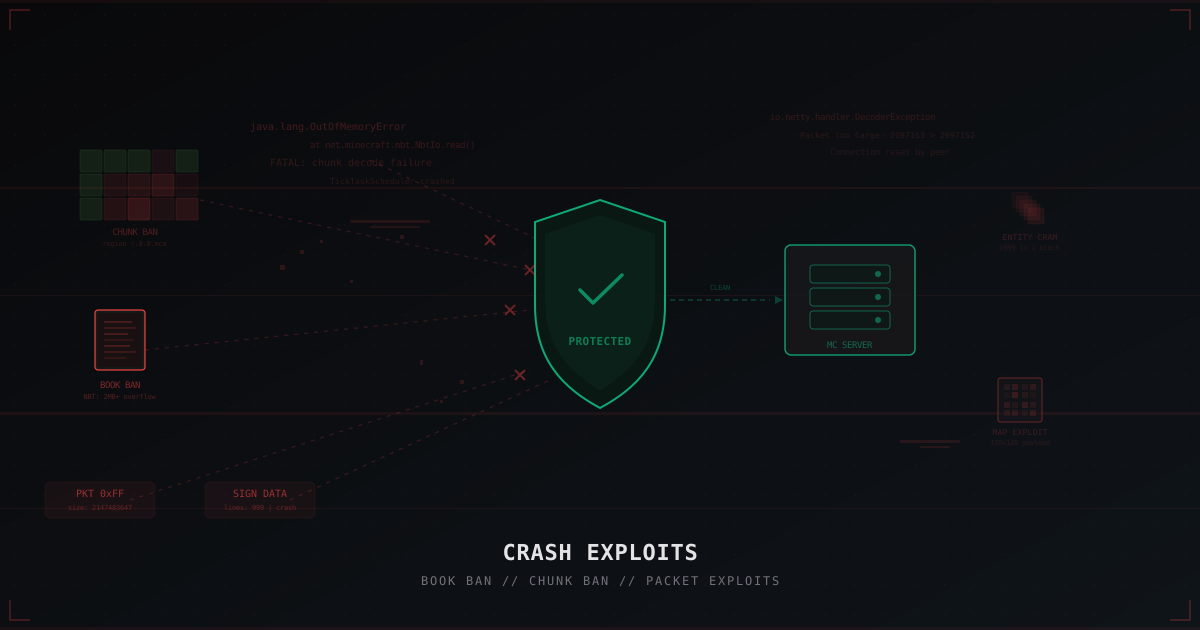
Crash Exploits in Minecraft: Book Ban, Chunk Ban and How to Protect Against Them
A deep dive into crash exploits: book ban, chunk ban, packet exploits, entity cramming and more. How they work, how they differ from DDoS, and how to protect your server with Paper settings, plugins, and network filtering.
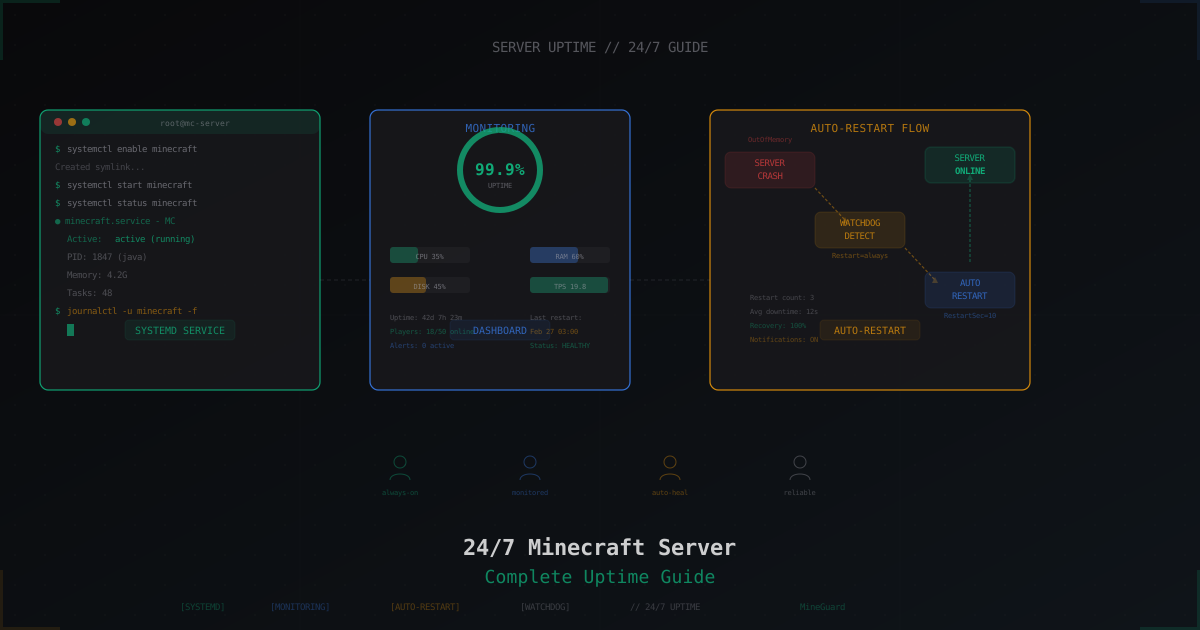
How to Keep a Minecraft Server Running 24/7
Step-by-step guide to running a Minecraft server 24/7: home PC vs VPS, screen/tmux setup, systemd services, auto-restart on crash, and DDoS protection.
MineGuard vs DDoS-Guard: Minecraft DDoS Protection Comparison 2026
Detailed comparison of MineGuard and DDoS-Guard for Minecraft server protection. We break down features, pricing, specialization and help you choose.