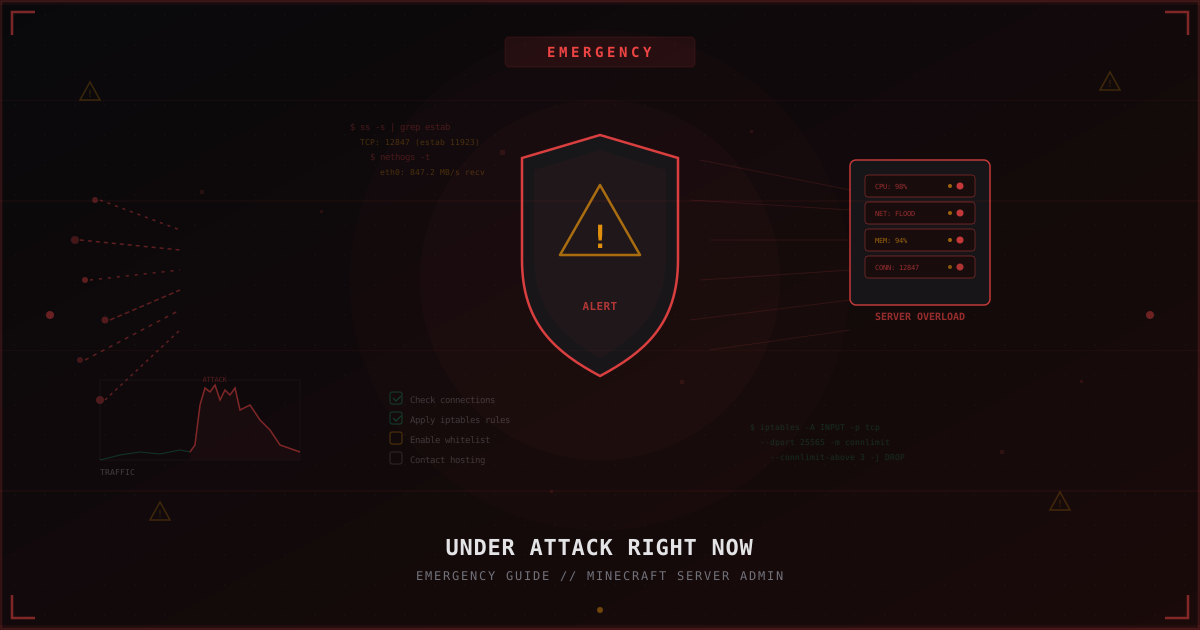
Under Attack Right Now: Emergency Guide for Minecraft Server Admins
You open the console and see a flood of errors. TPS drops to zero. Players disconnect one by one. Those still holding a connection are panicking in chat. Monitoring shows 100% bandwidth or CPU usage. Your server is under attack.
This is not the time to panic. This is the time for clear, decisive action. This article is a step-by-step plan for when the attack is already happening and you need to act fast.
Step 1: Don't Panic
Seriously. Panic leads to rash decisions: deleting firewall rules, rebooting the server without preparation, randomly changing configs. Each of these can make things worse.
Remember: a DDoS attack is temporary. The attacker is spending resources. Most attacks on Minecraft servers last anywhere from a few minutes to a few hours. Your goal is to minimize damage and preserve data.
Open a notepad or text file. Write down everything you do with timestamps. This will help with post-attack analysis and when contacting your hosting provider.
Step 2: Identify the Attack Type
Before blocking anything, you need to understand what is happening. Different attack types require different countermeasures.
Check bandwidth usage
# Current traffic on the interface
cat /proc/net/dev
# More visual real-time output
vnstat -l -i eth0
# Per-process breakdown
nethogs eth0
If incoming traffic is measured in hundreds of megabits or gigabits - this is a volumetric attack (UDP flood, amplification). In this case, your iptables rules will not help: the pipe is full before packets even reach your rules.
Check connection count
# Overall TCP connection stats
ss -s
# Connection count on the Minecraft port
ss -tn state established | grep :25565 | wc -l
# Top IPs by connection count
ss -tn state established | grep :25565 | awk '{print $5}' | cut -d: -f1 | sort | uniq -c | sort -rn | head -20
Thousands of connections from various IPs (or from one subnet) indicate a TCP connection flood or SYN flood.
Check CPU and memory
# Overall load
top -bn1 | head -15
# Specifically the Java process
ps aux | grep java | grep -v grep
If CPU is at 100% but traffic is normal, it might not be a network attack at all - it could be join-bot spam or an exploit overloading the server core.
Check Minecraft logs
Open latest.log or the server console. Look for:
- Mass player connections and disconnections
- Unknown usernames connecting by the dozens
- Errors like "Connection throttled" or "Too many connections"
- Unusual packets or commands
Step 3: Quick iptables Mitigations
If the attack is at the network level and your bandwidth is not completely saturated, iptables is your first tool.
Limit connections per IP
# No more than 3 simultaneous connections from one IP to the Minecraft port
iptables -A INPUT -p tcp --dport 25565 -m connlimit --connlimit-above 3 -j DROP
Limit new connections per second
# No more than 5 new connections per second from one IP
iptables -A INPUT -p tcp --dport 25565 -m state --state NEW -m recent --set --name mc
iptables -A INPUT -p tcp --dport 25565 -m state --state NEW -m recent --update --seconds 1 --hitcount 5 --name mc -j DROP
Block specific IPs or subnets
If the ss output shows one IP or subnet with thousands of connections:
# Block a specific IP
iptables -I INPUT -s 192.168.1.100 -j DROP
# Block a /24 subnet
iptables -I INPUT -s 192.168.1.0/24 -j DROP
SYN flood protection
# Enable SYN cookies
echo 1 > /proc/sys/net/ipv4/tcp_syncookies
# Reduce timeout for half-open connections
echo 10 > /proc/sys/net/ipv4/tcp_fin_timeout
echo 1 > /proc/sys/net/ipv4/tcp_tw_recycle
Block UDP traffic (if server is TCP only)
# Minecraft Java runs on TCP, safe to drop UDP on this port
iptables -A INPUT -p udp --dport 25565 -j DROP
Important: write down every rule you add. After the attack, you will need to review them and possibly remove the temporary ones.
Step 4: Enable Whitelist
If the attack is at the Minecraft protocol level (bot connections, join flood), the fastest way to stop it is to enable the whitelist.
# In the Minecraft console
whitelist on
This instantly blocks anyone not on the whitelist. Yes, new players cannot join. But that is better than a server that is down for everyone.
If you are running BungeeCord or Velocity:
- Enable online mode (online-mode: true on the proxy)
- Set connection limits in the proxy config
- Use plugins like BotSentry or Antibot for automatic filtering
For Velocity servers, in velocity.toml:
[advanced]
connection-timeout = 5000
login-ratelimit = 3000
Step 5: Contact Your Hosting Provider
If the attack is heavy (saturated bandwidth, null route), it is time to contact hosting support. Here is what to include:
- Attack start time (as precise as possible)
- Attack type (if identified): UDP flood, SYN flood, application-level
- Screenshots or logs showing connection counts and traffic
- Your server IP address (if you have multiple)
- What you have already done
A good hosting provider can:
- Enable basic DDoS protection on their end
- Redirect traffic through a scrubbing center
- Temporarily change your IP address
- Provide configuration recommendations
A bad hosting provider will say "there is nothing we can do" or simply shut down your server "for causing issues for other customers." Unfortunately, this is also reality.
Save all correspondence with your host. You may need it later.
Step 6: When You Need Professional Protection
Iptables and whitelist are first aid. They help with weak attacks or buy you time until proper protection is in place. But they do not solve the problem.
If attacks repeat, if their power increases, if the attacker adapts to your rules - you need a specialized filtering service.
MineGuard, for example, works as a proxy filter: all traffic passes through a filtering node that analyzes packets at the Minecraft protocol level. Legitimate players pass through, attack traffic is dropped before it reaches your server. The filtering works at the XDP/eBPF level, allowing millions of packets per second to be processed without CPU load.
The key advantage of this approach is that your real IP is hidden. The attacker cannot bypass protection because they do not know where to hit directly.
Setup takes a few minutes: you point your server address to MineGuard, and MineGuard proxies clean traffic to you.
Step 7: Post-Attack Checklist
The attack is over. The server is running. But it is too early to relax. Here is the checklist:
Save logs
# Copy iptables logs
iptables -L -n -v > ~/attack-log-iptables-$(date +%Y%m%d).txt
# Copy Minecraft logs
cp /path/to/server/logs/latest.log ~/attack-log-mc-$(date +%Y%m%d).log
# Save connection statistics
ss -s > ~/attack-log-connections-$(date +%Y%m%d).txt
These logs will help with analysis and may be needed if you decide to file an abuse report with the attacker's hosting provider.
Check data integrity
- Do all worlds load correctly?
- Are plugins working without errors?
- Is player data (inventories, positions, economy) intact?
- Was the backup created before or during the attack?
If a backup was created during the attack, it may be corrupted. Use the previous backup for verification.
Remove temporary rules
Review all iptables rules you added in a rush. Overly aggressive rules can block legitimate players.
# View current rules with line numbers
iptables -L INPUT -n --line-numbers
# Delete a specific rule by number
iptables -D INPUT <number>
Check for traces
- Are there any unfamiliar OP players?
- Have configs been modified (server.properties, spigot.yml)?
- Are there suspicious plugins in the plugins folder?
DDoS is sometimes used as a distraction while the attacker tries to exploit vulnerabilities on the server.
Step 8: Prevention Plan for Next Time
It happened once - it will happen again. Prepare in advance.
Backups
- Set up automatic backups at least once a day
- Store backups on a separate server or in the cloud
- Test your backups monthly - do a trial restore
Hide your real IP
- Use a proxy (BungeeCord, Velocity) or a protection service
- Do not publish the server IP anywhere except the proxy address
- If the IP is already exposed - ask your hosting provider to change it
Prepare an emergency protection script
Create a script you can run with a single command during an attack:
#!/bin/bash
# emergency-protect.sh
echo "Activating emergency protection..."
# Connection limit
iptables -A INPUT -p tcp --dport 25565 -m connlimit --connlimit-above 3 -j DROP
# Rate limit new connections
iptables -A INPUT -p tcp --dport 25565 -m state --state NEW -m hashlimit \
  --hashlimit-above 5/sec --hashlimit-burst 10 --hashlimit-mode srcip \
  --hashlimit-name mc_limit -j DROP
# SYN cookies
echo 1 > /proc/sys/net/ipv4/tcp_syncookies
echo "Protection activated. Don't forget to enable whitelist!"
Monitoring
- Set up alerts for abnormal traffic
- Use Prometheus + Grafana or at least a simple script tracking connection counts
- Subscribe to hosting notifications about network issues
Documentation
- Write down what happened and which actions helped
- Create a contact list: hosting support, other admins who can help
- Update your action plan after every attack
Quick Summary: Action Order
- Don't panic. Open a notepad, log your actions
- Identify the type: check traffic (
vnstat,nethogs), connections (ss), CPU (top) - Apply iptables rules: connection limits, rate limiting
- Enable whitelist in Minecraft
- Contact hosting support with details
- Evaluate the need for professional protection (MineGuard or similar)
- Post-attack: save logs, verify data, remove temporary rules
- Prepare a plan for the future: backups, monitoring, IP hiding
An attack is unpleasant, but it is not the end. With the right actions, you minimize damage and get your server back online faster than you think.
Protect Your Server from DDoS Attacks
Free protection with 5-minute setup. 1 TB bandwidth included.
Try for FreeRelated Articles
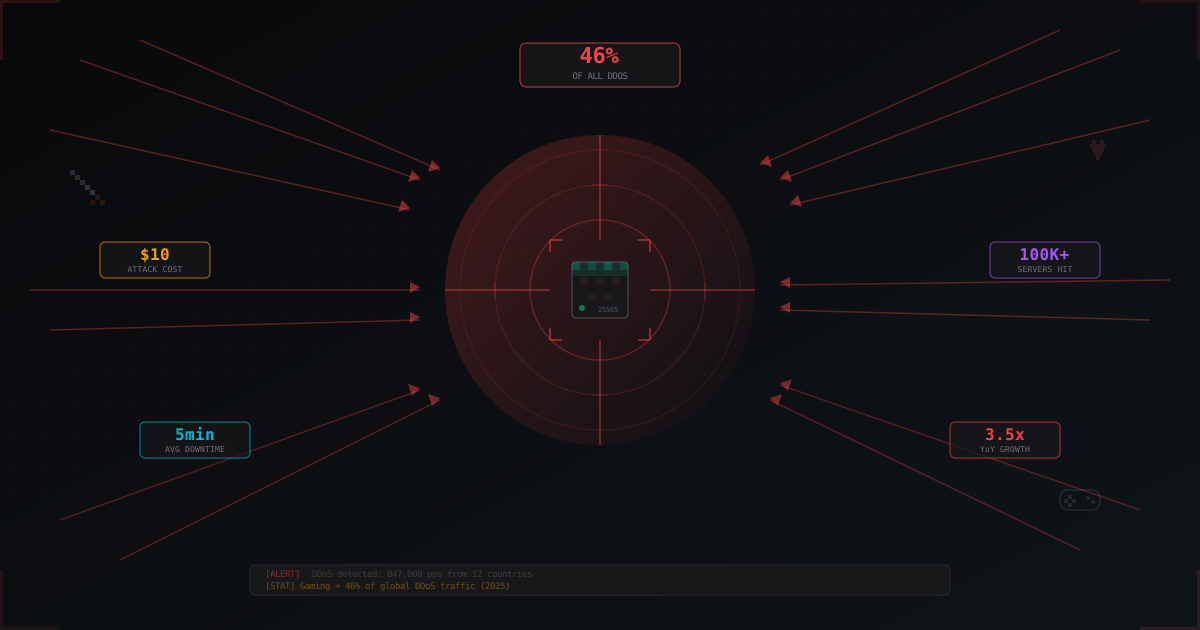
Why Gaming Servers Are the #1 Target for DDoS Attacks
The gaming industry absorbs over 46% of all DDoS attacks worldwide. We break down why gaming servers are attacked, who is behind it, what attacks cost, and why Minecraft suffers the most.

Slimefun: complete server guide for Minecraft in 2026
Slimefun4 on Paper 1.21: install, GuideBook, research, cargo network, energy, addons like ExoticGarden and InfinityExpansion, and how not to wreck TPS.
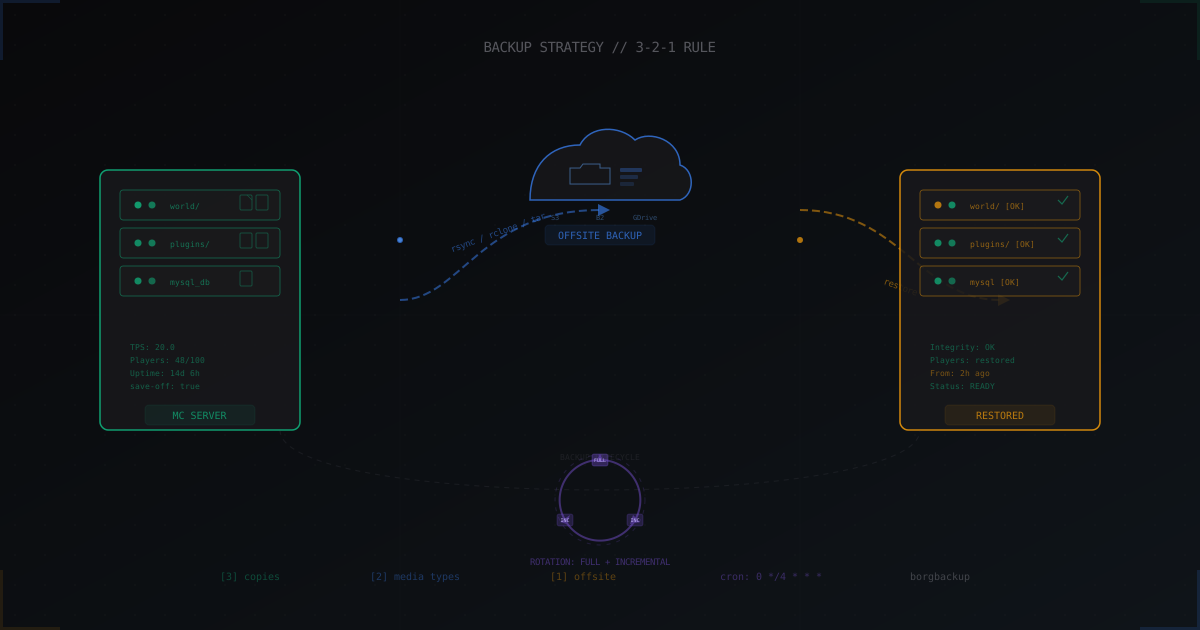
Minecraft Server Backups: How to Protect Your Data During Attacks
Complete guide to Minecraft server backups: the 3-2-1 rule, cron automation, incremental backups with borgbackup, offsite storage via rclone, live backups without stopping the server, and fast recovery after attacks.