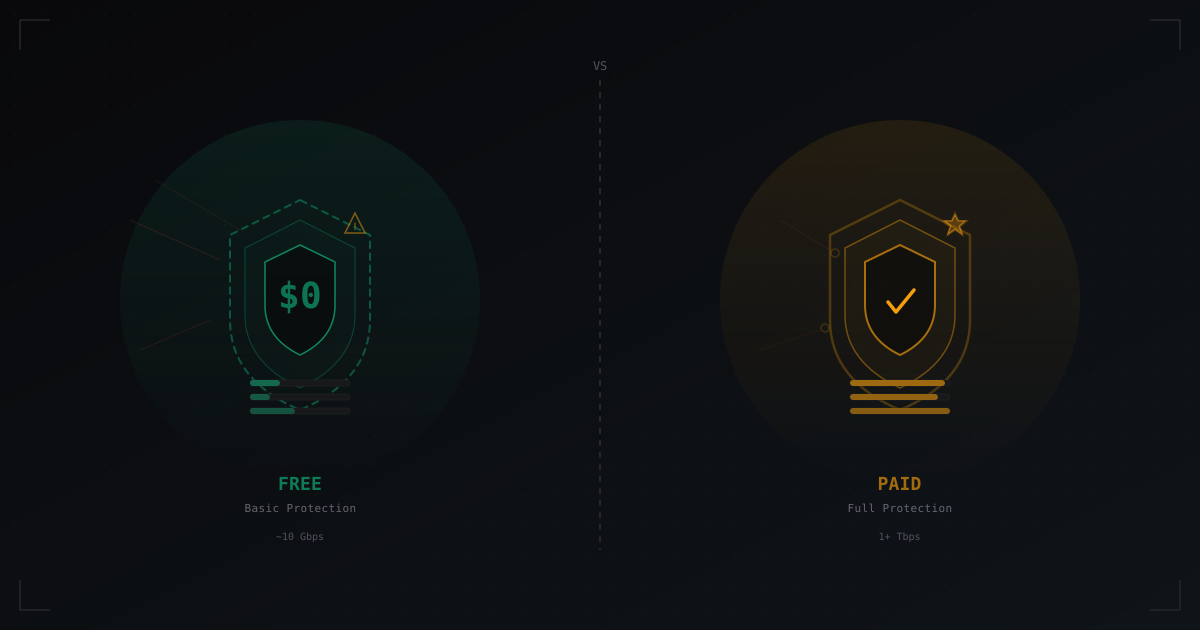
Free vs Paid DDoS Protection: What's the Real Difference
The question "why pay for DDoS protection when free options exist?" makes perfect sense. Especially when your budget is tight and your server just launched. Free protection genuinely exists, and sometimes it is enough. But in other cases, it creates a false sense of security.
In this article, we will examine all the major options: from built-in hosting protection to specialized paid services. No marketing fluff - just facts, numbers, and concrete scenarios for when each solution works.
What free options actually exist
Before comparing, let's list what is available at no cost.
OVH Game DDoS Protection
OVH includes DDoS protection with all their Game server line. It is not a separate service - it comes built in by default. On paper it sounds great: up to several hundred gigabits of filtering without extra charges.
In practice, OVH Game Protection has several characteristics worth noting:
- Filtering works at L3/L4 level. Volumetric attacks (UDP flood, SYN flood) are handled well. This is its strong point.
- Protocol-level filtering is limited. OVH knows what Minecraft traffic looks like and has basic profiles. But sophisticated application-level attacks (fake handshakes, bot join floods with valid packets) pass through the filter.
- No granular customization. You cannot create a rule like "allow maximum 5 new connections per second from a single IP." The filter runs its own algorithms and you have no influence over them.
- False positives. During certain attacks, the OVH filter can start dropping legitimate traffic. This is especially true for UDP-based games and Bedrock Edition.
- No alerts or analytics. You cannot see what is happening. When an attack starts, you find out from players complaining, not from a monitoring dashboard.
Cloudflare (free tier)
Cloudflare is often mentioned as a free solution for everything. But for game servers there is a critical detail: Cloudflare's free tier only works with HTTP/HTTPS traffic.
Minecraft uses its own protocol over TCP (Java Edition) or UDP (Bedrock). Cloudflare Free does not proxy this traffic. For game servers you need Cloudflare Spectrum, which is only available on paid plans starting at Pro ($20/month), and even then with bandwidth limitations.
What do you actually get from Cloudflare free for a Minecraft server? Protection for your website and forum. That is useful, but it has nothing to do with protecting the game server itself.
Built-in hosting protection
Many Minecraft hosting providers (shared hosting) claim to offer DDoS protection. Usually this means one of two things:
- Null-routing. When an attack exceeds a threshold, the host simply disables your IP for 1-24 hours. Technically the attack is "mitigated" - your server did not crash. But players cannot connect either. The practical result is the same.
- Basic rate-limiting on network hardware. The host's routers drop packets when limits are exceeded. Helps against the simplest floods, but useless against anything more sophisticated.
Some hosts genuinely invest in protection - they lease solutions from Voxility, Path.net, or similar providers. But on budget plans ($3-5/month), don't expect serious filtering.
Free proxies and tunnels
Free TCP proxies exist (TCPShield free tier, for example) that hide your server's real IP and provide basic filtering. Free tiers are usually limited by player count, bandwidth, and lack access to advanced features.
What paid solutions provide
Now let's look at the other side. Paid services vary, but they share common traits.
Filtering capacity
The key difference is the volume of traffic the system can handle. Free solutions typically handle attacks up to 10-20 Gbps. Sounds like a lot? In 2026, a 50 Gbps attack is standard, and 200-500 Gbps is not unusual for servers in the top 100 on monitoring sites.
Paid specialized services operate at 1 Tbps and above. That is a fundamentally different level.
Protocol-level filtering
Paid solutions for game servers understand specific protocols. For Minecraft this means:
- Handshake validation at the proxy level
- Detection and blocking of bots based on behavioral patterns
- Filtering at individual protocol packet level
- Compatibility with Forge/Fabric mods without false positives
Free solutions operate at the level of "this is a TCP packet, let it through" or "too many packets, drop them."
Latency
Any proxy adds latency. The difference is how much:
- Free proxy with no location choice: +20-80 ms depending on routing. If your server is in Europe and the proxy is in the US, players will feel it.
- Paid service with a PoP (Point of Presence) network: +1-5 ms. Traffic goes through the nearest point of presence and continues on an optimized route.
For Minecraft, an extra 50 ms is a noticeable difference in PvP. For minigames with tight timing, it is critical.
SLA and support
Free solutions: "we'll try, but we guarantee nothing." No SLA, no compensation for downtime, support through forums or tickets with no priority.
Paid solutions: 99.9%+ SLA, support response time from 15 minutes to 1 hour, dedicated manager on higher tiers, compensation for SLA violations.
Comparison table
| Parameter | OVH Game | Hosting protection | Free proxy | Paid service |
|---|---|---|---|---|
| Capacity | ~480 Gbps | 1-10 Gbps | 5-20 Gbps | 1+ Tbps |
| L3/L4 filtering | Good | Basic | Medium | Advanced |
| L7 filtering | Basic | None | Basic | Advanced |
| Minecraft protocol | Partial | None | Partial | Full |
| Added latency | 0 ms (built-in) | 0 ms (built-in) | 10-80 ms | 1-10 ms |
| Custom rules | No | No | Limited | Full |
| Attack monitoring | No | No | Basic | Detailed |
| SLA | General hosting SLA | None | None | 99.9%+ |
| Support | Tickets | Depends on host | Forum/Discord | Priority |
| Cost | Included in server | Included in hosting | $0 | $10-100+/mo |
Latency impact: a closer look
Latency is a topic people often ignore when choosing protection. That is a mistake.
When you use any external proxy, traffic follows the route: player -> proxy -> your server. Instead of a direct connection. This always adds latency. The question is how much.
Scenario 1: Server in Germany, European players.
- No proxy: 10-40 ms
- Free proxy (single server in Netherlands): 15-50 ms (+5-10 ms)
- Paid service with PoP in 5+ European countries: 12-42 ms (+2-3 ms)
In this case the difference is minimal. A free proxy works fine.
Scenario 2: Server in Germany, players worldwide.
- No proxy: 10-250 ms (depends on region)
- Free proxy (single server): 30-300 ms (worse for some regions)
- Paid service with global network: 15-180 ms (Anycast routing)
Here the difference is substantial. A paid service can actually reduce latency for distant regions through route optimization.
Scenario 3: Bedrock Edition (UDP).
- Free proxies with proper UDP support barely exist
- Most solutions either don't work with Bedrock or add 30-100+ ms
- Specialized paid solutions: +3-15 ms
Bedrock is a different story entirely. UDP traffic is harder to filter, and free options with acceptable quality practically don't exist.
When free protection is enough
Let's be honest: free protection works for many situations. Here are specific cases where paying for DDoS protection is not necessary:
Small server for friends (5-20 players). If you play in a small circle and haven't made enemies, the probability of a targeted attack is minimal. Built-in hosting protection handles random scans and small floods. If someone sends 5 Gbps your way - well, you wait an hour. The world won't end.
Server without monetization. No donations means no motivation for competitors to attack. No financial losses from downtime. You only lose your time and mood.
Test server or server in development. Obviously, protecting something nobody uses yet is a waste of money.
OVH Game server with a technical administrator. If you rent a dedicated server from OVH and know how to configure iptables, fail2ban, and rate-limiting at the OS level - the combination of OVH's built-in protection and proper server configuration covers 80% of threats.
When you need paid protection
And here are situations where saving on protection costs more in the long run:
Competitive niche. If your server appears in monitoring top lists, if you have direct competitors in the same game mode - attacks will happen. Not "maybe," but "when." And these won't be random 2 Gbps floods, but targeted application-level attacks tailored to your specific server.
Monetized server. If your server generates revenue (donations, subscriptions, advertising integrations), an hour of downtime has a concrete cost. Calculate your average hourly revenue and compare it to protection costs. The math is usually obvious.
100+ concurrent players. When your server has over a hundred players, it is a visible target. It means the server has an audience, a reputation, and people who for various reasons might want to damage that reputation.
Competitive server. If you run a PvP server, tournaments, a rating system - a DDoS during a tournament destroys not just a session but audience trust. Players who lost their rating due to a disconnect won't come back.
Bedrock Edition. As mentioned, free options with proper UDP filtering practically don't exist. If you're launching a Bedrock or cross-platform server, paid protection is needed from day one.
Real scenarios
Scenario 1: Vanilla server with 30 players
Alex launched a vanilla survival server for classmates and online friends. 20-30 players online in the evening. Hosting for $8/month with basic protection. In 4 months there was one attack - someone who got banned decided to retaliate, but the attack was weak and the built-in hosting protection handled it.
Verdict: Free protection is sufficient. Paying $15-30/month on top is an unjustified expense at this scale.
Scenario 2: Anarchy server in the top 50
A popular anarchy server with 200+ online and an active community. Attacks come 2-3 times per week at varying intensity. Built-in hosting protection can't cope - null-routing triggers and takes the server down for an hour each time.
Verdict: Paid protection pays for itself. Every hour of downtime means lost players and reputation. A solution like MineGuard or similar services solves the problem.
Scenario 3: Server network with donations
A network of 5 servers (lobby + 4 game modes), average 400 concurrent players, monthly donation revenue $2000-3000. Competitors attack regularly. Tried a free proxy - it worked until the first serious attack, then 6 hours of downtime.
Verdict: Saving on protection is absurd at this revenue level. Even $50-100/month for reliable protection is 2-3% of revenue.
Other things to consider
Hiding your real IP
Many people forget: the purpose of a proxy is not just filtering, but also hiding your server's real IP. If an attacker knows your IP, they can hit it directly, bypassing any proxy. Free solutions also hide your IP, but a leak through DNS history, Shodan, or accidental disclosure in logs - and the protection is useless.
Paid services usually offer additional mechanisms: host-side firewall, proxy IP whitelist, leak monitoring.
Combining solutions
You don't have to choose one or the other. A working setup: OVH Game server (built-in L3/L4 protection) + paid proxy for L7 filtering. The first layer handles volumetric attacks, the second handles protocol-level attacks.
Migrating under attack
Switching to paid protection while an attack is already underway is possible, but painful. DNS propagation takes time, clients cache the old IP, configuring under pressure is stressful. It is much easier to set up protection in advance while everything is running smoothly.
A few words about MineGuard
Since this article is on our site, it is fair to explain where MineGuard fits in this picture. MineGuard is specialized protection for Minecraft servers that works as an L7 proxy. Protocol-level filtering for Minecraft, support for Java and Bedrock, minimal latency through an optimized network.
But honestly: we are not the only solution on the market. TCPShield, Cosmic Guard, NeoProtect - they all solve similar problems. Choose based on your specific requirements: geography, capacity, mod support, price, support quality. Test 2-3 options and pick the one that works best for your situation.
Conclusion
Free protection is not a myth or a marketing gimmick. It genuinely works for certain scenarios. If you have a small server with no enemies and no monetization, don't spend the money - you'll find better uses for it.
But if your server earns money, is growing, or sits in a competitive niche, free protection will eventually let you down. And it is better to set up a paid solution in advance than to frantically search for one during an attack while your server is down and players are leaving for competitors.
The best protection is one that matches your actual risks. No more and no less.
Protect Your Server from DDoS Attacks
Free protection with 5-minute setup. 1 TB bandwidth included.
Try for FreeRelated Articles
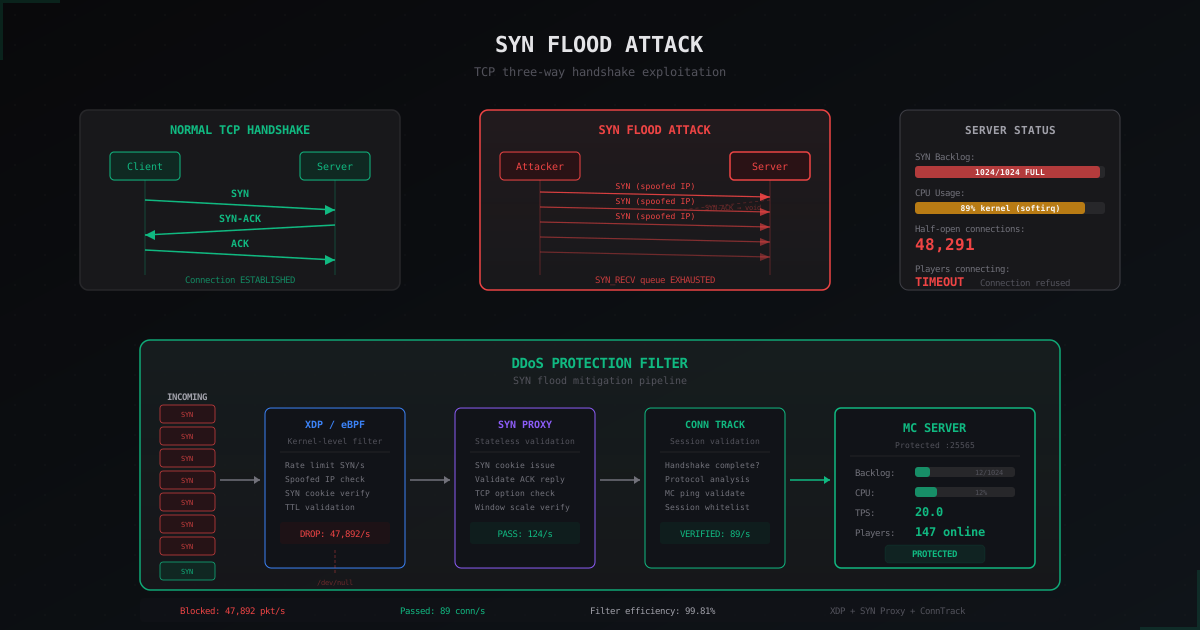
SYN Flood: The Most Common DDoS Attack on Minecraft Servers
Deep dive into SYN flood mechanics: how attackers exploit the TCP handshake, why Minecraft servers are especially vulnerable, and what protection methods actually work. Real commands, sysctl configs, and iptables rules.
Citizens: NPCs and quest characters on a Minecraft server
Full Citizens guide: install, skins, traits, click commands, Quests, Denizen and Sentinel integration, holograms and performance tuning.
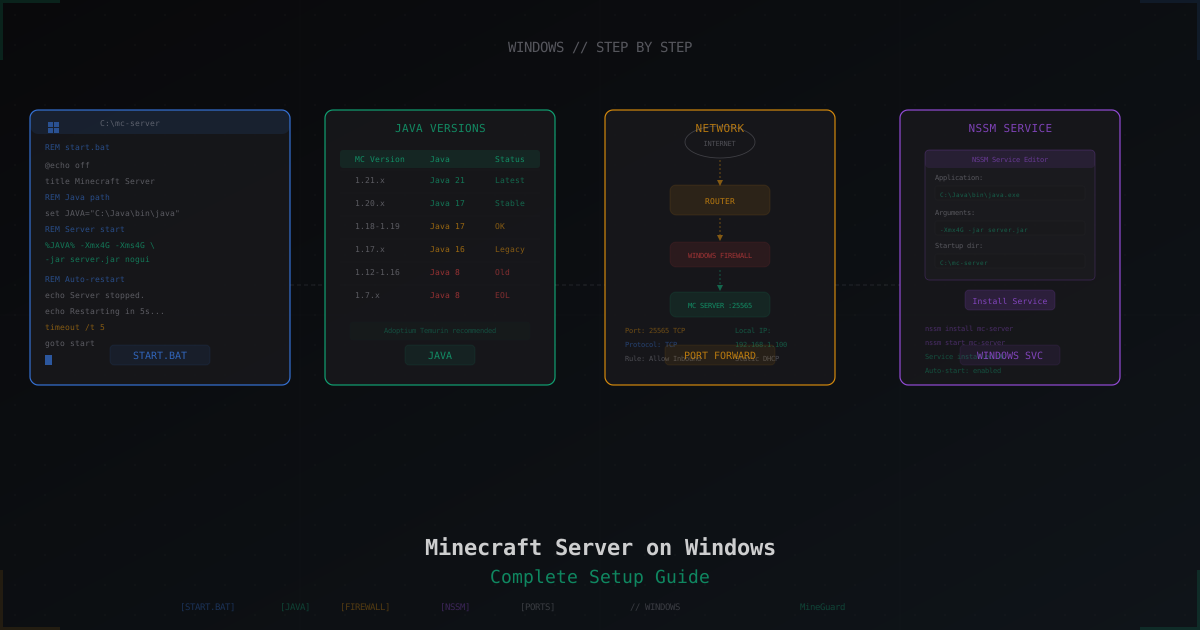
Minecraft Server on Windows: Step-by-Step Setup Guide
Complete guide to running a Minecraft server on Windows: installing Java, downloading Paper, creating start.bat with JVM flags, port forwarding, firewall rules, auto-start with NSSM, and common Windows pitfalls.