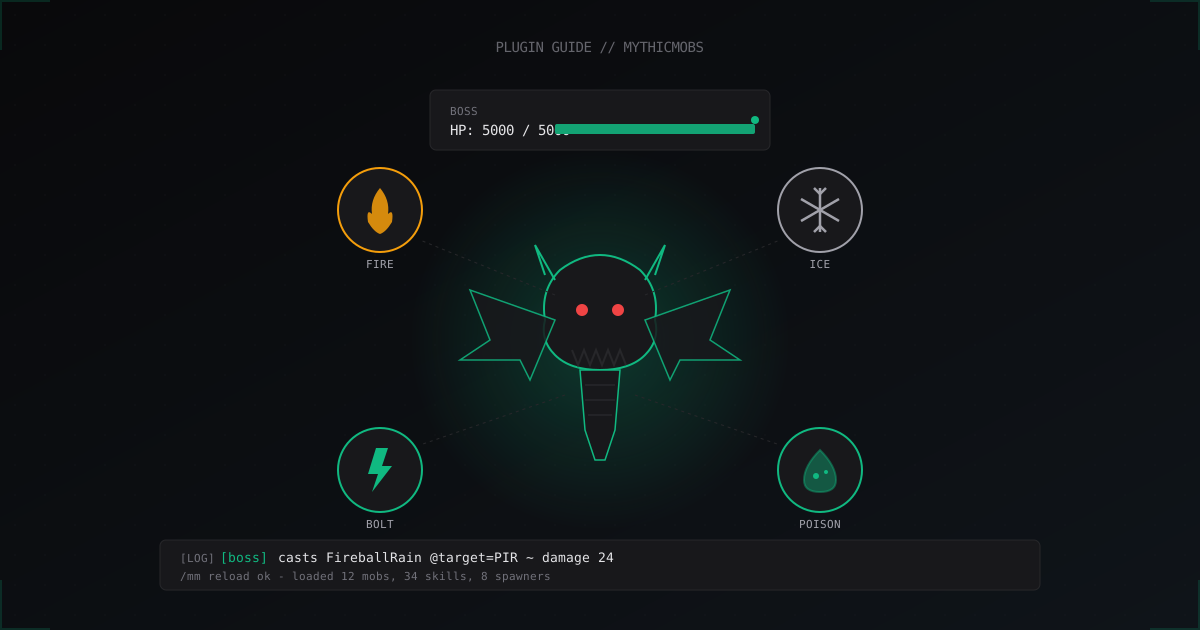
MythicMobs: Custom Mobs and Bosses Guide for Minecraft
If the vanilla Ender Dragon and Wither stopped impressing your players a long time ago, MythicMobs turns a Paper/Spigot server into a sandbox for custom bosses, elite mobs, and arenas. Below I will cover installation, the YAML format, the skill system, and what actually works in production versus what will burn your TPS.
What MythicMobs Is and Why You Want It
MythicMobs is the de-facto standard for custom mobs on Bukkit-compatible servers. The plugin lets you describe any mob in YAML: a vanilla type as a base, custom name, HP, damage, drops, factions, and complex skills with triggers. No code needed, everything is configuration.
In practice the plugin is used for three jobs:
- RPG servers with unique monsters per biome
- one-off bosses for events with 50-100 players
- arenas and dungeon zones with mob waves
The biggest advantage over hand-rolled solutions: a huge library of ready-made configs on mythiccraft.io and detailed documentation for every skill mechanic.
Free vs Premium
The free version of MythicMobs covers about 95 percent of what a typical server needs. Paid extensions from the same author:
- MythicCrucible - custom items (swords, armor, amulets) with triggered skills on hit or wear
- MythicDungeons - turnkey instance engine with checkpoints and rewards
- ModelEngine - custom mob models via resource pack, no client mod required
If you just want a boss with fireballs, free is enough. If you are building a full RPG server with loot and dungeons, premium pays for itself.
Installation and First Run
The plugin installs as a regular jar. No external dependencies, just Paper or Spigot 1.16+.
# on the server
cd plugins/
wget https://www.spigotmc.org/resources/mythicmobs.5702/download -O MythicMobs.jar
# or download manually from mythiccraft.io
Restart the server (not /reload, a proper stop/start). The plugin creates plugins/MythicMobs/ with this layout:
plugins/MythicMobs/
├── config.yml
├── Mobs/
│   └── ExampleMobs.yml
├── Skills/
│   └── ExampleSkills.yml
├── Items/
├── Spawners/
├── RandomSpawns/
└── Stats/
After any YAML edit run:
/mm reload
This re-reads the configs without restarting the server. If the log shows Could not load mob, your YAML is broken somewhere - check indentation and quotes.
Mob Structure: Your First Custom Skeleton
Open plugins/MythicMobs/Mobs/ExampleMobs.yml or create a new file like BossMobs.yml. A single file can hold any number of mobs.
SkeletalKnight:
  Type: SKELETON
  Display: '&6Skeletal Knight'
  Health: 80
  Damage: 6
  Faction: undead
  Options:
    MovementSpeed: 0.28
    PreventOtherDrops: true
    PreventRandomEquipment: true
  Equipment:
    - iron_sword HAND
    - iron_helmet HEAD
    - iron_chestplate CHEST
  Drops:
    - diamond 1 0.05
    - bone 2 1
    - emerald{amount=2} 1 0.3
  Skills:
    - skill{s=KnightCharge} @target ~onAttack
What happens here:
- Type is the vanilla base, AI and hitbox come from it
- Display is the nameplate, supports color codes via
& - Faction drives AI (the mob will not attack allies)
- Drops uses
item amount chanceformat, chance 0 to 1 - Skills binds the
KnightChargeskill to theonAttacktrigger
After /mm reload, test the spawn:
/mm mobs spawn SkeletalKnight 1
The mob appears under your feet. If it does not, tail the log: tail -f logs/latest.log | grep -i mythic.
Skills: Where the Magic Lives
Skills are the heart of the plugin. Every skill is built from four parts:
- Mechanic - what to do (deal damage, throw a fireball, apply potion)
- Targeter - who is affected (
@target,@PIR{r=10}for players in 10-block radius,@self) - Condition - when it fires (
?health < 0.5,?inCombat,?onGround) - Trigger - the source event (
~onTimer,~onAttack,~onDamaged,~onSpawn)
Define skills in plugins/MythicMobs/Skills/BossSkills.yml:
KnightCharge:
  Skills:
    - message{m="<mob.name> charges at you!"} @PIR{r=15}
    - velocity{velocity=1.5,mode=ADD,relative=true} @self
    - damage{amount=4} @target

FireballRain:
  Skills:
    - delay 10
    - effect:sound{s=entity.blaze.shoot;v=1;p=0.5} @self
    - shootfireball{velocity=1.0;yield=2} @PIR{r=20}
    - shootfireball{velocity=1.0;yield=2} @PIR{r=20}
    - shootfireball{velocity=1.0;yield=2} @PIR{r=20}

EnragePhase:
  Conditions:
    - health{h=<0.5} true
  Skills:
    - effect:particles{p=flame;amount=200;hS=2;vS=1} @self
    - potion{type=INCREASE_DAMAGE;duration=600;level=1} @self
    - message{m="&c<mob.name> IS ENRAGED!"} @PIR{r=30}
Wire the skills to the boss:
DungeonLord:
  Type: WITHER_SKELETON
  Display: '&4&lDungeon Lord'
  Health: 5000
  Damage: 12
  Options:
    MovementSpeed: 0.32
    Knockback: 5
  Equipment:
    - netherite_sword HAND
  Skills:
    - skill{s=FireballRain} @self ~onTimer:100 ?health<0.7
    - skill{s=EnragePhase} @self ~onDamaged ?health<0.5
    - skill{s=KnightCharge} @target ~onAttack
  Drops:
    - netherite_ingot 1 0.5
    - diamond 5 1
    - emerald 10 1
The logic: every 100 ticks (5 seconds) while HP is below 70 percent the boss casts a fireball rain, drops below 50 percent trigger a one-time enrage, and melee attacks include a charge to the target.
Drops, Loot Tables and DropTables
Inline item amount chance is fine for a few items. For real loot use separate DropTables in plugins/MythicMobs/DropTables/:
BossLoot:
  Conditions:
    - playersinradius{r=30}{c=>1} true
  Drops:
    - netherite_scrap 1 0.3
    - diamond 3-5 1
    - enchanted_book{enchants=SHARPNESS:5} 1 0.1
    - exp 500 1
Reference it from the mob with DropTable: BossLoot instead of an inline Drops section. The advantage: one table reused across dozens of mobs, balance changes in a single place.
Spawning: Manual, Random, and Mythic Spawners
Three ways to put custom mobs on the map:
1. Manual command spawn - good for events and tests:
/mm mobs spawn DungeonLord 1
/mm mobs spawn DungeonLord 1 world,100,64,200
2. RandomSpawns - replaces vanilla biome spawns. File plugins/MythicMobs/RandomSpawns/example.yml:
NetherSkeletonSpawn:
  Type: SkeletalKnight
  Chance: 0.3
  Priority: 5
  Cooldown: 30
  Conditions:
    - biome SOUL_SAND_VALLEY,WARPED_FOREST
    - timeofday NIGHT
3. Mythic Spawners - named spawn points on the map. Create them in-game:
/mm spawners create BossSpawner_1 DungeonLord
/mm spawners set BossSpawner_1 Cooldown 7200
/mm spawners set BossSpawner_1 MaxMobs 1
A spawner with a 7200-second cooldown (2 hours) gives one boss max, and another will not appear until the current one is dead. Perfect for arenas and dungeons.
Custom Models via ItemsAdder and Oraxen
Want a real dragon model instead of a renamed skeleton? Without client mods you have two paths:
- ModelEngine (premium, with a free R3 version) - the most popular option, integrates directly with MythicMobs via
Model: dragon_model - ItemsAdder or Oraxen - swap models via resource pack, bound through CustomModelData in Equipment
For ItemsAdder add to the mob YAML:
CustomDragon:
  Type: ENDER_DRAGON
  Display: '&5Crystal Dragon'
  Health: 3000
  Equipment:
    - itemsadder:custom.dragon_skin HEAD
On first connect the player downloads the resource pack and sees a unique model. No Forge or Fabric required, vanilla client with the resource pack accepted is enough.
Performance: Where TPS Will Bite
From experience on a Paper server with 8 cores and 12 GB heap:
- up to 50 custom mobs in one chunk-radius - TPS does not flinch
- 100-200 mobs - noticeable with heavy skills (especially particle effects with large PIR radii)
- 500+ mobs - TPS drops to 15-17 even with empty skills
What actually eats performance:
- frequent
~onTimerwith low intervals (1-5 ticks) - big PIR targeters (
@PIR{r=50}) inside timer skills - particle effects with
amount=500+
Optimization: keep timers at 20 ticks (1 second) or higher, cap radii to 15-20 blocks, keep particles around 50-100 per effect. The /mm test damage command runs a skill in isolation and shows its cost.
Dungeon Arenas and Mob Waves
Free MythicMobs gives you the tools for arenas via skills and spawners. Quick implementation:
ArenaWave1:
  Skills:
    - summon{type=SkeletalKnight;a=5;r=10} @self
    - message{m="&aWave 1 starts!"} @PIR{r=50}

ArenaWave2:
  Skills:
    - delay 200
    - summon{type=DungeonLord;a=1;r=5} @self
    - message{m="&4BOSS!"} @PIR{r=50}
Trigger these from a control invisible mob or via MythicCommands and repeaters. For real instances where each party gets its own copy of the arena, you will need MythicDungeons.
Faction System and AI
By default custom mobs aggro on players and ignore each other. Factions tune this. In config.yml:
Factions:
  undead:
    Allies:
      - undead
    Enemies:
      - players
      - villagers
  guardians:
    Allies:
      - players
    Enemies:
      - undead
Now a mob with Faction: guardians attacks any undead and defends the player. Useful for ally NPC guards or pets.
Useful Debug Commands
Without debug tools your first configs will hurt:
/mm reload                    # reload all YAML
/mm mobs spawn <name> [count] # spawn a mob
/mm mobs list                 # list loaded mobs
/mm mobs kill <name>          # kill all mobs with this name
/mm test skill <skill>        # test a skill cast
/mm test damage <amount>      # test damage mechanic
/mm items get <item>          # get a custom item (with MythicCrucible)
If a skill does not fire, prepend - message{m="DEBUG: skill fired"} @self to it - you immediately see whether execution reaches that point.
FAQ
Does MythicMobs work on Folia?
Partially. Folia and its regional multi-threaded ticking break many plugins, and MythicMobs before 5.6 had issues. Recent builds ship Folia patches, but if you run 1.20+ on Folia, check the specific plugin version and changelog. On Paper everything is stable.
Where to find ready-made bosses and mobs?
Main source is the MythicCraft Marketplace on mythiccraft.io, with both free and paid configs. SpigotMC and BuiltByBit host dozens of boss packs with models. Take any free pack to start, read its YAML, and you will pick up 80 percent of the syntax.
Do players need a client mod?
No, vanilla client handles everything MythicMobs offers. If you use custom models via ModelEngine or ItemsAdder, the player downloads a resource pack on connect (around 5-30 MB) and sees the models. Mandatory pack download is set in server.properties via require-resource-pack=true.
MythicMobs vs Citizens vs Denizen?
Different tools. Citizens is for NPC characters with dialogue and quests, no complex combat skills. Denizen is a powerful scripting language for everything (NPCs, quests, custom logic), with a steep learning curve. MythicMobs is laser-focused on combat mobs, bosses, and arenas. Many servers run all three side by side, each handling its niche.
How much disk space does a 50-mob config take?
Less than a megabyte. YAML is compact, an average mob with 3-4 skills runs 30-50 lines. The bottleneck is not size but the number of concurrent skill timers.
Can I make a boss with phases?
Yes, via the ~onDamaged trigger and a ?health<X condition. Define multiple skill blocks with different HP thresholds, each activating its own move set. For phases with a physical change (new model, teleport to arena center), write a dedicated skill with summon and remove on phase transition.
Can I import mobs from other plugins?
No direct import. Configs from EpicBosses or BossesPlus need to be rewritten. The Marketplace often hosts ports of popular bosses for MythicMobs.
What Next
Build one working boss with two skills and a DropTable before tackling a 20-mob RPG arc. A realistic path:
- week 1: a couple of custom mobs in one file, manual spawn, skill debugging
- week 2: RandomSpawns by biome, a real DropTable, economy integration
- later: Mythic Spawners, factions, custom models via ModelEngine
Before going to production back up plugins/MythicMobs/ via your hosting backup system. A broken YAML after /mm reload will not crash the server, but badly written timers with particles can drop TPS to 10. And shield the server from DDoS in advance: a popular custom boss draws 80-150 concurrent players, and attackers usually follow.
Protect Your Server from DDoS Attacks
Free protection with 5-minute setup. 1 TB bandwidth included.
Try for FreeRelated Articles
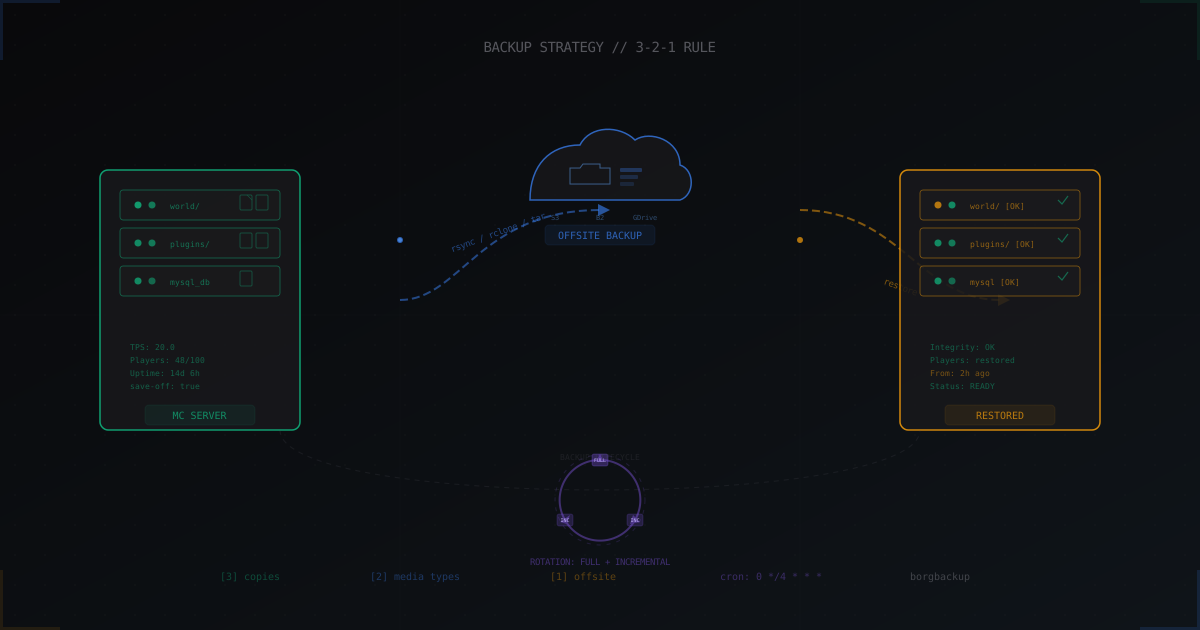
Minecraft Server Backups: How to Protect Your Data During Attacks
Complete guide to Minecraft server backups: the 3-2-1 rule, cron automation, incremental backups with borgbackup, offsite storage via rclone, live backups without stopping the server, and fast recovery after attacks.
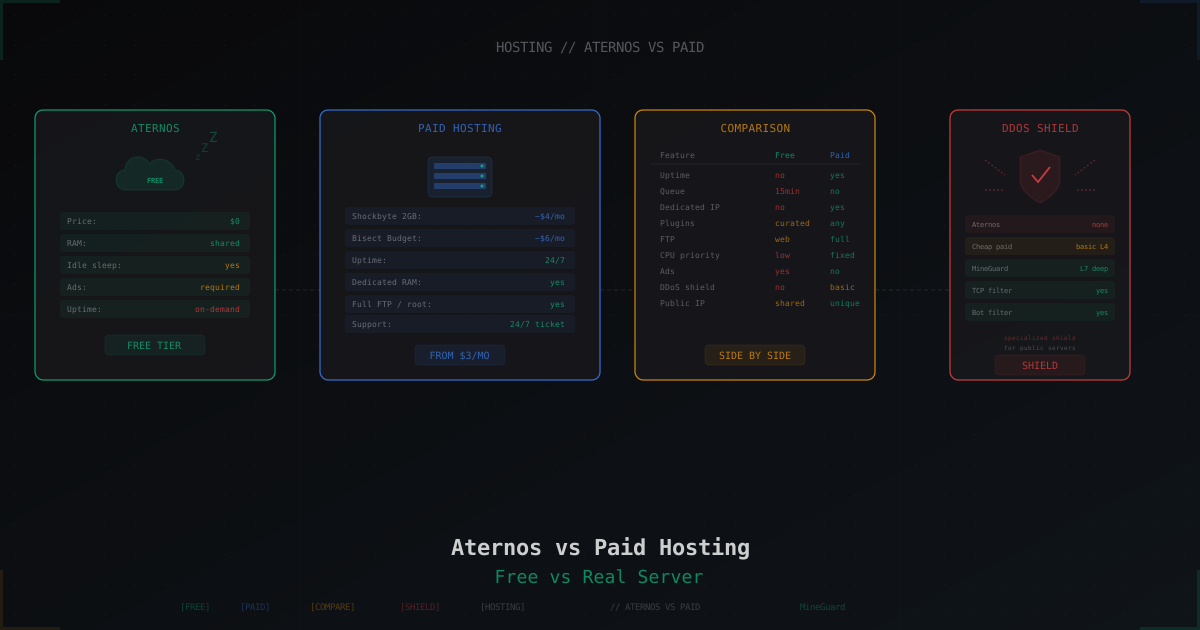
Aternos vs Paid Hosting: When Free Is Enough and When It Isn't
Honest breakdown of Aternos in 2026: real limits, idle sleep, ads, startup queue. Plus comparison with Minehut, Exaroton, Falix, and paid hosts from $3.
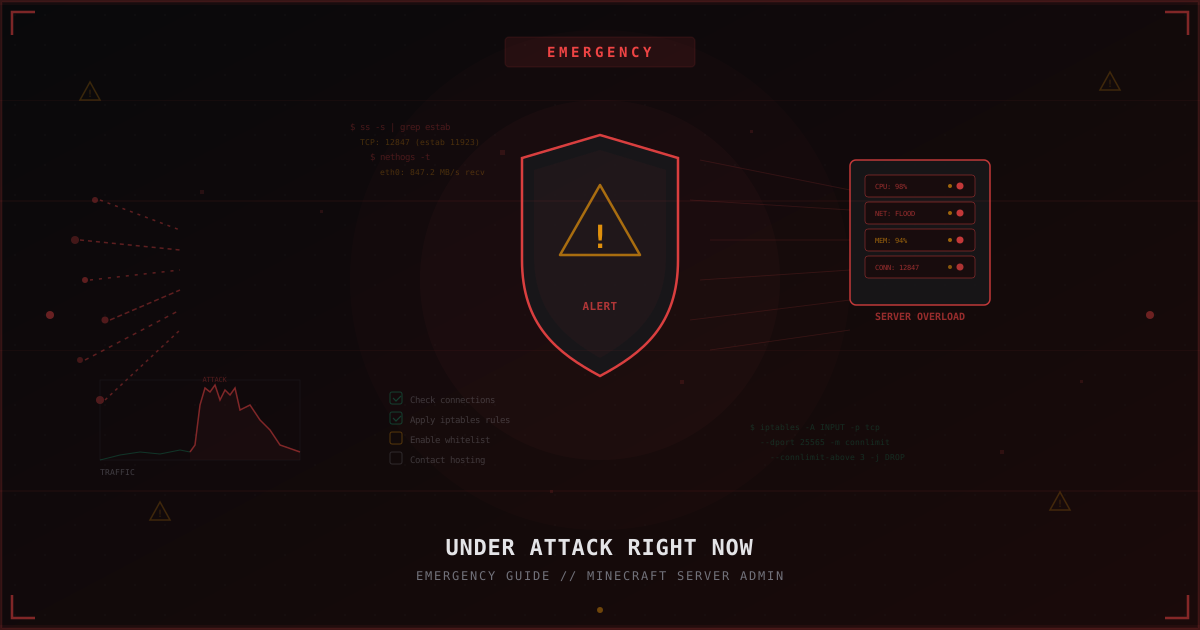
Under Attack Right Now: Emergency Guide for Minecraft Server Admins
Step-by-step emergency checklist: what to do when your Minecraft server is under attack right now. Diagnostics, quick iptables mitigations, temporary whitelist, when to contact hosting, and how to prepare for the next attack.