Minecraft Server Rules and Moderation: Complete Admin Guide
Why Your Server Needs Rules
Any Minecraft server without rules descends into chaos within days. Griefers tear down builds, cheaters dominate PvP, chat fills with spam and insults. Players leave, numbers drop, the project dies. I have seen dozens of servers fail not because of technical issues, but because nobody bothered with moderation.
Clear rules serve multiple purposes. First, they set expectations: a new player joins and immediately understands what is allowed and what is not. Second, rules give moderators a solid foundation. Without rules, each mod punishes differently, leading to accusations of bias and inconsistency. Third, rules protect you legally: if someone disputes a ban, you can point to the exact rule they violated.
Template Rules List
Over years of server administration, I have developed a universal rule set that works for most servers. Use it as a starting point and adapt it to your project.
- No griefing. Destroying or modifying another player's builds without permission is prohibited. This includes stealing from chests on servers without protection plugins.
- No cheats or unfair modifications. Any client giving an unfair advantage (killaura, fly, speedhack, X-Ray) is banned. List allowed mods (OptiFine, minimaps, shaders) separately.
- No spam or flooding. Repeated messages, advertising other servers, meaningless character strings in chat.
- Respectful communication. Insults, threats, discrimination of any kind are prohibited.
- No bug exploitation. If a player finds a bug, they must report it rather than exploit it.
- One account per player. Alt accounts used to evade bans or gain advantages are prohibited.
- No real-money trading. Selling in-game items or accounts for real money outside the official server store.
- Respect staff decisions. Disputes should be handled through the appeals system, not in public chat.
Post rules on your website, in Discord, and on signs at spawn. The more accessible the rules are, the fewer "I didn't know" excuses you will hear.
Staff Hierarchy
Effective moderation requires a clear structure. Here is a proven hierarchy that I recommend:
Owner makes strategic decisions: plugin selection, server configuration, final say on disputed bans. Should not handle routine moderation.
Administrator (Admin) manages the moderation team, configures moderation plugins, handles complex cases and appeals. Has server console access.
Moderator is the main workforce. Monitors chat, punishes rule-breakers, investigates reports. Has permissions for mute, kick, and temporary ban.
Helper is a moderation trainee. Answers newcomer questions, reports violations to senior staff, can issue warnings. Cannot ban players.
Key rule: each level must have a strictly defined set of permissions. No "just give them ban access in case they need it." The fewer permissions a staff member has, the less damage they can do if something goes wrong.
Moderation Plugins
Without proper tools, moderation becomes tedious manual work. Here is a plugin set that covers every need:
LiteBans is a punishment system with MySQL support. Bans, mutes, kicks, and warnings are stored in a database and synchronized across servers in a network. The web interface displays each player's punishment history. This is my first choice for any server.
AdvancedBan is a free alternative to LiteBans. Slightly less feature-rich, but perfectly adequate for a standalone server. Supports punishment templates: you can set up automatic escalation (first offense is a warning, second is a one-hour mute, third is a one-day ban).
StaffChat provides a separate communication channel for moderators directly in-game. Players cannot see it. Essential for coordination: "watching a suspicious player at the PvP warp," "need help with griefers at spawn."
CoreProtect is an indispensable investigation tool. It logs every action: who placed a block, who broke it, who opened a chest. It can roll back changes for any time period. When a player writes "I got griefed," you simply check the log and know exactly who did it.
Evidence Collection
Punishing without evidence is a surefire path to drama. Every ban must be justified.
CoreProtect is your primary tool. The /co inspect command enables inspection mode: click on a block and see its full history. /co rollback reverts a specific player's actions for a given period. /co lookup searches actions by parameters.
For cheaters: record video via spectator mode or use plugins like Replay. Screenshots of anti-cheat logs work too, but video is more convincing. Keep evidence for at least 30 days, which is a standard appeal window.
Set up a ticket system or a Discord channel for reports. Every report should be documented: who reported, who was reported, when, what evidence was provided, what decision was made. This is not bureaucracy. It is protection for your team.
Handling Appeals
Mistakes happen, and banned players deserve a way to dispute decisions. A solid appeals system consists of several elements:
An appeal form on your website or in Discord with fields: username, ban date, reason (in the player's view), why the ban should be lifted. Set a review deadline (for example, 72 hours) and stick to it.
Appeals should be reviewed by someone other than the moderator who issued the ban. This reduces bias. An administrator or a dedicated review panel works best.
Communicate the result to the player with reasoning. If the ban is reversed, give the moderator feedback. If upheld, explain to the player why.
Anti-Cheat Setup Basics
Anti-cheat does not replace moderators but removes a massive portion of their workload. Key points for setup:
Popular solutions include Vulcan, Matrix, and Grim. Vulcan is considered the gold standard for servers on recent versions. Setup takes time, as any anti-cheat will produce false positives out of the box.
Start in alert mode: the anti-cheat notifies moderators about suspicious players but does not punish automatically. Observe for one to two weeks, filter out false positives, adjust sensitivity. Only then enable automatic punishments.
Configure thresholds: one flag triggers a moderator alert, three flags per minute trigger an auto-kick, five flags in five minutes trigger a temporary ban. Exact numbers depend on your server.
Chat Filtering
Chat is the face of your server. Toxic chat drives away newcomers faster than any other factor.
ChatControl is a comprehensive chat management solution. Profanity filtering, anti-spam, anti-flood, customizable message formats, automatic announcements. It works through regular expressions, giving you flexibility in setting up filters.
ChatGuard is a more lightweight alternative focused on filtering unwanted content with minimal configuration. Suitable for smaller servers.
My advice: do not try to block every bad word. Players will always find ways around filters. Block the worst offenses and leave the rest to moderators. Overly aggressive filtering annoys regular players ("I can't type the word 'class' because it contains a flagged substring").
Ban vs Warn vs Mute: What to Choose
This is one of the most common questions from new moderators. Here is a simple framework:
Warning is for first-time minor offenses. Mild spam, minor rudeness, unfamiliarity with the rules. The warning is logged in the system. Two to three warnings escalate to a mute.
Mute is for repeated chat violations, advertising, or insults. Duration depends on severity: 30 minutes for spam, 2 hours for insults, 24 hours for advertising. A mute does not prevent gameplay but stops the player from ruining chat.
Temporary ban is for serious violations: griefing, cheats (first offense), deceiving moderators. One day to 30 days depending on severity.
Permanent ban is the last resort. Repeated cheating after a temporary ban, large-scale griefing, real-life threats, server hacking attempts.
The core principle: punishment must be proportional to the offense and consistent for all players. If a one-hour mute is the penalty for profanity, it applies to everyone equally, whether a new player or a long-term donor.
Managing a Toxic Community
Sometimes the problem is not individual players but the overall atmosphere. A few tips from personal experience:
Toxicity is contagious. One aggressive player in chat provokes others. A quick moderator response prevents escalation. Do not wait for an argument to become a full-blown conflict.
Reward good behavior. Reputation systems, rewards for helping newcomers, special privileges for loyal players. Positive reinforcement works better than punishment alone.
Create channels for feedback. When players can voice concerns constructively (a forum, a suggestions channel in Discord), they are less likely to vent frustration in-game.
Do not engage in public arguments with rule-breakers. A moderator arguing with a player in public chat loses authority. Issue the punishment, provide an appeal link, and close the topic.
Internal and External Security
Moderation protects your server from internal threats: rule-breakers, griefers, cheaters, toxic players. This is a critical part of security, but only half the picture.
External threats like DDoS attacks, bot floods, and exploit attempts require entirely different tools. No moderation plugin will help when your server is hit with tens of gigabits of malicious traffic.
At MineGuard, we handle the external side of protection. Our filter analyzes traffic and blocks attacks before they reach your server. Moderation plus external protection is the complete security formula for a Minecraft project. Good rules and skilled moderators maintain order from within, while DDoS protection prevents external threats from taking your server down.
Build security on every level, and your project will grow steadily.
Protect Your Server from DDoS Attacks
Free protection with 5-minute setup. 1 TB bandwidth included.
Try for FreeRelated Articles
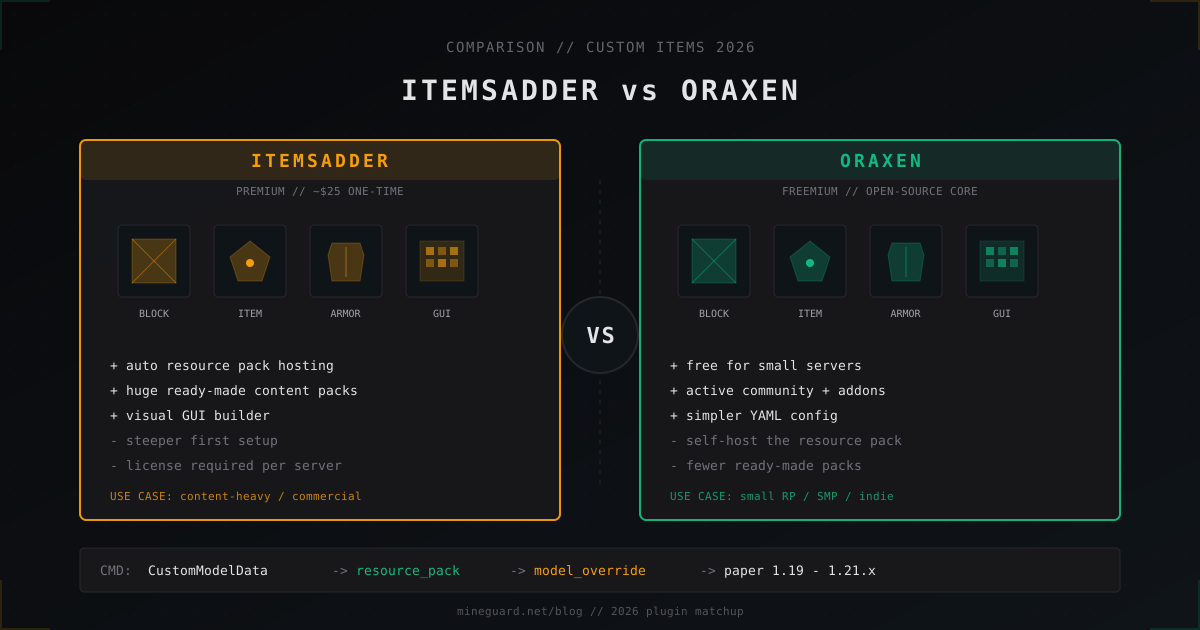
ItemsAdder vs Oraxen: which custom items plugin to pick in 2026
ItemsAdder vs Oraxen in 2026: price, custom blocks, furniture, GUI, resource pack hosting, Folia. Which one fits a small SMP and a big RPG.
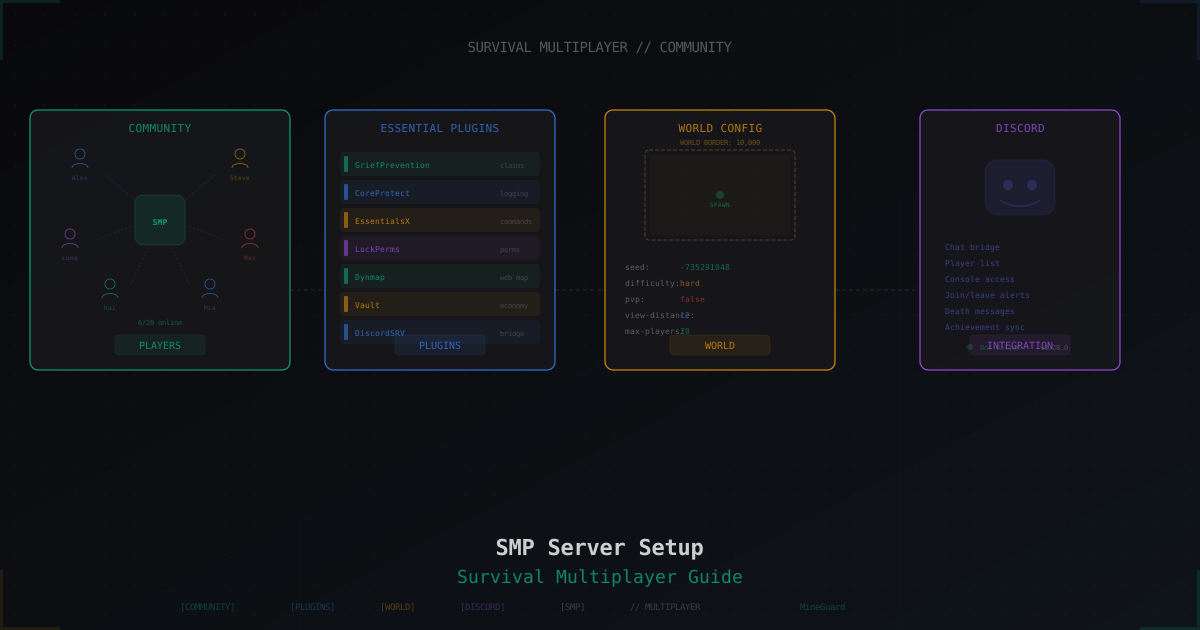
Minecraft SMP Server in 2026 - Setup and Configuration Guide
Full SMP playbook: core choice (Paper, Purpur, Folia, Fabric), JVM flags, server.properties and paper.yml tuning, pre-generation, claim and economy plugins, Grim vs Vulcan anti-cheat, anti-bot, voice chat, 3-2-1 backups, monetization without pay-to-win and DDoS protection.
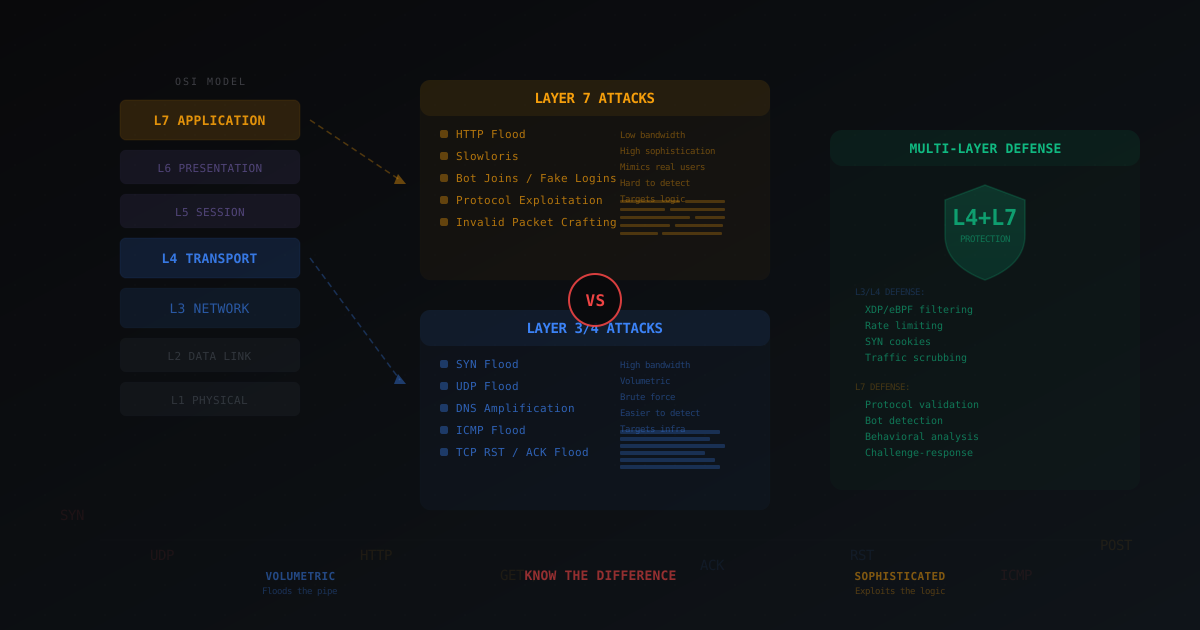
Layer 4 vs Layer 7 DDoS Attacks - What's the Difference
Breaking down the OSI model in plain terms, explaining the difference between L3/L4 and L7 attacks with gaming examples: SYN flood, UDP flood, HTTP flood, bot joins and invalid packet crafting. Why real protection requires both layers.