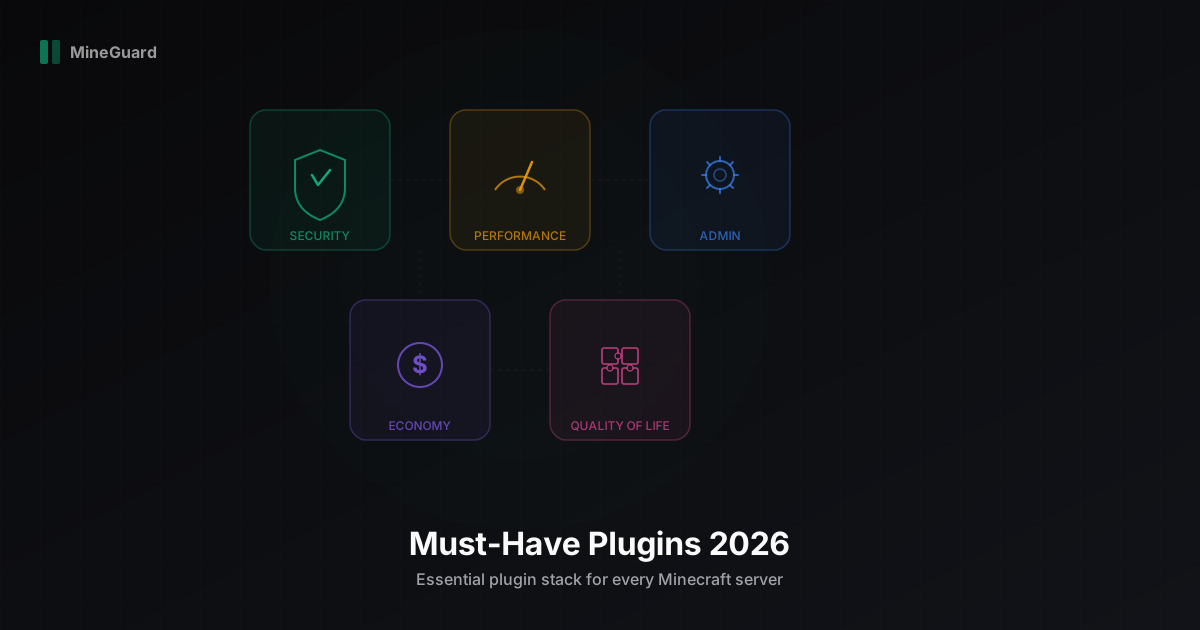
Must-Have Plugins for Your Minecraft Server in 2026
Running a Minecraft server in 2026 without the right plugin stack is like mining without a pickaxe. Technically possible, but the results will be disappointing. Through years of working with servers of all sizes, we at MineGuard have developed a clear understanding of which plugins genuinely matter and which are a waste of resources. In this article, we break down must-have plugins by category with specific recommendations.
Security: Your First Line of Defense
AuthMe Reloaded
If your server runs in offline mode (cracked), AuthMe is not optional. It adds a registration and login system directly on the server. Without it, anyone can join using someone else's username and gain access to their inventory, builds, and permissions.
AuthMe Reloaded supports bcrypt password hashing, email recovery, brute-force protection, and integration with forum engines. We recommend the Reloaded version specifically because the original AuthMe has been abandoned for years.
Anti-Cheats: Vulcan and Grim
Cheaters are the eternal headache of Minecraft servers. In 2026, two anti-cheats stand above the rest: Vulcan and Grim.
Vulcan is a paid anti-cheat that we recommend for PvP-focused servers. It excels at catching KillAura, Reach, Speed, and other combat cheats. Detections are accurate with minimal false positives. Worth every penny.
Grim (GrimAC) is a free, open-source alternative. It uses a predictive engine that simulates player movement on the server side. If your budget is limited, Grim is an excellent choice. It is actively developed and has a growing community.
Our recommendation: if you can afford Vulcan, go for it. If not, Grim will cover 90% of your needs.
BungeeGuard
If you use BungeeCord or Velocity as your proxy, BungeeGuard protects your backend servers from direct connections that bypass the proxy. Without it, an attacker can connect directly to your server, impersonating any player, including administrators. This is a critical vulnerability that many server owners overlook.
External Protection: What Plugins Cannot Cover
Plugins handle in-game threats brilliantly: cheats, griefing, account theft. But there is an entire class of threats that plugins simply cannot address: DDoS attacks, protocol-level bot floods, port scanning, and network vulnerability exploitation.
This is exactly why we built MineGuard. Our filter operates at the network level, before traffic ever reaches your server and its plugins. We handle DDoS mitigation, bot filtering, and connection verification, while your plugins focus on what they were designed for: gameplay. It is a clean separation of responsibilities: plugins handle the inside, MineGuard handles the outside.
Performance: Keeping Your TPS Healthy
Spark
Spark is the number one performance profiler and monitor for Minecraft. It shows you exactly what is loading your server: which plugin, which world, which entities. Without Spark, you are guessing. With it, you see concrete numbers.
Spark can do tick profiling, memory monitoring, heap dump analysis, and report sharing via its web interface. We consider it mandatory for any server, even small ones. Performance problems are easier to prevent than to fix.
ClearLag
A classic plugin for fighting entity-related lag. ClearLag periodically removes dropped items from the ground, limits mob counts, and cleans loaded but empty chunks. Configuration is key: do not overdo it, or players will lose important items.
Tip: set up a 30-second warning before each cleanup and add exceptions for named items.
FarmControl
Farms in Minecraft are the number one TPS killer. A single player with a 500-cow farm can tank the TPS for the entire server. FarmControl lets you limit mob counts per chunk, automatically reduce oversized farms, and warn players.
We recommend setting a limit of 30-50 mobs per chunk. That is enough for normal gameplay but prevents one player from killing the server.
Administration: Keeping Order
LuckPerms
LuckPerms is the de facto standard for permission management in 2026. If you are still using PermissionsEx or GroupManager, it is time to migrate. LuckPerms is faster, more stable, has a web-based permission editor, and supports all modern platforms: Paper, Velocity, Fabric.
The killer feature is the web editor. You can configure permissions through your browser without logging into the server. Inheritance trees, contextual permissions, temporary groups - all visual and intuitive.
EssentialsX
EssentialsX is the Swiss Army knife for server administrators. Teleportation, private messaging, kits, warps, economy, moderation - hundreds of commands in a single plugin. Yes, you could assemble these features from separate plugins, but EssentialsX is battle-tested and works out of the box.
We recommend installing the add-ons immediately: EssentialsX Chat (chat formatting), EssentialsX Spawn (spawn configuration), and EssentialsX AntiBuild (build protection for specific groups).
WorldGuard
Region protection is the foundation of any survival server. WorldGuard lets you create regions with customizable flags: disable PvP, block explosions, restrict building for specific groups. It works alongside WorldEdit, which you need for area selection.
Without WorldGuard, your server is the Wild West where anyone can destroy anything. Even if you run an anarchy server, a protected spawn region is still useful.
CoreProtect
CoreProtect logs every action on the server: who placed a block, who broke one, who opened a chest, who took an item. It is your black box. When a player reports being robbed, you open CoreProtect and see exactly who did it, when, and what they took.
The plugin also supports rollbacks: restore a destroyed building with a single command. We consider CoreProtect mandatory for any server with survival elements.
Economy: Trade and Currency
Vault
Vault is not an economy plugin itself but an API layer. It provides a unified interface for economy, permissions, and chat that other plugins use. When a shop plugin wants to charge a player, it talks to Vault, and Vault forwards the request to your economy plugin.
Vault is mandatory if you plan to have an economy. Without it, plugins cannot interact with each other.
ShopGUI+
ShopGUI+ is the best server shop plugin in 2026. GUI-based interface, product categories, dynamic pricing, Vault integration. Players buy and sell items through a convenient menu instead of commands.
The plugin is paid, but worth every penny. Free alternatives exist (EssentialsX Economy, for instance), but ShopGUI+ is leagues ahead in usability and features.
ChestShop
If you want players to create their own shops, ChestShop is a proven solution. A player places a chest, puts up a sign with the price and item, and other players can buy from it. This creates a living economy where prices are driven by supply and demand.
ChestShop works well alongside ShopGUI+ (server shop) and Vault (unified currency).
Quality of Life and Convenience
ViaVersion / ViaBackwards
ViaVersion allows players with newer client versions to connect to your server. ViaBackwards does the same for older versions. Together, they maximize your audience reach: a player on 1.21 can join a 1.20.4 server and vice versa.
We recommend installing both plugins if your server is not tied to a specific version. It removes the entry barrier for new players.
PlaceholderAPI (PAPI)
PlaceholderAPI is invisible yet critically important. It provides a placeholder (variable) system that other plugins can use. For example, TAB uses PAPI placeholders to display statistics in the player list, and chat plugins use them to show information in messages.
Install PAPI right away. Sooner or later you will need it because dozens of plugins depend on it.
TAB
TAB (formerly TAB-Reborn) is the best plugin for customizing the player list. Groups with colors, rank-based sorting, header and footer, ping and TPS display. It visually transforms your server and makes it look more professional.
The plugin supports PAPI placeholders, animations, and conditional display. Configuration is flexible, and the documentation is solid.
DiscordSRV
If your server has a Discord (and it should), DiscordSRV links your in-game chat with a Discord channel. Players see Discord messages in-game and vice versa. Plus notifications for joins and leaves, account linking, and command execution through Discord.
In 2026, Discord is the primary community platform for Minecraft servers. DiscordSRV makes this integration seamless.
Monitoring: Know What Happens on Your Server
Plan (Player Analytics)
Plan is full-scale analytics for Minecraft servers. A web dashboard with online graphs, per-player playtime, session statistics, player geography, and dozens of other metrics.
If you take your server's growth seriously, Plan is a must-have. It shows trends: is your player count growing, what hours have peak load, which players are most active, where your audience comes from. Data for decision-making instead of guesswork.
Proxy: Velocity Over BungeeCord
If your project consists of multiple servers (lobby, survival, minigames), you need a proxy server. In 2026, we unequivocally recommend Velocity over BungeeCord.
Velocity is faster, more secure (modern forwarding instead of legacy IP forwarding), actively developed by the PaperMC team, and has better compatibility with modern game versions. BungeeCord still works, but it is a dated solution with known security issues.
Migrating from BungeeCord to Velocity is not the simplest process (you need to migrate configurations and verify plugin compatibility), but the result is worth the effort. Especially if you plan to scale your project.
Final Checklist
Here is the minimum plugin stack we recommend for launching in 2026:
- Security: AuthMe, Vulcan/Grim, BungeeGuard + MineGuard for network-level protection
- Performance: Spark, ClearLag, FarmControl
- Administration: LuckPerms, EssentialsX, WorldGuard, CoreProtect
- Economy: Vault, ShopGUI+, ChestShop
- Quality of Life: ViaVersion, PlaceholderAPI, TAB, DiscordSRV
- Monitoring: Plan
- Proxy: Velocity
You do not need to install everything at once. Start with security and administration, then add more as your server grows. But every plugin on this list is battle-tested across thousands of servers. Use them, and your server will run stable, secure, and enjoyable for players.
Protect Your Server from DDoS Attacks
Free protection with 5-minute setup. 1 TB bandwidth included.
Try for FreeRelated Articles
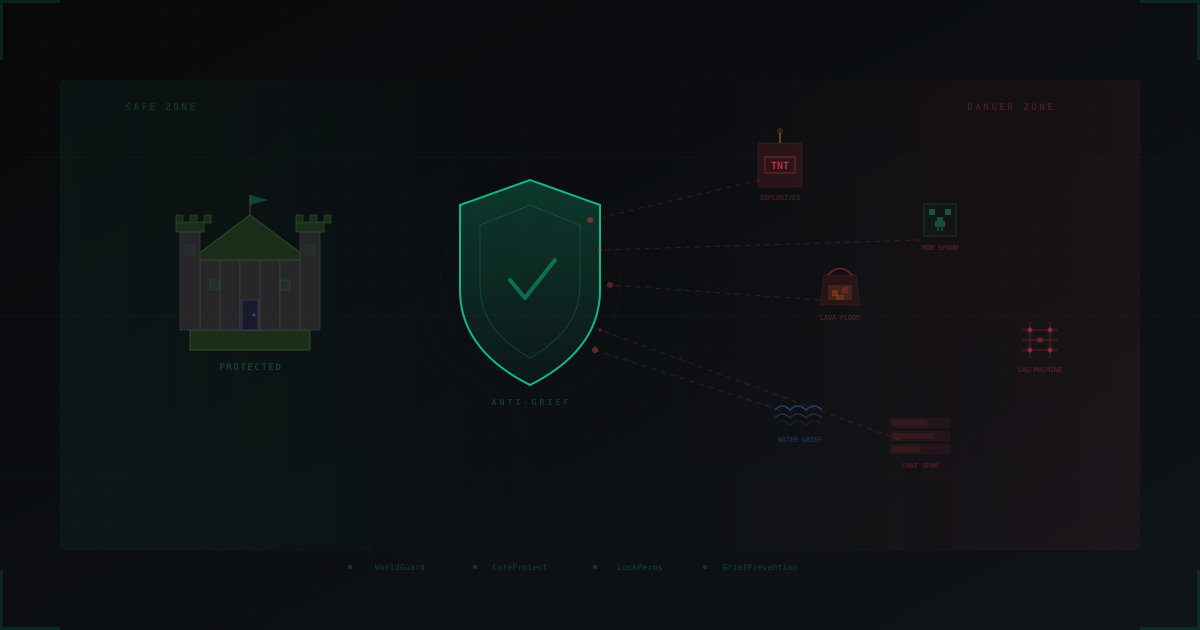
Anti-Grief Protection: Complete Guide for Minecraft Server Admins
All types of griefing and how to stop them: land claim plugins, permission systems, damage rollback, chat protection, anti-cheat, moderation and automated detection. Practical guide with config examples.
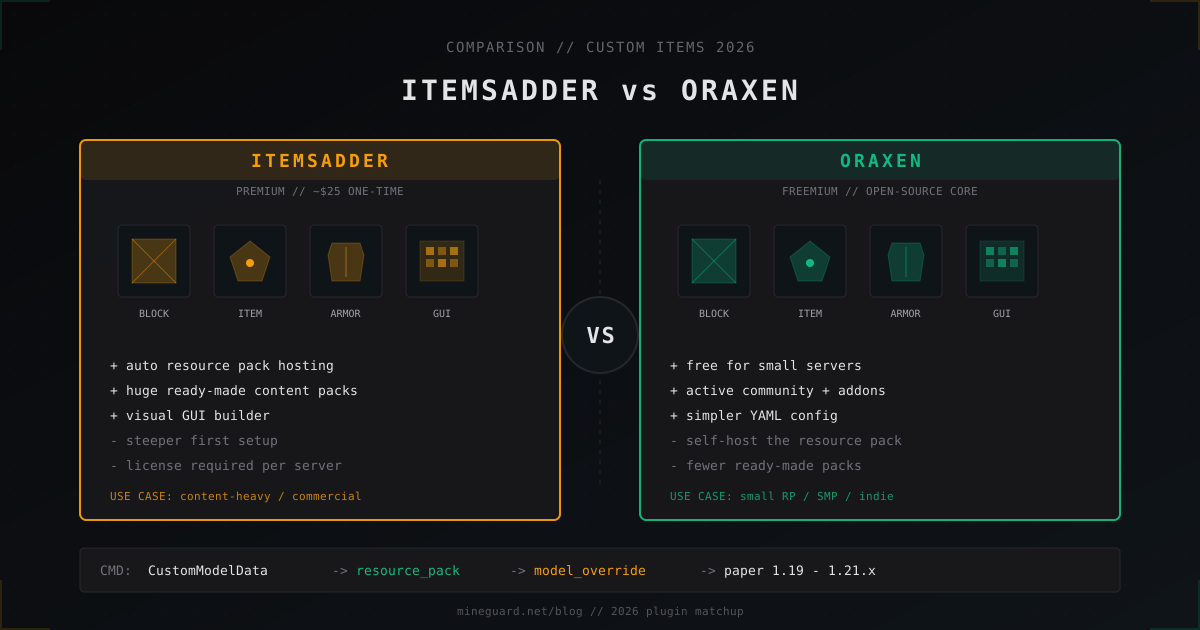
ItemsAdder vs Oraxen: which custom items plugin to pick in 2026
ItemsAdder vs Oraxen in 2026: price, custom blocks, furniture, GUI, resource pack hosting, Folia. Which one fits a small SMP and a big RPG.
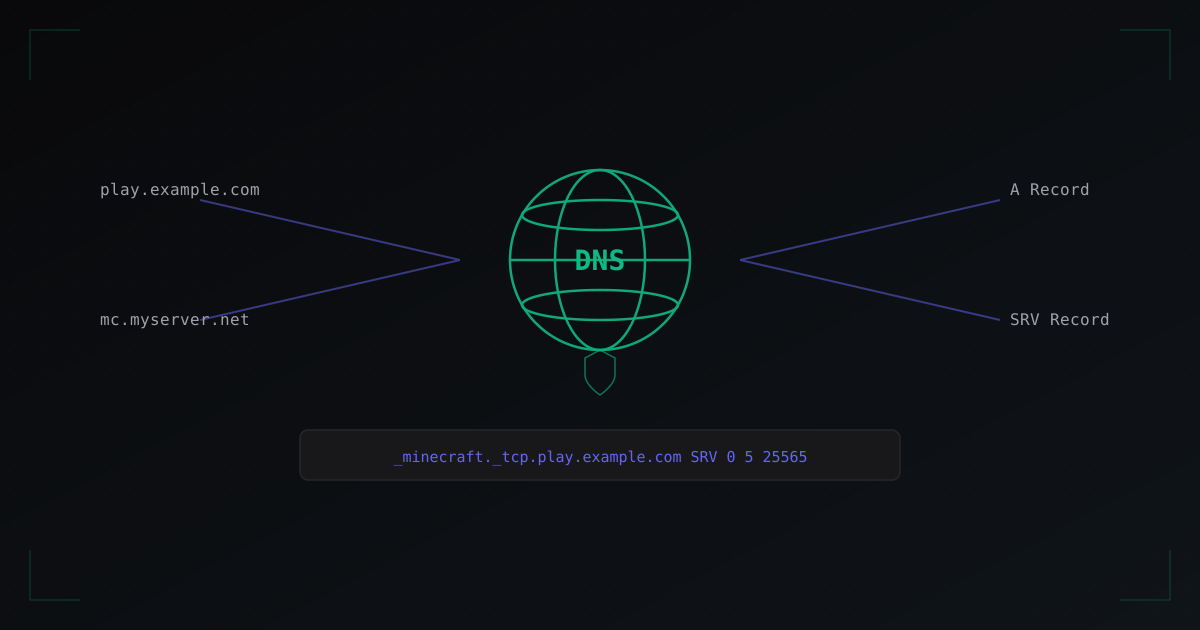
How to Set Up a Custom Domain for Your Minecraft Server
A complete guide to connecting a custom domain to your Minecraft server: DNS records, SRV records, MineGuard protection integration, and common mistakes.