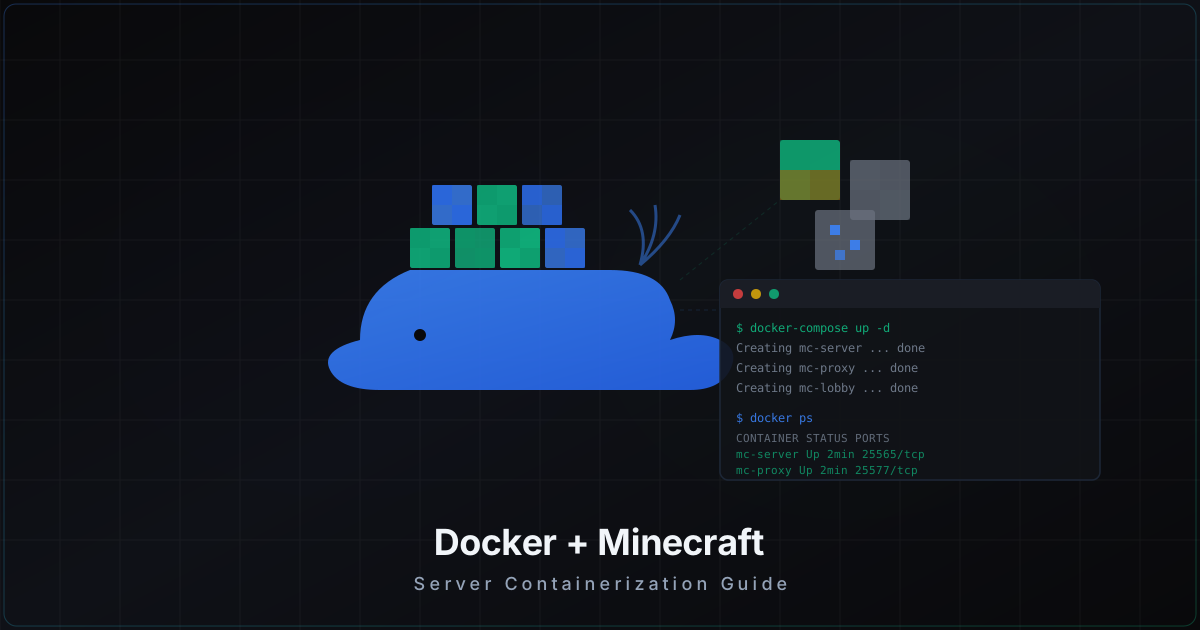
Docker for Minecraft Servers: Pros, Cons, and Pitfalls
Say you have three Minecraft servers: lobby, survival, and minigames. Each needs its own Java version, its own plugins, its own JVM tuning. You update one and break another. Sound familiar? Docker solves exactly this problem. Each server lives in an isolated container with its own environment, and they do not interfere with each other.
But Docker is not a silver bullet. It has real limitations, especially for game servers where every millisecond counts. In this article we will cover when Docker is genuinely useful and when it creates more problems than it solves.
Why Docker for Minecraft
The core idea behind Docker is isolation. Each container holds everything the application needs: operating system, Java, server software, plugins. If one container crashes, the rest keep running. If you need to upgrade Java from 17 to 21 for one server, it does not touch the others.
Reproducibility. A Docker image contains a fixed environment. What works on your test machine will work identically in production. No more "it worked on my machine" - if the image builds, it runs the same way on any host with Docker.
Easy deployment. A new server is one docker-compose up -d. No manual Java installation, no environment variable setup, no downloading JAR files by hand. Everything is described in docker-compose.yml, and any team member can spin up an identical environment.
Resource isolation. Docker uses cgroups to limit CPU and memory. If the minigames server suddenly eats all memory due to a plugin leak, it will not drag down the lobby and survival servers. The OOM killer takes out only that one container.
Simple backups. Data lives in Docker volumes or bind mounts. Backup means copying a directory. Restore means replacing a directory and restarting the container. No complicated procedures.
The itzg/minecraft-server image
You do not need to write your own Dockerfile from scratch. The itzg/minecraft-server image is the de facto standard for running MC in Docker. It supports Paper, Spigot, Fabric, Forge, Velocity, BungeeCord, and dozens of other server platforms.
Minimal startup:
docker run -d \
  --name mc-server \
  -p 25565:25565 \
  -e EULA=TRUE \
  -e TYPE=PAPER \
  -e VERSION=1.21.4 \
  -v mc-data:/data \
  itzg/minecraft-server
The container downloads Paper 1.21.4, accepts the EULA, generates a world, and starts listening on port 25565. Data persists in the mc-data volume.
Useful environment variables:
MEMORY=4G- allocate 4 GB to JVM (sets both -Xms and -Xmx)TYPE=PAPER- server type (PAPER, SPIGOT, FABRIC, FORGE, VELOCITY, BUNGEECORD)VERSION=1.21.4- Minecraft versionONLINE_MODE=FALSE- for servers behind a proxy (Velocity/BungeeCord)OPS=player1,player2- operator listDIFFICULTY=hard- difficulty levelVIEW_DISTANCE=10- render distanceMAX_PLAYERS=100- player limitJVM_OPTS=-XX:+UseG1GC -XX:+ParallelRefProcEnabled- additional JVM flags
Docker Compose: single server
For production, always use docker-compose instead of bare docker run. A config file is easier to maintain, version, and share with teammates.
version: "3.8"

services:
  minecraft:
    image: itzg/minecraft-server:latest
    container_name: mc-survival
    restart: unless-stopped
    environment:
      EULA: "TRUE"
      TYPE: PAPER
      VERSION: "1.21.4"
      MEMORY: "6G"
      VIEW_DISTANCE: "12"
      MAX_PLAYERS: "50"
      DIFFICULTY: "hard"
      SPAWN_PROTECTION: "0"
      SNOOPER_ENABLED: "FALSE"
      JVM_OPTS: >-
        -XX:+UseG1GC
        -XX:+ParallelRefProcEnabled
        -XX:MaxGCPauseMillis=200
        -XX:+UnlockExperimentalVMOptions
        -XX:+DisableExplicitGC
        -XX:G1NewSizePercent=30
        -XX:G1MaxNewSizePercent=40
        -XX:G1HeapRegionSize=8M
        -XX:G1ReservePercent=20
        -XX:G1MixedGCCountTarget=4
        -XX:InitiatingHeapOccupancyPercent=15
        -XX:G1MixedGCLiveThresholdPercent=90
        -XX:SurvivorRatio=32
        -XX:+PerfDisableSharedMem
        -XX:MaxTenuringThreshold=1
    volumes:
      - ./server-data:/data
    ports:
      - "25565:25565"
    deploy:
      resources:
        limits:
          memory: 8G
          cpus: "4.0"
        reservations:
          memory: 6G
          cpus: "2.0"
Note the deploy.resources section. We set hard limits: the container cannot use more than 8 GB RAM and 4 CPU cores. We also reserve a minimum of 6 GB and 2 cores. The Docker memory limit must be higher than the JVM MEMORY setting - Java consumes more than the heap size (metaspace, native memory, threads).
Volumes: worlds, plugins, configs
Proper volume organization is key to convenient management. You have two options: Docker volumes and bind mounts.
Bind mounts (recommended for MC) - map a specific host directory into the container:
volumes:
  - ./server-data:/data
All server files land in ./server-data on the host. You can edit configs directly, copy plugins via scp, run backups with plain rsync.
Docker volumes - Docker-managed storage:
volumes:
  - mc-data:/data

volumes:
  mc-data:
Data lives in /var/lib/docker/volumes/mc-data/_data. More isolated, but less convenient for direct access.
For Minecraft servers, bind mounts are more practical. Typical structure:
./server-data/
  world/           # overworld
  world_nether/    # nether
  world_the_end/   # the end
  plugins/         # plugin JARs and configs
  server.properties
  paper-global.yml
  paper-world-defaults.yml
  ops.json
  whitelist.json
To add a plugin, just copy the JAR into ./server-data/plugins/ and restart the container.
Networking: host vs bridge
This is a critical choice for game servers.
Bridge (default). Docker creates a virtual network. Traffic goes through NAT. Fine for most web applications. For Minecraft - adds latency. NAT processes every packet, and with 100 players this is noticeable. Upside: port forwarding, network isolation.
Host mode. The container uses the host network stack directly. No NAT, no overhead. Packets go straight to the Java process. Downside: no network isolation, the container occupies host ports.
services:
  minecraft:
    image: itzg/minecraft-server:latest
    network_mode: host
    environment:
      EULA: "TRUE"
      TYPE: PAPER
      SERVER_PORT: "25565"
For game servers, use host mode. The 1-3 ms latency difference might seem trivial, but at 20 ticks per second with dozens of players it adds up. Bridge mode makes sense if you need network isolation between containers or if you run multiple servers on different ports on the same machine.
Performance: Java in containers
Java runs well in Docker, but there are nuances.
Memory. The JVM sees cgroup limits and correctly determines available memory (built-in since Java 10+). If you set MEMORY=6G with a Docker limit of 8G, everything works properly. But do not set the Docker limit equal to heap size - the JVM needs memory beyond the heap (200-500 MB for metaspace, threads, native buffers).
CPU. Docker uses CPU shares and CFS quota. By default, containers share CPU proportionally. A hard limit (cpus: "4.0") can lead to throttling - a GC pause cannot use more than 4 cores even if they are free. For a single server, it is better to skip the hard CPU limit and use cpu_shares for prioritization instead.
Disk. Overlay2 (Docker's default filesystem) adds minimal read overhead. But during heavy writes (world saves, logs) the difference can be noticeable. Bind mounts bypass the overlay - direct access to the host filesystem. Another reason to use bind mounts for data.
Network. We already covered bridge vs host. Important note: if using bridge mode, you cannot enable jumbo frames on the Docker network - MTU is fixed. With large amounts of chunk data flying to players, this can increase packet count.
Multi-server: Velocity + Paper
Docker's real power shows in multi-server setups. A single docker-compose.yml describes the entire infrastructure.
version: "3.8"

services:
  proxy:
    image: itzg/bungeecord:latest
    container_name: mc-velocity
    restart: unless-stopped
    environment:
      TYPE: VELOCITY
      MEMORY: "512M"
    volumes:
      - ./velocity-data:/server
    ports:
      - "25565:25577"
    deploy:
      resources:
        limits:
          memory: 1G

  lobby:
    image: itzg/minecraft-server:latest
    container_name: mc-lobby
    restart: unless-stopped
    environment:
      EULA: "TRUE"
      TYPE: PAPER
      VERSION: "1.21.4"
      MEMORY: "2G"
      ONLINE_MODE: "FALSE"
      SERVER_PORT: "25566"
    volumes:
      - ./lobby-data:/data
    expose:
      - "25566"
    deploy:
      resources:
        limits:
          memory: 3G

  survival:
    image: itzg/minecraft-server:latest
    container_name: mc-survival
    restart: unless-stopped
    environment:
      EULA: "TRUE"
      TYPE: PAPER
      VERSION: "1.21.4"
      MEMORY: "6G"
      ONLINE_MODE: "FALSE"
      SERVER_PORT: "25567"
    volumes:
      - ./survival-data:/data
    expose:
      - "25567"
    deploy:
      resources:
        limits:
          memory: 8G

  minigames:
    image: itzg/minecraft-server:latest
    container_name: mc-minigames
    restart: unless-stopped
    environment:
      EULA: "TRUE"
      TYPE: PAPER
      VERSION: "1.21.4"
      MEMORY: "4G"
      ONLINE_MODE: "FALSE"
      SERVER_PORT: "25568"
    volumes:
      - ./minigames-data:/data
    expose:
      - "25568"
    deploy:
      resources:
        limits:
          memory: 6G
Notice that Paper servers use expose instead of ports - they are not accessible from outside, only through Velocity. The proxy publishes port 25565, accepts connections, and routes to internal servers via Docker DNS (service names: lobby, survival, minigames).
In velocity.toml, servers are referenced by Docker service name:
[servers]
lobby = "lobby:25566"
survival = "survival:25567"
minigames = "minigames:25568"
try = ["lobby"]
Docker automatically resolves lobby to the container IP. If a container restarts and gets a new IP, the DNS updates.
Backing up Docker servers
Backing up a server in Docker means backing up the bind mount directory. But there is an important detail: you should not copy world files while the server is writing to them.
The correct approach:
#!/bin/bash
# backup.sh

BACKUP_DIR="/backups/minecraft"
DATE=$(date +%Y%m%d_%H%M%S)

# Disable autosave and force a final save
docker exec mc-survival rcon-cli save-off
docker exec mc-survival rcon-cli save-all
sleep 5

# Copy data
tar czf "$BACKUP_DIR/survival-$DATE.tar.gz" ./survival-data/

# Re-enable autosave
docker exec mc-survival rcon-cli save-on

echo "Backup completed: survival-$DATE.tar.gz"
The itzg/minecraft-server image includes rcon-cli - you can run server commands without attaching to the container console.
For automation, use cron:
0 */4 * * * /opt/minecraft/backup.sh >> /var/log/mc-backup.log 2>&1
Backups every 4 hours. For larger servers, consider incremental backups with borgbackup.
Security
Docker containers run as root inside the container by default. For a Minecraft server this is not critical (the container is isolated), but it is better to be safe.
Non-root user. The itzg/minecraft-server image supports UID/GID:
environment:
  UID: 1000
  GID: 1000
Read-only filesystem. You can make the container root filesystem read-only, leaving write access only for data:
services:
  minecraft:
    image: itzg/minecraft-server:latest
    read_only: true
    tmpfs:
      - /tmp
    volumes:
      - ./server-data:/data
Drop capabilities. Remove unnecessary Linux capabilities:
services:
  minecraft:
    image: itzg/minecraft-server:latest
    cap_drop:
      - ALL
    cap_add:
      - CHOWN
      - SETUID
      - SETGID
Never use --privileged. Ever. It gives the container full access to the host.
Keep images updated. docker-compose pull && docker-compose up -d updates images and recreates containers with new versions.
When Docker is not the right choice
Docker is not a universal solution. Here are situations where it adds complexity without benefit:
Single server on a dedicated machine. If you have one VPS with one Minecraft server, Docker provides minimal advantages. Java is already isolated in the JVM, and Docker adds an abstraction layer. It is simpler to install Java directly and run through systemd.
Performance-critical setups. If you are squeezing every tick from a server with 200+ players, any overhead matters. Docker on bridge networking adds latency. Overlay FS adds write delay. cgroups add CPU scheduling overhead. On host mode with bind mounts the difference is minimal, but it exists.
No DevOps experience. If you are unfamiliar with Docker, debugging problems inside a container will be harder than on a bare machine. Logs are in a different place, the filesystem is layered, the network is virtual. Start by learning Docker on less critical projects.
Shared hosting. Panels like Pterodactyl already use Docker under the hood. Adding another Docker layer on top makes no sense.
Useful commands
Quick reference for daily operations:
# Container status
docker-compose ps

# Server logs (last 100 lines, real-time)
docker-compose logs -f --tail=100 survival

# Server console via rcon
docker exec mc-survival rcon-cli

# Restart one server without stopping the rest
docker-compose restart survival

# Update images
docker-compose pull
docker-compose up -d

# Resource usage
docker stats

# Copy a plugin into the server
cp my-plugin.jar ./survival-data/plugins/
docker-compose restart survival
Summary
Docker is excellent for multi-server setups, test environments, and situations where reproducibility matters. The itzg/minecraft-server image covers 95% of use cases. Host networking removes network overhead, bind mounts give direct file access, and cgroups protect against plugin memory leaks.
But if you have one server on one machine - a plain systemd service will be simpler and slightly faster. Docker solves scaling and reproducibility problems. If you do not have those problems, the solution is looking for a problem.
Start with docker-compose for a test server. Run it for a week, watch the performance, get used to the workflow. If everything works - migrate production. If not - you lose nothing, world files can be moved back to a bare server in a couple of minutes.
Protect Your Server from DDoS Attacks
Free protection with 5-minute setup. 1 TB bandwidth included.
Try for FreeRelated Articles
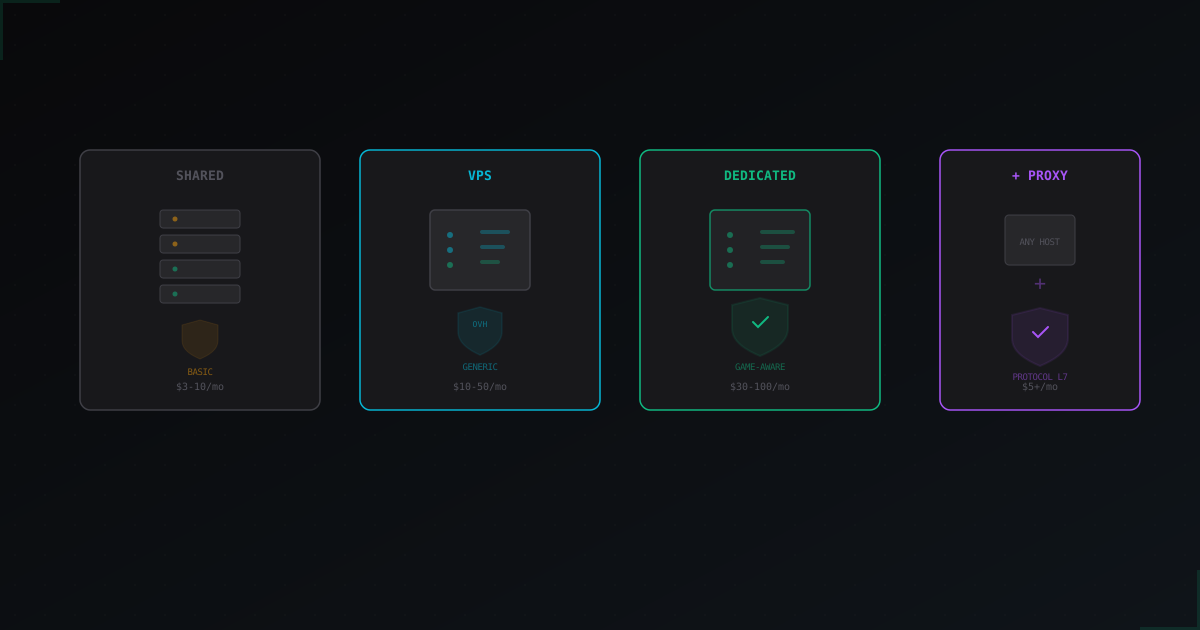
How to Choose Minecraft Hosting with DDoS Protection
What does "DDoS protection included" actually mean at different hosting providers?
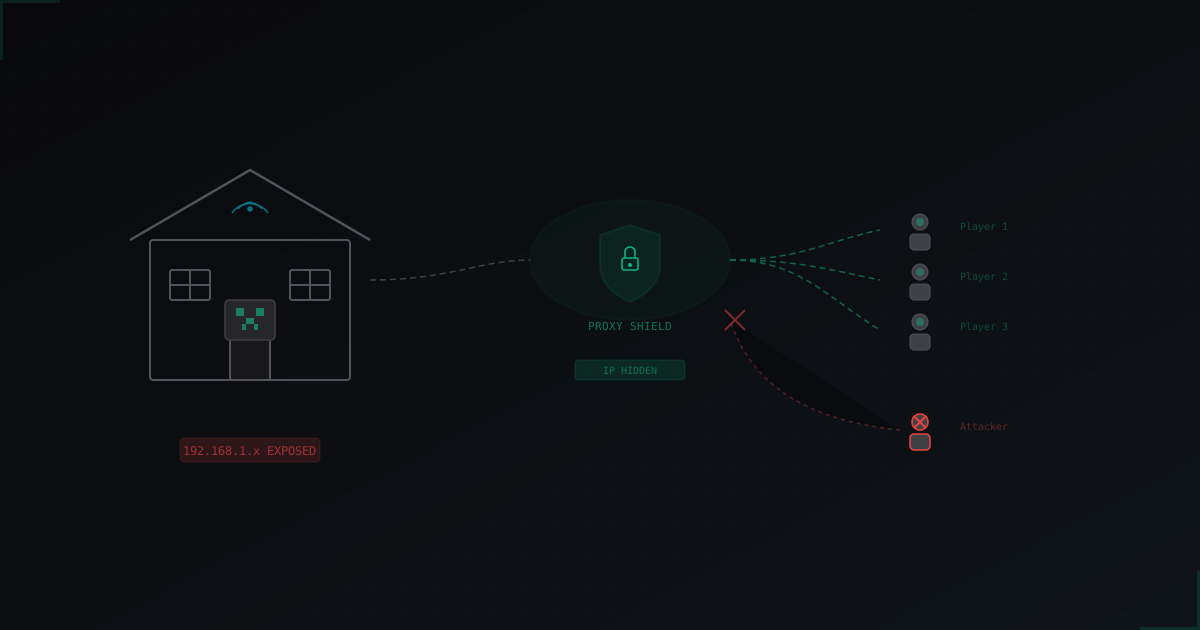
Protecting a Home-Hosted Minecraft Server from DDoS: Complete Guide
A home-hosted Minecraft server is cheap and convenient, but every player sees your real IP address. One angry kid with a $5 booter and your entire home internet goes down, not just the server. Here's how to protect yourself without moving to a hosting provider.
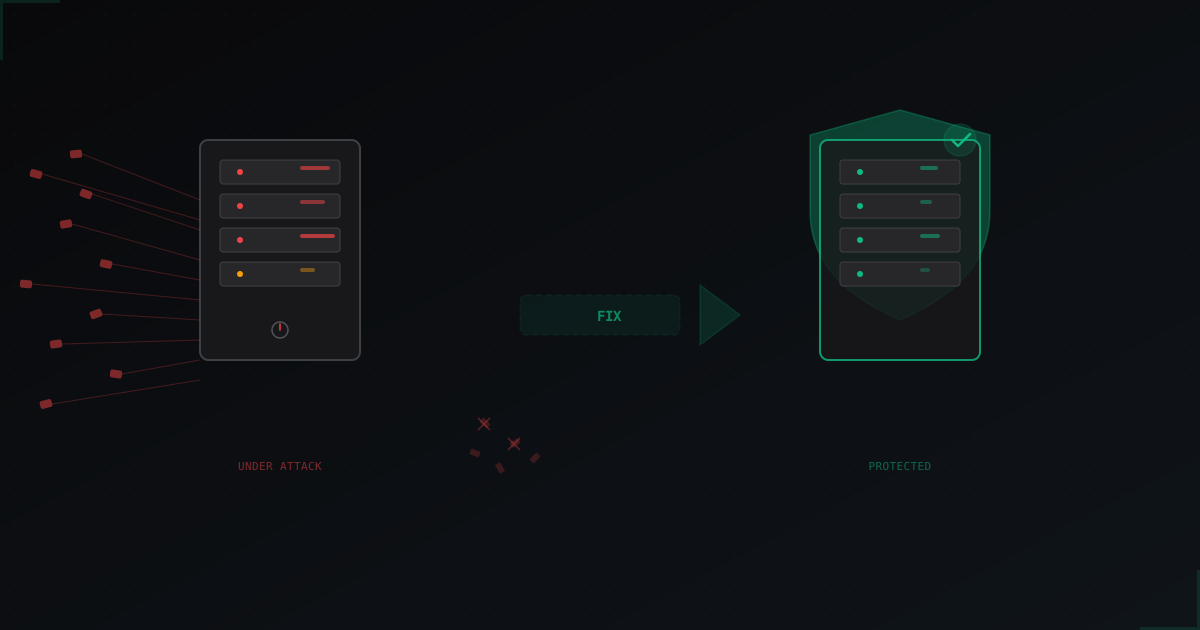
My Minecraft Server Is Being DDoSed: What to Do Right Now
A step-by-step action plan if your Minecraft server is under DDoS attack right now. How to identify the attack type, what to do in the first minutes, and how to protect yourself so it doesn't happen again.