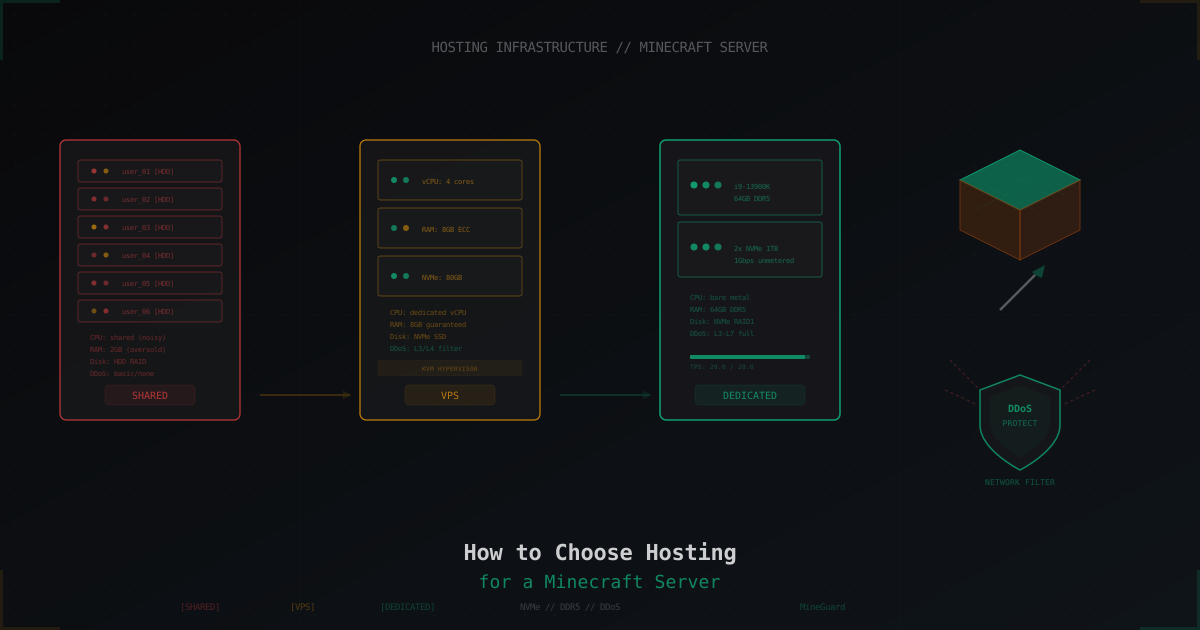
How to Choose Hosting for a Minecraft Server
Every Minecraft server admin eventually faces the hosting question. Maybe you're launching your first server and don't know where to start. Or your current host starts lagging once 30 players join. Or you're tired of DDoS attacks while your host shrugs it off.
Either way, choosing the right hosting determines your players' experience for months. A bad choice means lag, crashes, lost players and money. A good one means stable 20.0 TPS even under load.
Let's break it all down: from hosting types to specific specs you should look for.
Hosting types: shared, VPS, dedicated
Shared hosting
The cheapest option. Your server runs on a machine alongside dozens of other servers. Resources (CPU, RAM, disk) are split between everyone.
Pros:
- Price starts at $2-5/mo
- No server administration needed
- Usually comes with a control panel
Cons:
- Resources are oversold - the host sells more RAM than the machine actually has
- If your neighbor's server lags, yours does too (noisy neighbor problem)
- CPU is often throttled - you get "2 cores" but they're virtual with limits
- No root access - you can't configure anything at the system level
- DDoS protection is minimal or nonexistent
Shared hosting works for small servers with 5-10 friends. For anything serious - no.
VPS (Virtual Private Server)
A virtual machine on a physical server. You get dedicated resources and full root access.
Pros:
- Guaranteed resources (if the host isn't overselling)
- Full root access
- Ability to configure the system to your needs
- Scalable - you can add resources
- Usually better DDoS protection
Cons:
- Requires basic Linux knowledge
- More expensive than shared ($10-20/mo for a decent one)
- Performance depends on the hypervisor and host hardware
- CPU might be shared (shared vCPU) - ask specifically
Important: not all VPS are equal. A KVM VPS with dedicated vCPU and NVMe is a completely different beast than an OpenVZ VPS with shared CPU and HDD.
Dedicated server
An entire physical machine just for you. No neighbors, no hypervisor.
Pros:
- All hardware power is yours
- Maximum performance
- Full control over hardware and software
- Best isolation from external issues
Cons:
- Price starts at $50-100/mo for decent hardware
- Requires serious administration knowledge
- You're responsible for everything: backups, updates, security
- Hardware failure means downtime
Dedicated is needed for large servers with 50+ regular players, server networks, or when you need maximum performance and control.
Comparison table
| Parameter | Shared | VPS | Dedicated |
|---|---|---|---|
| Price/mo | $2-10 | $10-50 | $50-200+ |
| CPU | Shared, throttled | vCPU (shared/dedicated) | Full bare-metal |
| RAM | Oversold | Guaranteed | All machine RAM |
| Disk | Usually HDD | SSD/NVMe | Your choice |
| Root access | No | Yes | Yes |
| DDoS protection | Basic/none | Provider dependent | Provider dependent |
| Best for | 5-15 players | 15-80 players | 50+ players, networks |
CPU requirements
Minecraft server is a single-threaded application. The main game loop runs on one thread. This means you need "faster single core" not "more cores."
Key points:
- Single-core clock speed matters more than core count
- Intel i9-13900K or AMD Ryzen 9 7950X are excellent choices for MC hosting
- 4 cores are enough for one server (1 main thread + GC + plugins + OS)
- Paper/Purpur run some tasks asynchronously, but the main tick is still single-threaded
What to ask the host:
- What exact CPU model? "Xeon" is not an answer. E5-2680v4 and W-2295 are worlds apart
- Dedicated vCPU or shared? If shared, your TPS will fluctuate
- What's the boost clock? For MC, turbo frequency is what matters
Approximate CPU requirements:
| Players | Recommendation |
|---|---|
| 1-20 | Any modern CPU 3.5GHz+ |
| 20-50 | i7/i9 or Ryzen 7/9, 4.5GHz+ |
| 50-100 | i9-13900K or equivalent, dedicated cores |
| 100+ | Bare-metal, top-tier CPU, optimized core (Paper/Purpur) |
RAM requirements
RAM is the most straightforward parameter, but there are still nuances.
Base requirements:
- Vanilla server: ~1GB base + ~50MB per player
- Paper/Spigot: ~1.5GB base + ~80MB per player (more caching)
- With plugins: add 1-3GB depending on count and type
- With mods: heavily depends on the modpack, usually 2-3x vanilla
Approximate calculation:
| Players | Vanilla | Paper + plugins | Modpack |
|---|---|---|---|
| 1-10 | 2GB | 3-4GB | 4-6GB |
| 10-30 | 3-4GB | 5-8GB | 8-12GB |
| 30-50 | 4-6GB | 8-12GB | 12-16GB |
| 50-100 | 6-10GB | 12-16GB | 16-32GB |
Important notes:
- DDR4 vs DDR5: DDR5 is faster but the difference for MC is minimal. Don't overpay
- ECC RAM: useful for stability but not critical
- Don't allocate ALL available RAM to the MC server. Leave 1-2GB for the OS
- Configure JVM flags properly: Aikar's flags are the standard for MC servers
java -Xms10G -Xmx10G -XX:+UseG1GC -XX:+ParallelRefProcEnabled \
-XX:MaxGCPauseMillis=200 -XX:+UnlockExperimentalVMOptions \
-XX:+DisableExplicitGC -XX:+AlwaysPreTouch \
-XX:G1NewSizePercent=30 -XX:G1MaxNewSizePercent=40 \
-XX:G1HeapRegionSize=8M -XX:G1ReservePercent=20 \
-XX:G1HeapWastePercent=5 -XX:G1MixedGCCountTarget=4 \
-XX:InitiatingHeapOccupancyPercent=15 \
-XX:G1MixedGCLiveThresholdPercent=90 \
-XX:G1RSetUpdatingPauseTimePercent=5 \
-XX:SurvivorRatio=32 -XX:+PerfDisableSharedMem \
-XX:MaxTenuringThreshold=1 -jar server.jar nogui
Disk types: NVMe vs SSD vs HDD
Minecraft actively uses the disk: loading and saving chunks, writing to plugin databases, logging.
HDD (hard disk drive)
- Read speed: 100-200 MB/s
- IOPS: 100-200
- Good for: backups, archives
- For MC server: not recommended. Regular stutters during world saves
SATA SSD
- Read speed: 500-550 MB/s
- IOPS: 50,000-100,000
- Good for: budget servers
- For MC server: acceptable for small servers
NVMe SSD
- Read speed: 3,000-7,000 MB/s
- IOPS: 500,000-1,000,000+
- Good for: any server
- For MC server: recommended. Instant chunk loading, fast auto-saves
The difference is especially noticeable on servers with large worlds (10+ GB) and during new chunk generation. If players actively explore the map, HDD simply won't keep up.
Network and DDoS protection
Network requirements
Minecraft doesn't need massive bandwidth. One player uses roughly 30-100 Kbps depending on activity. But other parameters matter:
- Ping - the closer the server to your players, the better. The difference between 20ms and 100ms is noticeable
- Stability - jitter (ping variation) matters more than absolute ping value
- Uplink - 100 Mbps is enough for 100+ players. 1 Gbps gives headroom
DDoS protection
This is a critically important parameter. Minecraft servers are a frequent DDoS target. If you have any audience at all, you will be attacked sooner or later.
What to check:
- Does DDoS protection exist at all? Some hosts just null-route your IP during attacks
- What level of protection? L3/L4 (network) is the minimum. L7 (application) is ideal
- What's the filtering capacity? 10 Gbps is low. 100+ Gbps is reasonable
- What happens during an attack? Does the server stay up or go offline?
For serious DDoS protection, consider specialized solutions like MineGuard that filter traffic at the Minecraft protocol level and only pass through legitimate players. Standard L3/L4 protection from your host may not handle attacks targeting the game protocol.
Server location
Choose a location closest to your main audience:
- Russian-speaking players: Moscow, Frankfurt, Helsinki
- Europe: Frankfurt, Amsterdam, London
- US: East coast (New York, Ashburn), West coast (Los Angeles)
Check ping before buying. Most hosts provide a test IP for pinging.
Control panels
If you get a VPS or dedicated and don't want to manage everything via SSH, you need a panel.
Pterodactyl
Free open-source panel, industry standard.
Pros:
- Free
- Docker isolation for each server
- Multi-game support
- Good API
- Active community
Cons:
- Installation takes time and knowledge
- Needs a separate domain and SSL
- Consumes resources for Docker
AMP (CubeCoders)
Paid panel with a user-friendly interface.
Pros:
- Simple installation (one script)
- Intuitive interface
- Built-in file manager
- Automatic updates
Cons:
- Paid (from $10 per license)
- Closed source
- Less flexible than Pterodactyl
No panel (pure SSH)
For experienced admins. A systemd unit for startup, screen/tmux for console, cron for backups. Minimal overhead, maximum control.
Example systemd unit:
[Unit]
Description=Minecraft Server
After=network.target

[Service]
User=minecraft
WorkingDirectory=/home/minecraft/server
ExecStart=/usr/bin/java -Xms8G -Xmx8G -jar server.jar nogui
Restart=on-failure
RestartSec=10

[Install]
WantedBy=multi-user.target
Red flags when choosing a host
Here's what to watch for and what should raise concerns:
"Unlimited" RAM or CPU
Unlimited resources don't exist. If a host promises "unlimited RAM" for $5/mo - that's marketing. In reality there will be hard limits or overselling.
No hardware information
If the host doesn't specify what CPU they use - bad sign. It's probably an old Xeon E5 from 2012, and they're embarrassed about it.
No DDoS protection or "we null-route during attacks"
Null-routing means your IP gets disconnected during DDoS. The server goes offline for the duration of the attack. That's not protection, that's surrender.
Too cheap
If a VPS with 8GB RAM and 4 cores costs $3/mo - something is off. Either overselling, ancient hardware, or the host is about to shut down.
No proper support
Check support response time before buying. Ask a technical question via chat or ticket. If the response takes 2 days or is uninformative - look elsewhere.
No trial period
A decent host offers at least 24-48 hours for testing or a money-back guarantee. If they take money immediately with no refund option - think twice.
Windows-only servers
Minecraft servers run better on Linux. Less overhead, better memory management, more stable. If the host only offers Windows - that's odd.
Pre-purchase checklist
Before paying for hosting, go through this list:
- Found out the exact CPU model and clock speed
- Checked RAM type (DDR4/DDR5) and amount
- Confirmed disk type (NVMe/SSD/HDD)
- Checked for DDoS protection and its type
- Pinged test IP from your region
- Read reviews on independent platforms
- Learned the refund policy
- Tested support response time
- Asked about automatic backups
- Checked what control panel is provided
Summary
Choosing hosting is a balance between budget, knowledge, and requirements.
To start: get a VPS with 4GB RAM and NVMe from a reputable provider. It'll cost $10-15/mo and cover the needs of a server with 20-30 players. Install Paper, configure JVM flags, set up Pterodactyl or manage via SSH.
When your server grows - scale up. More RAM, more CPU, or switch to dedicated. Don't forget about DDoS protection - it's not a question of "if" but "when" your server gets attacked. Solutions like MineGuard help close this gap without tying you to a specific host.
The key takeaway - don't skimp on what directly affects your players' experience. An extra $10/mo for proper hosting pays for itself many times over through stability and a loyal playerbase.
Protect Your Server from DDoS Attacks
Free protection with 5-minute setup. 1 TB bandwidth included.
Try for FreeRelated Articles
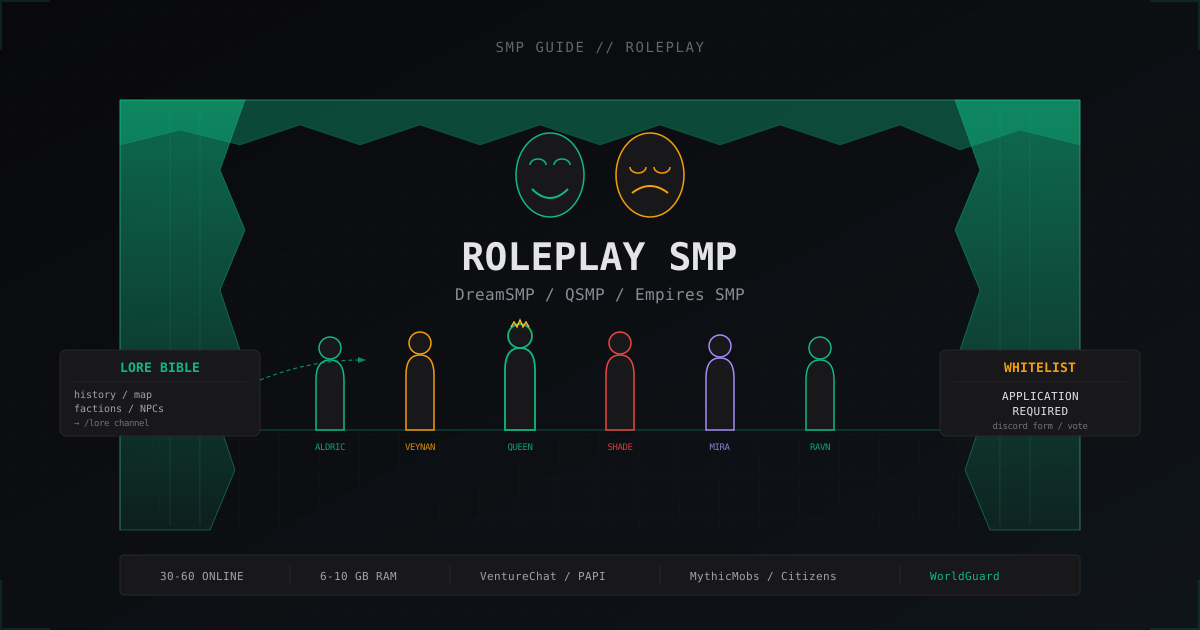
Roleplay SMP server setup: DreamSMP and QSMP style guide
How to build a Minecraft RP server like DreamSMP and QSMP: whitelist, Lore Bible, immersion plugins, events, and anti-metagaming moderation.
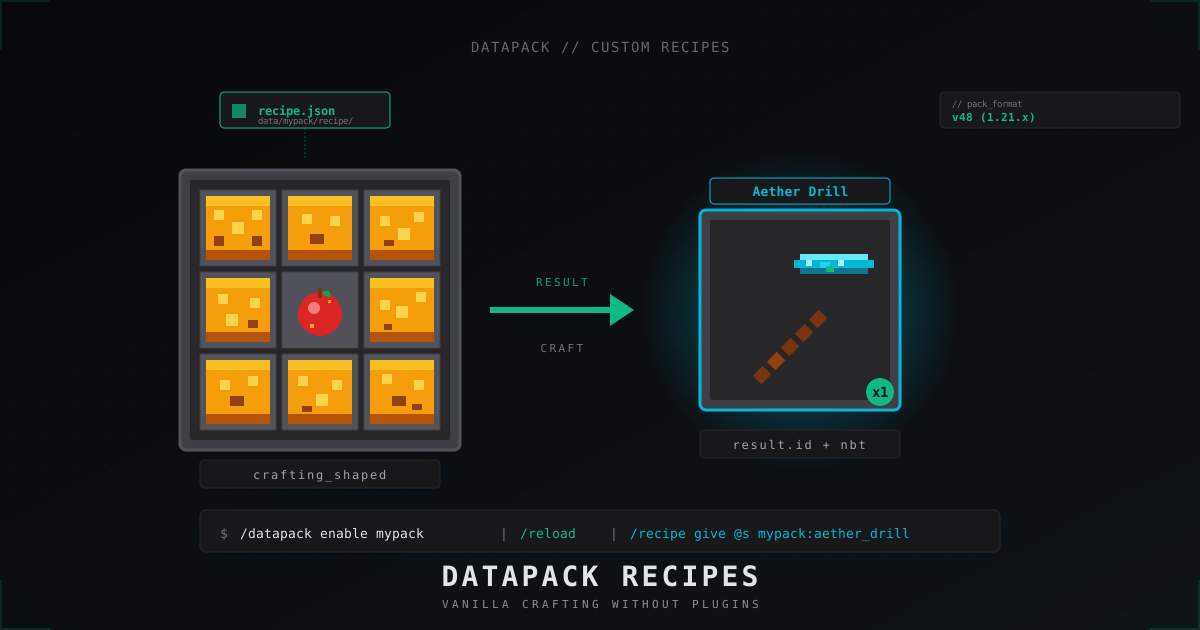
Custom Minecraft recipes with datapacks: step-by-step tutorial (2026)
Ship custom crafting recipes on a Minecraft 1.21 server without plugins: data pack layout, pack_format, JSON for shaped, shapeless, smelting, smithing, stonecutter, tag ingredients, vanilla overrides.
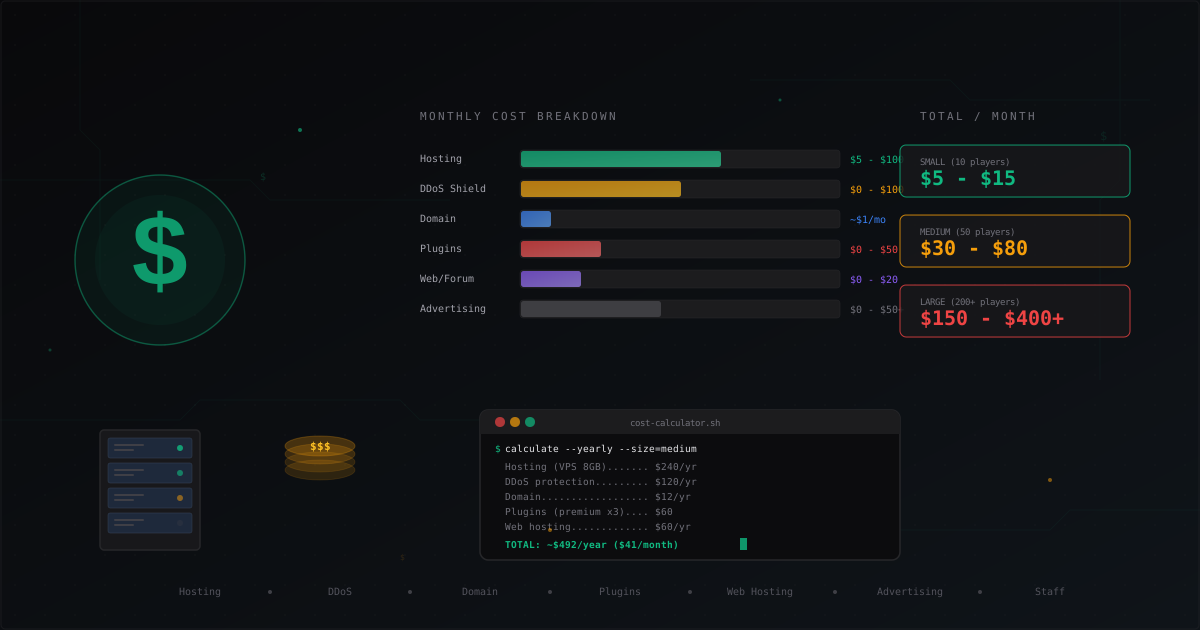
How Much Does It Cost to Run a Minecraft Server
Complete cost breakdown for running a Minecraft server: hosting, domain, DDoS protection, plugins, website, advertising, staff. Monthly and yearly cost tables for small, medium, and large servers plus tips to cut expenses.