How to Protect Your Minecraft Server from DDoS Without Any Technical Knowledge
Hey! If you're here, someone is probably attacking your server
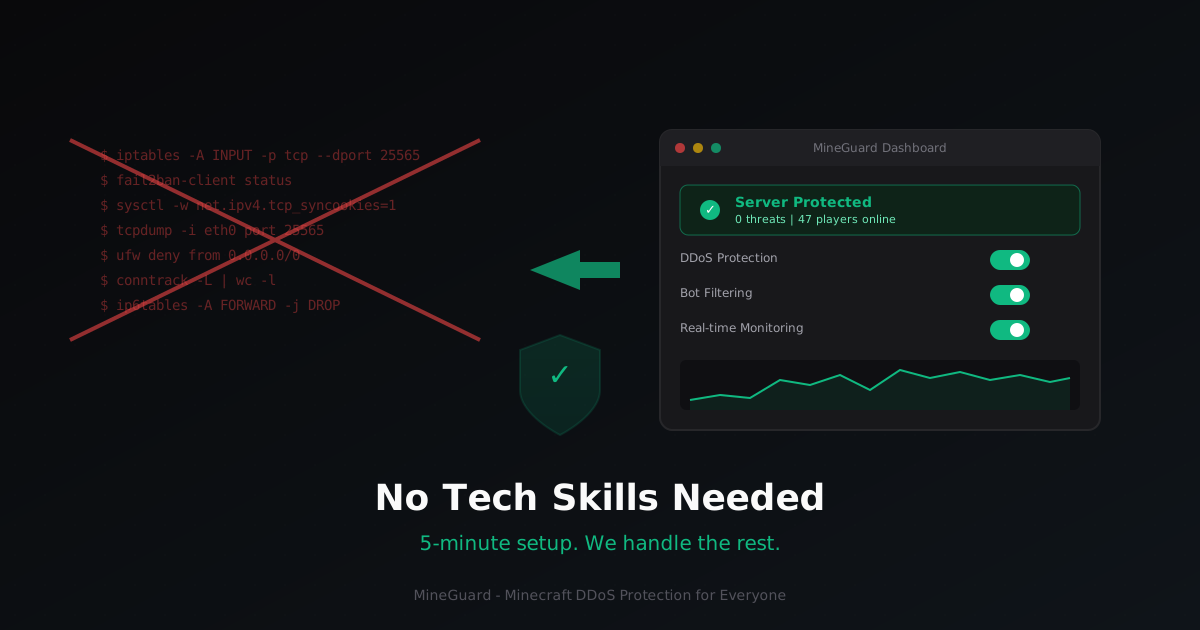
I totally get that feeling. You set up a server, invited your friends, everything is running great... and then suddenly lag spikes, players can't connect, your console is flooded with errors. Someone decided to take your server down. So you start googling "minecraft server DDoS protection" and find endless guides about iptables, fail2ban, sysctl, tcpdump... And you think: "I just wanted to play with my friends."
Sound familiar? I've been in that exact situation. And you know what? You don't need to become a system administrator to protect your server. In this article, I'll show you how to do it in 5 minutes without typing a single command.
Why the "do it yourself" approach is a nightmare for beginners
Let's be honest about what most protection guides suggest:
- iptables - the Linux firewall. To configure it, you need to understand TCP/UDP, ports, rule chains. One mistake and you lock yourself out of your own server.
- fail2ban - blocks IPs after failed attempts. But DDoS attacks come from thousands of IPs at once, and fail2ban simply can't keep up.
- sysctl tuning - tweaking the Linux kernel. Sounds scary? It is scary if you don't know what you're doing.
- Cloudflare, GRE tunnels, BGP - that's enterprise-level stuff. Not for someone just getting started.
Each of these tools requires hours of learning, experience with Linux, and constant monitoring. And even after all that, there's no guarantee your protection will hold against a serious attack.
What if you didn't need any of that?
That's exactly why I built MineGuard. The idea is simple: you shouldn't need to be a sysadmin to protect your Minecraft server. All the complex work happens on our servers. You just need to:
- Sign up (free, no credit card required)
- Add your server to the dashboard
- Change your DNS or IP to the one we provide
That's it. Three steps. Five minutes. No terminal commands.
What it actually looks like
After signing up, you land on the dashboard. Everything is clean, with intuitive icons and tooltips. Here's what you'll see:
- Networks - this is where you add your server. Just enter a name and your IP:port. We'll give you a protected address.
- Real-time monitoring - see how many players are online, what traffic is flowing, whether there's an attack happening right now.
- Mitigation level - adjustable with a slider. More protection = stricter checks. For most servers, the medium level works perfectly.
- Logs and analytics - everything is recorded, you can review the history of attacks.
No terminal. No config files. No files to edit manually. Just buttons and toggles.
Comparison: DIY vs MineGuard
| Feature | Do It Yourself | MineGuard |
|---|---|---|
| Setup time | Hours or days | 5 minutes |
| Linux knowledge required | Absolutely | None |
| L4/L7 attack protection | Partial | Full |
| Monitoring | Set up separately | Built-in |
| Cost | VPS + your time | Free plan to start |
| Support | Stack Overflow | Live support 24/7 |
| Protection updates | Manual | Automatic |
The free plan is legit
I know a lot of services lure you in with a "free plan" that turns out to be useless. That's not us. The MineGuard free plan includes:
- 1 protected network
- 3 domains
- 1 TB of traffic
- Full DDoS protection
- Real-time monitoring
That's enough for a small server with friends. When (and if) you need more, there are paid plans:
- Basic - 390 RUB/month
- Starter - 860 RUB/month
- Optimal - 2,790 RUB/month
- Professional - 8,600 RUB/month
But you can start completely free. No credit card, no commitments.
"But what if I break something?"
You won't. Seriously. The entire setup process is filling in a couple of fields in your browser. If something goes wrong, just switch back to your old IP, and everything will be the way it was. Plus, we have a support team that will help you every step of the way.
I specifically designed the dashboard so that anyone could figure it out. If you know how to use Discord or social media, you can definitely handle MineGuard.
What happens "under the hood"
You don't need to understand all the details, but here's the short version: when players connect to your server through MineGuard, all traffic passes through our filters. We analyze every connection, filter out bots and malicious traffic, and let real players through to your server.
This works at the network level, so nothing changes for your players. They simply connect to the address you give them and play as usual. Only now without lag and disconnects caused by attacks.
One last tip
Don't wait until you get attacked. It's better to set up protection in advance. It's like a lock on your door - you don't wait for someone to try to break in before you install one.
Sign up now, set up protection in 5 minutes, and forget about DDoS. Let the attackers look for another target while you just play.
Try it free right now - sign up for MineGuard
Protect Your Server from DDoS Attacks
Free protection with 5-minute setup. 1 TB bandwidth included.
Try for FreeRelated Articles
How Much Does It Cost to Run a Minecraft Server
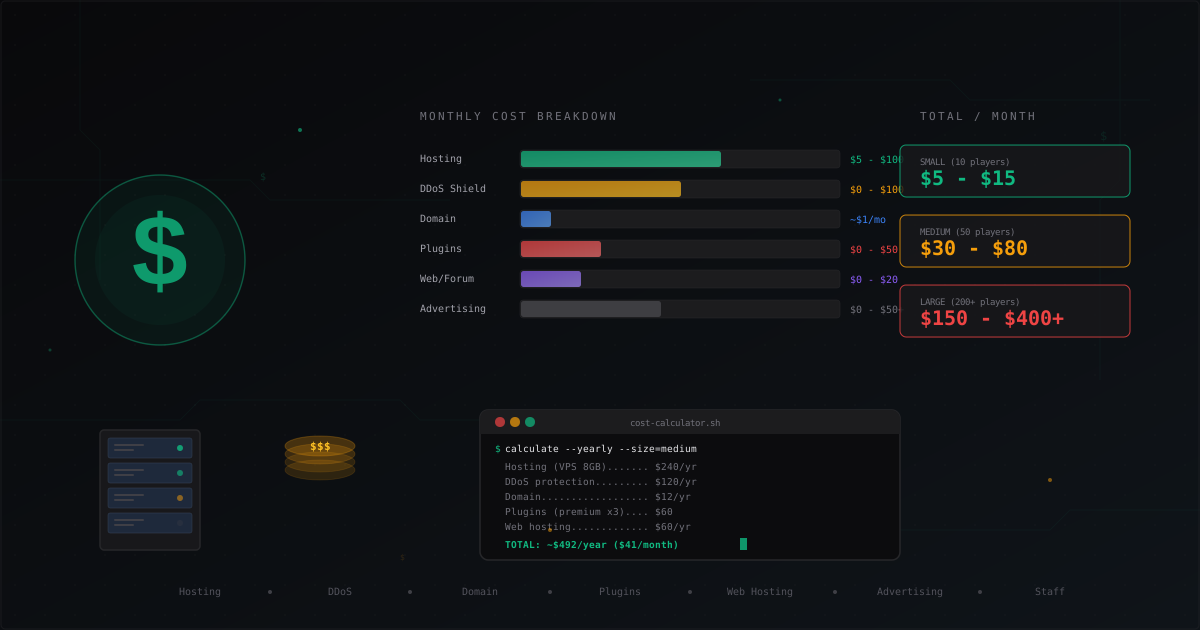
Complete cost breakdown for running a Minecraft server: hosting, domain, DDoS protection, plugins, website, advertising, staff. Monthly and yearly cost tables for small, medium, and large servers plus tips to cut expenses.
WorldGuard Setup: Minecraft Region Protection and Anti-Grief Guide
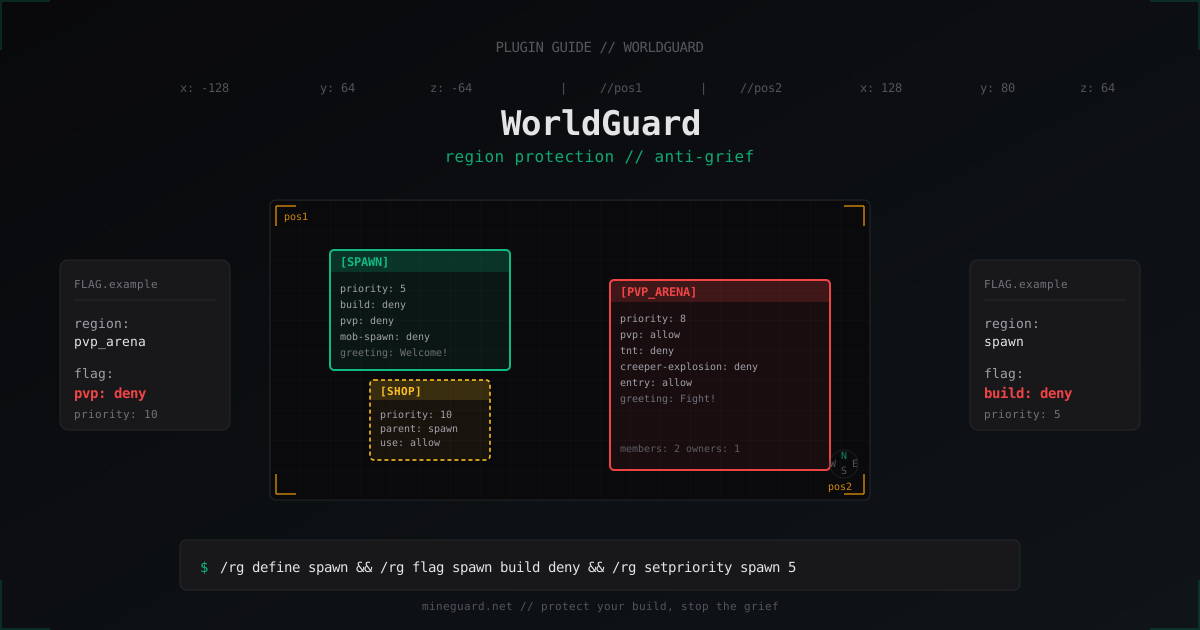
Set up WorldGuard on Paper or Spigot the right way: regions, flags, priority and parent hierarchy, and the anti-grief gaps almost everyone misses.

ViaVersion + ViaBackwards: Multi-Version Support on One Minecraft Server
Complete guide to ViaVersion, ViaBackwards and ViaRewind: how to run a 1.21 server with 1.8+ clients, support matrix, installing on Paper and Velocity, performance notes and common errors.