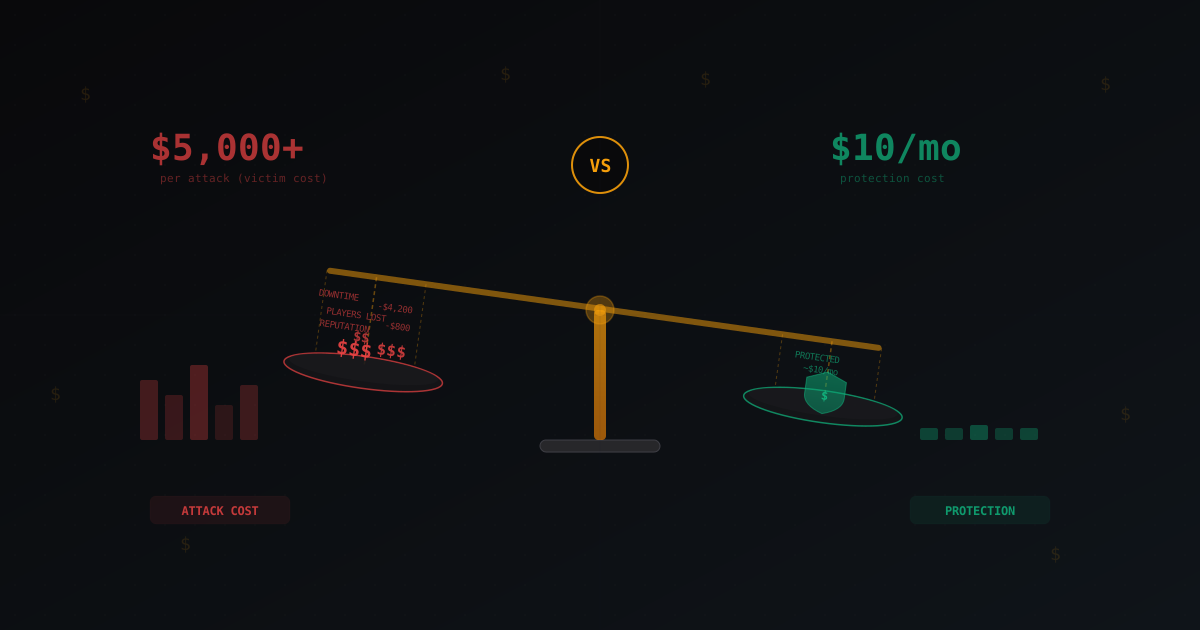
Cost of a DDoS Attack vs Cost of Protection: The Economics of Cyber Attacks
When people talk about DDoS protection, the conversation usually revolves around technical details: attack types, packet filtering, rate limiting. But there is one question every server owner asks themselves and rarely says out loud: "Is it actually worth paying for?"
Let's do the math. No marketing fluff, just real numbers. How much you lose when attacked, how much it costs to launch an attack, and how much it costs to defend against one. Then you can draw your own conclusions.
What a DDoS Attack Costs the Victim
When your server goes down under a DDoS, losses go beyond minutes of downtime. There are direct costs you see immediately, and indirect costs that catch up later.
Direct Losses
Server downtime. The most obvious one. While the server is unreachable, players cannot connect. For a commercial Minecraft server with a donation store, every hour of downtime is lost revenue. A server with 200-300 players at peak can generate $50 to $500 per day through donations. One hour of downtime during prime time means $10-60 in directly lost income.
Bandwidth overage. Many hosting providers charge for bandwidth. A 10 Gbps DDoS attack sustained for an hour is roughly 4.5 terabytes of traffic. Even if the host does not bill for the full volume, you may receive a warning or a penalty. Some VPS providers charge $0.01-0.02 per gigabyte over the limit. Do the math on 4.5 TB.
Null-route from the host. If the attack is strong enough, the hosting provider simply blackholes your IP. That means total downtime until you sort it out. Sometimes that takes hours, sometimes a full day. Some hosts terminate your contract after repeated attacks.
Indirect Losses
Player churn. This is the most expensive part, and the hardest to quantify. If the server is down for an hour, some players leave and never return. Not because they are angry, but because they found another server while waiting. Based on typical patterns, downtime exceeding 2-3 hours causes a 5-15% loss of active players. For a server with 300 players, that is 15-45 people. If the average player contributes $2-5 in lifetime value, losing 30 players means $60-150 in lost future revenue.
Reputation damage. Players discuss problems on forums and Discord. "That server is always down" becomes a label that is hard to shake. New players who see those reviews simply do not come.
Admin time. Your time has value too. Dealing with attack aftermath, contacting the host, explaining the situation to players in Discord, restoring data if anything got corrupted. For a small server, that is 2-4 hours of your time. For a large one, it can stretch to a full day.
Total: Real Cost of a Single Attack
For a small server (50-100 players), one serious DDoS attack costs $100-500 in combined direct and indirect losses. For a mid-size server (200-500 players), $500-2000. For a large project with thousands of players, losses can reach thousands of dollars per incident.
And this is for a single attack. Attackers rarely stop at one.
How Cheap It Is to Launch a DDoS Attack
Here is where things get uncomfortable for server owners. Launching a DDoS attack is cheap. Very cheap.
I will not advertise specific services, but the reality is this: basic attacks are available for practically nothing. Services exist that market themselves as "stress testing tools" and offer free trial periods. Paid tiers start at $10-30 per month for the ability to launch attacks of a certain power level.
For $50-100 per month, someone can access tools capable of taking down an unprotected game server for hours. More serious services with botnets run $200-500 per month and can generate attacks in the tens of gigabits.
This creates a fundamental asymmetry: an attack costs $10-50, but the damage it causes is $500-5000. A ratio of 1 to 100. This is exactly why DDoS attacks are so common in the gaming community. For the attacker, it is a cheap way to cause harm. For the victim, it is an expensive problem.
The situation is worse in the Minecraft community specifically, where attacks are often ordered by competitors or disgruntled players. The motivation can be trivial: a ban from the server, competition for audience, or simply wanting to cause damage.
Protection Options and Their Cost
Now for the main question: how much does it cost not to be a victim? Let's break down the options from free to premium.
Option 1: Do Nothing (Free)
Seriously, this is a valid option. If you have a small server for friends with 5-10 people, the probability of a targeted attack is low. The risk exists, but it may be acceptable for your situation.
Suitable for: private servers without a public IP listed on server trackers. Not suitable for: any public server.
Option 2: Basic Host Protection (Effectively Free)
Some hosting providers include basic DDoS protection in their plans. OVH, Hetzner, and several other providers have built-in filtering systems. This is better than nothing, but the protection has clear limitations.
Built-in host protection usually filters only volumetric attacks at the network level. It does not understand the Minecraft protocol and cannot distinguish a legitimate player from a bot connection. Application-level attacks (connection floods, fake handshakes) pass straight through.
Cost: $0 on top of hosting. What it stops: brute volumetric attacks (UDP flood, SYN flood). What it misses: application-level attacks, bot floods, protocol-level attacks.
Option 3: Cloudflare Spectrum ($0-250/month)
Cloudflare offers TCP traffic proxying through Spectrum. The free Cloudflare plan does not include Spectrum for arbitrary TCP ports - that starts at the Pro ($20/month) or Business ($200/month) tier, with traffic limits.
For a Minecraft server, Spectrum works as a TCP proxy: traffic goes through Cloudflare, and they filter DDoS at their level. The problem is that Spectrum on cheaper plans has limits on traffic and concurrent connections. It might suffice for a small server, but mid-size servers will hit the limits.
Cloudflare Spectrum also adds latency, which is critical for game servers. For a website, an extra 20ms is invisible. For Minecraft PvP, it is noticeable.
Cost: $20-250/month. Pros: Cloudflare's powerful infrastructure, volumetric attack protection. Cons: added latency, traffic limits, no understanding of Minecraft protocol.
Option 4: Specialized Minecraft Protection ($5-50/month)
Services built specifically for protecting game servers. This includes MineGuard and several competitors. The key difference from universal solutions is understanding the game protocol.
Specialized protection analyzes traffic at the Minecraft protocol level. It can distinguish a real player from a bot based on connection patterns, packet validation, and behavioral signals. This allows blocking attacks that pass through generic filters.
MineGuard, for example, offers plans starting at $5 per month for small servers. The plan includes protocol-level filtering, bot attack protection, and real-time monitoring. Higher tiers ($10-30) add dedicated IP addresses, more filtering resources, and priority support.
Other services in this category include TCPShield (free tier with limitations, paid from $25), Cosmic Guard, and several lesser-known projects. Each has its own strengths and weaknesses. TCPShield, for instance, has a solid free tier but limits the number of servers.
Cost: $5-50/month. Pros: game protocol awareness, low latency, purpose-built for the task. Cons: dependency on a third-party service, requires setup.
Option 5: Self-Hosted Filtering Infrastructure ($100-1000+/month)
Renting a dedicated server and setting up filtering through iptables, XDP/eBPF, or commercial solutions like Wanguard. This option suits large projects with budget and technical expertise.
A dedicated filtering server with a solid uplink (1-10 Gbps) costs $100-300 per month. Add the time required for setup and maintenance, which also has a price. If you do not have someone who understands network filtering, this option will quickly become a headache.
Cost: $100-1000+/month. Pros: full control, no dependency on third-party services. Cons: requires expertise, expensive for small projects, you handle rule updates yourself.
ROI Calculation
Let's get specific with three typical scenarios.
Scenario 1: Small Server
- Online: 30-80 players
- Donation revenue: $100-300/month
- Attack frequency: 1-2 per month
- Loss per attack: $100-300
Without protection: losses of $200-600/month. This can exceed total revenue. Protection at $5-10/month pays for itself with the first prevented attack. ROI: 2000-6000%.
For this server, TCPShield's free tier or MineGuard's basic plan is the right choice. No reason to pay more.
Scenario 2: Mid-Size Server
- Online: 200-500 players
- Donation revenue: $500-2000/month
- Attack frequency: 2-4 per month
- Loss per attack: $500-1500
Without protection: losses of $1000-6000/month. The project is not viable at this attack frequency. Protection at $10-30/month completely changes the economics. ROI: 3000-20000%.
This level needs reliable paid protection. Free tiers may not handle the traffic volume or attack strength.
Scenario 3: Large Server
- Online: 1000+ players
- Revenue: $3000-10000+/month
- Attack frequency: regular, sometimes daily
- Loss per attack: $2000-10000
Without protection: the project shuts down within a month. This is not an exaggeration. Protection at $30-100/month is a required expense, like server rent.
For large projects, it makes sense to combine solutions: specialized protection plus custom filtering rules on the server itself. Or move to self-hosted infrastructure if you have the expertise.
When Free Protection Is Enough
Free protection works in several situations:
- Small private server. If you are not being targeted, your host's built-in protection may be sufficient.
- Early stage of a project. With 10-20 players and no competitors, free solutions are fine. But have a plan for when you grow.
- Low attractiveness to attackers. If your server is not in the top of server lists and is not involved in conflicts with other servers.
Free protection stops working when:
- You hit the top of a server tracker
- You have competitors motivated to attack
- Attacks become regular (more than once a month)
- You are losing players due to instability
Hidden Costs of Having No Protection
Beyond the obvious losses, there are expenses that are easy to overlook.
Migration. After a series of attacks, many owners change hosts, IP addresses, and sometimes domains. Every migration means downtime, player loss (not everyone updates the server address), and your time.
Panic purchases. Under attack pressure, people make impulsive decisions: buying expensive hosting with "protection" that turns out no better than the previous one, or paying for questionable "DDoS protection" from unverified providers.
Loss of motivation. This cannot be converted to dollars, but it is a real problem. Many admins simply abandon their project after a series of attacks. Months of work, invested money, a built community - all devalued when someone can take your server down for $10.
Constant stress. When you know the server could go down at any moment, it affects everything: sleep quality, desire to develop the project, willingness to invest further. Protection removes that factor and lets you focus on content and growth.
Conclusions
The economics of DDoS are harsh but simple:
- An attack costs $10-50 for the attacker
- Damage from an attack is $100-10000 for the victim
- Protection costs $5-50 per month for the vast majority of servers
The ROI on DDoS protection is among the highest of any server expense. Even a basic plan at $5-10 per month pays for itself many times over with the first prevented attack.
You do not have to buy an expensive plan right away. Start with a free or basic solution, see how it works for your case. If attacks escalate, scale up the protection. The key is not to wait until the losses become unrecoverable.
The right solution depends on your project's scale, budget, and technical capabilities. MineGuard, TCPShield, and other services each have their strengths. Test a few options and pick the one that works best for your specific server.
Protect Your Server from DDoS Attacks
Free protection with 5-minute setup. 1 TB bandwidth included.
Try for FreeRelated Articles
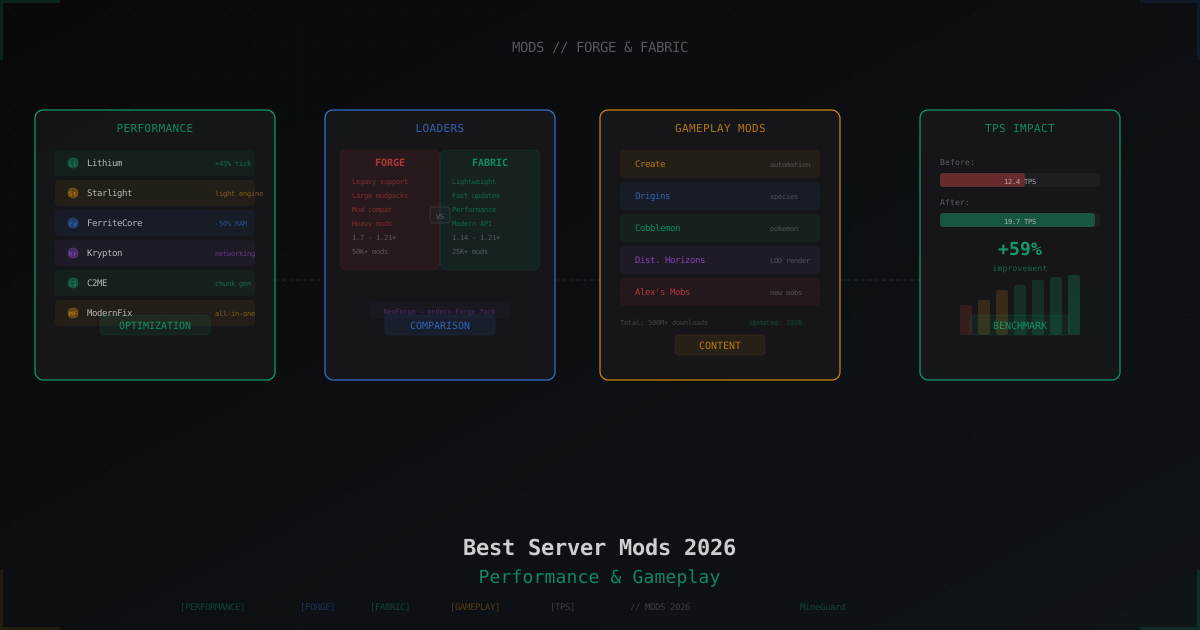
Best Minecraft Server Mods 2026: Forge, Fabric, and What to Install
Curated list of server-side Minecraft mods for 2026: performance, world gen, gameplay, utilities. Forge and Fabric covered separately with versions and compatibility tips.
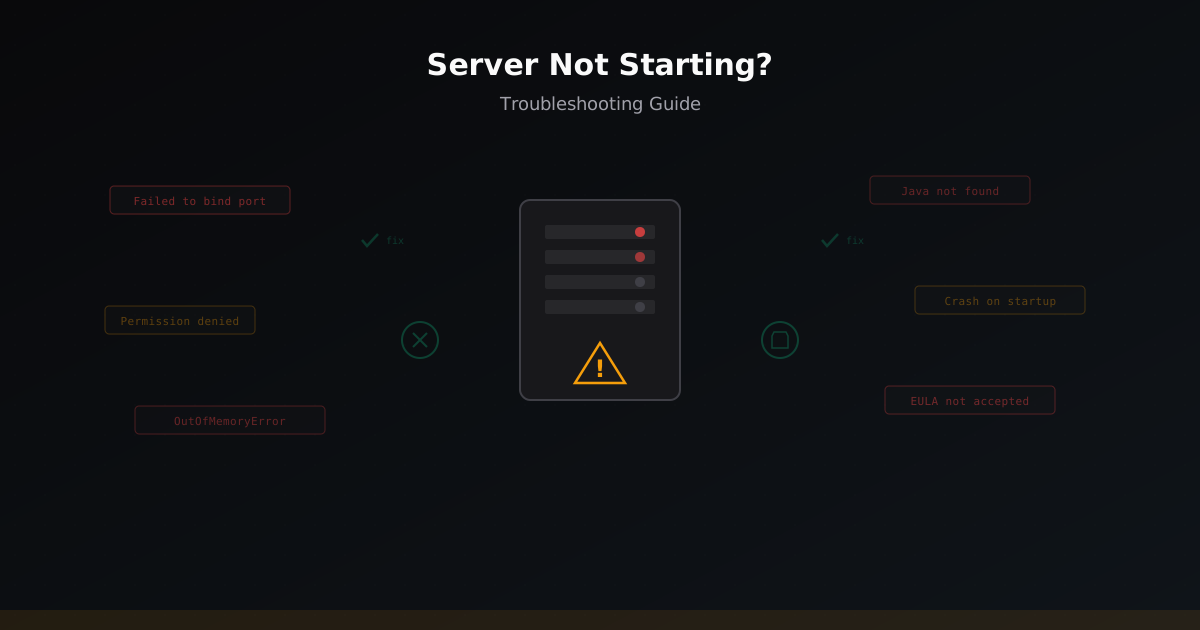
Minecraft Server Not Starting: 11 Causes and Fixes
Complete guide to diagnosing Minecraft server startup problems. Covering Java errors, insufficient RAM, busy ports, plugin conflicts, corrupted world files, and other common causes.
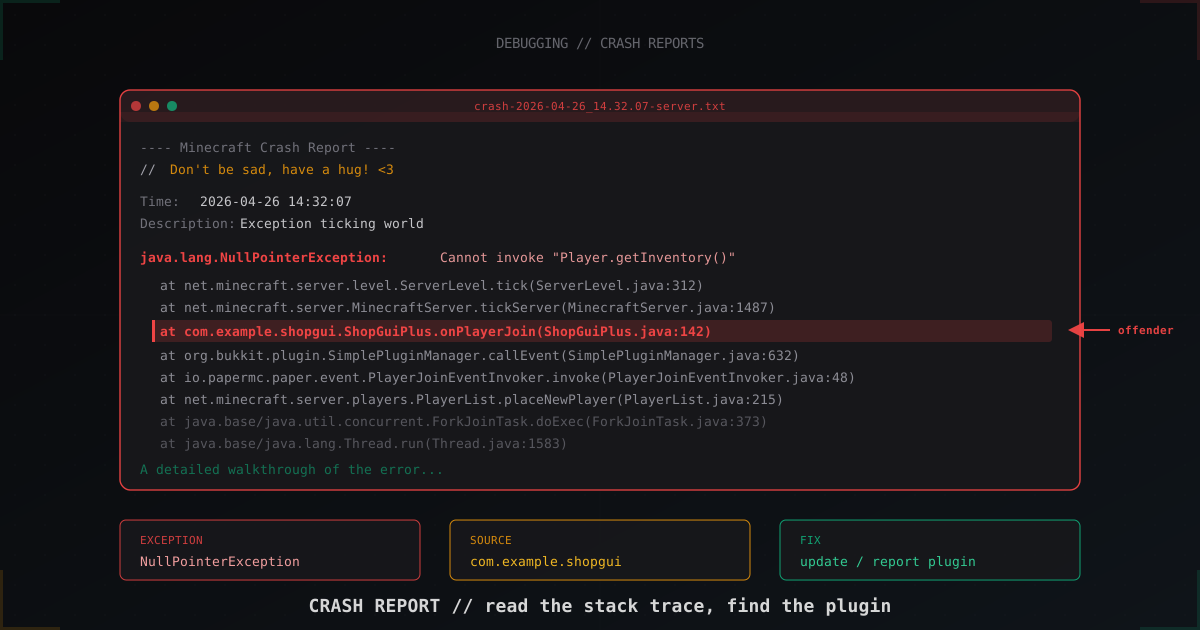
How to read a Minecraft server crash report: step-by-step guide (2026)
The server crashed and crash-reports/ has an 800-line file. Learn to tell a NullPointerException in a plugin from a JVM crash, read the stack trace, identify the offending plugin and understand when hs_err_pid matters.