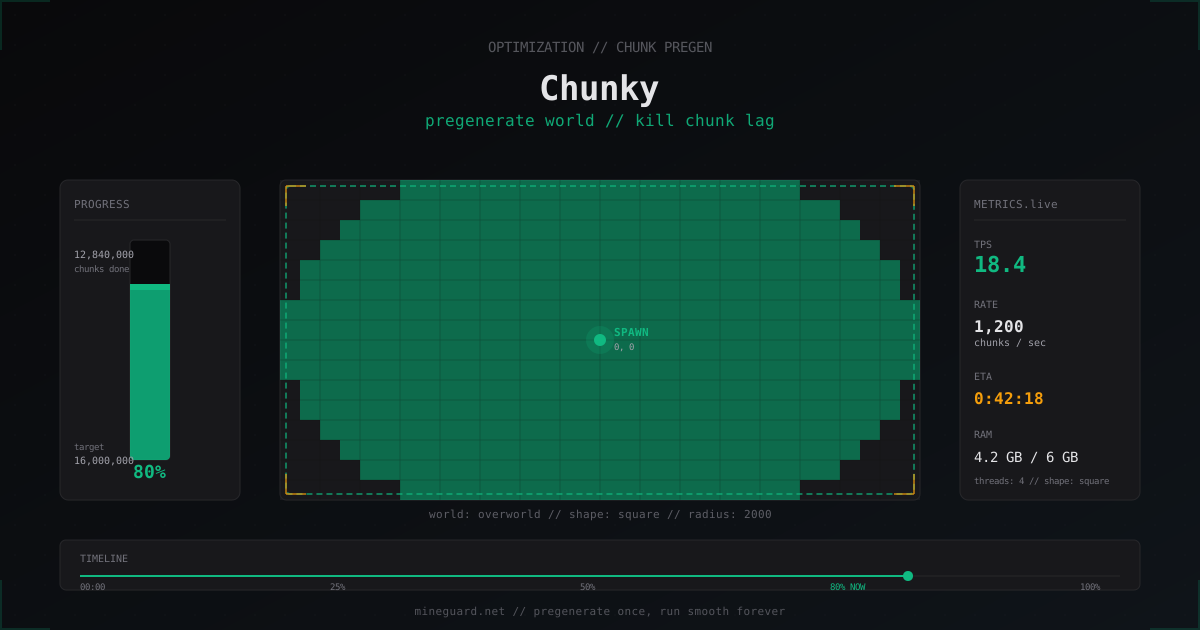
Chunky: Pregenerate Minecraft Chunks and Kill Generation Lag
If your server hitches for a half-second every time someone wanders into uncharted territory, the culprit is almost always chunk generation. This guide shows how the Chunky plugin builds your world ahead of time so the server only reads finished regions from disk during play, instead of generating them on the fly.
Why chunk generation lags
When a player first enters a coordinate without a region file, Paper or Spigot has to generate that chunk on the spot. Under the hood three heavy operations happen at once: the CPU runs Perlin noise for terrain, biomes, structures and decoration; the disk writes a fresh .mca file into world/region/; and RAM holds the intermediate state until the chunk is ready to send to the player.
On Minecraft 1.21 it gets worse. New biomes, custom structures, end city interiors, trial chambers, all of them dump load on the main thread. Even on a high-end CPU, generating a single chunk takes 20-80 ms. If a player flies on elytra at 30 blocks per second, the server has to produce 8-10 fresh chunks every second, and TPS tanks.
The issue is not Minecraft itself. It is that generation happens lazily, the moment a chunk is needed. The fix is straightforward: prepare those chunks ahead of time, in a quiet window, and never touch the main thread for them during live play.
What pre-generation actually does
The idea is simple. You run a one-time task that walks every coordinate inside your future playable area and generates each chunk. After that, world/region/ is full of finished .mca files. When a player enters one of those coordinates the server opens the file, reads the chunk in 1-3 ms and ships it to the client. No Perlin noise, no on-the-fly structure assembly.
That one-time time investment pays off every time a new player explores the world. On a public server with a couple hundred online, the difference is obvious immediately: no more half-second hitches, TPS sits at 19.5-20.0 even while a dozen players push into fresh territory.
Chunky vs WorldBorder fill: why Chunky wins now
The old-school choice was /wb fill from the WorldBorder plugin. It works, but it was written for Bukkit 1.7-1.12 and shows it: blocks the main thread, plays poorly with modern Paper, no Folia support. Plugin Pregen and Aurora from the same era have been abandoned for years.
Chunky is the modern replacement. It supports Paper, Purpur, Pufferfish, Folia 1.20-1.21, loads chunks asynchronously, can pause and resume across server restarts, lets you pick the area shape and the traversal pattern. Active development, available on Modrinth and SpigotMC, runs on every version from 1.13 to 1.21.4.
Paper 1.21+ ships a built-in /paper chunkgen command. It works, but it lacks features: no pause, no progress save, limited control over patterns. For a one-shot job on a small area it is fine. For anything serious Chunky is still the better tool.
Installing Chunky on Paper, Purpur and Folia
Download Chunky-X.X.X.jar from Modrinth or SpigotMC. Drop it into plugins/ and restart the server. No dependencies required.
You should see this on startup:
[Server] [INFO] [Chunky] Enabling Chunky v1.4.x
[Server] [INFO] [Chunky] Loaded language file (en)
Folia users grab ChunkyFolia from the same Modrinth listing - it is a fork that respects Folia's regional thread model. The config at plugins/Chunky/config.yml is created on first launch.
Core Chunky commands
The minimum set that covers 90% of jobs:
/chunky world world
/chunky radius 2000
/chunky start
The first command picks the world (default world, but if you renamed it use the name from bukkit.yml). The second sets the radius in blocks from the center. The third kicks off the task.
Live controls:
/chunky pause
/chunky continue
/chunky cancel
/chunky quiet 30
pause halts the task, continue resumes it, cancel drops progress. quiet 30 thins out console progress logs to once every 30 seconds, which keeps your terminal readable.
Shape and center options
By default Chunky generates a square area around spawn. For a circular area (more natural on island worlds or tight SMPs):
/chunky shape circle
Move the center off 0,0:
/chunky center 1500 -800
Available shapes: square, circle, oval, triangle, pentagon, hexagon, star. In practice 99% of servers run square or circle.
The traversal pattern controls how Chunky walks the map:
/chunky pattern concentric
/chunky pattern loop
/chunky pattern region
concentric spirals out from the center, loop walks row by row, region does 32x32 chunk blocks (one .mca file at a time). On SSD the difference is small. On a spinning disk region saves seek time.
The math: how many chunks and how long
This is where many admins set radius 5000 and end up confused. Let us count.
A radius of 2000 blocks means a 4000x4000 block square. A chunk is 16x16 blocks, so that is 250x250 chunks = 62,500 chunks total. On a modern CPU like a Ryzen 7 5800X with NVMe storage that takes 20-40 minutes.
Realistic numbers for typical SMP setups:
- Radius 1000 (2000x2000 blocks) = ~15k chunks, 5-15 minutes
- Radius 2000 (4000x4000 blocks) = ~62k chunks, 20-40 minutes
- Radius 3000 (6000x6000 blocks) = ~140k chunks, 1-2 hours
- Radius 5000 (10000x10000 blocks) = ~390k chunks, 3-6 hours
If somebody set radius 10000, that is 1.56 million chunks and 12-20 hours. Radius 50000? 39 million chunks and a full week of nonstop work. Numbers scale by CPU and disk speed. On a slow VPS with 2 cores multiply by 3-5.
World size on disk after pregen
Many admins fear a pregenerated world will eat hundreds of gigabytes. In practice each chunk weighs 30-90 KB inside the .mca file depending on what generates inside it (1.21 worlds with trial chambers and end city are heavier).
Rough estimates:
- Radius 2000 = ~62k chunks = 3-6 GB on disk
- Radius 5000 = ~390k chunks = 15-30 GB
- Radius 10000 = ~1.56M chunks = 60-120 GB
For a normal SMP with radius 2000-3000 the world rarely passes 10 GB. That is less than you might guess and a lot less than the 80 GB worlds that grow on a public server over a couple of years without pregen, because players scatter and create thousands of isolated regions.
World Border: keep players inside the pregenerated area
Generating 4000x4000 blocks does nothing if players can still wander out to 50000. Right after pregen, set the vanilla border:
/worldborder center 0 0
/worldborder set 4000
/worldborder warning distance 100
Watch the units. Chunky radius 2000 matches /worldborder set 4000, because Chunky measures radius and the vanilla border measures diameter. This is a classic confusion, double-check before you walk away.
The border does three useful things: stops players at the edge, prevents fresh chunks from being created via elytra flight, and renders a red wall on the client.
Parallel worlds: nether and the_end
The Nether is eight times more compact. Coordinates in the Nether are overworld coordinates divided by 8. So for an overworld radius of 2000, a Nether radius of 250-300 is enough:
/chunky world world_nether
/chunky radius 300
/chunky start
The End is a small central island plus distant external islands. For most servers:
/chunky world world_the_end
/chunky radius 1000
/chunky start
Heads up: external islands in the End begin around coordinate ~1000 from center, and players will fly there. If you want them ready, push to 2000-3000 and budget the time.
Performance during pregen: TPS will drop
That is normal. Chunky loads the main thread because vanilla generation is not fully thread-safe, so during the task TPS drops to 14-18. Players will feel hitches.
Two strategies:
Strategy 1: overnight pregen. Lock players out (whitelist on), start Chunky overnight, drop whitelist in the morning. Cleanest path.
Strategy 2: background generation. If a whitelist is unacceptable, use /chunky tasks 1 to force a single thread instead of multiple. TPS holds around 18-19, but pregen takes 2-3 times longer.
/chunky tasks 1
/chunky start
To set the default thread count edit plugins/Chunky/config.yml:
generation:
  parallel-tasks-multiplier: 0.25
  default-quiet-interval: 60
0.25 means use a quarter of available cores. On an 8-core server that is 2 threads.
Chunky and Aikar's flags
If you run Paper with Aikar's flags (G1GC, ParallelGCThreads, MaxGCPauseMillis and friends), Chunky plays well with them. No conflicts. One caveat: do not run with a tiny heap. For radius 2000+ pregen you want at least -Xms6G -Xmx6G, otherwise G1GC fires too often as fresh chunks fill the heap.
FAQ
How much RAM do I need for pregen?
Whatever you already allocate is enough. Chunky processes regions in a streaming way and does not hold the whole world in memory. For radius 3000+ allocate at least 4-6 GB heap so GC does not slow the run.
Can I pregen with players online?
You can, but TPS will drop to 14-17. If players are willing to take some hitches, run /chunky tasks 1 and continue. Cleaner option: kick everyone overnight and run with a whitelist.
Do I need to pregen again after a Minecraft update?
No. Old chunks stay valid in the new version. Downside: new biomes and structures from the update will not appear in already-generated regions. If 1.22 adds a new biome, it only spawns in fresh chunks beyond your pregenerated zone.
What if Chunky breaks the world?
Chunky does not damage worlds. But always back up before starting: stop the server, copy world/, world_nether/, world_the_end/. If anything goes wrong (disk full, power loss, plugin crash), restore the backup and try again.
Chunky vs the built-in /paper chunkgen?
/paper chunkgen shipped in Paper 1.21. It works, but no pause, no shape choice, no progress save across restarts. Fine for a quick one-shot. For anything serious Chunky still wins.
Will pregen fix lag on a running server?
Chunk lag, yes, completely. Lag from mob farms, redstone contraptions, badly written plugins or network lag during a DDoS attack, no. Pregen does not touch any of that. Network lag needs a separate traffic protection layer.
Can I run Chunky on multiple worlds at once?
Technically yes, /chunky world and /chunky start queue tasks. But run worlds in sequence rather than in parallel, less load and easier to monitor.
Next steps
If this guide cleared up your chunk lag, tighten a few more details. Set the world border 200-500 blocks tighter than your pregenerated area so players cannot accidentally hit fresh chunks via elytra. Schedule a cron-driven overnight pregen if you run a seasonal server with regular map resets. And remember pregen solves generation, not network attacks: if your map gets buried under DDoS traffic, no .mca file will help you.
Protect Your Server from DDoS Attacks
Free protection with 5-minute setup. 1 TB bandwidth included.
Try for FreeRelated Articles
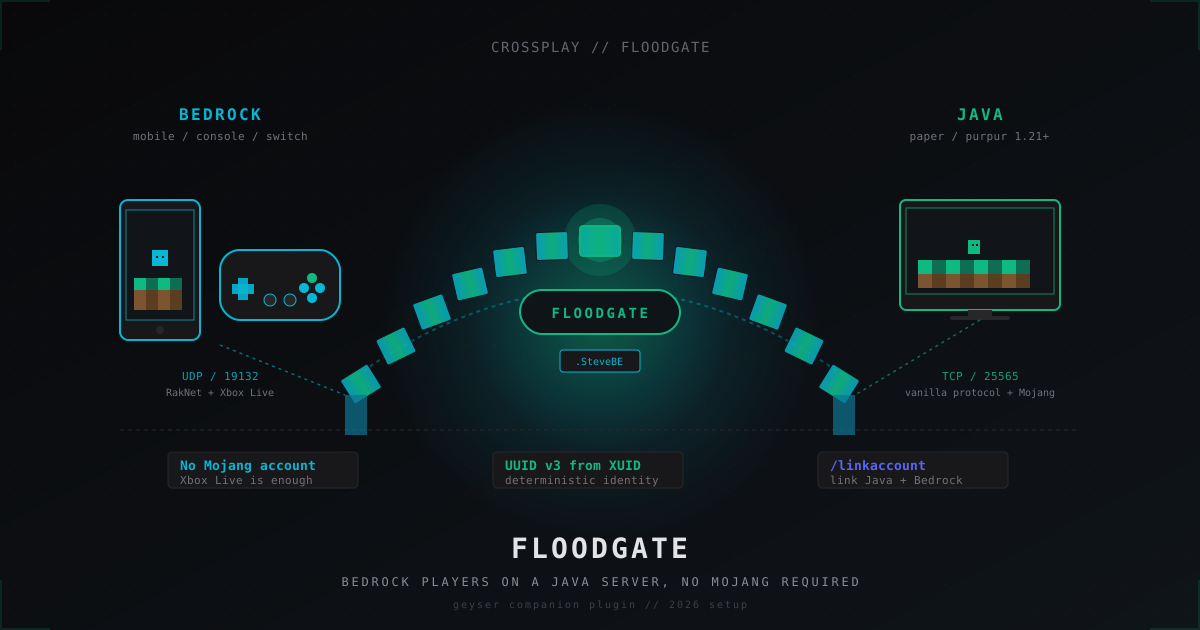
Floodgate: letting Bedrock players join Java servers without a Mojang account (2026)
Floodgate paired with Geyser is the official, Microsoft-blessed route from GeyserMC that lets phone, Switch and Xbox players onto a Java server without buying a separate Mojang account. Install, configs, UUID prefix, /linkaccount and the anti-abuse story.
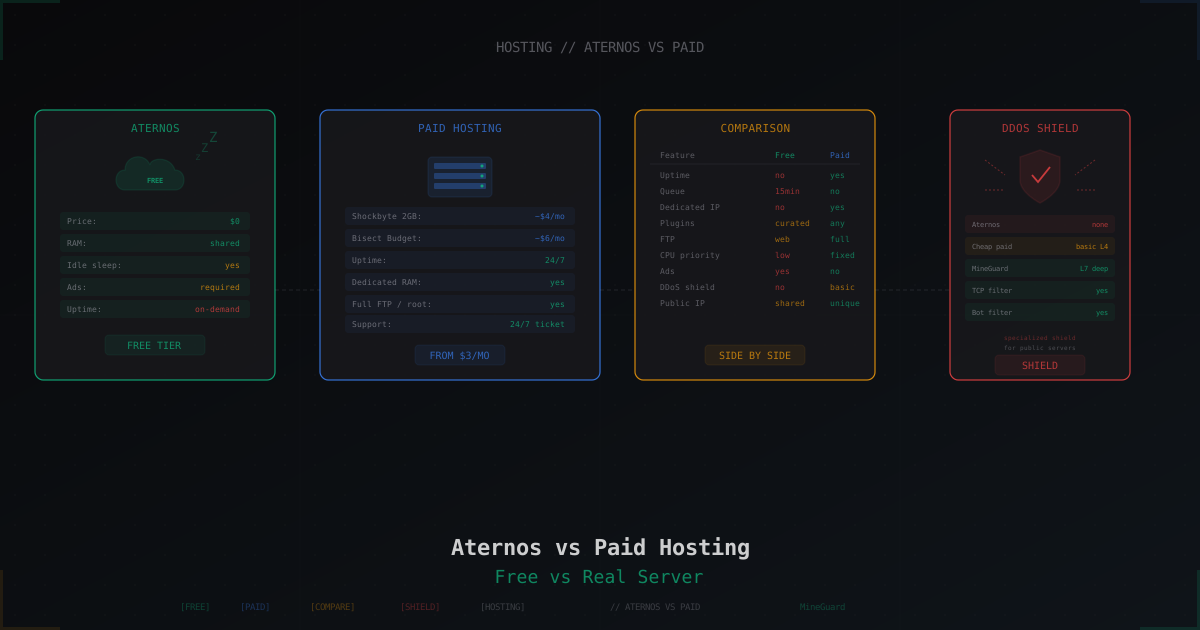
Aternos vs Paid Hosting: When Free Is Enough and When It Isn't
Honest breakdown of Aternos in 2026: real limits, idle sleep, ads, startup queue. Plus comparison with Minehut, Exaroton, Falix, and paid hosts from $3.
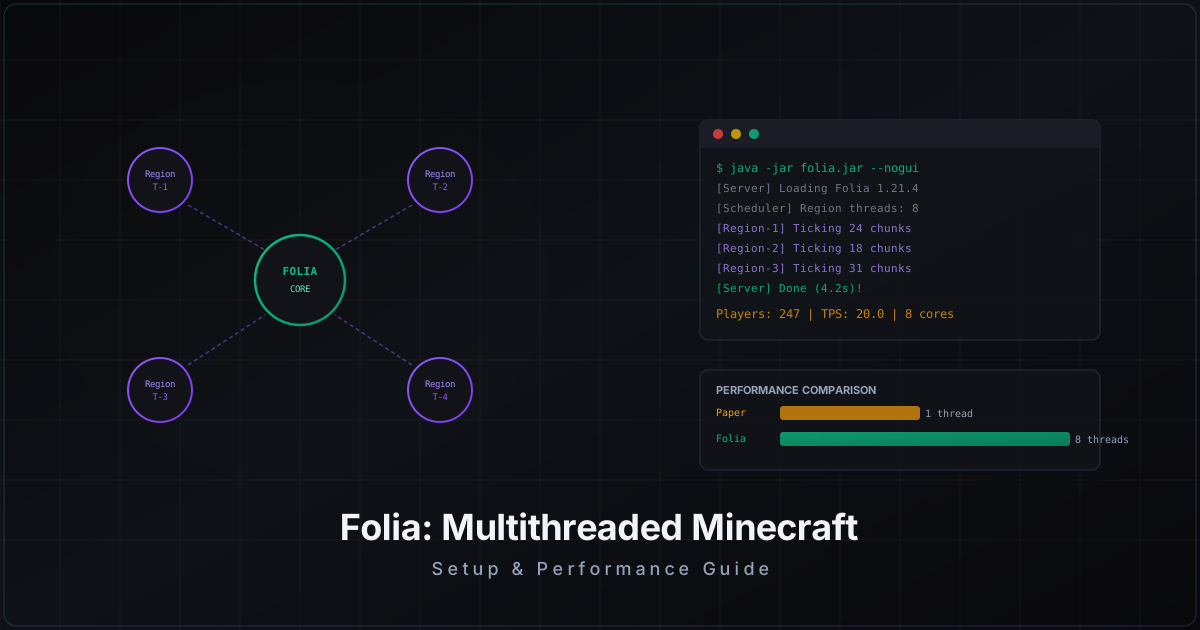
Folia: Complete Guide to Multithreaded Minecraft Server
Folia by PaperMC splits the world into regions and ticks each one on a separate thread. We break down when Folia actually makes sense, how to set it up, and which plugins are compatible.