Minecraft Bedrock Server Setup: Complete Guide for 2026
Bedrock vs Java: Key Differences for Server Admins
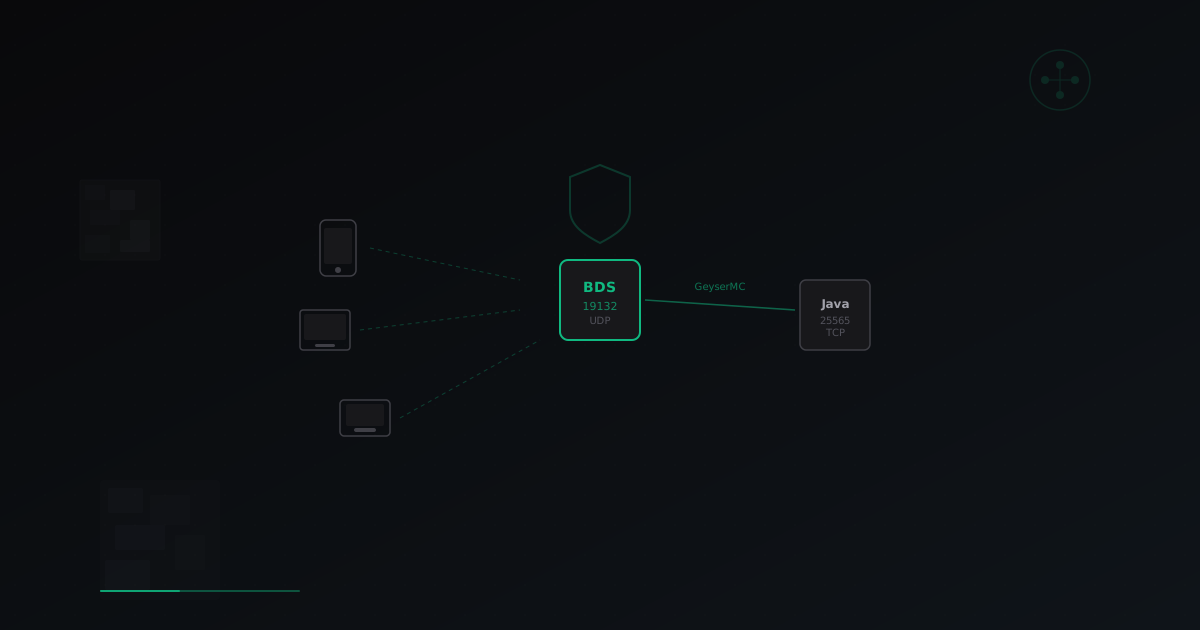
Minecraft exists in two main editions, and the differences go far beyond the client side, affecting the entire server infrastructure. Understanding these differences is critical before launching a Bedrock server. Java Edition runs on TCP protocol (port 25565 by default), is written in Java, and supports a massive plugin ecosystem through Bukkit/Spigot/Paper. Bedrock Edition uses RakNet over UDP (port 19132), is written in C++, and runs on Windows 10/11, mobile devices, Xbox, PlayStation, and Nintendo Switch. For server administrators, this means:
- Bedrock uses UDP, not TCP. This affects firewall configuration, port forwarding, and DDoS protection
- Bedrock clients authenticate through Xbox Live, not Mojang accounts
- The Bedrock plugin ecosystem is significantly smaller than Java
- Bedrock natively supports mobile devices and consoles, expanding your audience
- Bedrock performance is generally better thanks to native C++ code
Bedrock Server Software Options
Before starting setup, you need to choose your server software. Each option has its own strengths and weaknesses.
Bedrock Dedicated Server (BDS)
The official server software from Mojang. This is the only option that guarantees full compatibility with the Bedrock client.
- Pros: full compatibility, all vanilla game mechanics, regular updates from Mojang
- Cons: limited plugin support, Linux and Windows only, closed source
PocketMine-MP
Open-source server software written in PHP. Supports plugins and is actively developed by the community.
- Pros: open source, plugin system, runs on any OS with PHP
- Cons: not all vanilla mechanics are implemented, may lag behind client updates
Nukkit / PowerNukkitX
Java-based server software for Bedrock clients. A solid choice if you are already familiar with the Java ecosystem.
- Pros: written in Java (familiar ecosystem), good performance, active PowerNukkitX development
- Cons: incomplete vanilla mechanics implementation, fewer plugins than PocketMine
Installing Bedrock Dedicated Server (BDS): Step-by-Step Guide
BDS remains the best choice for production servers where stability and full compatibility matter. Here is a step-by-step guide for Linux installation.
Step 1: Prepare Your Server
Minimum requirements: 2 CPU cores, 1 GB RAM, Ubuntu 20.04+ or Debian 11+.
# Update the system
sudo apt update && sudo apt upgrade -y
# Install required packages
sudo apt install -y wget unzip screen libcurl4
# Create a dedicated user
sudo useradd -m -s /bin/bash bedrock
sudo su - bedrock
Step 2: Download and Install BDS
# Create the server directory
mkdir -p ~/bedrock-server && cd ~/bedrock-server
# Download the latest BDS version
# Get the current link from https://www.minecraft.net/en-us/download/server/bedrock
wget https://minecraft.azureedge.net/bin-linux/bedrock-server-VERSION.zip
# Extract
unzip bedrock-server-*.zip
Step 3: Configure server.properties
# Core settings
server-name=My Bedrock Server
gamemode=survival
difficulty=normal
max-players=20
server-port=19132
server-portv6=19133
level-name=world
online-mode=true
view-distance=32
tick-distance=4
player-idle-timeout=0
max-threads=8
Key parameters for Bedrock:
- server-port=19132 - this is the default UDP port. Do not confuse it with the TCP port used by Java Edition
- server-portv6=19133 - port for IPv6 connections
- tick-distance - number of chunks around the player that tick. Directly affects performance
- online-mode=true - required for Xbox Live authentication
Step 4: Launch the Server
# Launch with screen for background operation
screen -S bedrock
# Start BDS
LD_LIBRARY_PATH=. ./bedrock_server
# To detach from screen: Ctrl+A, then D
# To reattach: screen -r bedrock
Step 5: Create a systemd Service
For automatic startup on reboot, create /etc/systemd/system/bedrock-server.service:
[Unit]
Description=Bedrock Dedicated Server
After=network.target
[Service]
User=bedrock
WorkingDirectory=/home/bedrock/bedrock-server
ExecStart=/home/bedrock/bedrock-server/bedrock_server
Restart=on-failure
RestartSec=10
StandardInput=null
[Install]
WantedBy=multi-user.target
sudo systemctl daemon-reload
sudo systemctl enable bedrock-server
sudo systemctl start bedrock-server
Port and Firewall Configuration
Bedrock uses UDP, and this is fundamentally important for network configuration.
# Open ports for Bedrock (UDP!)
sudo ufw allow 19132/udp
sudo ufw allow 19133/udp
# If using iptables directly
sudo iptables -A INPUT -p udp --dport 19132 -j ACCEPT
sudo iptables -A INPUT -p udp --dport 19133 -j ACCEPT
A common beginner mistake is opening the port for TCP instead of UDP. Bedrock clients simply cannot connect if the port is only open for TCP. Also make sure your hosting provider does not block UDP traffic. Some budget VPS providers restrict UDP by default.
Crossplay Setup: GeyserMC + Floodgate
GeyserMC allows Bedrock players to connect to Java servers. It is the ideal solution if you already have a Java server with plugins and want to expand your audience.
Installing GeyserMC
# For Paper/Spigot servers
# Download GeyserMC from https://geysermc.org/download
# Place the .jar file in your plugins/ folder
cp Geyser-Spigot.jar /path/to/server/plugins/
# Restart the server
# After first launch, config will appear in plugins/Geyser-Spigot/config.yml
GeyserMC config.yml Setup
bedrock:
  address: 0.0.0.0
  port: 19132
  clone-remote-port: false
  motd1: "My Server"
  motd2: "Bedrock + Java"
remote:
  address: 127.0.0.1
  port: 25565
  auth-type: floodgate
Installing Floodgate
Floodgate removes the need for Bedrock players to own a Java account. They authenticate through Xbox Live instead.
# Download Floodgate from https://geysermc.org/download
cp floodgate-spigot.jar /path/to/server/plugins/
# Restart the server
# Bedrock players will get a "." prefix before their username
After installing both plugins, your server will accept connections on two ports: 25565 (TCP, Java) and 19132 (UDP, Bedrock).
For Velocity/BungeeCord
If you use a proxy, install GeyserMC and Floodgate on the proxy, not on backend servers:
# For Velocity
cp Geyser-Velocity.jar /path/to/velocity/plugins/
cp floodgate-velocity.jar /path/to/velocity/plugins/
Performance Optimization for Bedrock
For BDS
- tick-distance: reduce from 12 to 4-6 for lower CPU usage
- view-distance: 32 is the maximum. For high-player-count servers, reduce to 16-24
- max-threads: set equal to the number of available CPU cores
- content-log-file-enabled: false - disable content logging in production
For GeyserMC
- Bedrock clients create additional load due to protocol translation
- Allocate an extra 50-100 MB of RAM per 10 Bedrock players
- Use the latest GeyserMC version as each update improves translation performance
- Configure
cache-chunksin the Geyser config to reduce chunk re-translation
General Recommendations
# Linux optimization for game servers
# Increase file descriptor limits
echo "bedrock soft nofile 65535" | sudo tee -a /etc/security/limits.conf
echo "bedrock hard nofile 65535" | sudo tee -a /etc/security/limits.conf
# Network optimization for UDP
sudo sysctl -w net.core.rmem_max=26214400
sudo sysctl -w net.core.wmem_max=26214400
sudo sysctl -w net.core.rmem_default=1048576
Bedrock Server Security
Bedrock has its own specific attack vectors that differ from Java Edition.
Bedrock-Specific Threats
- UDP flood: since Bedrock runs over UDP, the server is vulnerable to UDP flood attacks. The attacker does not need to establish a connection
- RakNet exploits: the RakNet protocol has its own vulnerabilities that can be used to crash servers
- Spoofed connection packets: without TCP handshakes, it is easier to forge packets
- Amplification attacks: UDP services can be used as reflectors in DDoS attacks
Basic Protection Measures
# Rate-limit new connections via iptables
sudo iptables -A INPUT -p udp --dport 19132 -m hashlimit
  --hashlimit-name bedrock --hashlimit-above 10/sec
  --hashlimit-mode srcip --hashlimit-burst 20 -j DROP
# Block obviously malicious packets
sudo iptables -A INPUT -p udp --dport 19132 -m length --length 0:28 -j DROP
Protection with MineGuard
At MineGuard, we support Bedrock tunnels on our Optimal and Professional plans. Our protection filters UDP traffic at the network level, dropping malicious packets before they reach your server. What we offer for Bedrock:
- UDP flood filtering with RakNet protocol analysis
- Bot and spoofed connection protection
- A single dashboard for managing both Java and Bedrock servers
- Minimal latency through optimized tunnels
Setup takes just a few minutes: create a network in the dashboard, specify your Bedrock port, and get a protected address for player connections. Both protocols (Java TCP and Bedrock UDP) can be protected through a single network.
Pre-Launch Checklist
Before opening your server to players, verify the following:
- Port 19132/UDP is open and accessible from outside
- online-mode is enabled (if Xbox Live auth is needed)
- A systemd service is created for auto-start
- World backups are configured
- Rate limits are set via iptables or external protection
- Connection tested from a mobile device and Windows
- If using GeyserMC: connections from both client types are tested
- Process and resource monitoring is configured
Conclusion
Bedrock Edition is growing rapidly, and launching a Bedrock server in 2026 opens access to a massive audience of mobile and console players. Whether it is pure BDS for a vanilla experience, PocketMine for custom servers, or GeyserMC for uniting Java and Bedrock communities, you have the tools to build a quality server. Remember: Bedrock runs over UDP, and this affects literally everything from port configuration to DDoS protection. Do not neglect security from day one, and if you need professional protection, we at MineGuard are ready to help with our Bedrock tunnels.
Protect Your Server from DDoS Attacks
Free protection with 5-minute setup. 1 TB bandwidth included.
Try for FreeRelated Articles
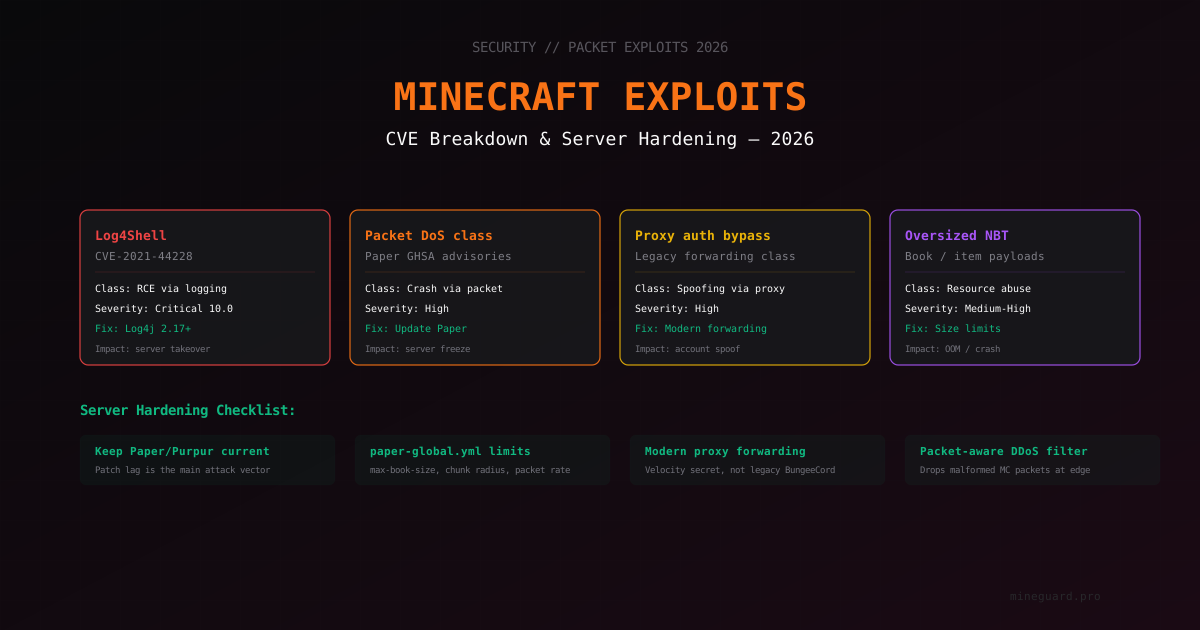
Minecraft Server Vulnerabilities in 2026: CVE Breakdown and Hardening
Overview of Minecraft server vulnerability classes: Log4Shell, packet DoS, proxy forwarding bypass, NBT overflows. How to know if your server is protected, which versions to install, and how to spot exploit attempts.
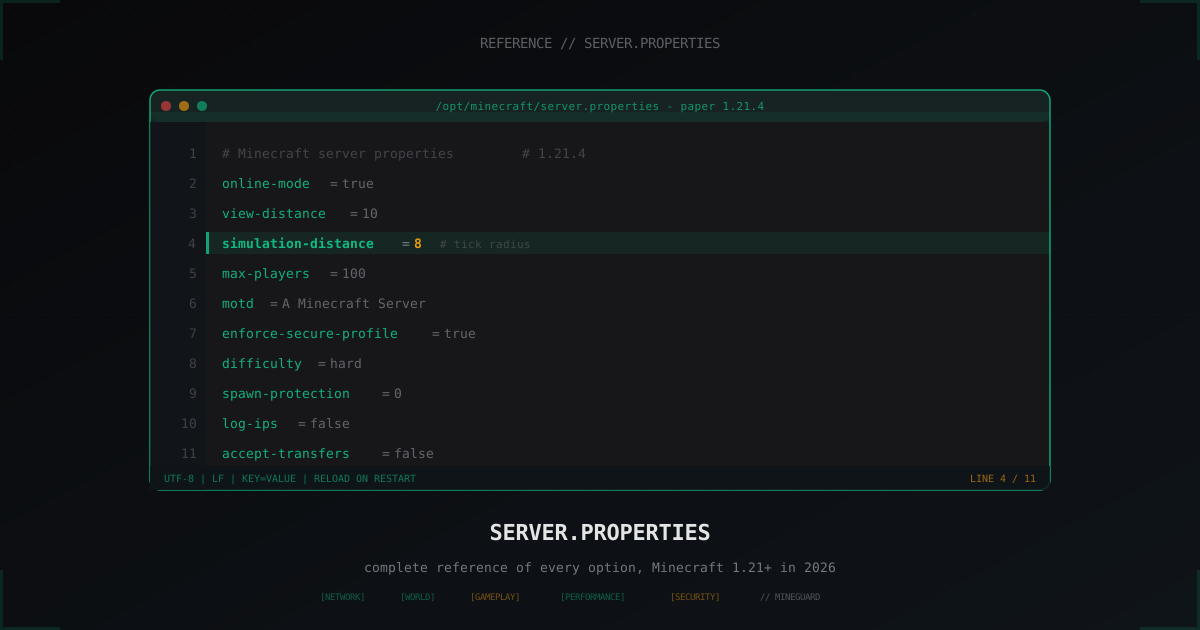
server.properties: complete reference of every option (Minecraft 2026)
Every line of server.properties in one reference: what it does, default value, what to set on SMP, on minigames, on hardcore. With 1.21 additions: simulation-distance, log-ips, accept-transfers, enforce-secure-profile.
Minecraft Server Rules and Moderation: Complete Admin Guide
How to write server rules, build a staff hierarchy, configure punishment plugins and anti-cheat. Practical experience and ready-to-use templates for Minecraft admins.