Защита домашнего Minecraft сервера от DDoS: полный гайд
Почему домашний сервер - это мишень
Давайте начистоту. Если у вас Minecraft сервер крутится дома на старом ПК или на выделенной машинке под столом, вы в зоне риска куда больше, чем тот, кто арендует VDS за 500 рублей.
Причина простая: ваш домашний IP - это ваш настоящий адрес в интернете. Не адрес дата-центра с фильтрацией на 1 Тбит/с, а адрес, за которым стоит ваш роутер, ваш компьютер, ваш умный телевизор и телефоны всей семьи.
Домашний канал - это обычно 100-500 Мбит/с. Для DDoS атаки, чтобы его положить, достаточно потока в 200-300 Мбит/с. Такое генерирует любой бесплатный стрессер. А ваш провайдер не будет фильтровать трафик - ему проще заблокировать вас на время атаки, чем разбираться.
Главная опасность: под ударом весь дом
Многие думают: "Ну ляжет сервер, перезапущу". Нет. Когда DDoS идёт на ваш домашний IP, ложится ВСЁ. Wi-Fi для семьи, удалённая работа, видеозвонки, стриминг. Всё.
И это не абстрактная угроза. На Minecraft серверах драмы случаются постоянно. Забанили игрока - он пошёл мстить. Проиграл клановую войну - заказал атаку. Кто-то просто хочет самоутвердиться.
Если у вас сервер на хостинге, вы позвоните в поддержку и вам помогут. Если сервер дома, звонить вам придётся провайдеру, который понятия не имеет, что такое DDoS, и предложит "перезагрузить роутер".
Как атакующие находят ваш IP
Вы можете думать, что ваш IP никто не знает. Это не так.
Прямое подключение. Когда игрок подключается к вашему серверу по IP, он видит этот адрес. Любой плагин для логов, Wireshark или даже стандартный пинг покажет IP сервера.
Shodan и Censys. Эти поисковики постоянно сканируют весь интернет. Ваш сервер на порту 25565 будет найден в течение нескольких часов после запуска. Они проиндексируют и версию, и MOTD, и количество игроков.
Discord и форумы. Вы сами или ваши модераторы могли случайно скинуть IP в чат. Скриншот с видимой адресной строкой, конфиг с IP в лог-файле, жалоба провайдеру - всё это утечки.
DNS записи. Если вы привязали домен напрямую через A-запись к домашнему IP, то простая команда nslookup его раскроет.
Решение 1: Обратный прокси (рекомендуемый способ)
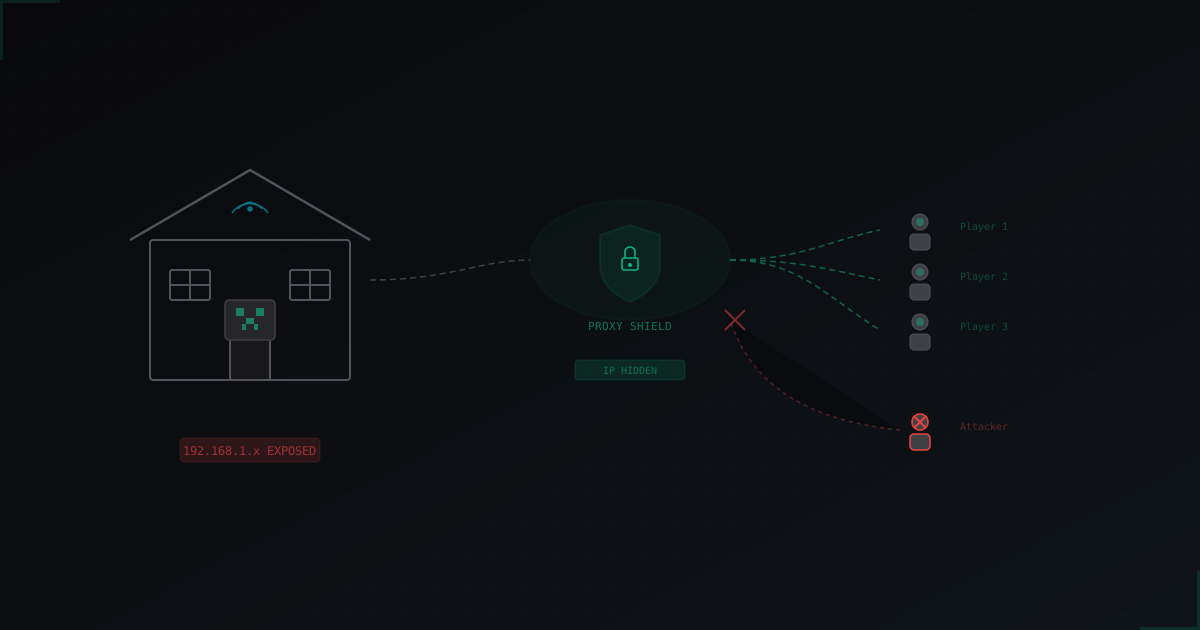
Суть простая: между игроками и вашим сервером ставится промежуточный сервер с мощным каналом и фильтрацией. Игроки подключаются к нему, он фильтрует мусорный трафик и пересылает чистые пакеты к вам домой.
Как это работает:
- Игрок подключается к адресу
play.yourserver.com - DNS направляет его на защищённый прокси
- Прокси проверяет трафик, отсеивает атаку
- Чистый трафик идёт к вашему домашнему серверу по зашифрованному туннелю
- Ваш реальный IP скрыт от всех
Это решение используют сервисы вроде MineGuard. Главный плюс - вам не нужно ничего менять в самом Minecraft сервере, только DNS настройки и, возможно, плагин для прокидывания реальных IP игроков.
Плюсы:
- Реальный IP полностью скрыт
- Фильтрация происходит до того, как трафик долетит до вас
- Не нагружает ваш канал и роутер
- Настраивается за 10-15 минут
Минусы:
- Стоит денег (обычно от $5/мес)
- Добавляет несколько мс пинга (обычно 2-5 мс, незаметно)
Решение 2: VPN/Туннель
Альтернативный подход - поднять VPN-туннель между вашим сервером и VPS в дата-центре. Игроки подключаются к IP этого VPS, трафик через туннель идёт к вам.
Популярные варианты:
- WireGuard туннель (самый быстрый)
- OpenVPN (проще настроить, но медленнее)
- Playit.gg и подобные сервисы (готовое решение)
Плюсы:
- Можно настроить бесплатно при наличии VPS
- Полный контроль над конфигурацией
Минусы:
- Нет фильтрации трафика - атака просто пройдёт через туннель
- VPS в дата-центре тоже можно заddosить
- Сложнее в настройке и поддержке
- WireGuard добавляет оверхед по пропускной способности
Честно говоря, голый VPN-туннель без фильтрации - это полумера. Вы скроете домашний IP, но сам сервер всё равно будет падать при атаке. Имеет смысл только как временное решение или в связке с фильтрацией.
Пошаговая настройка защиты
Вот конкретный план действий, без воды.
Шаг 1: Купите домен
Любой дешёвый домен подойдёт. Можно за $1-2 на Namecheap или Porkbun. Нужен для того, чтобы игроки подключались по доменному имени, а не по IP. Это позволит в любой момент сменить IP за прокси, не теряя игроков.
Шаг 2: Подключите сервис защиты
Зарегистрируйтесь в сервисе DDoS-защиты для Minecraft. Добавьте ваш домен, укажите домашний IP и порт сервера. Сервис даст вам CNAME запись или защищённый IP.
Шаг 3: Настройте DNS
В панели управления доменом создайте CNAME запись, указывающую на адрес, который вам дал сервис защиты. Если сервис дал IP - создайте A-запись. Удалите все старые A-записи с вашим домашним IP.
Шаг 4: Настройте прокидывание IP
Без этого шага все игроки будут видны серверу с одного IP (адрес прокси). Вам нужно установить плагин, который читает реальный IP из протокола проксирования.
Для BungeeCord/Velocity - включите proxy protocol в конфиге. Для Paper/Spigot без прокси - установите плагин для поддержки proxy protocol.
Шаг 5: Ограничьте прямой доступ
Это критически важный шаг, который многие пропускают. Настройте файрвол так, чтобы порт 25565 принимал подключения ТОЛЬКО от IP адресов сервиса защиты. Всё остальное - блокировать.
На Linux:
iptables -A INPUT -p tcp --dport 25565 -s IP_ПРОКСИ -j ACCEPT
iptables -A INPUT -p tcp --dport 25565 -j DROP
На Windows - правила в Windows Firewall. На роутере - Port Forwarding только с указанных IP (если роутер это поддерживает).
Шаг 6: Проверьте
Попробуйте подключиться напрямую по вашему домашнему IP - не должно работать. Подключитесь через домен - должно работать. Проверьте через Shodan, виден ли ваш сервер на домашнем IP.
Чего НЕЛЬЗЯ делать
Не пробрасывайте все порты. UPnP и DMZ в роутере - зло. Пробрасывайте только один порт (25565) и только на один внутренний IP. Никакого DMZ.
Не раздавайте IP. Даже "проверенным" игрокам. Раз утёкший IP не вернуть (пока не получите новый от провайдера).
Не используйте бесплатные VPN. Бесплатные VPN сервисы медленные, нестабильные и часто сами являются источником проблем с безопасностью. Для игрового сервера они не годятся.
Не надейтесь на "защиту роутера". Домашние роутеры не рассчитаны на противодействие DDoS. Функция "защита от DoS" в настройках роутера - это защита от сканирования портов, не более.
Не ставьте плагины-антибот из непроверенных источников. Антибот-плагин работает на уровне приложения. Когда у вас забит канал, он бесполезен, потому что трафик до плагина просто не доходит нормально.
Настройка роутера и сети
Даже с прокси-защитой стоит укрепить домашнюю сеть.
Отключите UPnP. Это протокол, который позволяет программам автоматически открывать порты. Удобно, но небезопасно. Откройте нужные порты вручную.
Обновите прошивку роутера. Серьёзно. Многие роутеры годами работают на старых прошивках с известными уязвимостями.
Смените пароль от админки роутера. Если у вас всё ещё admin/admin или admin/password, это нужно исправить прямо сейчас.
Используйте отдельную подсеть или VLAN. Если ваш роутер поддерживает VLAN, выделите сервер в отдельную сеть. Если не поддерживает, хотя бы подключите сервер кабелем, а не по Wi-Fi.
Настройте DNS-over-HTTPS. Это защитит от DNS-спуфинга. Большинство современных роутеров это поддерживают.
Если IP уже утёк
Плохая новость: если ваш IP уже знают, просто поставить защиту недостаточно. Атакующий может бить напрямую по IP, минуя прокси.
Вот что нужно сделать:
-
Получите новый IP от провайдера. Позвоните и попросите сменить внешний IP. У большинства провайдеров это бесплатно. Иногда достаточно перезагрузить роутер или выключить его на ночь - если у вас динамический IP, он сменится.
-
Сначала настройте защиту, потом меняйте IP. Если поменять IP и сразу запустить сервер без защиты, новый IP утечёт так же быстро.
-
Проверьте все утечки. Поищите свой старый IP в Discord серверах, на форумах, в списках серверов. Удалите всё, что найдёте.
-
Не подключайте домен к новому IP напрямую. Только через прокси-сервис.
Сколько это стоит: защита vs хостинг
Давайте посчитаем.
Домашний сервер + защита:
- Электричество: ~500-1500 руб/мес (зависит от железа)
- Домен: ~100-200 руб/мес (или ~1000-2000 руб/год)
- DDoS-защита: от $5/мес (~450 руб)
- Итого: ~1000-2200 руб/мес
VDS/выделенный сервер:
- Бюджетный VDS (4GB RAM): ~500-1500 руб/мес
- Нормальный выделенник (32GB RAM): ~3000-8000 руб/мес
- DDoS-защита часто включена (но базовая)
Для маленького сервера на 10-20 игроков домашний хостинг с защитой может быть выгоднее. Вы используете своё железо, платите только за защиту и домен.
Для сервера на 50+ игроков лучше задуматься о переезде на хостинг. Там и канал шире, и поддержка есть, и DDoS-защита базовая обычно включена в стоимость.
Сервисы вроде MineGuard предлагают защиту от $5/мес, что вполне подъёмно для домашнего сервера. Это дешевле, чем каждый раз звонить провайдеру и просить новый IP.
Итог
Домашний Minecraft сервер - это нормально. Многие крупные проекты начинались именно так. Но без защиты IP это русская рулетка: рано или поздно кто-то решит вас положить.
Минимальный набор действий:
- Купить домен
- Подключить DDoS-прокси (MineGuard или аналог)
- Закрыть прямой доступ файрволом
- Не светить реальный IP нигде
Это займёт 30-40 минут на настройку и избавит от головной боли на весь срок жизни сервера. Лучше потратить это время сейчас, чем потом объяснять семье, почему не работает интернет.
Защитите свой сервер от DDoS-атак
Бесплатная защита с настройкой за 5 минут. 1 ТБ трафика в подарок.
Попробовать бесплатноЧитайте также
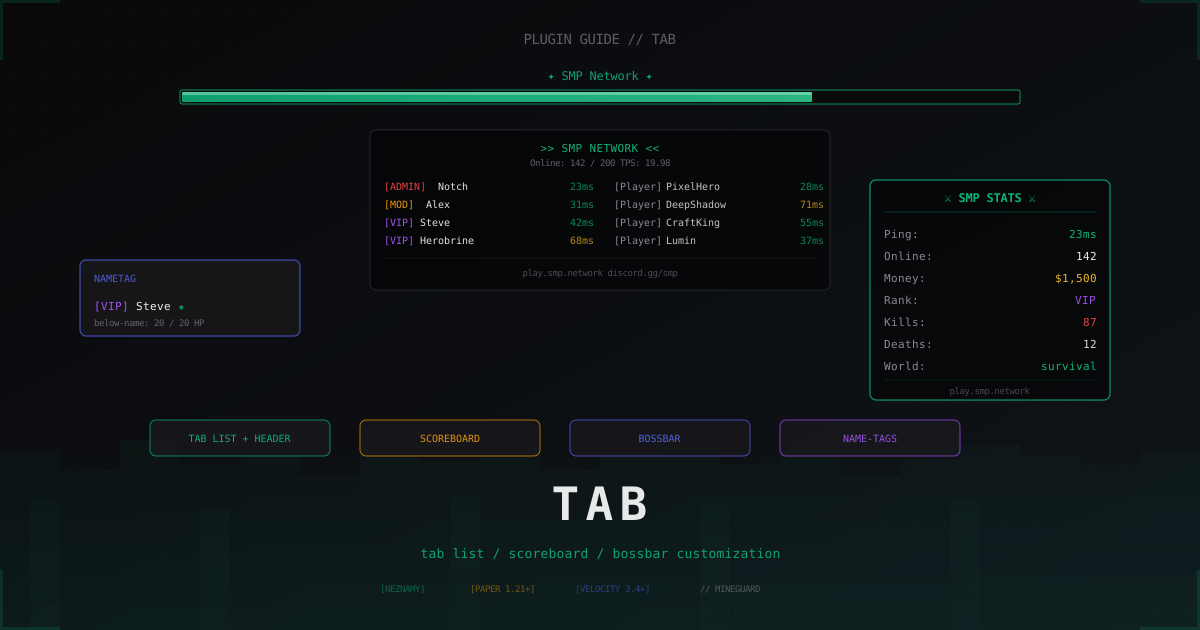
TAB-плагин: настройка табсписка, scoreboard и BossBar в Minecraft (2026)
Один плагин закрывает табсписок, scoreboard, BossBar, name-tags и префиксы из LuckPerms. Разбираем установку TAB by NEZNAMY, проксиную схему, sorting, anti-override и реальные сниппеты config.yml.
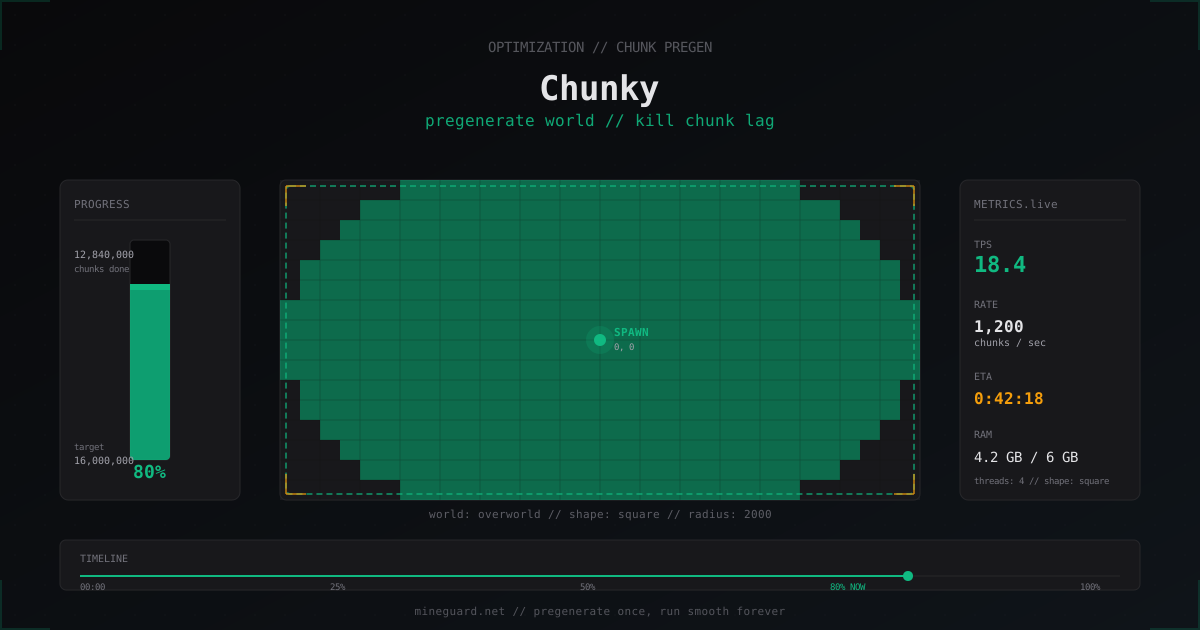
Chunky: пред-генерация чанков в Minecraft и как убрать лаги от новых регионов
Плагин Chunky генерирует чанки заранее, чтобы во время игры сервер только читал готовые регионы с диска. Команды, расчёты и реальные тайминги.
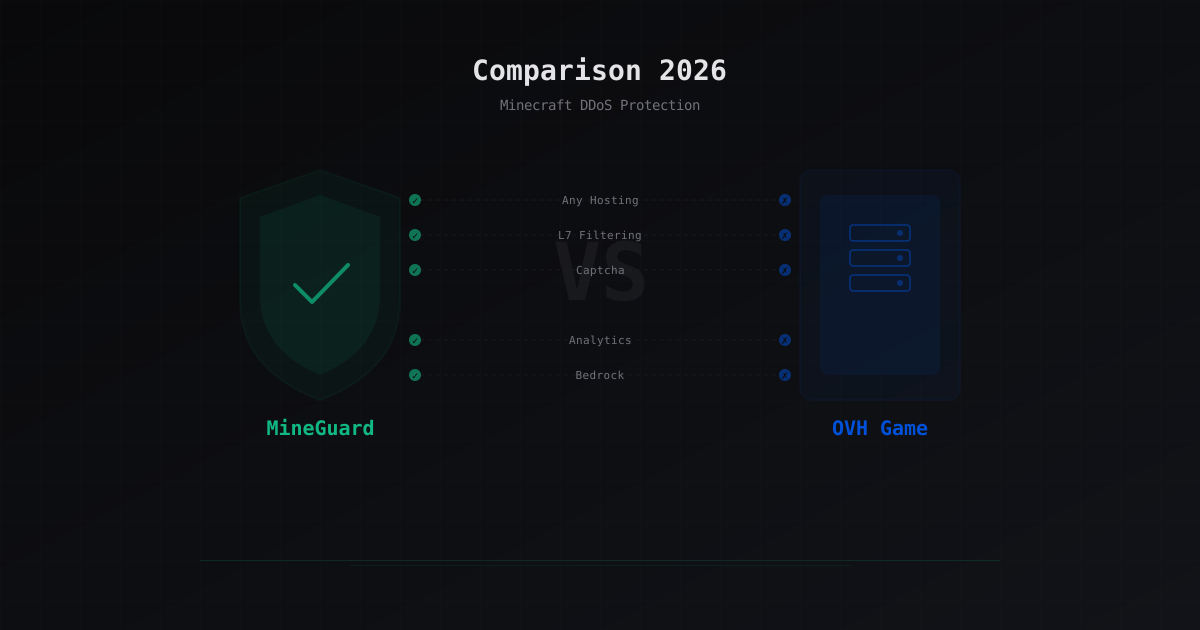
MineGuard vs OVH Game DDoS Protection: что лучше для Minecraft
Сравниваю MineGuard и OVH Game DDoS Protection для Minecraft-серверов. Разбираю различия в подходах, фильтрации L7-атак, возможностях капчи, аналитики и привязке к хостингу. Честное сравнение с таблицей.