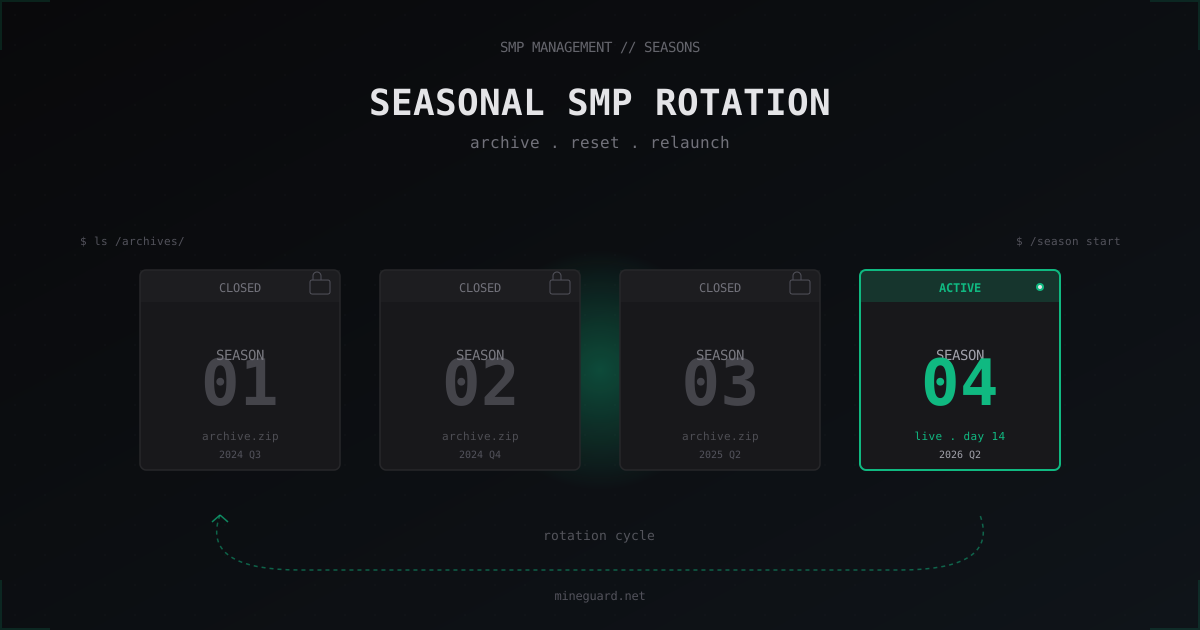
Seasonal SMP: How to Run Season Rotations on Your Minecraft Server
Seasonal SMPs left the streamer niche years ago and became a standard model for any private server that wants to stay alive past month three. This guide covers how to slice your server into seasons, what carries over, how to archive worlds, and how to avoid killing your community on a careless reset.
Why bother with seasons
Every long-running SMP eventually hits the same wall. Veterans have bases sprawling for thousands of blocks, new players spawn in and immediately see someone else's monument towering over the spawn, the market is dead, advancements are all done, mob farms tick on autopilot. Player counts quietly drift down and the admin starts blaming plugins. Most of the time the plugins are fine. The world is the problem.
Seasons fix this directly. Every N months you close the current world, archive it, and start fresh. Everyone gets equal footing, new players join a clean spawn, and you get a natural reason to switch up themes or rules. HermitCraft works on this model, and so do most friend-group SMPs. The final Dream SMP season pulled tens of millions of views not because the world was special, but because it had a defined ending.
In short: a season gives your server a story arc. Without one, it is just files on a disk.
Choosing season length
There is no single right answer, but the rough guides hold.
- 2 to 3 months for active SMPs where people log in several times a week. By that point spawn is built, the economy is going, top players are doing endgame, and without a reset they start drifting away.
- 4 to 6 months for moderate pace, especially on modded packs where progression takes longer.
- 6 to 12 months for slow RP servers or vanilla SMPs with a small core that plays a few hours per week.
Going under two months rarely works. People do not have time to invest in bases, and every reset feels like progress wiped for no reason. Over a year is also risky. By the end nobody remembers what happened at the start of the season, and the archive gets unmanageable.
I lock the end date at season start and put it in the rules. It kills the "when is the reset" question and makes event planning much easier.
What carries over and what does not
The main rule: anything tied to the player carries, anything tied to the world resets. Carry over inventories or balances and the new season just becomes a continuation of the old one, defeating the point.
Reasonable to keep:
- Discord roles via DiscordSRV (donor, status, veteran)
- Achievement and seasonal-award roles, like
Season 3 Survivor - Global player stats: total hours, seasons played, optionally kills
- Whitelist of the core group
- Plugin configs and the plugin list itself
- Seasonal leaderboards as a static archive (screenshot or export)
Always reset:
- All three dimensions:
world,world_nether,world_the_end - Player inventories, ender chests, shulkers in other people's bases
- Vault / EssentialsX balances
- Homes, warps,
/sethomedata - Old-season WorldGuard regions
- Towns and territories if you ran Towny or Lands
LuckPerms ranks are a separate story. Most of the time I strip progression ranks (the ones earned by playtime in the previous season) and keep admin and donor ranks. If there are only a few ranks total, it is easier to rebuild the tree from scratch.
Archiving the old world
Archives matter for two reasons: nostalgia and a safety net. Someone will want their base as a singleplayer map, someone filmed for YouTube and wants to record the final cut after the reset. And if the next season flops, you can roll back.
Basic process. Stop the server cleanly. Do not just /stop on a live world, flush saves first:
# graceful, no downtime hit
mc-send-to-console "save-off"
mc-send-to-console "save-all flush"
sleep 10

# now stop
systemctl stop minecraft

# archive all three dimensions together
cd /opt/minecraft/server
tar -czf /backups/season-3-final.tar.gz world world_nether world_the_end

# plus playerdata as a separate bundle
tar -czf /backups/season-3-playerdata.tar.gz \
    world/playerdata world/stats world/advancements
Push a copy to S3 or any remote storage:
# rclone already configured for your bucket
rclone copy /backups/season-3-final.tar.gz s3:smp-archives/season-3/ \
    --progress --transfers 4
Final copy on hardware owned by another admin, or a home NAS. The 3-2-1 rule: three copies, two media types, one offsite. I usually keep one local, one on S3, and one on a senior moderator's home drive.
Then publish a download link to the archive as a singleplayer map. Drop it on your site or in a #archives Discord channel. It is the best source of goodwill from players who left.
Announcing the end of the season
A quiet shutdown without warning kills trust faster than a bad DDoS. Three to four weeks before the date, post the schedule:
- Exact date and time with timezones
- What carries over, what resets (a clean list, no fluff)
- Next-season theme if decided
- Next-season start date
- Final-day event
The final event is half the value. Stage a faction battle, a last raid on the admin base, a group stream, a spawn selfie. The point is to make it an event, not "server went dark at 23:59."
The day before, I drop the whitelist for alumni from previous seasons so they can come say goodbye. This pulls back people who stopped logging in, and a fraction of them stick around for the new season.
Technical setup for the new season
After archiving comes file work. On a Paper server:
# server stopped
cd /opt/minecraft/server

# wipe old worlds
rm -rf world world_nether world_the_end

# clean plugin caches tied to old worlds
rm -rf plugins/WorldGuard/worlds
rm -rf plugins/dynmap/web/tiles

# optional: new seed
sed -i 's/^level-seed=.*/level-seed=4815162342/' server.properties
Start the server. It generates fresh worlds. If you use a custom generator like Terralith or BiomesOPlenty, make sure the plugin loads before the first start.
Vault balances reset via console or directly in the DB:
-- EssentialsX with YAML userdata: just delete the folder
-- Vault on MySQL with CMI or EssentialsX-MySQL:
UPDATE user_data SET money = 0;
TRUNCATE TABLE essentials_homes;
LuckPerms progression ranks for regular players:
/lp creategroup default
/lp group default permission set essentials.spawn true
# per player:
/lp user <name> parent set default
Pre-generating the new map
Day one of a new season almost always lags. Thirty people pile into spawn, chunks generate in real time, TPS dips for everyone. The fix is well known: Chunky before opening.
/chunky world world
/chunky radius 5000
/chunky start
A 5000-block radius from spawn typically covers the first week. Start it the day before launch with pause-on-no-players: false and let it run. On an SSD with a decent CPU, this takes 6 to 12 hours. Restart afterwards and open the gates.
For large maps or further pre-gen, leave Chunky running in the background after launch with chunks-per-second: 4 so it stays out of players' way.
Season themes
Plain vanilla works every time, but variety keeps people coming back. Themes that consistently land:
- Lifesteal: one heart per kill, zero hearts means a season-long ban. Use the LifeSteal SMP plugin or roll your own with Skript.
- Hardcore SMP: one life, spectator after death until season end.
- Underwater season: spawn underwater, limited islands.
- Modded season on Forge or Fabric: switch to Create, Ad Astra, Cobblemon. Note: this is no longer a Paper server, and most plugins will not work.
- No-end season: replace endgame with MythicMobs custom bosses.
Modded seasons are technically heavier. Players need a custom launcher, FPS will drop, and plugins get swapped for mods. As a one-off event, modded is a strong hook.
Seasonal leaderboards and rewards
Toward the end of a season I always run a live top-list in Discord and on the site. Pick a metric: hours played, mobs killed, blocks broken, advancements earned. The fairest is total advancements plus playtime.
Pull the data with the Statistic plugin or directly from world/stats/<uuid>.json. Top three get a permanent Discord role (S3 Champion, S3 Runner-up, S3 Bronze). After a few seasons, veterans stack up colored roles, and that becomes social proof in itself.
Marketing the next season
One week before launch:
- Theme tease and new-rules snippet on Discord and Twitter/X
- Telegram channel if you have one
- Post on r/admincraft or the relevant subreddit if the server is public
- Ping the alumni role on Discord
- 30 to 60 second trailer cut from the archived map
The trailer can be assembled in Replay Mod from old-season recordings plus a few shots of the pre-genned new map. That is enough; full CGI is overkill.
FAQ
How long does an SMP season usually last
Standard is 2 to 3 months for active servers, 4 to 6 for moderate pace, 6 to 12 for slow RP projects. Under two months is pointless; over a year is hard to sustain. Lock the end date at season start and put it in the rules.
How do I archive old worlds
Stop the server cleanly, tar -czf all three dimensions, push to S3, and keep one copy on hardware controlled by a different admin. Follow 3-2-1: three copies, two media types, one offsite. Publish the archive as a singleplayer download.
What carries between seasons
Discord roles, veteran status, global stats, whitelist, plugin configs. Worlds, inventories, balances, homes, and old WorldGuard regions do not. LuckPerms progression ranks usually reset; donor ranks stay.
Can I run a seasonal modded SMP
Yes, but it is no longer Paper, it is Forge or Fabric, and players need a modded launcher. Cobblemon, Create, and Ad Astra all work as season themes. Budget extra time for testing the pack and helping players install it.
Is Chunky needed for a small season
Even on a 10-player server, pre-genning a 2000 to 3000 block spawn radius removes day-one lag. With 30+ players, skipping Chunky at 5000+ blocks makes the first hours painful.
How do I avoid losing veteran players on a reset
Announce 3 to 4 weeks ahead, run a final event, publish the world archive, and keep the alumni role permanent. Show the next season's theme in advance so people have a reason to come back rather than picking another server.
Should donor perks reset
Never. If someone paid, perks carry across all future seasons. Otherwise you are headed for chargebacks and bad reviews. Reset only what was earned through gameplay.
What's next
If this is your first season, start with three months and a plain vanilla theme, no mods. Track attendance, learn the rhythm of your community, and from season two start planning themes and final events. Do not skimp on archives; storage is cheaper than an angry community. And put DDoS protection on the server in advance: an empty day-one launch because of an attack kills the season faster than any bug ever will.
Protect Your Server from DDoS Attacks
Free protection with 5-minute setup. 1 TB bandwidth included.
Try for FreeRelated Articles
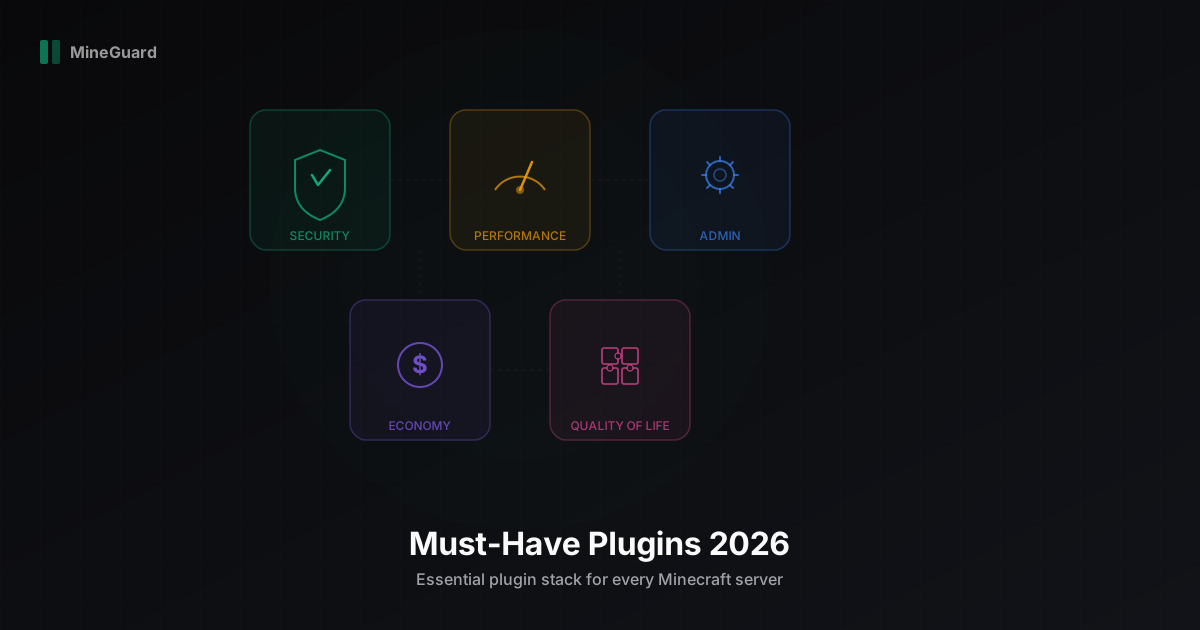
Must-Have Plugins for Your Minecraft Server in 2026
A curated list of the best Minecraft server plugins in 2026: security, performance, administration, economy, and monitoring. We break down each category with specific recommendations.
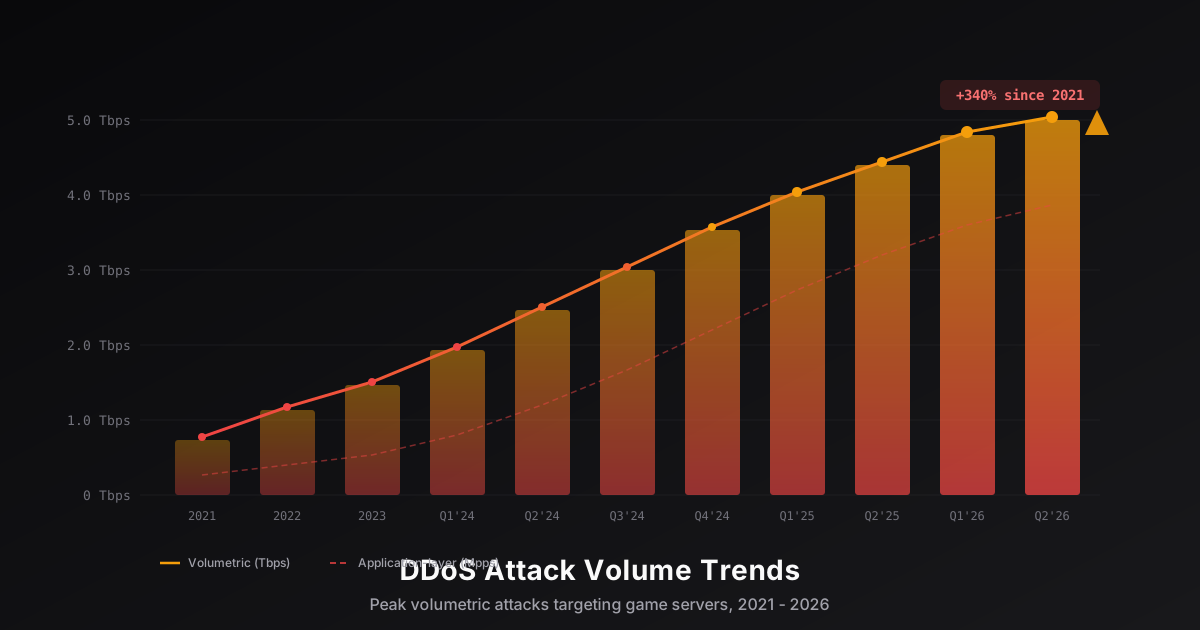
DDoS Attack Trends Targeting Game Servers in 2026
An analysis of key DDoS attack trends targeting the gaming industry in 2026: volume growth reaching terabit scale, evolution of Minecraft-specific attacks, IoT botnet proliferation, and new defense technologies built on XDP/eBPF and machine learning.
Minecraft Server Rules and Moderation: Complete Admin Guide
How to write server rules, build a staff hierarchy, configure punishment plugins and anti-cheat. Practical experience and ready-to-use templates for Minecraft admins.