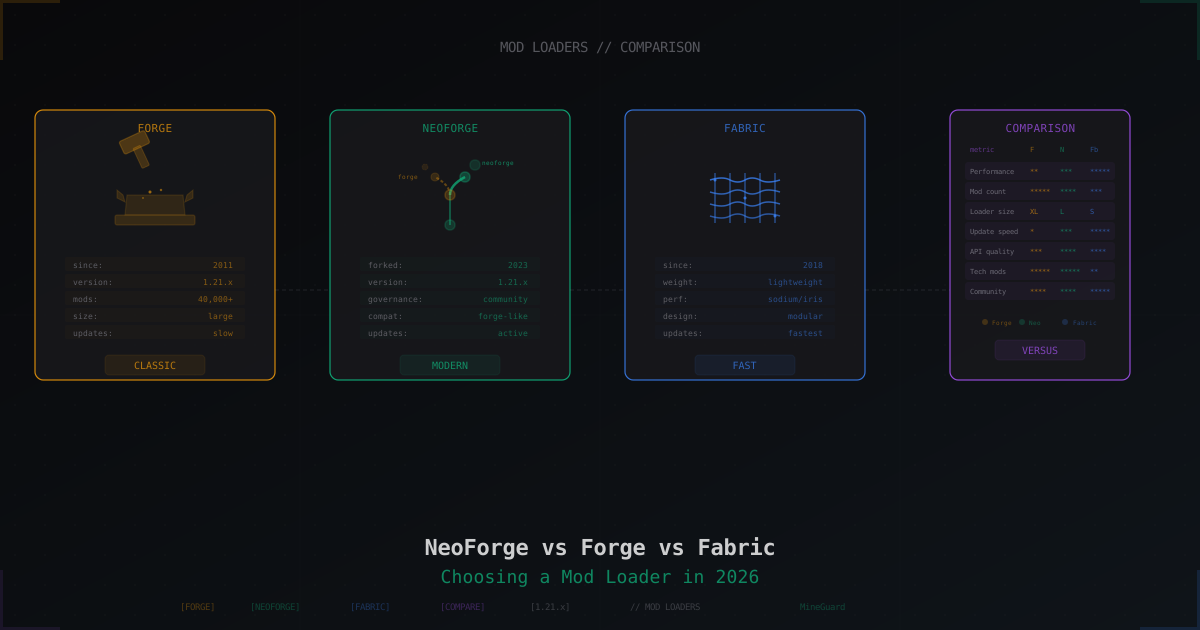
NeoForge vs Forge vs Fabric 2026: Which Mod Loader to Pick
Picking a mod loader is the first thing any modded Minecraft server owner faces. The choice decides which mods you can install, how much RAM the server eats, and how often you chase updates. In 2026 the landscape looks like this: old Forge is slowly losing ground, NeoForge has taken over tech and content mods, and Fabric remains the king of performance.
Let's break down all three loaders without marketing. What to pick for a vanilla server with optimizations, what for an industrial modpack with 300+ mods, and why Sinytra Connector is changing the game.
Brief history: how we got here
Forge: 2011, the start of modding
MinecraftForge launched in 2011 and was the only serious loader for years. LexManos ran the project for over a decade, and legendary mods were built on Forge: IndustrialCraft, BuildCraft, Thaumcraft, later Create, Mekanism, Applied Energistics 2.
The upsides were obvious: massive API, support for complex systems (energy, pipes, magic), strong mod-to-mod compatibility. The downsides: heavy loader, slow updates to new Minecraft versions, closed project governance.
Fabric: 2018, the alternative
By 2018 the Forge update situation had become critical. Porting to a new Minecraft version took months. A group of enthusiasts launched Fabric, a minimalist loader focused on update speed and performance.
Fabric had a different philosophy: tiny core, everything else through optional mods (Fabric API). Fabric mods tend to be smaller, load faster, and the performance ecosystem (Sodium, Lithium, Phosphor, Iris) was born here.
NeoForge: the 2023 fork
In July 2023 almost the entire MinecraftForge team left and founded a fork called NeoForged. The reason was years of conflicts with LexManos. According to the developers themselves, he behaved aggressively toward other modders, banned people from Discord for trivial reasons, and when project lead Curle resigned from her role, the team decided to leave together.
NeoForge is technically a fork of Forge with community-driven governance (Steering Council instead of one person), faster updates, and open development. Mods port from Forge relatively easily, and by 2026 almost the entire tech and content scene has moved to NeoForge.
Philosophy of each loader
Forge
Swiss Army knife. The massive API covers everything: energy, fluids, items, blocks, rendering, networking. Mods integrate through shared interfaces - Thermal Dynamics places a pipe, Mekanism pumps energy through it, Applied Energistics stores items.
The cost of universality is size. Forge adds thousands of hooks into Minecraft code, and even without mods the loader needs significantly more RAM than a vanilla server.
NeoForge
Early on it was almost a 1:1 fork of Forge - same APIs, same philosophy, just without toxic leadership. By 2026 NeoForge has moved ahead: new APIs (data components, updated capability system), faster feature adoption, mods now target NeoForge first rather than Forge.
Compatibility with Forge mods is high but not 100%. Most major mods (Create, Mekanism, JEI) have official NeoForge builds.
Fabric
Minimalism to the point of obsession. The Fabric Loader core does one thing: load mods. Everything else is optional libraries (Fabric API, Cloth Config, Architectury). This gives flexibility: a mod that doesn't need the full API stack can skip loading it.
The downside of this philosophy is fragmentation. There's no unified API for "energy" or "fluids", so tech mods on Fabric either use Architectury (a cross-platform layer) or live in their own isolated ecosystem.
Performance: the numbers
Performance is Fabric's main selling point. With an optimization mod stack, Fabric squeezes several times more FPS out of Minecraft than vanilla or Forge.
| Setup | FPS (approx) | RAM (client) |
|---|---|---|
| Vanilla 1.21.11 | 100-150 | 2-3 GB |
| Fabric + Sodium + Lithium | 300-500 | 2-3 GB |
| Fabric + Sodium + Iris + shaders | 150-250 | 3-4 GB |
| Forge/NeoForge light modpack | 80-130 | 4-6 GB |
| Forge/NeoForge heavy modpack (300+ mods) | 40-80 | 10-16 GB |
Sodium 0.8.6 and Iris 1.10.6 (February 2026 for 1.21.11) remain the gold standard for optimization. The Sodium + Iris combo delivers 200-500% FPS gain over vanilla.
On the server side the picture differs. The server doesn't depend on Sodium (client-only), so server performance depends on Lithium, Starlight, FerriteCore. These mods exist on both Fabric and NeoForge, but the gap still favors Fabric due to lower core overhead.
Compatibility: Sinytra Connector and Quilt
Sinytra Connector
Connector is a compatibility layer that lets you run Fabric mods on NeoForge. Technically: install NeoForge, install Connector, then drop Fabric mods into the mods/ folder alongside NeoForge mods. Most of them work.
As of April 2026 the current version is Connector 2.0.0-beta.14 for Minecraft 1.21.1. Version 1.20.1 is maintained as LTS but gets only critical bugfixes.
What this gives you in practice:
- Want Create (NeoForge) + Sodium (Fabric) on one server? Connector makes it possible
- Fabric-only mods (like Mod Menu) work on top of NeoForge
- Tech mods stay in their ecosystem, performance comes from Fabric
Connector's issues:
- Not all mods are compatible (check the official compatibility list)
- Occasional bugs at the boundary between systems
- Manual version juggling required
Quilt
Quilt is a Fabric fork, born in 2021 after conflicts in the Fabric team. In practice Quilt barely took off: most developers stayed with Fabric, the ecosystem is small. Only use Quilt if a specific mod requires it, which is rare.
Server-side: installation
Forge server
# Download Forge installer from official site
wget https://maven.minecraftforge.net/net/minecraftforge/forge/1.21.1-52.0.30/forge-1.21.1-52.0.30-installer.jar

# Install server files
java -jar forge-1.21.1-52.0.30-installer.jar --installServer

# Launch
java -Xmx6G -Xms4G -jar forge-1.21.1-52.0.30-server.jar nogui
After the first launch mods/ is created. Drop mod jars there.
NeoForge server
# NeoForge installer
wget https://maven.neoforged.net/releases/net/neoforged/neoforge/21.1.133/neoforge-21.1.133-installer.jar

# Install
java -jar neoforge-21.1.133-installer.jar --installServer

# Launch via run.sh (created automatically)
./run.sh
The NeoForge installer generates run.sh and run.bat with ready-made JVM flags. Use those instead of writing your own.
Fabric server
# Download Fabric server installer
wget https://meta.fabricmc.net/v2/versions/loader/1.21.1/0.16.9/1.0.1/server/jar -O fabric-server.jar

# Launch
java -Xmx4G -Xms2G -jar fabric-server.jar nogui
A Fabric server needs Fabric API (required) plus any Fabric Server-side modifications. Bare minimum for a basic server is Fabric API in mods/.
JVM flags: what to use
For a heavy modpack (NeoForge/Forge, 200+ mods) the default JVM settings won't cut it. G1GC with tuned flags is recommended (or ZGC/Shenandoah on newer JVMs):
java \
  -Xmx12G -Xms12G \
  -XX:+UseG1GC \
  -XX:+ParallelRefProcEnabled \
  -XX:MaxGCPauseMillis=200 \
  -XX:+UnlockExperimentalVMOptions \
  -XX:+DisableExplicitGC \
  -XX:+AlwaysPreTouch \
  -XX:G1NewSizePercent=30 \
  -XX:G1MaxNewSizePercent=40 \
  -XX:G1HeapRegionSize=8M \
  -XX:G1ReservePercent=20 \
  -XX:G1HeapWastePercent=5 \
  -XX:G1MixedGCCountTarget=4 \
  -jar server.jar nogui
A Fabric server needs less tuning - it's lighter by default.
When to pick what
Pick Forge if:
- You play on old Minecraft versions (1.12.2, 1.16.5) where Forge still rules
- The modpack you need is only on Forge (rare in 2026)
- Your server needs specific legacy mods with no NeoForge port
Pick NeoForge if:
- Building a tech/content server on 1.21+ (Create, Mekanism, Applied Energistics)
- Want a modern Forge-like experience with community governance
- Planning a large modpack with 100+ mods
- Need relative backward compatibility with Forge mods
Pick Fabric if:
- Performance and FPS are top priority
- Vanilla+ server with optimizations (Sodium, Lithium, Starlight)
- Small modpack with QoL mods (minimap, JEI-equivalent, UI tweaks)
- Need a mod for the latest Minecraft version fast
Hybrid approach
If you're a modded server admin and can't decide, run NeoForge + Sinytra Connector. You get access to both the Forge ecosystem and Fabric mods at the same time. The only downsides are slightly more RAM and trickier conflict debugging.
Modded server protection
Mods open up extra attack vectors: malformed packets, exploits in mod networking code, DDoS via non-standard protocols. A modded server is often more exposed than a vanilla one because every mod adds its own code to the network pipeline.
To protect modded servers, MineGuard filters traffic at L4 (TCP/UDP) before packets reach Minecraft. This works the same for Forge, NeoForge, and Fabric - the filter doesn't know or care which loader you run, it just blocks attacks upstream from your server.
Future: what will dominate
Based on current trends, here's the picture for 2027-2028:
- Forge - slowly fading. LexManos continues the project, but most major mods have left
- NeoForge - clear favorite for tech/content mods, active community, fast updates
- Fabric - still the leader for performance and QoL mods
- Sinytra Connector - blurs the line between NeoForge and Fabric, making the choice less critical
If you're starting a new server in 2026 and unsure, go NeoForge for tech content or Fabric for performance. Keep Forge for legacy Minecraft projects.
Summary
There's no single "best" loader. Forge is legacy and the old mod ecosystem. NeoForge is the modern Forge replacement with a healthy community. Fabric is speed and performance. Sinytra Connector erases the line between NeoForge and Fabric.
Pick by task: content modpack - NeoForge, optimization and FPS - Fabric, old versions - Forge, hybrid - NeoForge + Connector.
Protect Your Server from DDoS Attacks
Free protection with 5-minute setup. 1 TB bandwidth included.
Try for FreeRelated Articles
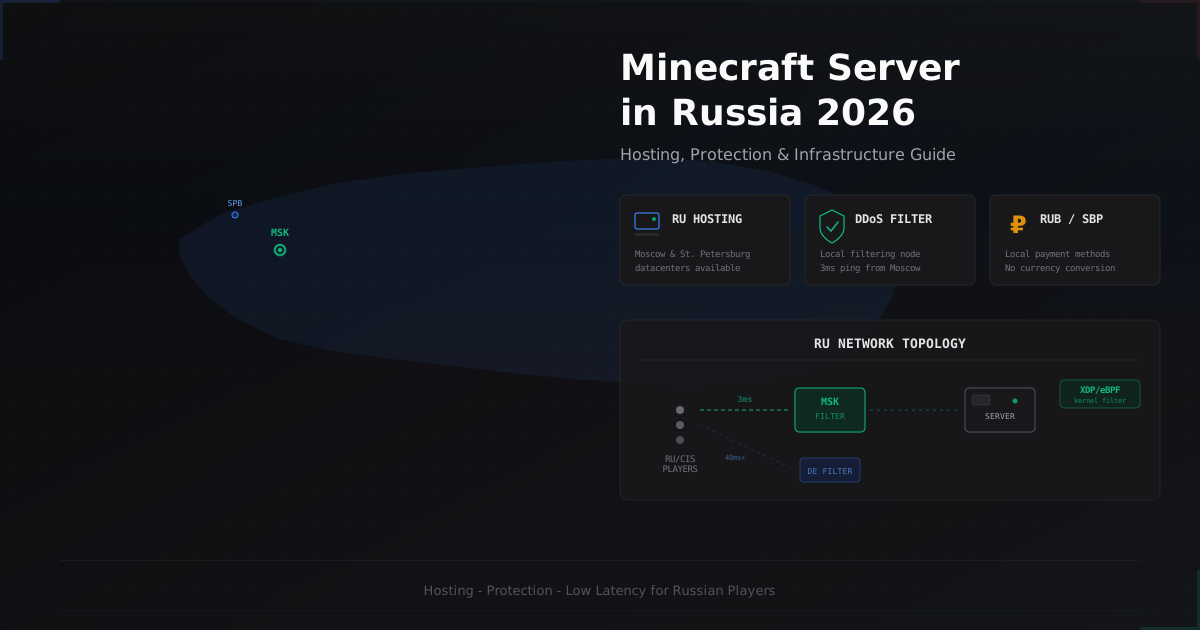
Minecraft Server in Russia 2026 - Hosting, Protection & Specifics
A comprehensive guide to running and protecting a Minecraft server in Russia in 2026. Covers hosting providers, Russian ISP specifics, DDoS protection options, RUB payments via SBP, and CIS community specifics.
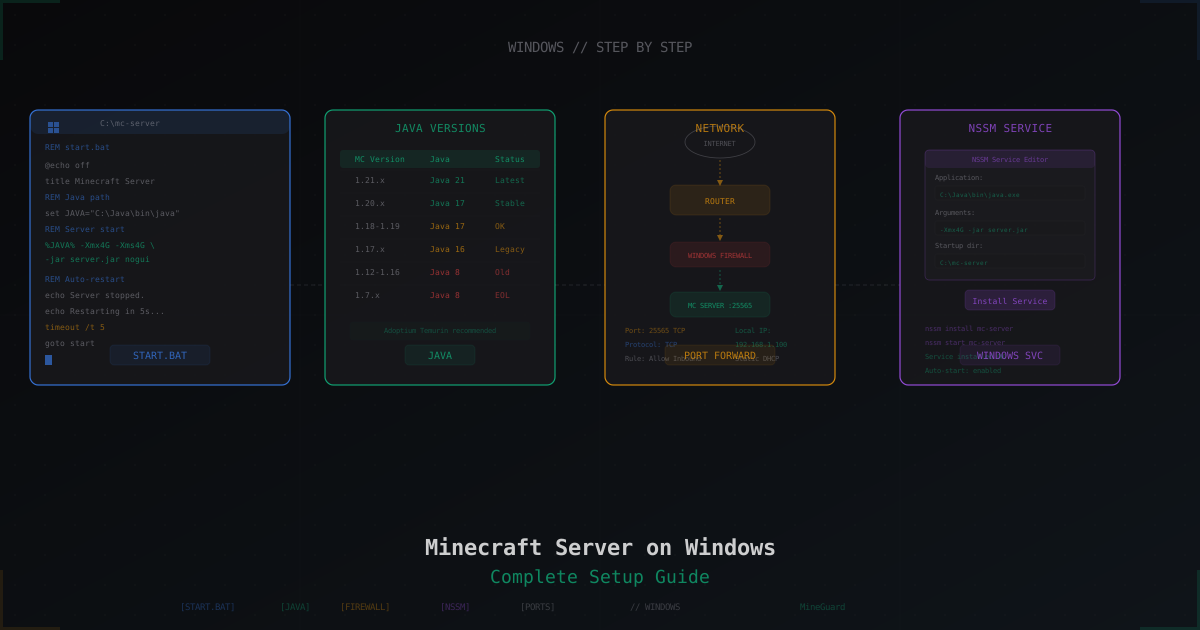
Minecraft Server on Windows: Step-by-Step Setup Guide
Complete guide to running a Minecraft server on Windows: installing Java, downloading Paper, creating start.bat with JVM flags, port forwarding, firewall rules, auto-start with NSSM, and common Windows pitfalls.
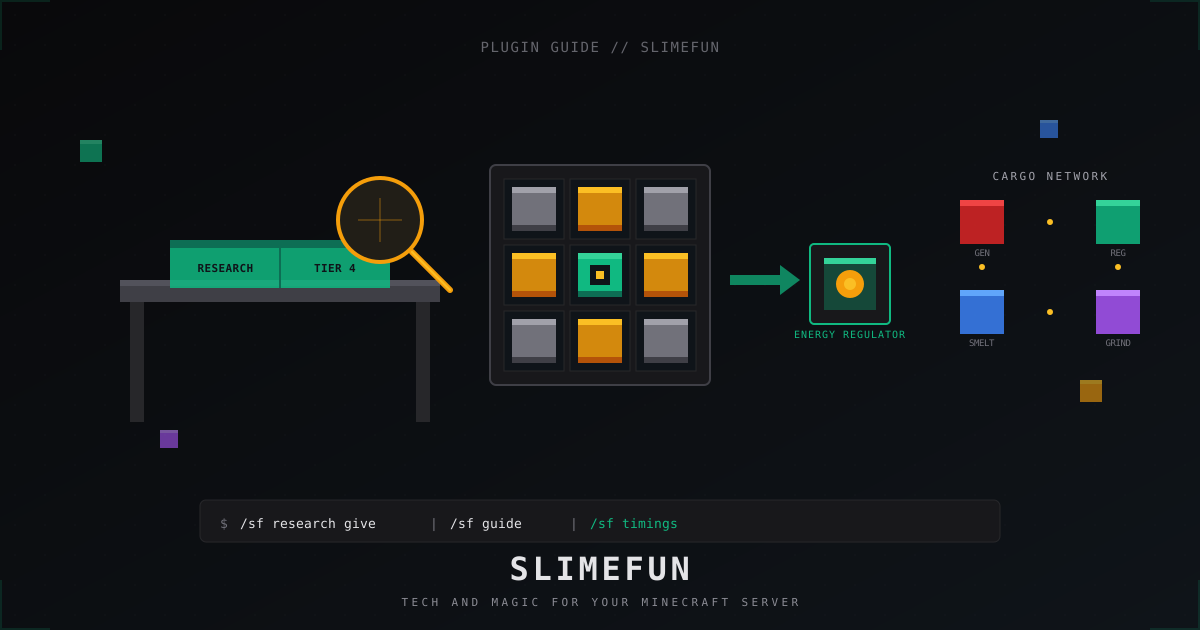
Slimefun: complete server guide for Minecraft in 2026
Slimefun4 on Paper 1.21: install, GuideBook, research, cargo network, energy, addons like ExoticGarden and InfinityExpansion, and how not to wreck TPS.