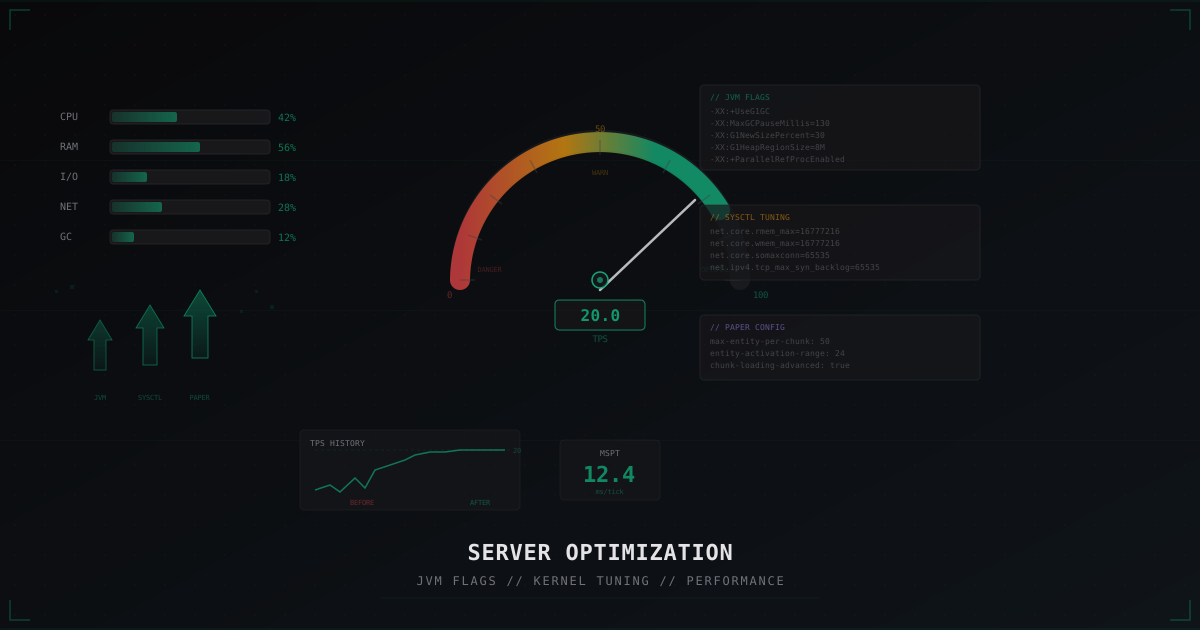
Optimizing Your Minecraft Server for Attack Resilience
Most Minecraft server admins think about DDoS protection as something external. A traffic filter, a firewall, an anti-DDoS service. All of that is correct and necessary. But there is something often overlooked: the server itself needs to be optimized to handle load spikes.
The logic is straightforward. If your server normally runs at 90% resource usage, even a small spike will bring it down. If it runs at 40-50%, there is a performance buffer. That buffer (headroom) determines whether your server survives an attack or crashes at the first sign of extra load.
This article covers specific optimization steps that maximize performance headroom.
Why Performance Equals Resilience
During a DDoS attack on a Minecraft server, several things happen simultaneously:
- TCP connections spike (SYN flood, bot join)
- CPU usage increases for packet processing
- GC pauses get longer as object count grows
- TPS drops, the tick loop slows down
- Players start lagging, timing out, and reconnecting, generating even more load
This is a cascade effect. A server already running at capacity enters a degradation spiral. A server with performance headroom can absorb the spike while external protection filters out the bots.
For more on telling lag apart from attacks, see our lag diagnostics guide.
JVM Flags: The Performance Foundation
The Java Virtual Machine is where your Minecraft server lives. JVM settings directly affect execution speed, GC stability, and behavior under load.
Aikar's Flags
The industry standard for Minecraft servers. These flags configure the G1 Garbage Collector for Minecraft-specific load patterns:
java -Xms10G -Xmx10G \
  -XX:+UseG1GC \
  -XX:+ParallelRefProcEnabled \
  -XX:MaxGCPauseMillis=200 \
  -XX:+UnlockExperimentalVMOptions \
  -XX:+DisableExplicitGC \
  -XX:+AlwaysPreTouch \
  -XX:G1NewSizePercent=30 \
  -XX:G1MaxNewSizePercent=40 \
  -XX:G1HeapRegionSize=8M \
  -XX:G1ReservePercent=20 \
  -XX:G1MixedGCCountTarget=4 \
  -XX:InitiatingHeapOccupancyPercent=15 \
  -XX:G1MixedGCLiveThresholdPercent=90 \
  -XX:G1RSetUpdatingPauseTimePercent=5 \
  -XX:SurvivorRatio=32 \
  -XX:+PerfDisableSharedMem \
  -XX:MaxTenuringThreshold=1 \
  -jar server.jar --nogui
Key points:
-Xmsand-Xmxset equal: eliminates dynamic heap resizing. JVM allocates all memory upfront and does not waste time expanding under load. Critical during attacks when memory pressure spikes suddenly.G1NewSizePercent=30andG1MaxNewSizePercent=40: expanded young generation. Minecraft creates massive amounts of short-lived objects (chunk data, packet buffers, entity ticks). A larger young gen collects them cheaply without full GC.AlwaysPreTouch: JVM touches every memory page at startup, forcing the OS to physically allocate the memory. Without this flag, during an attack the JVM might request memory only to find the OS has given it to other processes.
How Much RAM to Allocate
Common misconception: "more RAM = better." Not true.
With G1GC, there is a direct relationship: larger heap = longer GC pauses. A server with 32 GB heap can get GC pauses of 500-800 ms, which translates to noticeable freezes.
Guidelines:
- Vanilla/Paper up to 30 players: 4-6 GB
- Paper/Purpur 30-100 players: 8-12 GB
- Large networks 100+ players: 12-16 GB per instance
- Proxy (Velocity/BungeeCord): 512 MB - 2 GB
Never allocate more than 16 GB to a single instance. If you need more resources, scale horizontally with multiple servers behind a proxy.
Diagnosing GC Issues
How do you know if GC is hurting your server? Enable logging:
-Xlog:gc*:file=gc.log:time,uptime:filecount=5,filesize=10M
Or use Spark:
/spark gc
Warning signs:
- GC pauses longer than 100 ms appearing more than once per minute
- Full GC happening at all (with properly configured G1GC, it should not)
- Heap occupancy consistently above 70%
If you see these symptoms, the issue is likely one of three things: not enough RAM for your plugin and player count, a memory leak in a plugin, or incorrect JVM flags.
GraalVM vs OpenJDK
For Minecraft 1.17+, consider GraalVM. Its JIT compiler generates more optimal native code, yielding a 10-15% improvement in MSPT. During an attack, that 10-15% can be the difference between stable 20 TPS and a drop to 15.
When choosing a Java version, note that Paper 1.20.5+ requires Java 21. Always use the version recommended by your server software. Installing a Java version that is too new or too old can cause unexpected performance and plugin compatibility issues.
Paper/Purpur Configuration
Paper (and its fork Purpur) contains dozens of settings that affect performance. Proper configuration lowers baseline load and frees resources for handling spikes.
paper-global.yml
chunk-loading:
  autoconfig-send-distance: true
  global-max-chunk-load-rate: 300.0
  global-max-chunk-send-rate: 80.0
  global-max-concurrent-loads: 6.0
  max-concurrent-sends: 2
  min-load-radius: 2
  player-max-chunk-load-rate: 100.0
  player-max-concurrent-loads: 4.0
  target-player-chunk-send-rate: 40.0
global-max-chunk-load-rate: limits chunk loading speed. During a bot flood, dozens of bots join simultaneously, each triggering chunk loads. Without a limit, this instantly exhausts CPU and disk.global-max-concurrent-loads: critical setting. Limits parallel chunk loading. The default is too high for servers under attack.
paper-world-defaults.yml
entities:
  spawning:
    spawn-limits:
      monsters: 50
      animals: 8
      water-animals: 3
      ambient: 1
    tick-rates:
      monsters: 2
      animals: 4
      water-animals: 4
      ambient: 8

environment:
  optimize-explosions: true
  treasure-maps:
    enabled: false

misc:
  redstone-implementation: ALTERNATE_CURRENT
- Reduced mob spawn limits: fewer mobs = fewer entity ticks = more CPU headroom. During attacks, every percent of CPU counts.
- Increased entity tick rates: mobs are checked less frequently. Visually unnoticeable, but CPU savings are significant.
ALTERNATE_CURRENTredstone: 2-3x faster than vanilla redstone implementation.
server.properties
view-distance=8
simulation-distance=5
network-compression-threshold=256
view-distance=8: 10 chunks is excessive for most servers. 8 is a solid balance. Each additional chunk of view distance increases load quadratically.simulation-distance=5: separate from view distance. Entities and redstone only tick within this radius.
More security settings for Paper and Spigot are covered in a dedicated article.
Linux Kernel Tuning (sysctl)
If your Minecraft server runs on a dedicated server or VPS with Linux, kernel settings can drastically improve network attack resilience.
Network Buffers
# /etc/sysctl.d/99-minecraft.conf

# Increase socket buffers
net.core.rmem_max = 16777216
net.core.wmem_max = 16777216
net.core.rmem_default = 1048576
net.core.wmem_default = 1048576

# TCP buffers (min, default, max)
net.ipv4.tcp_rmem = 4096 1048576 16777216
net.ipv4.tcp_wmem = 4096 1048576 16777216
Default Linux buffers are sized for general-purpose workloads. A Minecraft server with 50+ players generates significant network traffic. Larger buffers prevent packet loss during spikes.
Connection Backlog
net.core.somaxconn = 65535
net.ipv4.tcp_max_syn_backlog = 65535
net.core.netdev_max_backlog = 65535
Critically important during DDoS. When SYN packets flood the server, the connection queue fills up. With the default somaxconn=128, legitimate players cannot connect even if the server is perfectly capable of serving them. Increasing backlog to 65535 gives the server time to process the queue.
TCP Tuning
# Reuse TIME_WAIT sockets
net.ipv4.tcp_tw_reuse = 1

# Faster TIME_WAIT recycling
net.ipv4.tcp_fin_timeout = 15

# Keepalive for detecting dead connections
net.ipv4.tcp_keepalive_time = 300
net.ipv4.tcp_keepalive_intvl = 15
net.ipv4.tcp_keepalive_probes = 5

# SYN flood protection
net.ipv4.tcp_syncookies = 1
tcp_tw_reuse: allows reusing TIME_WAIT sockets for new connections. During attacks, bots connecting and disconnecting can exhaust available ports without this.tcp_syncookies: must be enabled. This is Linux's built-in SYN flood defense. When the SYN queue overflows, the kernel uses SYN cookies instead of allocating resources per SYN.tcp_fin_timeout=15: default is 60 seconds. During attacks, thousands of half-open connections sit in FIN_WAIT, consuming kernel memory.
File Descriptor Limits
# systemd unit
[Service]
LimitNOFILE=1048576
Each TCP connection = one file descriptor. The default limit of 1024 or 4096 runs out instantly during an attack. Increase to 1 million.
Plugin Optimization
Plugins are the biggest resource consumer after the server core itself. One poorly written plugin can eat more CPU than all others combined.
Finding Heavy Plugins
/spark profiler start
# Wait 5-10 minutes
/spark profiler stop
Look at two metrics:
- Tick time contribution: how many milliseconds each plugin adds per tick
- Thread activity: whether the plugin blocks the main thread with synchronous operations
Common Issues
Dynmap: world map generation causes massive CPU and disk load. If you use it, limit render speed heavily.
Economy plugins with MySQL: synchronous DB queries block the main thread. Every tick spent waiting on a SQL query is a tick where the server is frozen. Ensure your plugins support async queries.
WorldEdit: bulk operations cause freezes. Use FAWE (FastAsyncWorldEdit) instead.
General Rules
- Every plugin must be justified. "Just in case" is not a good reason.
- Test plugins under load on a staging server before deploying to production.
- Keep plugins updated. Developers frequently fix memory leaks and optimize performance.
- Do not use more than one plugin for the same task.
Plugin Task Scheduling
Many plugins use the Bukkit scheduler to run periodic tasks. By default, tasks fire every tick (50 ms). If you have 30 plugins, each running 2-3 tasks every tick, that is 60-90 extra operations per tick before any game logic runs.
Use Spark to identify which scheduled tasks fire most frequently. Some plugins expose configuration options for task frequency. For those that do not, consider alternatives or forks with better scheduling. Folia (an experimental Paper fork) addresses this through multithreading, but plugin support is still limited.
Chunk Pre-generation
Generating new chunks is one of the heaviest operations for a Minecraft server. Each new chunk requires terrain, structure, biome, and lighting generation. A single generation tick can take 50-200 ms.
During an attack, if bots join and scatter in different directions, each one triggers new chunk generation. This instantly kills TPS.
Solution: Chunky
/chunky radius 5000
/chunky start
Chunky pre-generates chunks within the specified radius. After generation, these chunks load from disk, which is 10-100x faster than generating from scratch.
Set a world border to limit the map:
/worldborder set 20000
This saves disk space and prevents load from exploring distant territories.
Disk I/O Optimization
NVMe vs HDD
Disk speed matters enormously for Minecraft. Chunks load from disk, save to disk, player data writes to disk. During attacks when dozens of bots generate I/O operations, a slow disk becomes the bottleneck.
- NVMe SSD: 3000-7000 MB/s read. Chunks load instantly.
- SATA SSD: 500-550 MB/s. Acceptable for smaller servers.
- HDD: 100-150 MB/s. Unacceptable for servers with 20+ players or servers under attack.
tmpfs for Logs
mount -t tmpfs -o size=512M tmpfs /home/minecraft/server/logs
Minecraft logs can generate significant I/O. Moving logs to tmpfs (RAM disk) frees disk I/O for more important tasks.
Filesystem Tuning
For Minecraft servers, use ext4 with noatime,nodiratime:
# /etc/fstab
/dev/nvme0n1p1 /home/minecraft ext4 defaults,noatime,nodiratime 0 2
The noatime flag disables updating the last-access timestamp on file reads. When loading thousands of region files, this reduces disk writes noticeably. Under attack, when bots trigger mass chunk loading, every avoided write operation counts.
I/O Scheduler
For NVMe drives:
echo "none" > /sys/block/nvme0n1/queue/scheduler
NVMe drives handle requests in parallel and do not need an I/O scheduler. Setting it to none removes unnecessary overhead.
Connection Rate Limits
server.properties
max-players=100
Set a realistic limit. If your server comfortably handles 50 players, do not set max-players to 1000 "just in case." During an attack, bots will fill all 1000 slots.
Velocity Rate Limiting
Velocity (the recommended proxy) has a built-in rate limiter:
# velocity.toml
[advanced]
login-ratelimit = 3000
connection-timeout = 5000
read-timeout = 30000
login-ratelimit = 3000 means a minimum of 3 seconds between login attempts from one IP. This will not stop a distributed attack from thousands of IPs, but it cuts off basic bot floods from a single source.
TPS Stability During Attacks
TPS (Ticks Per Second) = 20 means the server processes 20 game ticks per second. Each tick can take up to 50 ms. If a tick takes longer than 50 ms, TPS drops below 20.
MSPT (Milliseconds Per Tick) is the more precise metric. A server with 30 ms MSPT has 20 ms of headroom. A server with 48 ms MSPT has only 2 ms of headroom.
During a DDoS attack, each additional load increases MSPT:
- Processing bot packets: +5-15 ms
- Loading chunks for new connections: +10-50 ms
- Increased GC pressure: +5-20 ms
A server at 30 ms MSPT can absorb an extra 20 ms and stay at 20 TPS. A server at 48 ms MSPT will drop to 10-15 TPS, causing players to lag and disconnect.
Target: keep MSPT below 35 ms in normal operation so there is headroom for spikes.
Reducing Attack Surface
Disable Query and RCON
enable-query=false
enable-rcon=false
Query protocol (UDP port 25565) allows retrieving server info. Attackers use it for reconnaissance and amplification attacks. RCON is a remote console that, if exposed, becomes a brute-force target.
Proxy Secret Keys
If using a proxy, enforce connection through secret key verification. This prevents direct connections to backend servers, bypassing the proxy.
Emergency Whitelist
/whitelist on
If an attack is too intense and filtering is not keeping up, a temporary whitelist lets only registered players join. Not ideal, but better than complete downtime.
Optimization + External Protection
Server optimization does not replace DDoS protection. It complements it. No sysctl setting will save you from a 10 Gbit/s UDP flood. That requires network-level traffic filtering.
But the combination of an optimized server plus quality filtering (such as MineGuard) delivers maximum resilience. The filter blocks 99% of junk traffic, and the optimized server handles the remaining 1% that slips through.
Hosting choice matters too. For more on selecting hosting with DDoS protection, see our hosting guide.
Quick Optimization Checklist
JVM: Aikar's flags, equal Xms/Xmx, 8-12 GB per instance, consider GraalVM.
Paper/Purpur: Reduced mob limits, increased tick rates, limited chunk loading, view distance 8, simulation distance 5, ALTERNATE_CURRENT redstone.
Linux kernel: somaxconn 65535, tcp_syncookies on, increased buffers, increased file descriptor limits, reduced tcp_fin_timeout.
Plugins: Spark profiling done, heavy plugins replaced or tuned, async DB queries, unused plugins removed.
Disk: NVMe/SSD, pre-generated chunks (Chunky), world border set.
Monitoring: Spark installed, MSPT tracked, alerts on TPS below 18.
Performance headroom is your insurance policy. The more breathing room your server has under normal conditions, the better its chances of surviving an attack with your players none the wiser.
Protect Your Server from DDoS Attacks
Free protection with 5-minute setup. 1 TB bandwidth included.
Try for FreeRelated Articles
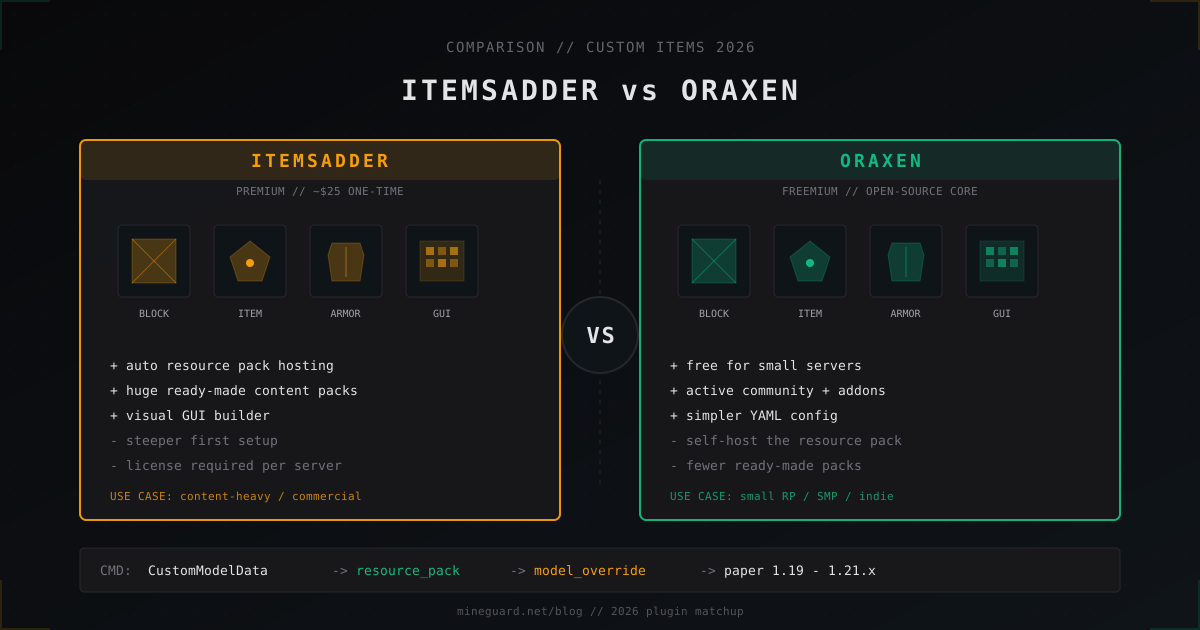
ItemsAdder vs Oraxen: which custom items plugin to pick in 2026
ItemsAdder vs Oraxen in 2026: price, custom blocks, furniture, GUI, resource pack hosting, Folia. Which one fits a small SMP and a big RPG.
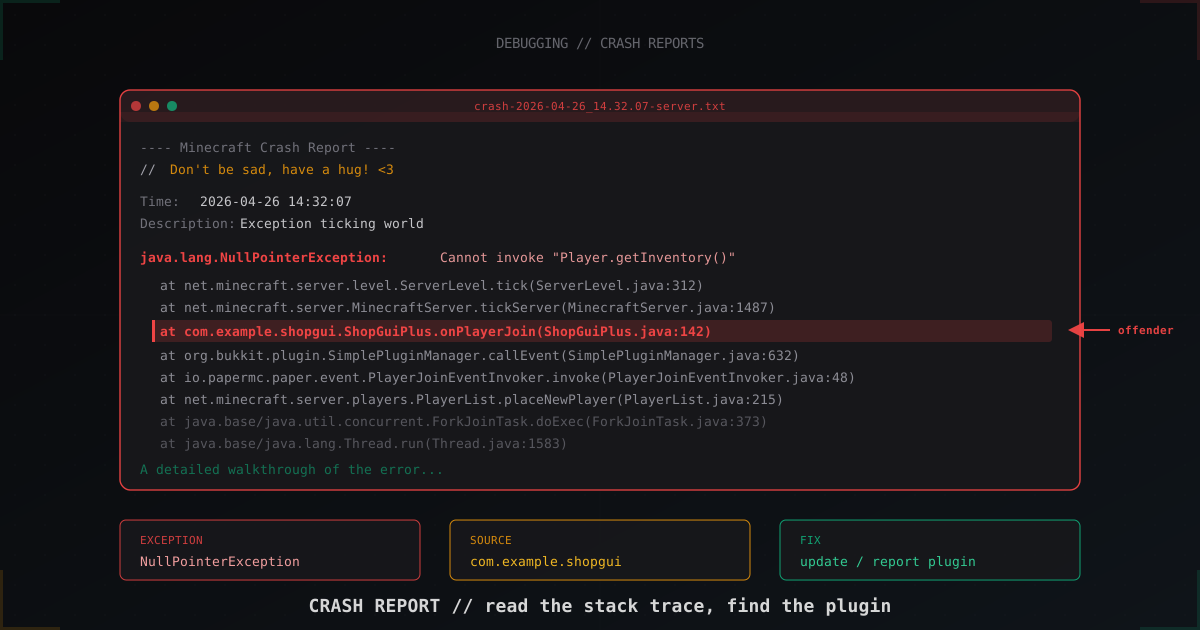
How to read a Minecraft server crash report: step-by-step guide (2026)
The server crashed and crash-reports/ has an 800-line file. Learn to tell a NullPointerException in a plugin from a JVM crash, read the stack trace, identify the offending plugin and understand when hs_err_pid matters.
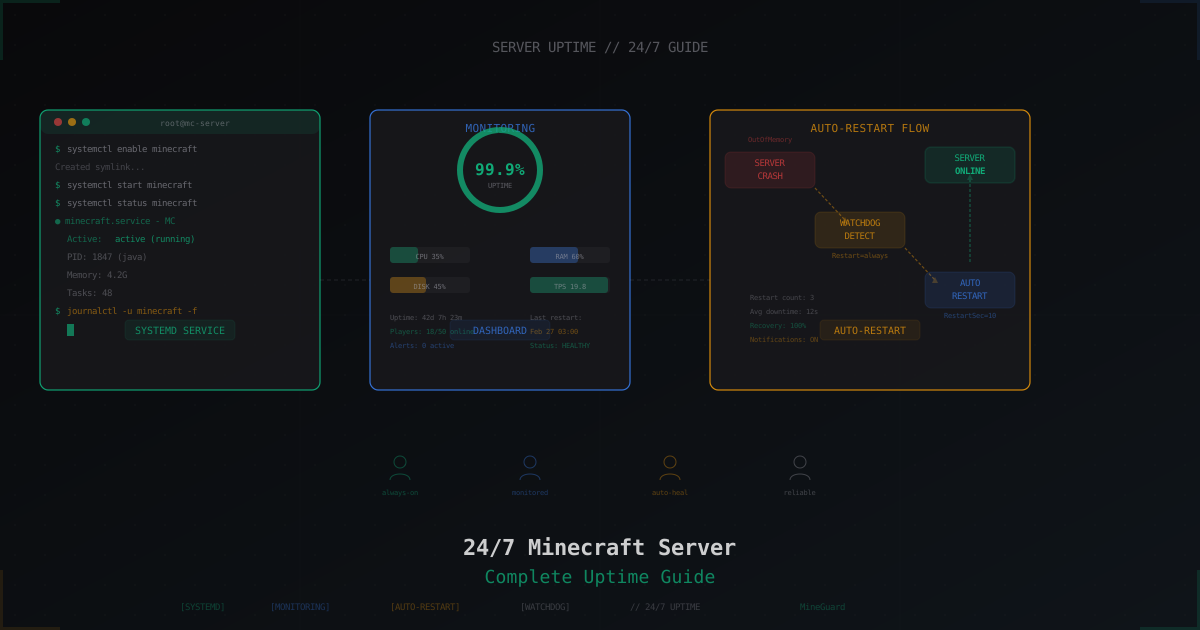
How to Keep a Minecraft Server Running 24/7
Step-by-step guide to running a Minecraft server 24/7: home PC vs VPS, screen/tmux setup, systemd services, auto-restart on crash, and DDoS protection.