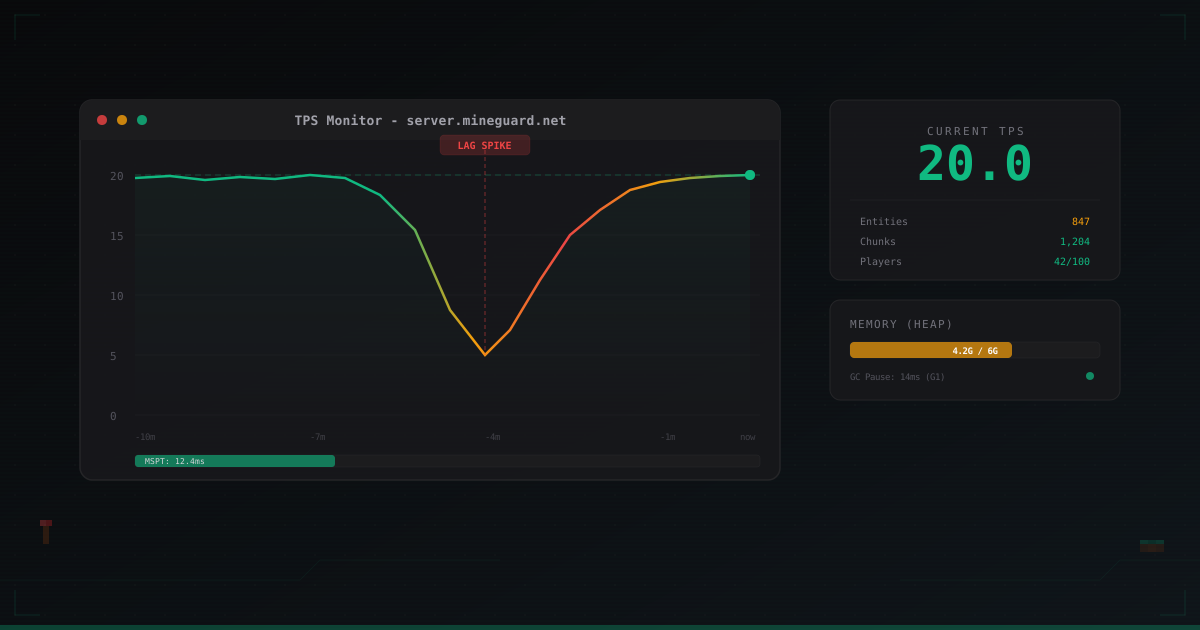
Minecraft Server Lag: Causes and How to Fix Them
Players are complaining about lag. Blocks break with a delay, mobs teleport around, items don't get picked up. You check the console and everything seems fine - memory isn't full, CPU isn't at 100%. But the lag is there. What's going on?
If you're a Minecraft server admin trying to figure out why your server stutters, this article is for you. No fluff, no generic advice. Specific causes, specific tools, specific configs.
What Is TPS and Why It's the Key Metric
TPS stands for Ticks Per Second. A Minecraft server runs in a loop: every tick it processes everything happening in the world. Mob movement, crop growth, redstone updates, player packet handling. Ideally, 20 ticks happen per second. One tick = 50 milliseconds.
- 20 TPS - everything is fine, server is keeping up
- 18-19 TPS - minor dip, players probably won't notice
- 15-17 TPS - noticeable, mobs move in jerks
- 10-14 TPS - serious lag, gameplay is uncomfortable
- Below 10 TPS - server is barely alive
Check current TPS with /tps (Spigot/Paper) or through spark.
Important: TPS cannot exceed 20. If you have 20.0 TPS, that doesn't mean the server is idle. It means it finishes processing a tick within 50 ms. To understand actual load, look at MSPT - milliseconds per tick.
/spark tps
/spark health
MSPT of 30 ms at 20 TPS means you have 20 ms of headroom. MSPT of 48 ms - still 20 TPS, but you're on the edge. Any more load and TPS will start dropping.
Spark: Your Primary Diagnostic Tool
Forget the built-in timings in Paper. It's outdated and gives far less information. Install spark - it's a profiler that shows exactly what's eating resources.
Installation
Download the jar from spark.lucko.me and drop it into your plugins/ folder. Restart the server.
Basic Usage
/spark profiler start -- begin recording a profile
Wait 2-5 minutes while the server runs under normal load. Then:
/spark profiler stop -- stop and get a link
Spark gives you a link to a report. Open it in your browser. You'll see a call tree - which functions take how much time. Look for the heaviest branches.
What to Look For
- Entity tick - entity processing. If this takes over 30-40% of time, you have too many mobs or a poorly optimized plugin hooking into entity ticks
- Chunk loading/generation - chunk gen and loading. If this is number one in your profile, pre-generate your world
- Plugin handlers - spark will show specific plugins and their event handlers. Often one badly written plugin can tank an entire server
- Scheduled tasks - synchronous tasks block the main tick
Cause 1: Too Many Entities
This is the most common cause of lag. Entities include mobs, dropped items, arrows, item frames, minecarts, armor stands. Every entity is processed every tick.
1000 cows in one pen? Congratulations, you built a lag machine.
Diagnosis
/spark tickmonitor
Or check through:
/minecraft:debug entities
Solution
In paper-world-defaults.yml (Paper 1.19+):
entities:
  spawning:
    monster-spawn-range: 6          # default 8
    creative-arrow-despawn-rate: 60
    non-player-arrow-despawn-rate: 60
In spigot.yml:
entity-activation-range:
  animals: 16          # default 32
  monsters: 24         # default 32
  raiders: 48
  misc: 8              # default 16
  water: 8             # default 16
  villagers: 16        # default 32
  flying-monsters: 32  # default 32
  tick-inactive-villagers: false
  wake-up-inactive:
    animals-max-per-tick: 4
    animals-every: 1200
    animals-for: 100
    monsters-max-per-tick: 8
    monsters-every: 400
    monsters-for: 100
Entity activation range determines how far from a player entities get a full tick. Beyond this radius, they tick less frequently - massive savings.
Item Drops
Items lying on the ground are entities too. Configure despawn:
# spigot.yml
item-despawn-rate: 3000   # default 6000 (5 minutes), set to 2.5 minutes
Install ClearLagg or write a simple script that clears drops every 5 minutes. Warn players 30 seconds before.
Cause 2: Chunk Loading and Generation
When a player moves, the server needs to load new chunks. If chunks haven't been generated yet, they need to be created. Chunk generation is one of the heaviest operations.
Pre-generating the World
Use Chunky for pre-generation:
/chunky radius 5000
/chunky start
Leave it overnight. Pre-generating a 5000-block radius from spawn takes several hours, but after that, new players won't trigger generation.
view-distance and simulation-distance
These are your most powerful optimization levers. In server.properties:
view-distance=7
simulation-distance=4
view-distance - how many chunks around a player are sent to the client. Default is 10, but 7-8 is more than enough for most servers.
simulation-distance - how many chunks around a player actually tick (mobs move, redstone works, crops grow). This is the critical setting. Reducing from 10 to 4-5 dramatically cuts load.
Important: simulation-distance must be less than or equal to view-distance. Players will see chunks, but distant chunks won't have any activity. For most players this is acceptable.
Cause 3: Redstone
Automated redstone farms are every server's pain. One infinite clock generator can tank TPS for the entire server.
Paper Limits
# paper-world-defaults.yml
redstone-implementation: ALTERNATE_CURRENT
ALTERNATE_CURRENT - an alternative redstone update implementation, significantly faster than vanilla. Some very complex contraptions might break, but for 99% of use cases it's perfect.
Hopper and Piston Limits
# paper-world-defaults.yml
hopper:
  cooldown-when-full: true
  disable-move-event: false
  ignore-occluding-above: false
Hoppers are one of the most expensive blocks performance-wise. cooldown-when-full: true significantly reduces load from full hoppers.
Cause 4: Plugins
Poorly written plugins are the second most common lag cause after entities. Typical problems:
- Synchronous database queries. A plugin makes an SQL query on the main thread, and while it waits for a response, the entire server freezes. This is a TPS killer. Only use plugins from trusted developers
- Heavy event handlers. A plugin on PlayerMoveEvent that runs complex checks every tick for every player
- Memory leaks. A plugin creates objects but never cleans them up. Over time GC starts panicking
How to Find the Problematic Plugin
Spark will show this directly in the profile. But there's a simpler way - disable plugins one by one (binary search method) and watch TPS.
If you suspect a specific plugin:
/spark profiler start --only-ticks-over 50
This records a profile only for ticks that took over 50 ms (i.e., caused TPS drops). The report will show exactly what's lagging.
Cause 5: Garbage Collection (GC)
Java uses a garbage collector to manage memory. When GC runs, it can momentarily pause the entire server. If you've allocated 16 GB of RAM with poorly configured GC, pauses can hit 200-500 ms. That's 4-10 lost ticks at once.
Aikar's Flags
Aikar (a Paper developer) compiled a set of JVM flags optimized for Minecraft. Use them:
For servers with 12 GB RAM or less:
java -Xms10G -Xmx10G -XX:+UseG1GC -XX:+ParallelRefProcEnabled \
  -XX:MaxGCPauseMillis=200 -XX:+UnlockExperimentalVMOptions \
  -XX:+DisableExplicitGC -XX:+AlwaysPreTouch \
  -XX:G1NewSizePercent=30 -XX:G1MaxNewSizePercent=40 \
  -XX:G1HeapRegionSize=8M -XX:G1ReservePercent=20 \
  -XX:G1MixedGCCountTarget=4 -XX:InitiatingHeapOccupancyPercent=15 \
  -XX:G1MixedGCLiveThresholdPercent=90 \
  -XX:G1RSetUpdatingPauseTimePercent=5 \
  -XX:SurvivorRatio=32 -XX:+PerfDisableSharedMem \
  -XX:MaxTenuringThreshold=1 \
  -jar server.jar --nogui
Key points:
- -Xms and -Xmx are the same - this matters. Java won't waste time resizing the heap
- -XX:+UseG1GC - G1 collector, optimal for Minecraft
- -XX:MaxGCPauseMillis=200 - target GC pause no longer than 200 ms
- -XX:G1NewSizePercent=30 and G1MaxNewSizePercent=40 - Minecraft creates lots of short-lived objects, so Young Generation is enlarged
How Much RAM to Allocate
A common mistake is allocating too much RAM. 32 GB for a 50-player server is overkill. The larger the heap, the longer the GC pause.
Guidelines:
- Vanilla/Paper up to 20 players: 4-6 GB
- Paper 20-50 players: 6-10 GB
- Paper 50-100 players with plugins: 10-14 GB
- Forge with mods: depends on the modpack, but start with 8 GB
Paper and Purpur: What to Tune
If you're still on Spigot - switch to Paper. If you're on Paper - look into Purpur. Each one adds optimizations not present in vanilla.
paper-global.yml
chunk-system:
  gen-parallelism: default
  io-threads: 4
  worker-threads: 4

async-chunks:
  threads: 4
paper-world-defaults.yml
entities:
  spawning:
    per-player-mob-spawns: true
    alt-item-despawn-rate:
      enabled: true
      items:
        cobblestone: 300
        netherrack: 300
        sand: 300
        gravel: 300
        dirt: 300
        short_grass: 300
        kelp: 300
        bamboo: 300

environment:
  treasure-maps:
    enabled: true
    find-already-discovered:
      loot-tables: true
      villager-trade: true
  optimize-explosions: true

tick-rates:
  mob-spawner: 2
  sensor:
    villager:
      secondarypoisensor: 80
  behavior:
    villager:
      validatenearbypoi: -1
per-player-mob-spawns: true - instead of a global mob limit, the limit is counted per player. One player with a massive farm won't consume the entire server's mob budget.
alt-item-despawn-rate - junk blocks (cobblestone, dirt) despawn faster. Players won't notice, but there will be fewer entities on the server.
optimize-explosions: true - optimized explosion algorithm. Always enable this.
Additional server.properties
network-compression-threshold=256
max-tick-time=-1
network-compression-threshold=256 - compress packets larger than 256 bytes. Default is also 256, but make sure it's set.
max-tick-time=-1 - disables the watchdog that kills the server on long ticks. On production this is debatable, but it prevents emergency restarts on brief lag spikes.
When Lag Isn't Lag - It's an Attack
Sometimes you've optimized everything, TPS is a steady 20, but players still complain about lag. Or the opposite - TPS suddenly drops to 5 even though nothing changed.
Several signs that it's not regular lag:
- Sudden TPS drop with no visible cause - nobody joined, no new plugins, but TPS tanked
- Network timeouts - players can't connect or get kicked with "Timed out"
- High network load with normal CPU usage
- Mass connection attempts - dozens or hundreds of connection attempts per second in your logs
This could be a DDoS or bot attack. A network attack floods the pipe or overloads the server with fake connections, and it looks like lag even though Minecraft itself is running fine.
If you're seeing these symptoms, configs won't fix it. You need traffic filtering at the network level. That's exactly what services like MineGuard do - they filter traffic before it reaches your server, cutting off unwanted connections. If you've already been attacked or want to protect yourself proactively, it's worth setting up that kind of protection.
Optimization Checklist
Let's wrap up. Here's the action plan when lag strikes:
- Check TPS and MSPT via
/spark tps- understand the scale of the problem - Run spark profiler - find what exactly is lagging
- Check entity count - the most common cause
- Configure entity activation range in
spigot.yml - Lower simulation-distance to 4-5
- Enable Paper optimizations -
optimize-explosions,per-player-mob-spawns,alt-item-despawn-rate - Use ALTERNATE_CURRENT for redstone
- Apply Aikar's flags for JVM
- Pre-generate your world with Chunky
- Audit plugins via spark for heavy event handlers
If the problem persists after all optimizations, check whether your server is under attack. Network issues can't be solved with Minecraft configs.
Protect Your Server from DDoS Attacks
Free protection with 5-minute setup. 1 TB bandwidth included.
Try for FreeRelated Articles
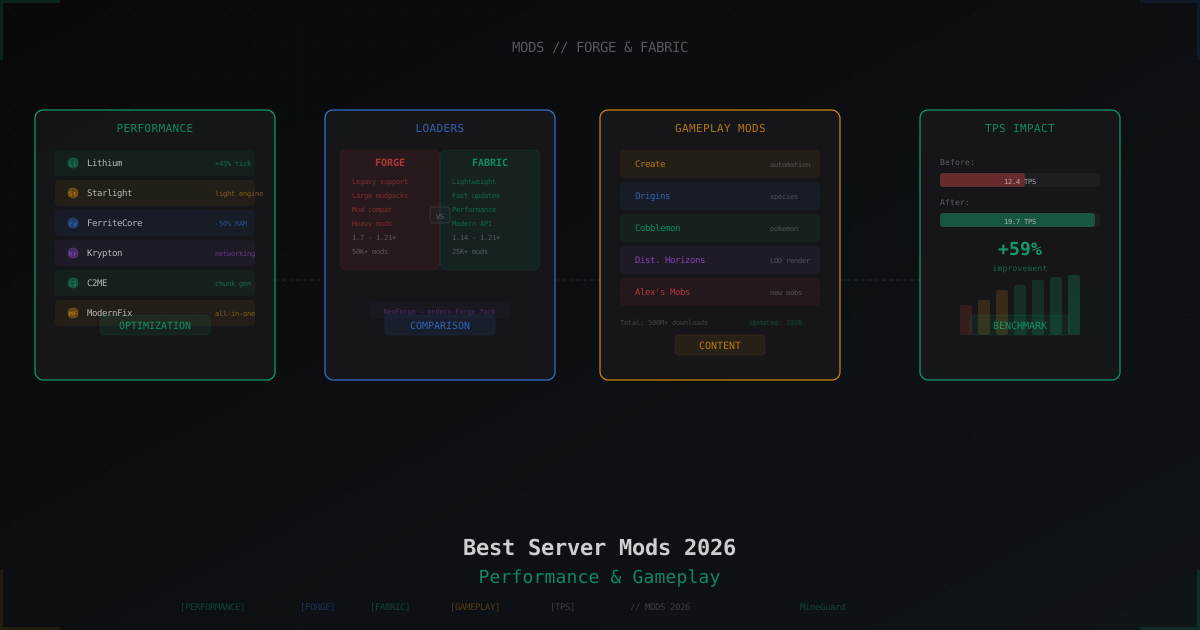
Best Minecraft Server Mods 2026: Forge, Fabric, and What to Install
Curated list of server-side Minecraft mods for 2026: performance, world gen, gameplay, utilities. Forge and Fabric covered separately with versions and compatibility tips.
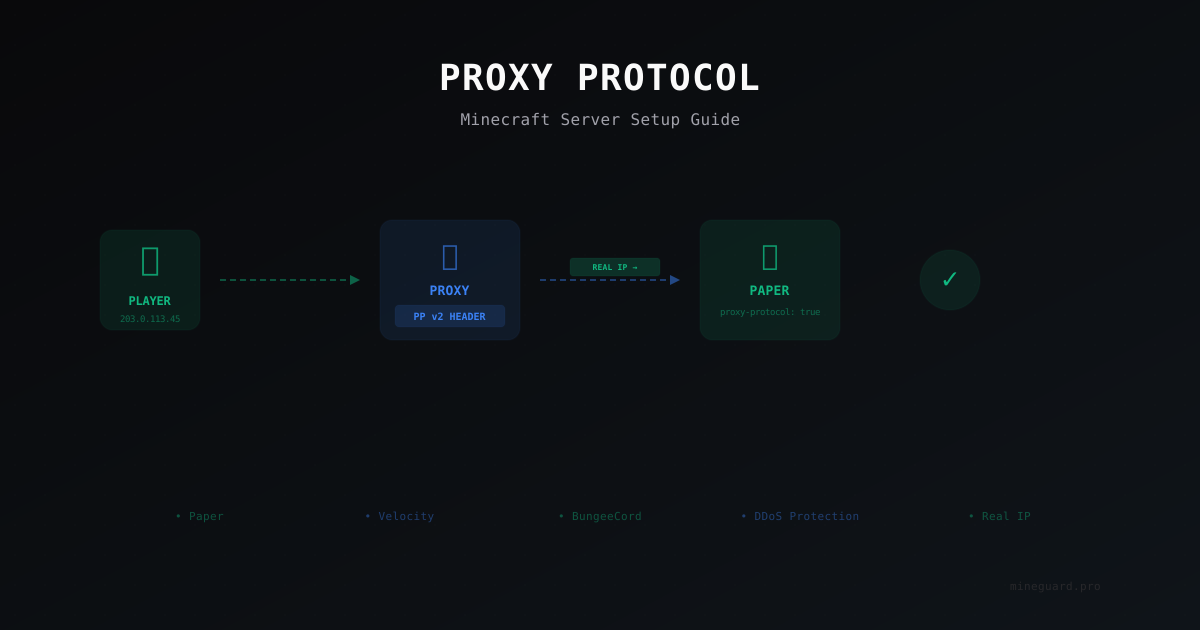
Proxy Protocol for Minecraft: Why You Need It and How to Set It Up
Proxy Protocol preserves real player IP addresses when your server runs behind a reverse proxy or DDoS protection. Learn how to configure it for Paper, Velocity, and DDoS mitigation setups.

Docker for Minecraft Servers: Pros, Cons, and Pitfalls
Practical guide to containerizing Minecraft servers: the itzg/minecraft-server image, docker-compose for multi-server setups, volume configuration, host vs bridge networking, memory and CPU limits, backups, and when Docker is not the right choice.