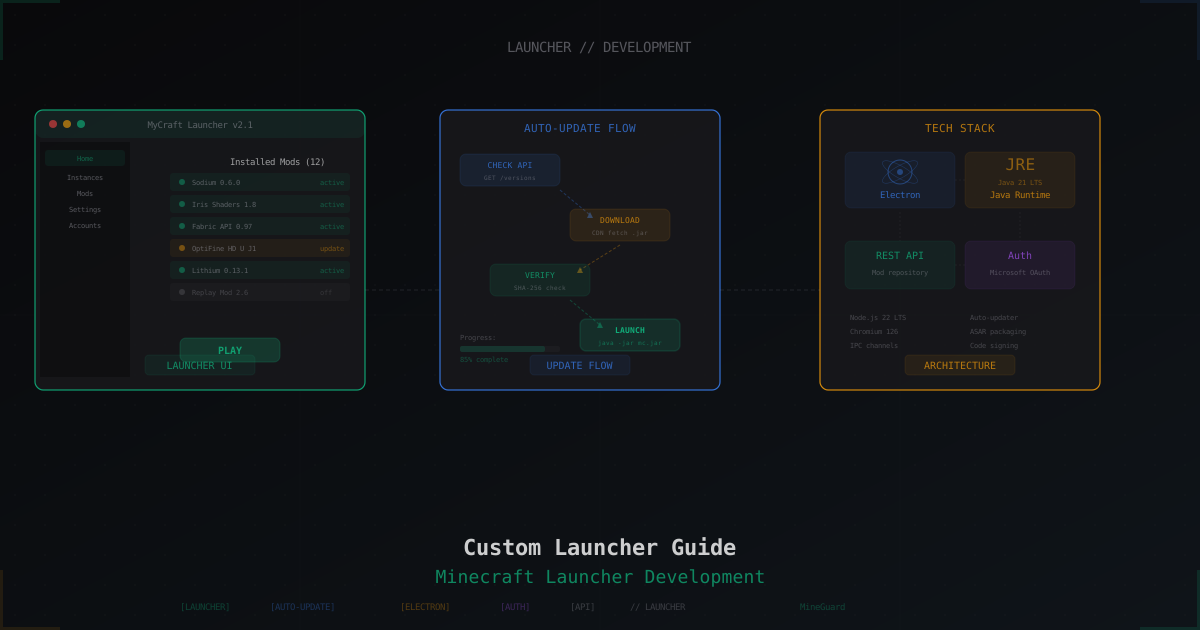
How to Make a Custom Launcher for Your Minecraft Server
A custom launcher for your Minecraft server sounds awesome: players click "Play", mods download automatically, the right version loads, skins just work. No more writing 15-page instructions on how to install Forge and drag mods into a folder. But how realistic is this? Let's break it down.
Why You'd Want a Custom Launcher
Here's what usually happens: a player wants to join your modded server. They need to download the right Forge/Fabric version, find your mod list, download each mod manually, put them in the right folders, configure RAM allocation. Half the people give up at "download Forge". And when you update the modpack, everyone has to do it all over again.
A custom launcher solves several problems:
- Automatic mod installation - player clicks a button, everything downloads and installs
- Auto-updates - you update a mod on the server, the launcher pulls changes on next launch
- Branding - a launcher with your server's logo and design looks professional
- Version control - players are always on the correct version, no more "it won't let me connect"
- Skin system - if the server runs in offline mode, you can build your own skin and cape system
Popular Launcher Engines
Building a launcher from scratch takes months. Fortunately, there are ready-made solutions.
Gravit Launcher
The most popular option in the Russian-speaking community, but it works perfectly for international servers too. Written in Java, actively maintained. Supports custom authentication, client auto-updates, database integration. Has a LaunchServer (server-side) and client component. Active Discord community.
Pros: full auth system, skin/cape support, auto-updates, anti-cheat module. Cons: needs a separate VPS for LaunchServer, setup requires Java and config file experience.
MCUpdater
An English-language project with a long history. Works with XML configs - you describe your modpack, and the client downloads the needed files. Simple to set up but looks dated. Good for small servers that don't need fancy authentication.
ATLauncher / Technic Launcher
These launchers let you create your own "modpack" within their platform. It's not exactly "your own launcher," but it solves the automatic mod installation problem. A player installs ATLauncher, finds your modpack by name, clicks "Install" - done.
Helios Launcher (Electron-based)
For those who know JavaScript/TypeScript. Built on Electron, giving you a desktop app with a web-based UI. Helios Launcher is an excellent open-source example on GitHub. Looks modern, easy to customize, but you need Node.js knowledge.
SKLauncher / TLauncher (Customization)
Some admins try to adapt popular cracked launchers. This is a bad idea - you don't control the code, can't guarantee security, and the legality is questionable at best.
How Auto-Mod-Download Works
The concept is straightforward: the server hosts a file list with hashes (SHA-256). On launch, the launcher compares local files against the server list. If a hash doesn't match or a file is missing, it downloads the new version. If there's an extra file, it removes it.
Typical flow:
- Launcher requests
manifest.jsonfrom your server - The manifest contains file paths, sizes, and hashes
- Client checks local files against the manifest
- Downloads only changed files (delta update)
- Launches Minecraft with correct JVM arguments
For file hosting, a basic Nginx setup or even S3 storage works fine. Keep in mind that bandwidth can add up - if you have 100 mods at 5 MB each and 500 players download an update, that's 250 GB of traffic.
Skin System
If your server runs in offline mode (and most servers with custom launchers do), you need your own skin system. Gravit Launcher has built-in support. For Electron launchers, you can set up a separate skin server (like Ely.by) or write your own API.
A minimal skin server accepts a 64x64 PNG file (or 64x32 for legacy skins), links it to an account, and a server-side plugin (SkinsRestorer or CustomSkinLoader) loads skins for other players to see.
Electron Launcher: Getting Started
If you decide to go the Electron route, here's a basic roadmap:
- Install Node.js and Electron -
npm init,npm install electron - Study Helios Launcher - it's an open-source project on GitHub. Fork it and customize instead of writing from scratch
- Authentication - build a simple REST API backend (Node.js/PHP/Python) that accepts login/password and returns a token
- File downloads - a module for hash verification and downloading updates
- Launch Minecraft - via child_process with correct JVM arguments
Fair warning: if you don't have desktop application development experience, this will take at least 2-3 months of solid work. Then another couple months debugging across different operating systems (Windows, macOS, Linux).
The Realistic Alternative: Modpacks
Before diving into launcher development, consider whether a modpack would solve the problem more simply.
CurseForge / Modrinth - create a modpack on either platform. Players use their preferred launcher (Prism Launcher, CurseForge App, Modrinth App) and install your modpack in one click. Updates are pulled automatically too.
Pros: no code to write, no file hosting server needed, works on all operating systems, updates out of the box. Cons: no custom branding, no custom auth system, platform dependency.
For 80% of servers, a modpack on CurseForge/Modrinth is the right choice. You need a custom launcher if you:
- Want full control over authentication (offline-mode servers)
- Need built-in client-side anti-cheat
- Want unique features (built-in voice chat, map, store)
- Are building a serious project with thousands of players
Hosting Launcher Files and Updates
Your launcher needs somewhere to download files from. Options:
- VPS with Nginx - simple and cheap. Drop files in a directory, configure Nginx, done. For small servers (up to 200-300 players), a $5-10/month VPS is enough
- CDN (Cloudflare R2, BunnyCDN) - if players are from different countries, a CDN speeds up downloads. Cloudflare R2 offers free egress traffic
- GitHub Releases - free but has rate limits. Works for small modpacks
- S3 (AWS, MinIO) - scalable solution for large projects
Updating the Launcher Itself
A separate challenge is updating the launcher application, not just the mods inside it. Electron supports auto-updates via electron-updater. Gravit Launcher updates through its own system. Either way, it's another component to maintain.
For Windows, you can create an installer via NSIS or Electron Builder. For macOS, you need code signing (Apple Developer account costs $99/year), otherwise Gatekeeper will block it. For Linux, AppImage or deb/rpm packages work.
Security Considerations
When you distribute a launcher, you take on security responsibilities:
- HTTPS is mandatory - all launcher requests to your server must use HTTPS. No HTTP
- File signature verification - the launcher should verify downloaded files haven't been tampered with
- Secure password storage - hash passwords server-side (bcrypt/argon2), never store plaintext
- Rate limiting - protection against brute-force login attempts
- Antivirus false positives - expect antivirus software to flag your unknown .exe. Sign your files with a code signing certificate
DDoS Protection for Servers with Launchers
Once you have a launcher and your server gains popularity, you become a more visible target. The launcher server, auth API, the game server itself - these are all potential attack points. A DDoS can take down your launcher download site, the auth server, and the game server simultaneously.
At this stage, DDoS protection becomes critical. MineGuard protects the game server by filtering malicious traffic and only allowing legitimate players through. For your website and API, use Cloudflare or a similar service.
Bottom Line
Creating your own launcher is a full software development project. If you're ready to invest the time, Gravit Launcher or Helios Launcher (Electron) are the best starting points. If not, a modpack on CurseForge/Modrinth will cover most needs without writing a single line of code.
The key is not to build a launcher just because it sounds cool. First make sure you have a stable community that genuinely needs a simplified entry point. A launcher for a server with 5 players is wasted effort.
Protect Your Server from DDoS Attacks
Free protection with 5-minute setup. 1 TB bandwidth included.
Try for FreeRelated Articles
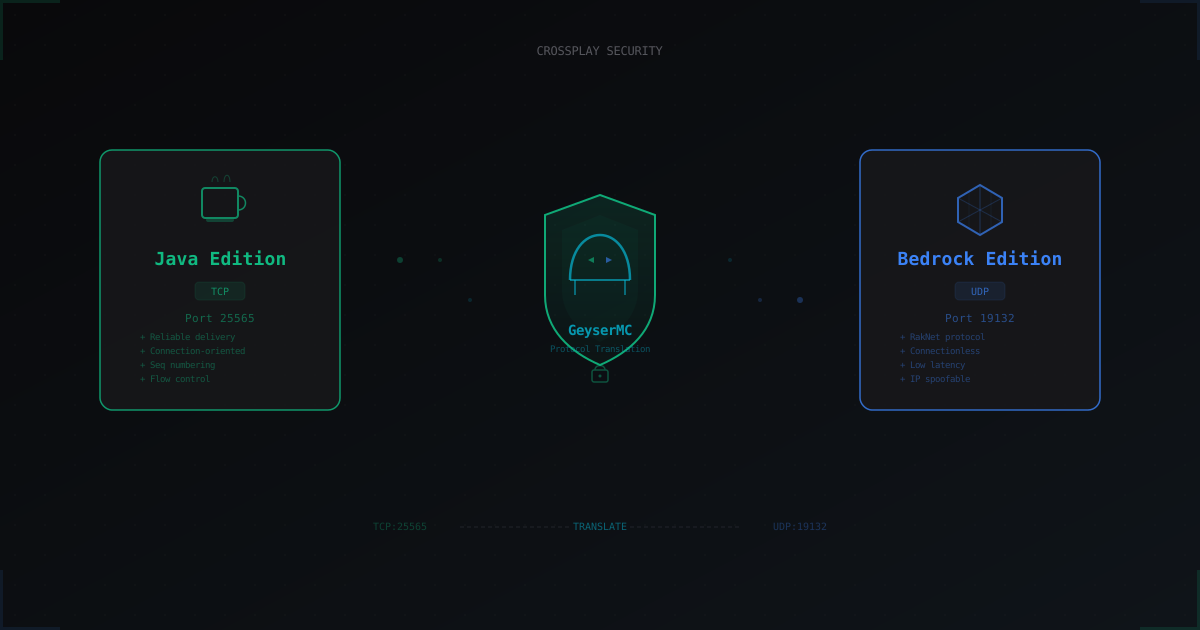
GeyserMC and Crossplay: How to Secure a Server with Bedrock Players
GeyserMC opens the door for mobile and console players, but adds a UDP port, new attack vectors, and authentication headaches. We break down crossplay risks and how to mitigate them.
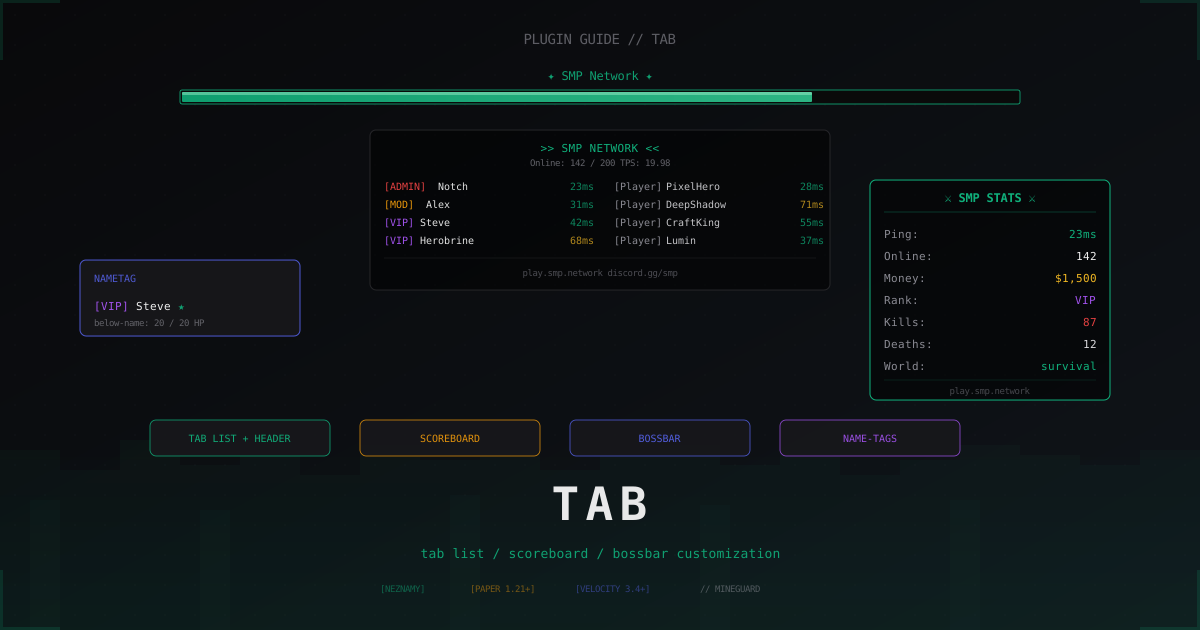
TAB plugin: tab list, scoreboard and BossBar customization (2026)
One plugin covers tab list, scoreboard, BossBar, name-tags and LuckPerms prefixes. We walk through TAB by NEZNAMY: install, proxy mode, sorting, anti-override and real config.yml snippets.
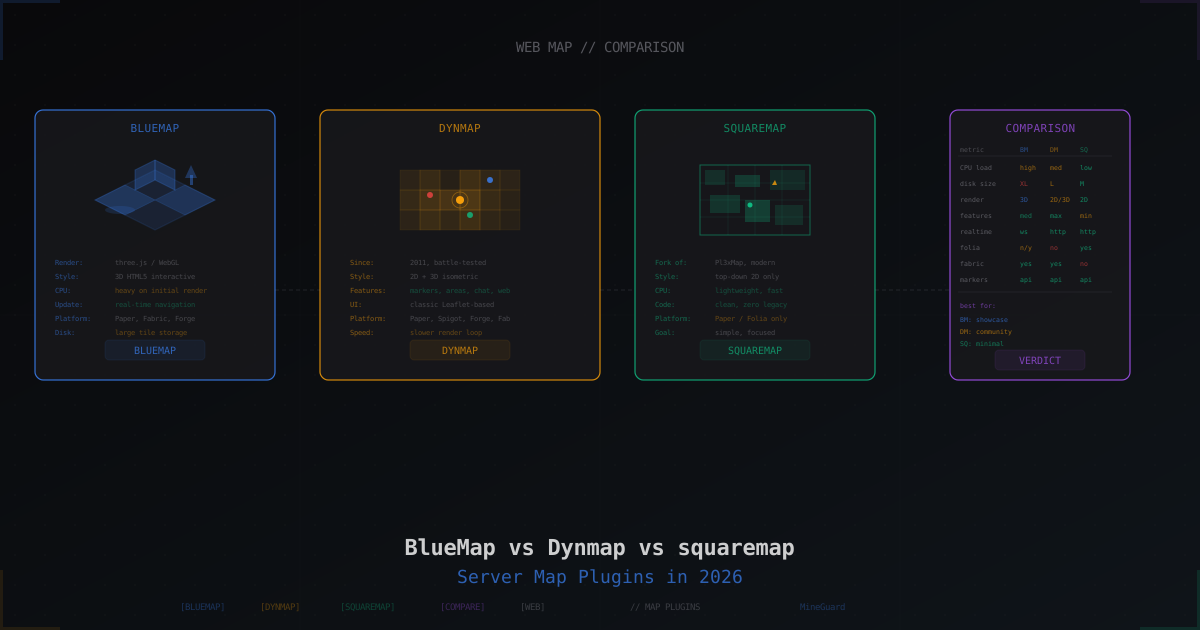
BlueMap vs Dynmap vs squaremap: Which Server Map to Pick in 2026
Three main web map plugins for Minecraft: 3D BlueMap, classic Dynmap, and lightweight squaremap. We compare performance, features, setup, and pick the right one for the job.