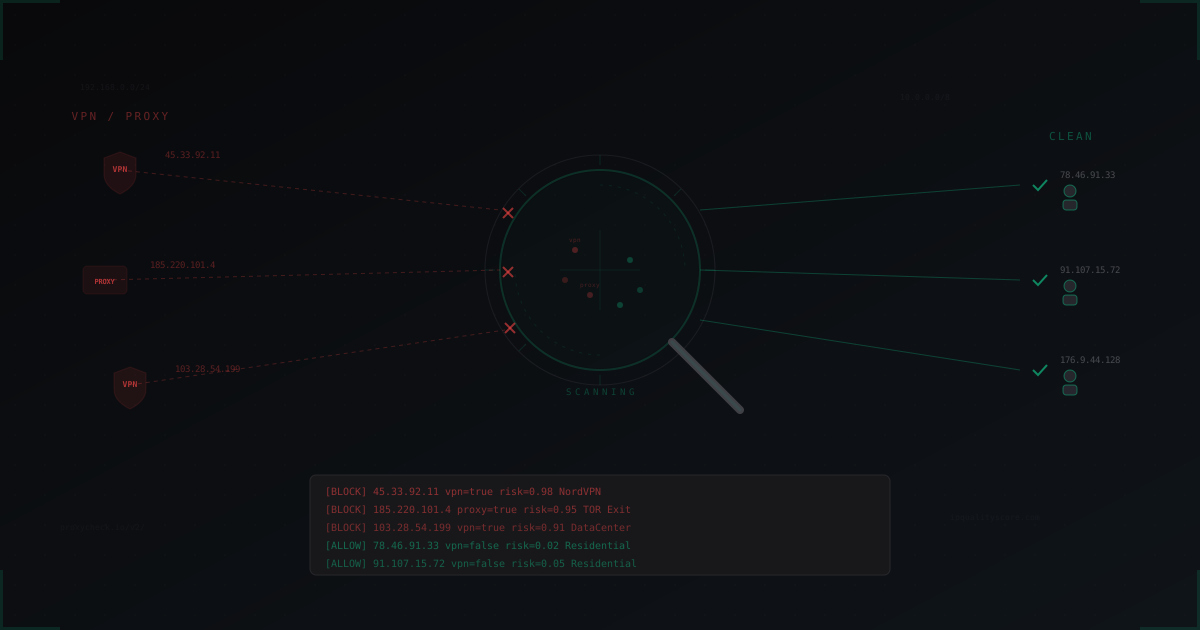
VPN and Proxy Detection on Minecraft Servers: Why and How
You banned a player for griefing. Five minutes later, he's back with a new nickname and a fresh IP address. Sound familiar? Welcome to the world of VPN and proxy abuse on Minecraft servers.
VPN and proxy services have become so accessible that anyone can change their IP address in under a minute. For regular internet users, it's a privacy tool. For Minecraft server administrators, it's a persistent headache.
In this article, I'll break down why VPN and proxy detection matters, what methods exist, which services and plugins to use, and how to avoid blocking legitimate players in the process.
Why Detect VPN and Proxy Connections
Ban Evasion
The most obvious reason. A player gets IP-banned, fires up a VPN, gets a new IP from a different country, and rejoins like nothing happened. Without VPN detection, your ban system is effectively useless.
Here's what it looks like in practice: you ban a player for using cheats. They connect to NordVPN or ProtonVPN, switch their IP from a US address to a German one, and register a new account. Your IP ban didn't work. Your nickname ban is useless too, because creating a new cracked account takes 10 seconds.
This isn't just a cracked server problem either. On licensed servers with online-mode, it's slightly harder, but UUID bans can be bypassed with alt accounts. And IP bans are still defeated with a single click in any VPN client.
Bot Attacks
Bots attacking your server almost always use proxy lists or VPNs. A single IP might send a dozen connections before getting blocked. But if the attacker has thousands of proxies, each IP is used once or twice, and your per-IP rate limiter becomes pointless.
A typical bot attack looks like this: the attacker runs a script that connects to your server from different IP addresses, each connection through a new proxy from a list. In one minute, hundreds of "players" connect to your server, each with a unique IP from different countries. Your per-IP rate limiter doesn't trigger because each IP only sends one or two connections.
We covered bot attack mechanics in detail in our article on bot attacks on Minecraft servers. VPN detection adds another layer of defense, cutting off suspicious connections before bots even reach the captcha stage.
Duplicate Accounts
On servers with economies and starter bonuses, a single player can create dozens of "mule" accounts through VPN. Register an account, claim the starter kit, transfer resources to the main account, switch VPN, repeat. Without VPN detection, your in-game economy slowly falls apart.
The problem scales. One motivated player can create 20-30 mules in an evening, each through a different VPN server. If your server's starter bonus is 1,000 coins, that's 20-30 thousand coins "farmed" in one sitting. When dozens of players do this, your economy collapses within a week from inflation.
Chargebacks and Fraud
If your server accepts donations, VPN users present elevated risk. Buy a rank through VPN with a stolen card, receive the goods, card owner opens a dispute. You lose the goods, the money, and get hit with a chargeback fee.
Fraudsters specifically use VPN to hide their real location. This makes investigation harder and chargebacks practically unrecoverable. Payment processors increasingly treat VPN connections as a risk factor when scoring transactions.
How Detection Works Under the Hood
IP Reputation Databases
Most detection methods rely on IP reputation databases. These are massive lists of IP addresses, each tagged with metadata: does it belong to a VPN provider, a data center, a Tor exit node, a residential proxy, or a regular ISP.
How are these databases built?
- ASN analysis. Every IP block belongs to an autonomous system (AS). The ASNs of NordVPN, ExpressVPN, and other providers are known. Their entire range gets automatically flagged as VPN.
- Active scanning. Services probe IP addresses for open proxy ports (SOCKS4/5, HTTP CONNECT).
- Honeypot networks. Dedicated servers that log IPs used for abusive activity.
- Crowdsourcing. Data from thousands of clients reporting suspicious IPs.
- BGP monitoring. Tracking route announcements characteristic of VPN providers and data centers. Certain routing patterns help identify IP blocks used by VPN services.
Types of Proxies and VPNs
Not all VPNs are the same. Understanding the differences helps fine-tune detection:
Commercial VPNs (NordVPN, ExpressVPN, Surfshark, CyberGhost). Use data center IP addresses, easily identified by ASN. The most common type among regular users.
Tor Exit Nodes. The list of Tor exit nodes is public and updated hourly. Identifying Tor users is the easiest task. Tor is used by both bots and privacy-focused users.
Data center proxies. IP addresses belonging to hosting providers (AWS, DigitalOcean, Hetzner, OVH). A legitimate player very rarely connects from a data center IP. Almost always a bot or proxy.
Residential proxies. The hardest type to detect. Traffic flows through real home IP addresses of regular users (often without their knowledge, through infected devices or "free" VPN apps). The IP looks like a regular residential address because it is one.
SOCKS4/SOCKS5 proxies. Open proxy servers, often on compromised machines. Detected through active port scanning.
Key API Services
proxycheck.io
One of the most popular services in the Minecraft community. They offer a free tier (1,000 requests/day) and paid plans.
Example request:
curl "https://proxycheck.io/v2/185.220.101.4?key=YOUR_API_KEY&vpn=1&asn=1"
Response:
{
  "status": "ok",
  "185.220.101.4": {
    "asn": "AS60729",
    "provider": "Starknet",
    "continent": "Europe",
    "country": "Germany",
    "type": "VPN",
    "risk": 98
  }
}
The risk field ranges from 0 to 100. Values above 66 typically indicate VPN/proxy. The type field can be VPN, Hosting, TOR, SOCKS, SOCKS4, SOCKS5, Inference Engine, and others.
An important detail: proxycheck.io supports batch requests, allowing you to check up to 1,000 IPs in a single request. This significantly conserves your quota during attacks.
IPQualityScore
A more advanced service with machine learning. Beyond VPN detection, it identifies bots, residential proxies, and even geolocation anomalies.
curl "https://ipqualityscore.com/api/json/ip/YOUR_KEY/185.220.101.4"
{
  "success": true,
  "proxy": true,
  "vpn": true,
  "tor": false,
  "is_crawler": false,
  "recent_abuse": true,
  "fraud_score": 95,
  "ISP": "Starknet",
  "ASN": 60729,
  "connection_type": "Data Center"
}
fraud_score ranges from 0 to 100. Above 85 is definitely VPN/proxy. IPQualityScore is particularly strong at detecting residential proxies, where other services struggle. The connection_type field precisely identifies the connection: Residential, Corporate, Data Center, Education.
ip-api.com
A free service with a limit of 45 requests per minute. Not the most accurate for VPN detection, but it identifies hosting providers and data centers. Suitable for small servers that don't want to pay for API access.
curl "http://ip-api.com/json/185.220.101.4?fields=status,proxy,hosting,isp,as"
Note: ip-api.com only works over HTTP (not HTTPS) on the free tier. For production use, this is a limitation since API keys and requests are transmitted in plaintext.
Service Comparison
| Parameter | proxycheck.io | IPQualityScore | ip-api.com |
|---|---|---|---|
| Free limit | 1,000/day | 5,000/month | 45/min |
| VPN accuracy | High | Very high | Medium |
| Residential proxy | Partial | Yes | No |
| Tor | Yes | Yes | Partial |
| Response time | ~50ms | ~80ms | ~30ms |
| Batch requests | Up to 1,000 | No | Up to 100 |
| MC plugins | AntiVPN, Plan | Custom | Custom |
Plugin Solutions
Anti-VPN (EJB Software)
The most popular VPN detection plugin for Minecraft. Supports Bukkit, Spigot, Paper, Velocity, and BungeeCord.
Installation: download the JAR, drop it into /plugins/, restart the server. Basic configuration:
# plugins/AntiVPN/config.yml
sources:
  order:
    - proxycheck
    - iphub
    - ipqualityscore

mcleaks:
  enabled: true

kick:
  enabled: true
  message: "&cVPN/Proxy connections are not allowed."

action:
  method: "kick"

bypass:
  permission: "antivpn.bypass"
Additional settings worth enabling:
# Minimum sources confirming VPN
consensus:
  min-sources: 2

# Log all checks
logging:
  enabled: true
  file: "antivpn.log"

# Discord alerts on VPN detection
alerts:
  discord:
    enabled: true
    webhook: "https://discord.com/api/webhooks/..."
Custom Java Implementation
If you're developing your own plugin, VPN checking is straightforward with HTTP requests:
public class VpnChecker {
    private final String apiKey;
    private final OkHttpClient client = new OkHttpClient();

    private final Cache<String, Boolean> cache = CacheBuilder.newBuilder()
        .maximumSize(10000)
        .expireAfterWrite(30, TimeUnit.MINUTES)
        .build();

    public CompletableFuture<Boolean> isVpn(String ip) {
        Boolean cached = cache.getIfPresent(ip);
        if (cached != null)
            return CompletableFuture.completedFuture(cached);

        return CompletableFuture.supplyAsync(() -> {
            Request request = new Request.Builder()
                .url("https://proxycheck.io/v2/" + ip
                     + "?key=" + apiKey + "&vpn=1")
                .build();
            try (Response response = client.newCall(request).execute()) {
                JsonObject json = JsonParser.parseString(
                    response.body().string()
                ).getAsJsonObject();
                JsonObject ipData = json.getAsJsonObject(ip);
                String type = ipData.get("type").getAsString();
                boolean isVpn = type.equals("VPN") || type.equals("TOR");
                cache.put(ip, isVpn);
                return isVpn;
            } catch (IOException e) {
                return false; // fail open
            }
        });
    }
}
Note the cache. Without it, every connection triggers an HTTP request, and during a bot attack your API key will burn through its quota in minutes.
It's also critical to use asynchronous requests (CompletableFuture). If you run checks synchronously on the main server thread, each connection blocks the server for 50-100ms while waiting for the API response. With 100 simultaneous connections, that's a disaster.
LimboFilter + VPN Detection
If you're using LimboAuth or LimboFilter for bot protection (we covered this in our captcha protection article), VPN checking can be integrated into the same pipeline. First, check the IP against VPN databases, then challenge the player with a captcha. Double filtration.
The advantage of this approach is that VPN checking happens at the proxy level (Velocity/BungeeCord), before the connection reaches the backend server. This saves backend resources and improves overall performance.
Performance Considerations
API Calls Per Connection
Every player connection triggers an HTTP request to an external API. Under normal conditions this is fine: 50 connections per hour, 50 requests. But during a bot attack, thousands of IPs may hit your server per minute.
Without caching, that means:
- Thousands of API requests per minute
- Free tier exhausted in minutes
- Extra latency per connection (50-100ms per request)
- If the API goes down, you lose protection entirely
In a real bot attack scenario, I've seen servers exhaust their monthly IPQualityScore limit (5,000 requests) in 10 minutes of attack. After that, the API returns 429 errors, and all subsequent bots pass through unchecked.
Caching Is Mandatory
Cache VPN check results for at least 15-30 minutes. At 50,000 unique IPs cached with ~200 bytes per entry, that's about 10MB of RAM. Negligible.
Caching strategy matters too. Positive results (IP identified as VPN) can be cached longer, 1-2 hours. VPN providers don't rotate their server IPs every 30 minutes. Negative results (clean IP) should be cached for 15-30 minutes, so you don't miss cases where an IP was recently assigned to a VPN server.
Local Databases vs API
An alternative to API calls is local IP reputation databases downloaded to your server and updated daily.
Pros: zero latency, works offline, no request limits. Cons: data goes stale between updates, misses new VPN servers, large file size, can't catch residential proxies.
Best approach in practice: combine both. Local database for primary checks, API fallback for IPs not found locally. This cuts API calls by 80-90%, because most VPN IPs are already in the local database.
Fail-Open vs Fail-Closed
An important architectural question: what happens when the API is unavailable?
Fail-open (allow on error). If the API doesn't respond, the player connects without a check. Safer for user experience, but opens a window for attacks if the attacker knows your API limit is exhausted.
Fail-closed (block on error). If the API doesn't respond, all new connections are blocked. More secure, but may block legitimate players during API outages.
I recommend fail-open with caching. Even if the API goes down, the cache still contains data for thousands of IPs. New, unchecked IPs will pass through, but that's better than blocking all connections entirely.
The False Positive Problem
Who Uses VPN Legitimately
Not every VPN user is malicious. Several categories of legitimate users exist:
Players in censored countries. In China, Iran, UAE, and other countries, VPN is necessary to access Minecraft servers abroad. Blocking all VPNs means losing these players. For large international servers, this could mean losing 5-10% of your audience.
Privacy-conscious players. Some players use VPN to protect their real IP on principle. That doesn't make them attackers. Especially after high-profile doxxing incidents in the Minecraft community, where players' real IPs were used for DDoS attacks on home networks.
Corporate VPNs. Players connecting from work through a corporate VPN. Corporate VPNs typically use data center IPs, which can trigger false positives.
Mobile internet. Some mobile carriers use CGNAT, and their IP addresses end up in databases as "suspicious." Classic false positive. In developing markets, this is especially common because mobile carriers use CGNAT extensively.
University networks. Students playing from university networks often connect through NAT with an IP address that may be flagged as "hosting" or "datacenter" because universities have their own AS numbers.
Traffic Statistics
Roughly 15-25% of bot traffic on Minecraft servers comes through VPN or proxy. Among legitimate players, 3-7% use VPN. A total VPN block cuts significantly more bots than real players, but those 3-7% might be active community members.
Breakdown by type:
- Data center proxies: 30% of bots, 5% of legitimate VPN users
- Commercial VPN: 60% of bots, 80% of legitimate VPN users
- Residential proxies: 8% of bots, 10% of legitimate users
- Tor exit nodes: 2% of bots, 5% of legitimate users
Data center proxies can be blocked aggressively. Commercial VPNs require a lighter touch.
Strategies: Balancing Security and Access
Soft Mode: Check Without Blocking
Instead of instantly blocking VPN connections, log them and apply additional checks:
action:
  vpn_detected:
    method: "flag"
    extra_captcha: true
    restrict_period: 30m
    restrictions:
      - "no_trade"
      - "no_chat_links"
      - "no_pvp"
VPN players join the server but can't trade, post links, or PvP for the first 30 minutes. Bots and griefers find the restrictions make their attack pointless. Legitimate players get full access after 30 minutes.
This approach works well on servers with active communities, where not scaring off new players matters. Temporary restrictions are less frustrating than a full ban for using VPN.
Hard Mode: Block with Whitelist
If your server is under constant attack:
action:
  vpn_detected:
    method: "kick"
    message: "VPN/Proxy detected. Apply for whitelist at discord.gg/..."

whitelist:
  enabled: true
  players:
    - "550e8400-e29b-41d4-a716-446655440000"
    - "6ba7b810-9dad-11d1-80b4-00c04fd430c8"
VPN players get kicked with a message directing them to Discord, where they can explain their VPN usage and get whitelisted. It adds friction, but sometimes it's the only option that works.
Important: the whitelist should be UUID-based, not nickname-based. UUIDs don't change when players rename themselves, so they won't lose their permission.
Hybrid Mode: By Proxy Type
The most balanced approach:
action:
  datacenter_proxy:
    method: "kick"
  tor_exit:
    method: "kick"
  commercial_vpn:
    method: "flag"
    extra_captcha: true
    restrict_period: 15m
  residential_proxy:
    method: "allow"
    log: true
This blocks the most dangerous traffic (data center proxies, Tor), applies soft measures to commercial VPNs, and passes residential proxies through. In practice, it blocks 90%+ of bot traffic with minimal false positives.
Dynamic Blocking During Attacks
Another advanced strategy: dynamically tighten rules when an attack is detected. Under normal conditions, VPNs are allowed with restrictions. When connections per minute exceed a threshold (say, 50), hard mode kicks in automatically, blocking all VPNs. When the attack subsides, rules return to normal.
dynamic_mode:
  normal:
    vpn_action: "flag"
  attack_threshold: 50  # connections/min
  attack:
    vpn_action: "kick"
    duration: 10m
This lets you maintain accessibility during peacetime while quickly closing the VPN loophole during attacks.
Integration with DDoS Protection
Network-Level Filtering
The ideal scenario is when VPN detection operates at the network filter level, not inside a Minecraft plugin. Suspicious IPs get filtered before the TCP connection even reaches your server.
MineGuard implements exactly this approach. VPN detection is built into the filtering proxy that processes connections before proxying them to your server. This removes the load from Minecraft and eliminates API latency from the player connection pipeline.
Benefits:
- VPN check load doesn't hit your Minecraft server
- IP reputation is checked in parallel with rate limiting and GeoIP
- Cache is shared across all servers connected to the filter
- During bot attacks, processing happens before your server
- No need to install and update plugins on every server
Combining with Captcha
VPN detection works best as part of a layered system:
- Network filter blocks obvious data center proxies and Tor
- Rate limiter caps connections per IP
- VPN detection flags suspicious connections
- Captcha challenges flagged players
- Behavioral analysis monitors anomalies after connection
Each layer removes its share of bot traffic. Together, they create a system that's extremely difficult to bypass. A bot would need to simultaneously use a residential proxy (expensive), pass the rate limiter (slow), avoid being flagged by VPN detection, solve a captcha (technically challenging), and simulate normal behavior.
GeoIP Combined with VPN Detection
An additional technique: combining VPN detection with GeoIP filtering. If your server targets an English-speaking audience and a connection comes from an IP in a country outside your target region through a commercial VPN, it's almost certainly not your target player.
Of course, GeoIP blocking can't be used as the sole method (legitimate players travel), but combined with VPN detection, it provides an additional signal for decision-making.
What to Choose for Your Server
Small server (under 50 players): Anti-VPN plugin with proxycheck.io free tier. 1,000 requests/day will be plenty. Use soft mode with restrictions instead of full blocking. Cost: free. Setup time: 15 minutes.
Medium server (50-200 players): Anti-VPN with paid API + local cache at 30 minutes. Hybrid mode by proxy type. Whitelist for verified VPN players. Cost: $5-15/month for API. Setup time: 30-60 minutes.
Large server (200+ players): You need network-level filtering. Plugin solutions can't handle serious bot attacks because every connection still reaches your Minecraft server. Services like MineGuard handle VPN detection before your server, which is critical during large-scale attacks. Cost: depends on provider. Payback: the first attack you survive.
Practical Tips
Start with logging. Before blocking VPN, enable logging for a week. See how many of your current players use VPN. This gives you a baseline for potential false positives.
Never block silently. If you kick a player for VPN, show a clear message with instructions on how to get access (whitelist, Discord, contact admin).
Update databases. If using local IP reputation databases, update them at least daily. VPN providers regularly rotate their IPs.
Monitor API limits. Set up alerts when API consumption approaches your limit. A sudden spike in requests might indicate an attack.
Don't rely on a single method. VPN detection is one layer of defense. Combine it with captcha, rate limiting, and behavioral analysis.
Test with VPN. Once a month, connect to your server through popular VPN services and verify detection works. API services update their databases, and what worked last month might not work today.
Track statistics. Record how many connections were blocked by VPN detection, how many were actually bots, and how many were false positives. This data helps fine-tune your thresholds.
Provide staff bypass. Moderators and admins should be able to connect through VPN without restrictions. The antivpn.bypass permission for staff is mandatory.
Bottom Line
VPN and proxy detection doesn't solve all Minecraft server security problems, but it closes a significant gap: ban evasion, bot attacks through proxy lists, multi-accounting.
The key is balance. Total VPN blocking will scare off some legitimate players. No detection at all leaves your server defenseless against ban evasion and bots. A hybrid approach with different rules for different proxy types is what works in practice.
Start small: install Anti-VPN, connect proxycheck.io, enable soft mode. Watch the logs, tweak the settings. And remember that VPN detection is part of a layered security system, not a standalone solution.
Protect Your Server from DDoS Attacks
Free protection with 5-minute setup. 1 TB bandwidth included.
Try for FreeRelated Articles
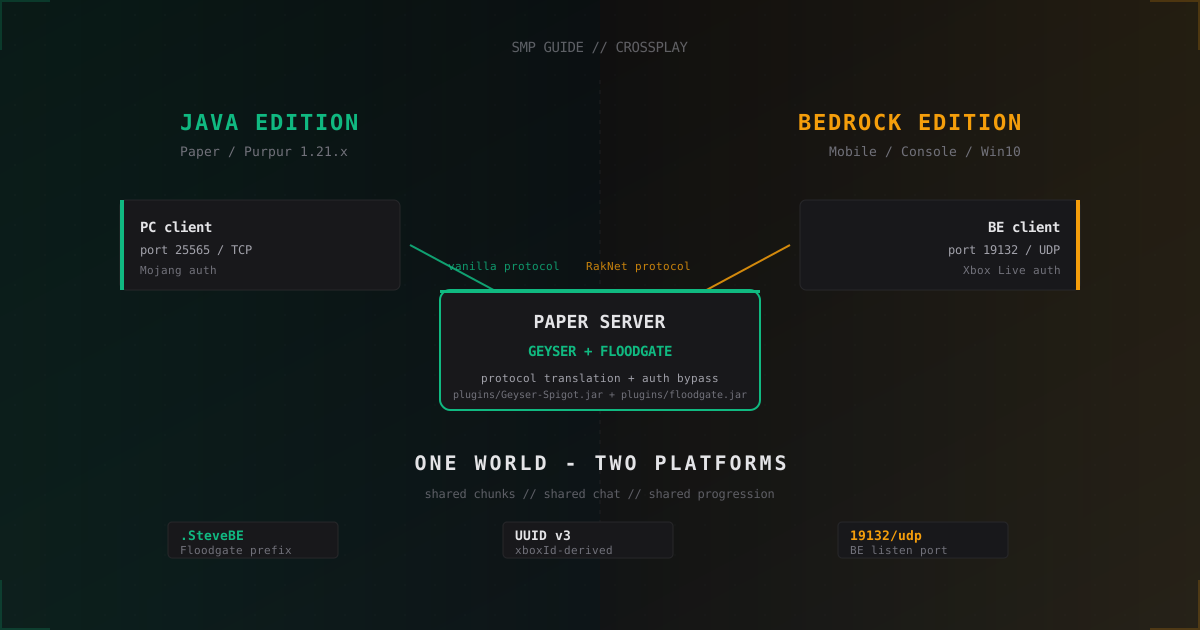
Crossplay SMP: One Server for Java and Bedrock with Geyser and Floodgate
How to run a Paper server for Java and Bedrock players via Geyser and Floodgate: prefixes, UUIDs, resource packs, anti-cheat, UDP ports.
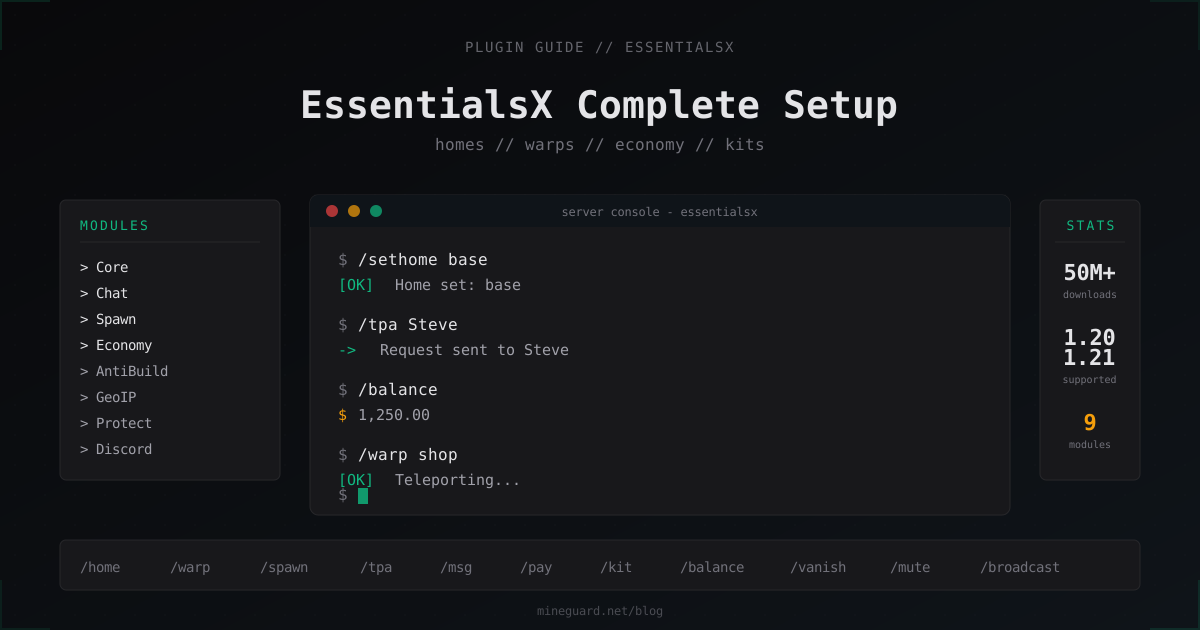
EssentialsX: Complete Setup Guide for Minecraft Server Basics 2026
Installation, modules, config, economy, kits, warps and LuckPerms permissions. Everything you need to know about EssentialsX in 2026.
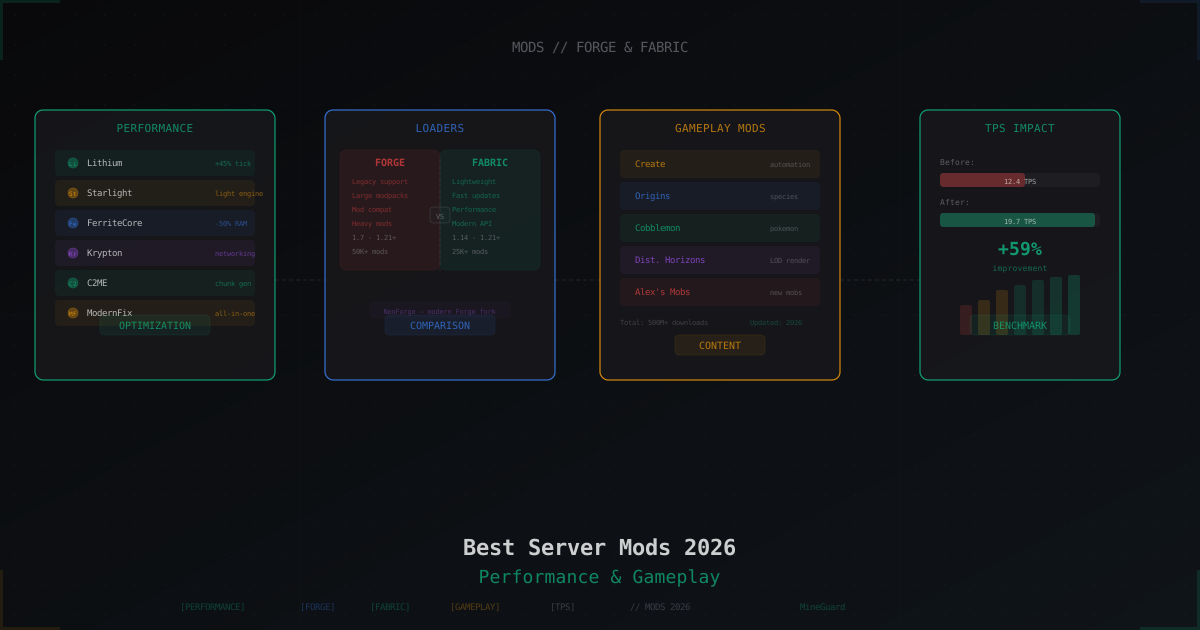
Best Minecraft Server Mods 2026: Forge, Fabric, and What to Install
Curated list of server-side Minecraft mods for 2026: performance, world gen, gameplay, utilities. Forge and Fabric covered separately with versions and compatibility tips.