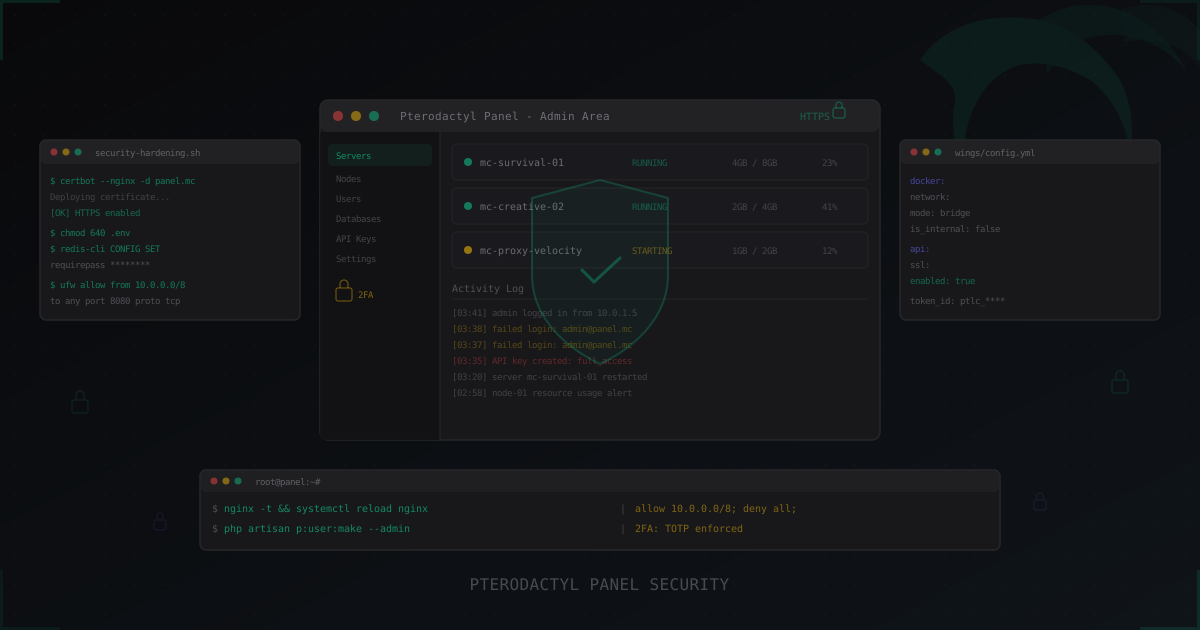
Pterodactyl Panel Security: How to Secure Your Server Management Panel
Pterodactyl Panel is the de facto standard for game server management. If you run more than one Minecraft server, you're probably either using it already or considering it. Web panel, Docker isolation, API management, clean UI. All great, until someone gets into your panel.
Because access to Pterodactyl Panel = full control over every server. Consoles, files, databases, settings, users. One compromised admin account and an attacker can destroy everything you've built over months.
This article is about preventing that.
Why panel security matters
Picture this. You have 15 Minecraft servers across three nodes. Survival, Creative, minigames, proxy. Everything managed through one Pterodactyl Panel. One person gets admin access and within 5 minutes can:
- Delete all servers
- Download every file (including databases with player data)
- Replace server JAR files with malicious ones
- Create hidden API keys for persistent access
- Change SFTP passwords and lock out the real admins
These aren't hypothetical threats. This happens regularly to servers where the panel was set up with defaults and nobody thought about security.
SSL/TLS: the bare minimum
If your panel runs over plain HTTP, stop and fix this right now. Every login, password, and session token is being transmitted in cleartext. Anyone on the same network (or between you and the server) can intercept them.
Setting up Let's Encrypt
apt install certbot python3-certbot-nginx

certbot --nginx -d panel.yourserver.com

# Test automatic renewal
certbot renew --dry-run
Certbot will automatically configure nginx to redirect HTTP to HTTPS. But verify manually:
server {
    listen 80;
    server_name panel.yourserver.com;
    return 301 https://$host$request_uri;
}

server {
    listen 443 ssl http2;
    server_name panel.yourserver.com;

    ssl_certificate /etc/letsencrypt/live/panel.yourserver.com/fullchain.pem;
    ssl_certificate_key /etc/letsencrypt/live/panel.yourserver.com/privkey.pem;

    ssl_protocols TLSv1.2 TLSv1.3;
    ssl_ciphers ECDHE-ECDSA-AES128-GCM-SHA256:ECDHE-RSA-AES128-GCM-SHA256:ECDHE-ECDSA-AES256-GCM-SHA384:ECDHE-RSA-AES256-GCM-SHA384;
    ssl_prefer_server_ciphers off;

    add_header Strict-Transport-Security "max-age=63072000; includeSubDomains; preload" always;
}
The HSTS header tells browsers: "always use HTTPS for this domain." Even if someone crafts an HTTP link, the browser will automatically switch to HTTPS.
Don't forget about Wings. Communication between Panel and Wings must also be encrypted:
# /etc/pterodactyl/config.yml
api:
  host: 0.0.0.0
  port: 8080
  ssl:
    enabled: true
    cert: /etc/letsencrypt/live/node1.yourserver.com/fullchain.pem
    key: /etc/letsencrypt/live/node1.yourserver.com/privkey.pem
Two-factor authentication (2FA)
Passwords can be stolen. Phishing, keyloggers, credential stuffing from other breaches (yes, people reuse passwords everywhere). 2FA adds a second layer: even knowing the password, without physical access to the phone or hardware key, login is impossible.
Enforcing 2FA
For admins, 2FA should be mandatory, not optional. In Pterodactyl's .env:
APP_2FA_REQUIRED=1
Also make sure all server subusers use 2FA as well. One compromised subuser account with console permissions = ability to run arbitrary commands on the server.
Backup codes
When setting up 2FA, backup codes are generated. Store them in a password manager (KeePass, Bitwarden). Not in a text file on your desktop. Losing 2FA and backup codes = losing access to the panel. Recovery is only possible through the database directly.
Securing Wings and Docker
Wings is the Pterodactyl daemon running on each node. It manages Docker containers where game servers run. Wings security = security of every server on that node.
Docker isolation
Each Minecraft server runs inside a Docker container, which isolates the process from the host system. But Docker isolation isn't absolute.
Key risks:
Shared kernel. All containers share one Linux kernel. A kernel vulnerability could allow container escape. Keep the kernel updated.
Privileged containers. Pterodactyl doesn't use privileged containers by default, and that's correct. Never enable --privileged for game servers.
Network access from containers. By default, Docker containers can reach anything. A malicious plugin on one server could scan the internal network, hit the panel API, or try connecting to the database.
# Block containers from accessing the host (except DNS)
iptables -I DOCKER-USER -d 172.17.0.1 -j DROP
iptables -I DOCKER-USER -d 172.17.0.1 -p udp --dport 53 -j ACCEPT
iptables -I DOCKER-USER -d 172.17.0.1 -p tcp --dport 53 -j ACCEPT

# Block cloud metadata access
iptables -I DOCKER-USER -d 169.254.169.254 -j DROP
Mitigating Docker escape
Docker escape is an attack where a process inside a container gains access to the host system. For Pterodactyl, this means: if someone uploads a malicious JAR that exploits a Docker vulnerability, they get root on the node.
Reduce the risk:
# Enable user namespace remapping
echo '{"userns-remap": "default"}' > /etc/docker/daemon.json
systemctl restart docker
User namespace remapping means root inside the container isn't root on the host. This significantly complicates escape attempts.
Restricting panel access by IP
Your panel shouldn't be accessible from the entire internet. Limit access to your admins' IP addresses.
location / {
    allow 1.2.3.4;       # Admin 1
    allow 5.6.7.8;       # Admin 2
    allow 10.0.0.0/8;    # Internal network
    deny all;

    try_files $uri $uri/ /index.php?$query_string;
}
If your admins have dynamic IPs (typical for home internet), use a VPN. Set up WireGuard on a separate server and allow panel access only through the VPN:
# Allow only WireGuard subnet
allow 10.10.10.0/24;
deny all;
Database security
Pterodactyl uses MySQL/MariaDB. The database contains user data, password hashes, API keys, server configs. Compromise the database = compromise everything.
Separate user with minimal privileges
CREATE USER 'pterodactyl'@'127.0.0.1' IDENTIFIED BY 'STRONG_RANDOM_PASSWORD_HERE';
GRANT SELECT, INSERT, UPDATE, DELETE, CREATE, ALTER, INDEX, DROP, REFERENCES
    ON panel.* TO 'pterodactyl'@'127.0.0.1';
No remote access
# /etc/mysql/mariadb.conf.d/50-server.cnf
[mysqld]
bind-address = 127.0.0.1
If Panel and Wings are on different machines and remote DB access is needed, use an SSH tunnel rather than exposing port 3306 to the internet.
Regular backups
mysqldump -u pterodactyl -p panel | gzip > /backup/panel-$(date +%Y%m%d).sql.gz
find /backup -name "panel-*.sql.gz" -mtime +30 -delete
Store backups on a separate server or object storage (S3, MinIO). A backup on the same disk as the database is useless when the disk fails.
Redis security
Pterodactyl uses Redis for caching, queues, and sessions. An unprotected Redis instance is one of the most common attack vectors for web applications.
# /etc/redis/redis.conf
requirepass YOUR_STRONG_REDIS_PASSWORD
bind 127.0.0.1
protected-mode yes
Update Pterodactyl's .env:
REDIS_PASSWORD=YOUR_STRONG_REDIS_PASSWORD
An unprotected Redis exposed to the network lets an attacker read all sessions (hijack admin sessions), write arbitrary keys (poison cache), execute commands via EVAL, and in some configs write SSH keys to disk.
File permission hardening
chown -R www-data:www-data /var/www/pterodactyl
chmod -R 755 /var/www/pterodactyl

# Strict permissions on sensitive files
chmod 640 /var/www/pterodactyl/.env
chown root:www-data /var/www/pterodactyl/.env

# Storage and cache need write access
chmod -R 775 /var/www/pterodactyl/storage
chmod -R 775 /var/www/pterodactyl/bootstrap/cache
The key principle: .env is readable only by root and the web server. Nobody else.
Updates and patching
Pterodactyl doesn't update automatically. If you installed the panel a year ago and never updated, you likely have unpatched vulnerabilities sitting there.
Panel update procedure
cd /var/www/pterodactyl

php artisan down

curl -L https://github.com/pterodactyl/panel/releases/latest/download/panel.tar.gz | tar -xzv

composer install --no-dev --optimize-autoloader

php artisan migrate --seed --force

php artisan view:clear
php artisan config:clear

php artisan up
Wings update
curl -L -o /usr/local/bin/wings \
  https://github.com/pterodactyl/wings/releases/latest/download/wings_linux_amd64

chmod u+x /usr/local/bin/wings

systemctl restart wings
Subscribe to GitHub releases and the Pterodactyl Discord to learn about critical security updates as soon as they drop.
API key management
Pterodactyl has a powerful API that can do almost everything: create servers, manage users, delete data. Every API key is a potential entry point.
Least privilege principle
Never create API keys with full access "just in case." Define the specific operations needed and grant only those permissions:
# Bad: full-access key
API Key: Read/Write on all sections

# Good: monitoring-only key
API Key: Read-only on Servers, Nodes
Key rotation
API keys shouldn't live forever:
- Integration keys: rotate every 90 days
- One-off script keys: delete immediately after use
- Leaked key: delete immediately, audit logs for suspicious activity
Monitoring API usage
Add API request logging in nginx:
location /api {
    access_log /var/log/nginx/pterodactyl-api.log;
    # ...
}
Regularly check logs for unusual activity: requests from unknown IPs, bulk operations, requests during off-hours.
Monitoring panel access
Logs are your eyes. Without monitoring, you'll find out about a breach only when your servers are already gone.
What to monitor
- Failed login attempts (brute force indicators)
- Successful logins from new IP addresses
- API key creation and deletion
- User permission changes
- Server deletions
Fail2ban for Pterodactyl
# /etc/fail2ban/filter.d/pterodactyl.conf
[Definition]
failregex = ^.*"POST \/auth\/login.*" 422.*$
            ^.*authentication.*failed.*<HOST>.*$
ignoreregex =
# /etc/fail2ban/jail.d/pterodactyl.conf
[pterodactyl]
enabled = true
filter = pterodactyl
logpath = /var/log/nginx/pterodactyl-access.log
maxretry = 5
findtime = 600
bantime = 3600
5 failed login attempts within 10 minutes = IP banned for one hour. You can tighten these values for production.
Common attacks
Brute force
The most common attack. Bots try passwords against /auth/login. Protection: strong passwords + 2FA + fail2ban + IP restrictions. The combination matters here. Any single measure can be bypassed, but layering them makes brute force effectively impossible.
Session hijacking
Intercepting the session cookie. Without HTTPS, cookies are transmitted in cleartext, making interception trivial on shared networks. Protection: HTTPS everywhere, Secure and HttpOnly cookie flags, session-to-IP binding.
SESSION_SECURE_COOKIE=true
CSRF (Cross-Site Request Forgery)
Pterodactyl uses Laravel, which has built-in CSRF protection through tokens. Make sure you haven't disabled the VerifyCsrfToken middleware. If you're using custom forms or integrations, always include the CSRF token. A CSRF attack could trick an admin's browser into performing actions on the panel without their knowledge.
Malicious server plugins
An attacker uploads a malicious JAR to one of the servers. It runs inside a Docker container and tries to escape the container, scan the internal network, or call the panel API with stolen credentials. This is more common than most people think. A "free premium plugin" from an untrusted source could contain a backdoor that phones home with your server details. Protection: Docker isolation, container network restrictions, file validation, and only downloading plugins from official sources (Modrinth, Hangar, SpigotMC).
Network segmentation
Ideally, Pterodactyl Panel and game servers live in separate networks:
[Internet] --> [Firewall] --> [DMZ: Panel]
                           --> [Internal: Game Nodes]
Panel is accessible from the internet (over HTTPS). Game nodes are accessible from the internet only on game ports (25565). Communication between Panel and Nodes happens over an internal network.
If you use cloud hosting (Hetzner, OVH), create a VLAN between servers:
# On the node: Wings listens on internal IP
api:
  host: 10.0.1.10
  port: 8080
When adding a node in Panel, specify the internal IP for communication and the external FQDN for user SFTP access.
For more on network protection for game servers, check our iptables guide.
Pelican: the Pterodactyl successor
In 2024-2025, Pterodactyl effectively stopped active development. A fork called Pelican continued development and became the de facto successor.
What changed in Pelican for security
Updated stack. Pelican moved to newer versions of Laravel and PHP, closing vulnerabilities present in older versions.
Improved role management. More granular access controls. Instead of a simple binary "admin/not admin" model, customizable roles appeared.
Regular updates. Active community = fast security patches. Pterodactyl's last commits might be months before a vulnerability is discovered.
Wings compatibility. Pelican works with existing Wings nodes, simplifying migration.
If you're setting up a panel from scratch, go with Pelican. If you have a working Pterodactyl, migration makes sense when Pterodactyl stops receiving security updates, you need new features, or you're planning to scale.
Security checklist
Before putting a panel into production:
Network:
- HTTPS enabled (Let's Encrypt)
- HSTS header set
- Wings using SSL
- Panel access restricted by IP or VPN
- MySQL listening only on 127.0.0.1
- Redis bound to 127.0.0.1 with password
Authentication:
- 2FA mandatory for all admins
- Strong, unique passwords
- Backup codes stored securely
- SESSION_SECURE_COOKIE=true
Docker and nodes:
- Containers don't run privileged
- User namespace remapping enabled
- Outbound container traffic restricted
- Docker socket access limited
Maintenance:
- Panel updated to latest version
- Wings updated to latest version
- Daily database backups
- Fail2ban configured
- API keys use least-privilege
If you're using DDoS protection for your servers through MineGuard, make sure the panel sits behind a separate protected IP, not the same address as your game servers. An attack on the panel shouldn't affect game server availability, and vice versa.
Conclusion
Pterodactyl Panel security is not a "set and forget" thing. It's an ongoing process: updates, log monitoring, key rotation, configuration audits.
The key points:
- HTTPS is mandatory. For Panel and Wings.
- 2FA is mandatory for all admins.
- Restrict panel access by IP or VPN.
- Isolate Docker containers and limit their network access.
- Secure the database and Redis (passwords, localhost, separate users).
- Manage API keys with least privilege.
- Monitor logs and set up fail2ban.
- Update Panel and Wings regularly. Consider migrating to Pelican.
The management panel is the brain of your server infrastructure. Protect the brain, and the body stays safe. For a deeper dive into holistic Minecraft server security, check the 2026 security checklist.
Protect Your Server from DDoS Attacks
Free protection with 5-minute setup. 1 TB bandwidth included.
Try for FreeRelated Articles
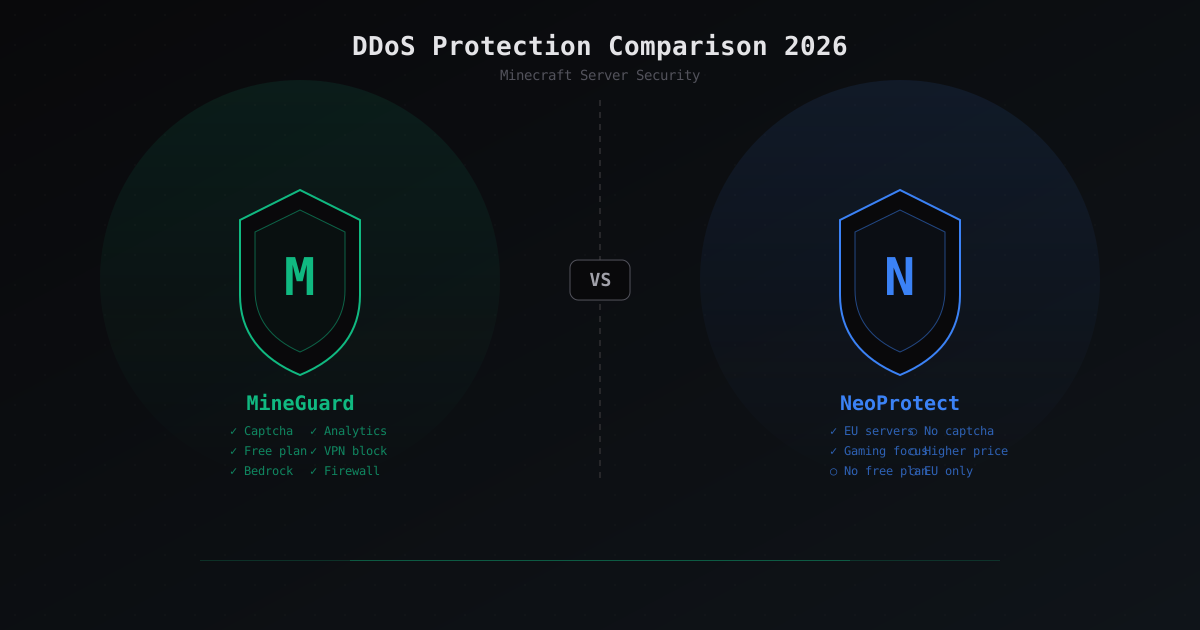
MineGuard vs NeoProtect: DDoS Protection Comparison for Minecraft 2026
Detailed MineGuard vs NeoProtect comparison: pricing, features, captcha, firewall, Bedrock support. Which DDoS protection service to choose for your Minecraft server in 2026?
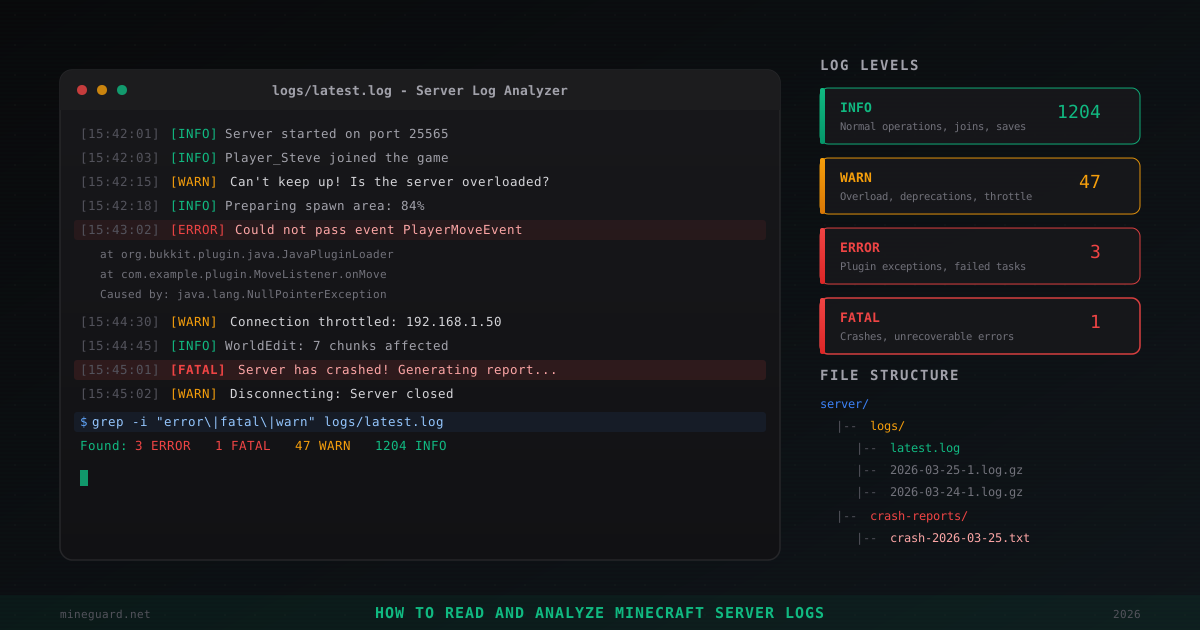
How to Read and Analyze Minecraft Server Logs
Where Minecraft server logs are stored, what INFO, WARN, ERROR, FATAL levels mean, how to find plugin errors, read crash reports, detect hack attempts, and use grep for log analysis. Practical admin guide.
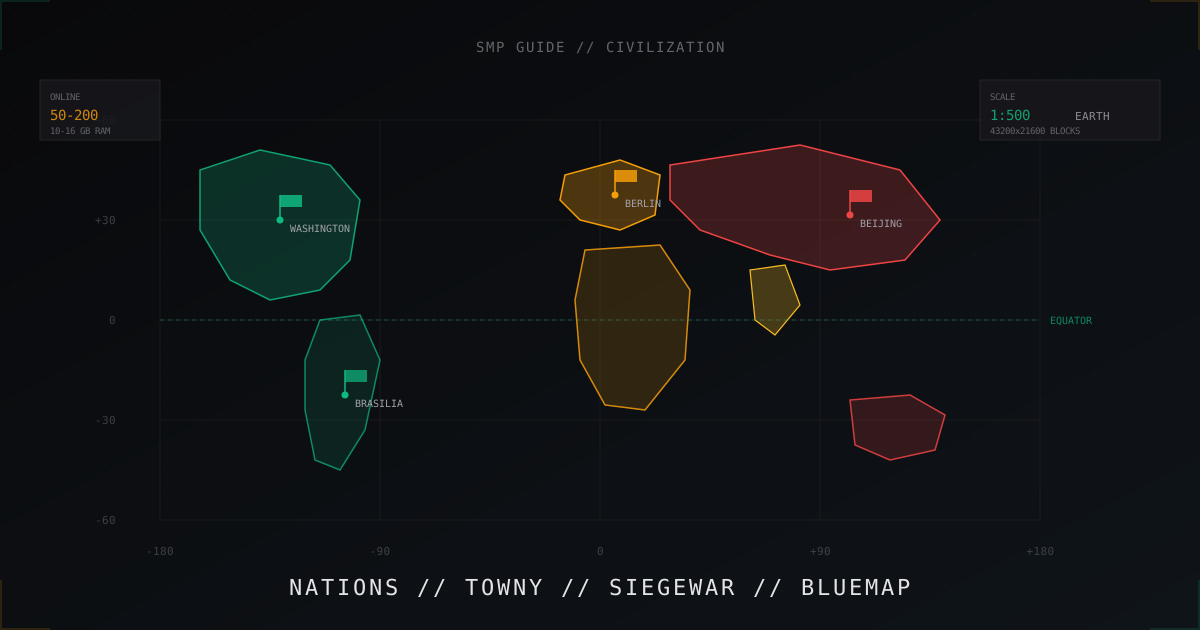
Civilization SMP from scratch: building an EarthMC-style nations server
Earth map, nations, city sieges and BlueMap. Full guide to building a civ SMP server in EarthMC style: plugins, economy, wars.