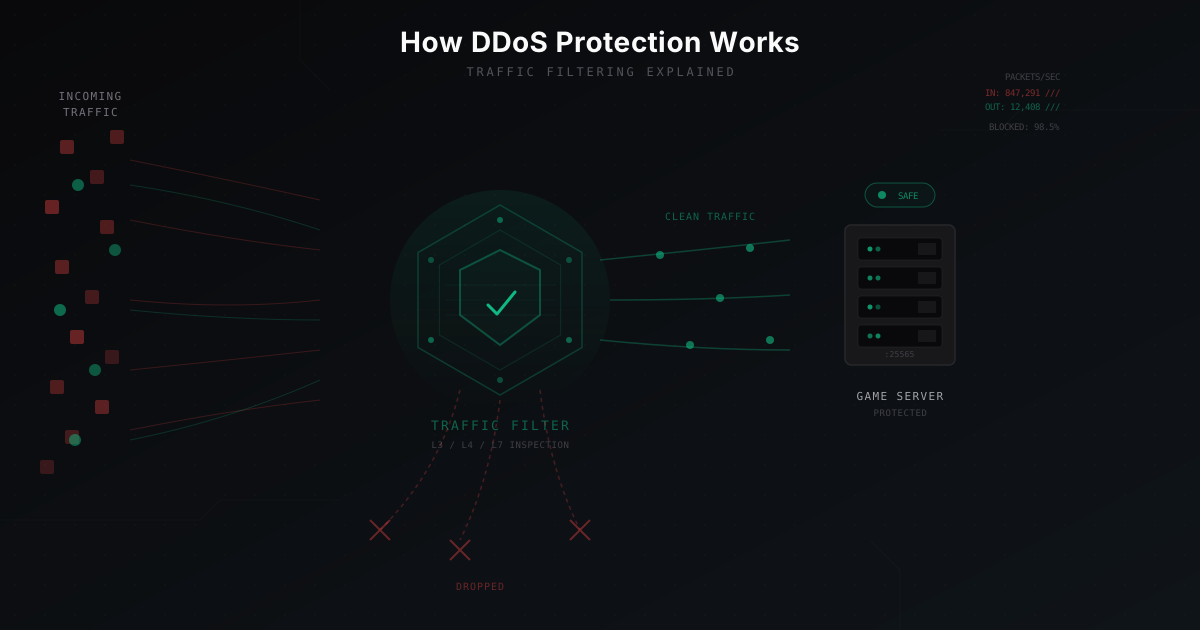
How DDoS Protection Works: Explained Simply
You launch a Minecraft server, build up a player base, everything is going great. Then one morning your server just stops responding. Players complain about timeouts. The console is frozen. Your host mentions "anomalous traffic." You are under attack.
The first question is: "How do I protect against this?" The second: "How does that protection actually work?"
Today we are answering the second question. No heavy jargon, plenty of real-world analogies, and concrete examples.
What happens during a DDoS attack
Let's start with the attack itself. DDoS means thousands (or millions) of sources simultaneously sending traffic to your server. The goal is simple: overload your bandwidth, CPU, or memory so real players cannot connect.
Imagine a restaurant with 50 seats. Normally 30-40 guests show up - plenty of room for everyone. Now imagine someone hired 5,000 people to crowd the entrance all at once. Real guests physically cannot get in. The kitchen is working, the chefs are cooking, but nobody can reach a table.
DDoS works the exact same way. Your server is alive, Minecraft is running, but the network pipe is clogged with junk traffic.
Step one: DNS redirection - hiding your real address
The first thing any DDoS protection does is hide your server's real IP address. If the attacker knows your actual IP, they can send traffic directly, bypassing any protection layer.
How it works: you change the DNS records for your domain (say, play.myserver.com) so they point not to your server but to the protection network. For Minecraft this is usually an SRV record that routes players to a filtering node.
Analogy: instead of giving people your home address, you give them the address of a security company. All mail goes there first, gets inspected, and only legitimate correspondence is forwarded to your house.
Player types: play.myserver.com
DNS responds: "go to 104.167.24.XX" (protection address)
Player connects to the filtering node
Filter verifies and forwards to the real server
Important detail: if someone already knows your real IP, DNS redirection alone will not help. That is why it is common to change your server IP after enabling protection.
Step two: scrubbing - separating clean traffic from junk
Once all traffic flows through the protection node, the interesting part begins - scrubbing.
Think of gold panning. A miner scoops a pan of sand and washes it with water. Dirt and pebbles wash away, gold flakes stay behind. Scrubbing works on the same principle: junk traffic gets washed out, and packets from real players pass through.
In practice it looks like this:
Incoming traffic: 50 Gbps
  |
  [L3/L4 Filter] - drops 95% of junk
  |
  Intermediate traffic: 2.5 Gbps
  |
  [L7 Filter] - inspects protocol
  |
  Clean traffic: 200 Mbps -> your server
Out of 50 gigabits per second of attack traffic, only 200 megabits of legitimate traffic reaches your server. The rest is discarded at various filtering stages.
L3/L4 filtering: the first line of defense
L3 and L4 refer to layers of the network model. L3 (network layer) deals with IP addresses. L4 (transport layer) deals with TCP/UDP ports and connections.
Filtering at these layers is the fastest. It works with packet headers without looking inside the payload. Here is what gets checked:
Rate limiting. A single IP address cannot send 10,000 packets per second while playing Minecraft. If it does, that is not a player. Block it.
Protocol validation. Minecraft runs over TCP. If UDP packets arrive on port 25565, that is definitely not a player. Drop them.
TCP handshake verification. A normal TCP connection starts with a three-way handshake: SYN - SYN-ACK - ACK. Many attacks (SYN flood) send only SYN packets without completing the handshake. The filter uses SYN cookies or a SYN proxy to verify whether the client actually intends to establish a connection.
Blacklists. Known botnet addresses, data centers that real players never connect from - all blocked at the door.
Analogy: think of a bouncer at a club entrance checking if you have a ticket (TCP handshake), whether you are on the banned list, and whether you are trying to walk through the wall instead of the door (wrong protocol).
L7 filtering: deep inspection
L7 is the application layer. Here the filter looks inside packets and checks whether the traffic actually resembles a real Minecraft session.
The Minecraft client communicates with the server using a specific protocol. On connection it sends a handshake packet containing the protocol version, server address, and port. Then comes a login request with the player's name. All of this follows a strict format.
What the L7 filter checks:
Packet format. Minecraft packets have a defined structure: length, packet ID, data. If a packet does not match the format, it is fake.
Packet order. A real client sends a handshake first, then login start, then waits for the server's response. A bot might send packets in the wrong order or too quickly.
Protocol version. If your server runs 1.21 but a packet claims version 1.7 with a suspicious structure, that warrants closer inspection.
Behavioral analysis. A real player starts moving after connecting, sending packets at a certain frequency. A bot might connect and go silent, or flood packets nonstop.
Packet from a real player:
[length: 16][ID: 0x00][version: 769][address: play.myserver.com][port: 25565][state: 2]
-> Format correct, allow through

Packet from a bot:
[garbage bytes][random data]
-> Format invalid, drop
Challenge-response: verifying the human behind the client
Some protection systems go further and actively challenge connecting clients. This is called challenge-response - the system issues a "challenge" and the client must answer correctly.
For Minecraft this can work in several ways:
Handshake verification. The protection proxy pretends to be the server and performs the TCP handshake on its own. If the client does not respond correctly, the connection is never passed to the real server.
Ping verification. Before granting access, the system may check whether the client can properly handle Minecraft protocol status requests. A real client can; a primitive bot cannot.
CAPTCHA. In web contexts (control panel, server map) this is the familiar captcha image. For Minecraft itself it may be a lobby stage: the player is connected to a temporary world where they must perform a simple action before being forwarded to the main server.
Reverse proxy architecture for game servers
Now let's talk about how all these pieces fit together. The core architectural approach is the reverse proxy.
What is it? A reverse proxy is a server that sits between the internet and your real server. Every connection goes through it. It is transparent to players - they do not even know they are not connecting directly.
Player -> [Internet] -> [Protection proxy] -> [Your server]
                           |
                           +-- Filtering
                           +-- Protocol inspection
                           +-- Rate limiting
For Minecraft the reverse proxy operates at the TCP level. It accepts a connection from the player, inspects the first few packets, and if everything checks out, opens a connection to the real server and begins relaying data in both directions.
The key advantage: your real server never sees attack traffic at all. It runs in peace, processing only verified connections. The attack load falls on the protection node, which is purpose-built to handle it.
GRE tunnels: when you need your own IP
Sometimes a reverse proxy does not fit. Maybe you have a complex network setup, multiple servers behind one IP, or you need full control over the traffic. That is where GRE tunnels come in.
GRE (Generic Routing Encapsulation) is a "tunnel" between the protection node and your server. It works like this: the protection node receives all traffic, filters it, then wraps the clean traffic in GRE packets and sends them to you. Your server unwraps the GRE packets and sees the original player IP addresses.
Analogy: imagine an armored convoy. Letters (packets) are placed in a secure container (GRE encapsulation), transported via a safe route (the tunnel), and unpacked at the destination for the recipients.
Internet -> [Protection node] --(GRE tunnel)--> [Your server]
               |                                      |
           Filtering                           Decapsulation
           happens here                        + processing
The upside of a GRE tunnel is that your server receives real player IPs (useful for bans and geolocation). The downside is extra overhead and configuration on both ends.
Anycast: one address, many servers
Large protection networks use a technology called Anycast. The idea is simple: the same IP address is announced from multiple locations around the world via BGP (the internet's routing protocol).
When a player in Germany connects to your server, their traffic automatically goes to the nearest protection node - say, Frankfurt. A player in Brazil hits the node in Sao Paulo. And attack traffic from Asia goes to the node in Tokyo.
Player (Berlin)  -------->  Frankfurt node  ----->  Your server
Player (Moscow)  -------->  Amsterdam node  ----->  Your server
Attack (Shanghai) ------->  Tokyo node [BLOCKED]
Attack (various IPs) ---->  Distributed across all nodes
This provides two advantages:
-
The attack is distributed. Instead of 100 Gbps hitting a single point, the traffic is split across dozens of nodes. Each node handles only a fraction - easily within capacity.
-
Lower latency. Players connect to the nearest node rather than routing across the globe. Lower ping, smoother gameplay.
How MineGuard works: the big picture
Let's see how all of this comes together in MineGuard specifically.
When you connect your server to MineGuard, the following happens:
-
DNS setup. Your domain starts pointing to MineGuard's protection nodes instead of your real server.
-
Inbound filtering. All incoming traffic passes through a multi-layer filtering system.
-
Proxying. Verified traffic is forwarded to your real server. For players the process is entirely transparent - they connect as usual.
-
Monitoring. The system continuously analyzes traffic patterns and adjusts filters in real time.
Architecturally, MineGuard's protection node includes several components:
- Kernel-level packet filter (XDP/eBPF) - discards the roughest junk at wire speed before the packet even enters the network stack
- TCP proxy - performs the handshake and validates TCP connections
- Protocol analyzer - parses Minecraft packets and verifies their structure
- Behavioral engine - analyzes connection patterns and identifies botnets
What happens when an attack hits: step by step
Let's walk through a specific scenario. Your server is running normally with 100 players online. Then an attack begins.
Second 0-1. The attacker launches a botnet. 50,000 bots start sending traffic to your server's IP (which is actually MineGuard's protection node). Inbound traffic jumps from 200 Mbps to 40 Gbps.
Second 1-2. The packet filter (XDP) detects the traffic spike. Packets with invalid structure, UDP floods targeting a TCP port, packets from known botnet ranges - all dropped instantly. 90% of the attack is gone within a second.
Second 2-5. Smarter bots that attempt TCP connections pass through the TCP proxy. SYN cookies filter out those that never complete the handshake. Of the remaining 4 Gbps, only actual TCP connections make it through - about 500 Mbps.
Second 5-10. Bots that learned to do a TCP handshake now face Minecraft protocol verification. They need to send a correct handshake packet, a proper login packet, and respond to server queries. Most bots cannot do this. Traffic drops to 50 Mbps, and that is almost entirely real players.
Second 10+. Behavioral analysis picks off the last bots. If a bot connects but acts unusually (does not move, skips expected packets, reconnects 100 times a minute from the same IP), it gets cut.
Result. The attacker spends money on a botnet, generates 40 Gbps of traffic, and on your server - nothing happens. 100 players keep playing, maybe with a barely noticeable ping increase of a couple milliseconds. Most likely, they will not even realize there was an attack.
Why you can't just block every suspicious IP
A common misconception: "let's just ban all the bad IPs." The problem is:
-
Botnets use real devices. These are infected computers and routers belonging to ordinary people. Their IP addresses come from regular residential ISPs. Block an entire subnet and you will hit real players from the same city.
-
IPs rotate. A botnet of 50,000 machines can cycle through hundreds of thousands of different IP addresses. Block one batch and another appears.
-
Attackers adapt. Modern botnets try different attack methods and switch automatically when one stops working.
That is why effective protection works not just with IP lists but also analyzes traffic behavior in real time.
Limitations of DDoS protection: what to keep in mind
No protection is perfect. Here is an honest list of limitations:
Adds latency. A proxy between the player and the server is an extra hop. Usually 1-5 ms, but for some players that matters.
Does not protect from the inside. If the attacker is already on your server (a plugin exploit, a compromised panel), external DDoS protection will not help.
IP leaks. If your real IP becomes known (you forgot to hide it, it shows up in logs, someone finds it on Shodan), the attacker can hit it directly, bypassing protection entirely.
False positives. Aggressive filters can occasionally block legitimate players. Good protection lets you tune the sensitivity.
Summary
DDoS protection is not a magic "make it safe" button. It is a multi-layered system that:
- Hides your server's real IP address
- Absorbs all traffic via DNS redirection
- Filters junk at L3/L4 (IP addresses, protocols, rate limiting)
- Inspects the Minecraft protocol at L7
- Uses challenge-response to verify clients
- Forwards only clean traffic to your server via a proxy or GRE tunnel
- Uses GeoDNS-based geo-routing so players land on the nearest filtering point
Each layer removes its share of junk, and only genuine game traffic reaches your server. This is how any serious DDoS protection works - MineGuard included.
Protect Your Server from DDoS Attacks
Free protection with 5-minute setup. 1 TB bandwidth included.
Try for FreeRelated Articles
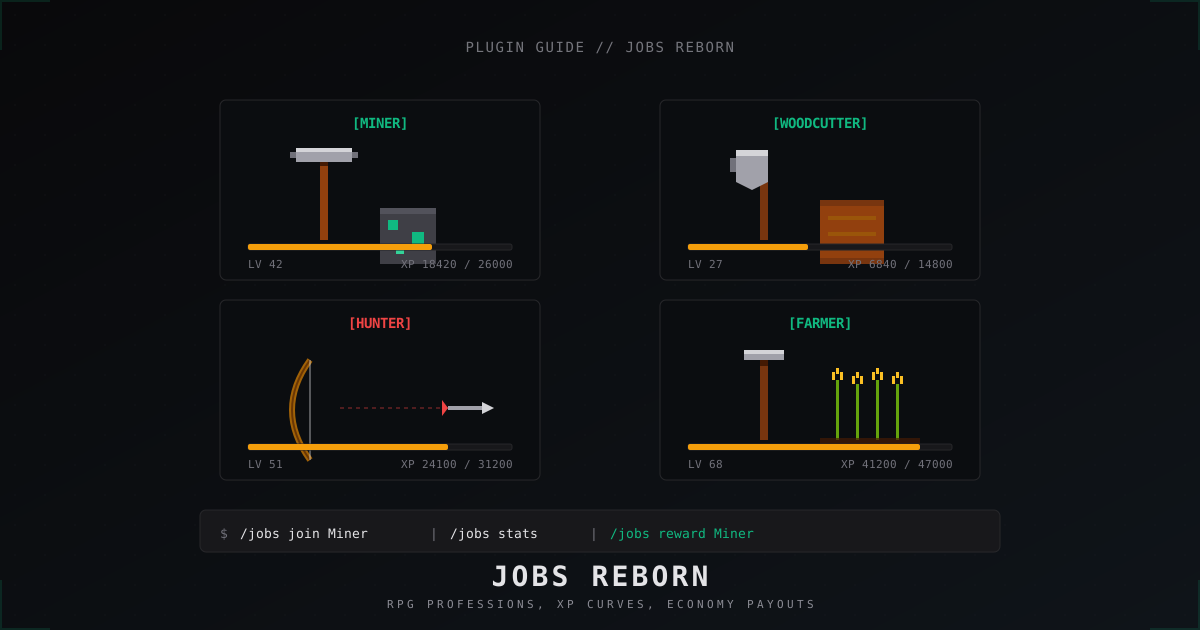
Jobs Reborn: setting up RPG jobs on a Minecraft server (2026)
A full walk-through of Jobs Reborn 5.x in 2026: Vault install, Miner and Woodcutter configs, XP and payment formulas, placed-block anti-abuse, and /jobs reward shops.
Free DDoS Protection for Minecraft Servers: How It Actually Works
Proper DDoS protection for Minecraft does not have to cost a fortune. Learn about MineGuard's free plan: what's included, who it's for, and when it makes sense to upgrade.
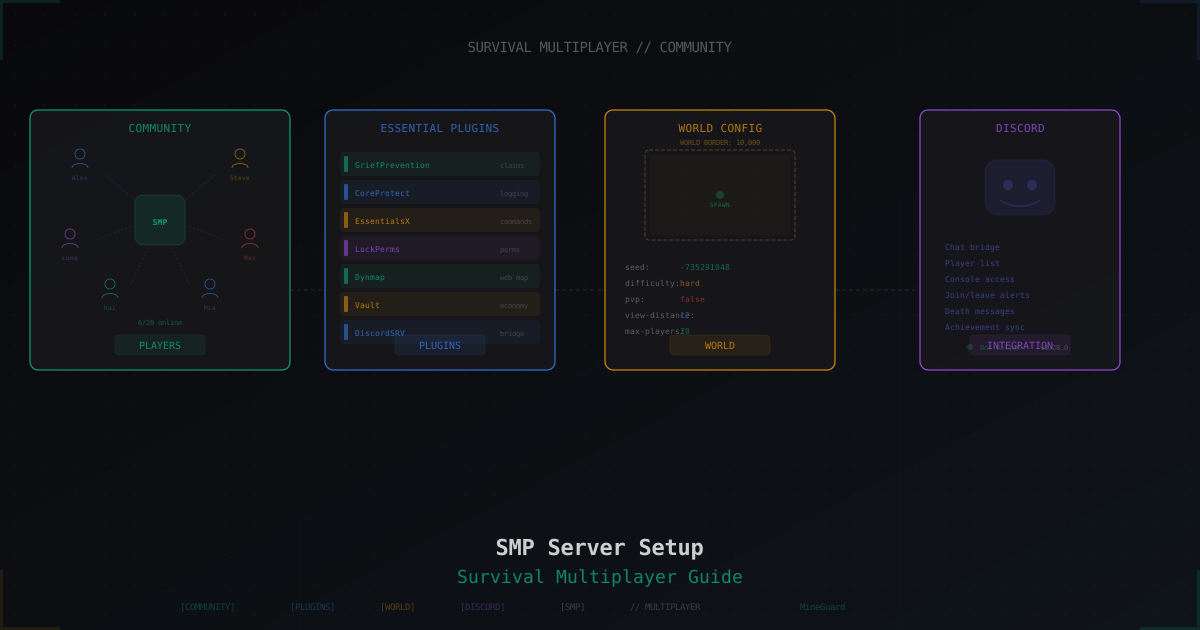
Minecraft SMP Server in 2026 - Setup and Configuration Guide
Full SMP playbook: core choice (Paper, Purpur, Folia, Fabric), JVM flags, server.properties and paper.yml tuning, pre-generation, claim and economy plugins, Grim vs Vulcan anti-cheat, anti-bot, voice chat, 3-2-1 backups, monetization without pay-to-win and DDoS protection.