Networks
Creating and configuring networks
A network is the main container in MineGuard. It holds your domains, backends, and all protection settings. Typically one network = one Minecraft project.
Creating a network
Open the Networks section in the panel and click Create. Enter a name for the network.
After creation you'll land on the network page, where you can add domains, backends, and configure protection.
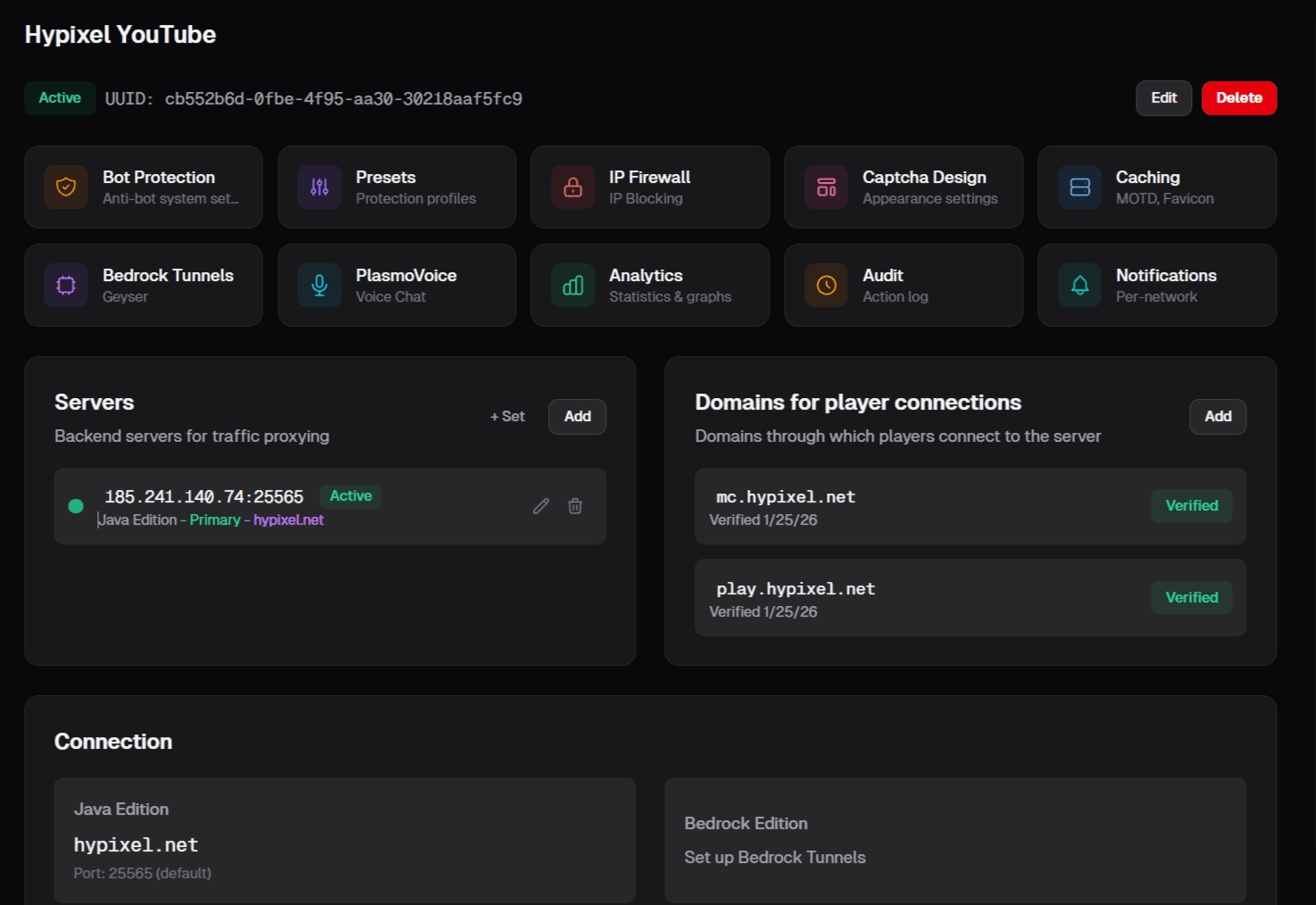
Network overview — domains, backends, settings tabs
Network settings
The network settings give you access to:
- Enable/disable — temporarily disable the network; traffic will stop being proxied
- Filtering settings — protection level, VPN blocking, connection limits
- Firewall — IP, country, and ASN rules
- Captcha — browser-based verification
Limits
The number of networks, domains, and backends depends on your plan. The free plan includes 1 network with 1 domain and 1 backend. See the pricing page for details.