Защита Java Edition vs Bedrock Edition: в чем разница
Два мира, один блок
Minecraft существует в двух основных версиях: Java Edition и Bedrock Edition. Для игрока разница может казаться косметической, но под капотом это совершенно разные сетевые протоколы, разные архитектуры и, как следствие, разные угрозы. Если вы управляете сервером и думаете о защите от DDoS, вам нужно понимать эти различия.
TCP vs UDP: фундаментальная разница
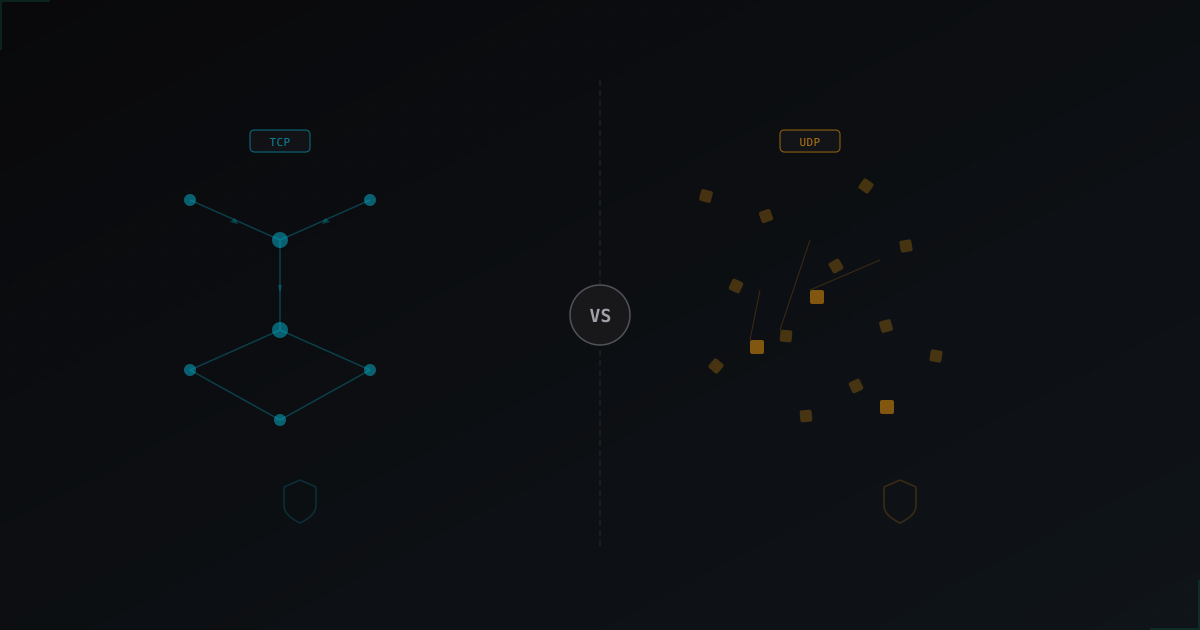
Java Edition работает поверх TCP. Это надежный протокол с подтверждением доставки, установкой соединения и контролем потока. С точки зрения защиты это хорошая новость: TCP-трафик легко проксировать, маршрутизировать и фильтровать. Десятилетия развития сетевой инфраструктуры создали зрелые инструменты именно для TCP.
Bedrock Edition использует UDP через собственную реализацию протокола RakNet. UDP не устанавливает соединения в привычном смысле. Пакеты просто летят от клиента к серверу без рукопожатия. Это делает проксирование Bedrock-трафика значительно сложнее: нельзя просто поставить TCP-прокси перед сервером, нужны специализированные UDP-туннели и нестандартные решения.
Разные атаки для разных протоколов
Атаки на Java-серверы обычно идут по нескольким сценариям:
- SYN-флуд - классическая атака на TCP, заваливает сервер запросами на установку соединения
- Фейковые подключения игроков - бот-сети имитируют реальных игроков, проходят через handshake и создают нагрузку на игровой движок
- Slowloris и подобные - медленные атаки, которые держат соединения открытыми и исчерпывают лимиты сервера
- Атаки на уровне протокола Minecraft - специально сформированные пакеты, эксплуатирующие особенности обработки данных
С Bedrock ситуация другая:
- UDP-амплификация - атакующий отправляет маленький запрос, а в ответ генерируется большой объем трафика
- Спуфинг источника - подмена IP-адреса отправителя, что почти невозможно с TCP, но элементарно с UDP
- Флуд открытыми сессиями RakNet - попытки перегрузить обработчик сессий
- Отраженные атаки - использование сервера как усилителя для атаки на третью сторону
Как MineGuard справляется с обоими вариантами
Для Java Edition MineGuard работает как прозрачный TCP-прокси. Весь трафик проходит через наши узлы фильтрации, где анализируется на аномалии. Легитимные соединения передаются на ваш сервер, вредоносные отсекаются до того, как достигнут цели. Поддержка Proxy Protocol позволяет вашему серверу видеть реальные IP-адреса игроков, что критично для банов и модерации.
Для Bedrock задача сложнее. UDP-трафик невозможно проксировать классическими методами, поэтому мы используем специализированные механизмы обработки, адаптированные под особенности протокола. Фильтрация происходит на сетевом уровне с минимальной задержкой, чтобы не повлиять на игровой процесс.
В обоих случаях наша система обучается на трафике конкретно вашего сервера. Паттерны нормальной активности для PvP-сервера на 500 игроков сильно отличаются от спокойного RP-сервера на 30 человек, и защита учитывает эту специфику.
Geyser и кроссплей: третий сценарий
Отдельная история - серверы с плагином Geyser, которые позволяют игрокам на Bedrock подключаться к Java-серверу. Технически это выглядит так: Bedrock-клиент подключается по UDP, Geyser конвертирует трафик в Java-протокол, и дальше все идет по TCP.
С точки зрения защиты здесь два вектора атаки одновременно. Порт Java-сервера нужно защищать от TCP-атак, а порт Geyser - от UDP-атак. MineGuard поддерживает защиту обоих портов в рамках одной конфигурации, так что вам не придется настраивать два отдельных решения.
Важный нюанс: если Geyser работает как плагин на самом сервере (а не как отдельный прокси), то оба порта открыты на одной машине. Это означает, что успешная DDoS-атака на любой из портов повлияет на всех игроков, независимо от версии. Учитывайте это при планировании архитектуры.
Proxy Protocol: не все одинаково
Proxy Protocol широко поддерживается в экосистеме Java Edition. BungeeCord, Velocity, Paper - все основные серверные ядра умеют принимать информацию о реальном IP через Proxy Protocol. Это делает интеграцию с DDoS-защитой почти бесшовной.
В Bedrock ситуация хуже. Стандартный сервер Bedrock Dedicated Server не поддерживает Proxy Protocol из коробки. Некоторые альтернативные реализации вроде Dragonfly добавили поддержку, но это пока не стандарт. Если вам критично видеть реальные IP-адреса Bedrock-игроков, убедитесь, что ваше серверное ПО это поддерживает.
Задержка: миллисекунды имеют значение
Любой промежуточный узел добавляет задержку. Для Java Edition, где TCP и так подразумевает рукопожатие и подтверждения, дополнительная задержка от прокси обычно составляет 1-3 мс и практически незаметна.
MineGuard размещает узлы фильтрации в ключевых дата-центрах Европы, что позволяет минимизировать задержку для большинства серверов.
Рекомендации для владельцев серверов
Если у вас только Java Edition:
- Используйте прокси-цепочку (Velocity/BungeeCord) перед основным сервером
- Включите Proxy Protocol для сохранения реальных IP
- Настройте лимиты соединений на уровне прокси
- Регулярно обновляйте серверное ПО - старые версии часто содержат уязвимости в обработке пакетов
Если у вас только Bedrock Edition:
- Убедитесь, что ваша защита поддерживает UDP-фильтрацию, а не только TCP
- Проверяйте поддержку Proxy Protocol вашим серверным ПО
- Мониторьте исходящий трафик - ваш сервер может использоваться для амплификации атак
Если у вас кроссплей (Java + Geyser):
- Защищайте оба порта: TCP для Java и UDP для Geyser
- По возможности вынесите Geyser на отдельный прокси-сервер
- Тестируйте латентность для Bedrock-игроков отдельно от Java
Итого
Защита Java-сервера и Bedrock-сервера - это две разные задачи, которые требуют разных инструментов. TCP-трафик Java проще фильтровать и проксировать, UDP-трафик Bedrock создает дополнительные сложности. Универсальное решение, которое одинаково хорошо работает с обоими протоколами, экономит время и нервы. MineGuard создан именно с таким подходом: одна панель, одна настройка, полная защита для любой версии Minecraft.
Proteja Seu Servidor de Ataques DDoS
Proteção gratuita com configuração em 5 minutos. 1 TB de tráfego incluso.
Experimentar GrátisArtigos Relacionados
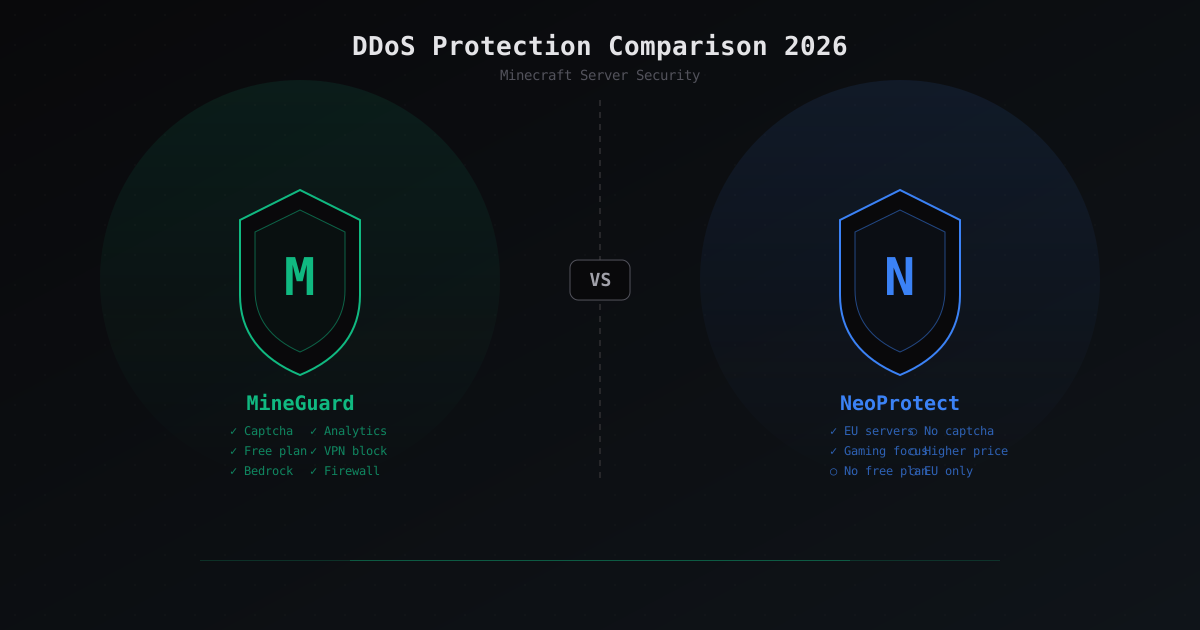
MineGuard vs NeoProtect: сравнение DDoS-защиты для Minecraft 2026
Подробное сравнение MineGuard и NeoProtect: цены, функции, капча, файрвол, Bedrock поддержка. Какой сервис DDoS-защиты выбрать для Minecraft сервера в 2026 году?
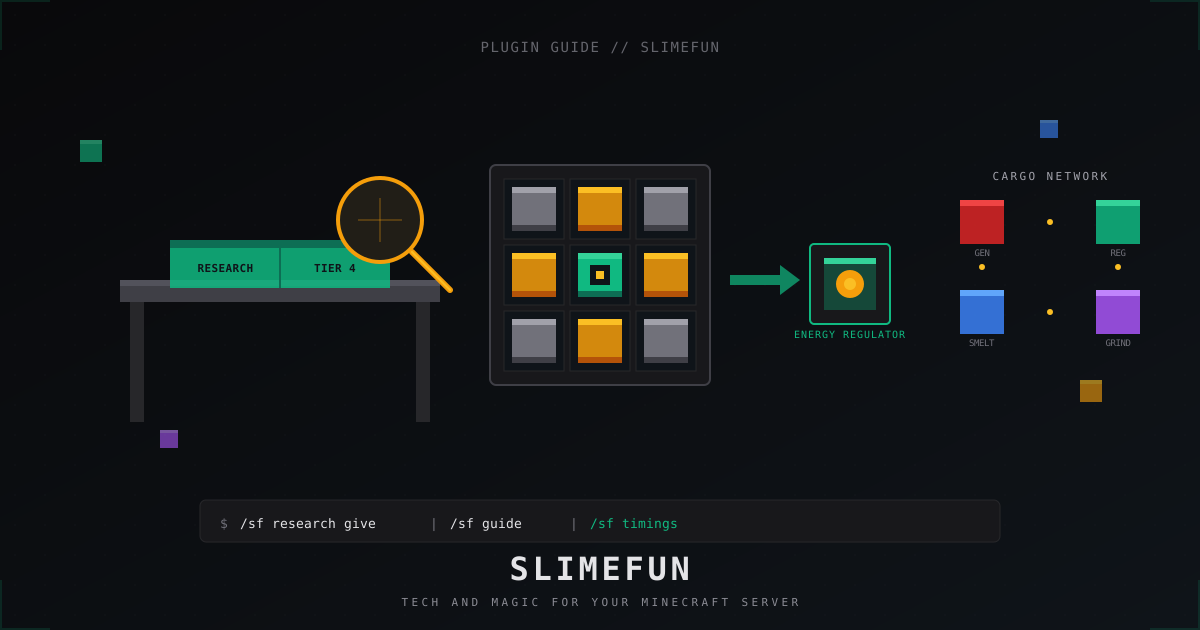
Slimefun: полный гайд по плагину для Minecraft сервера в 2026
Slimefun4 на Paper 1.21: установка, гайдбук, исследования, cargo-сеть, энергия, аддоны (ExoticGarden, InfinityExpansion) и как не убить TPS.
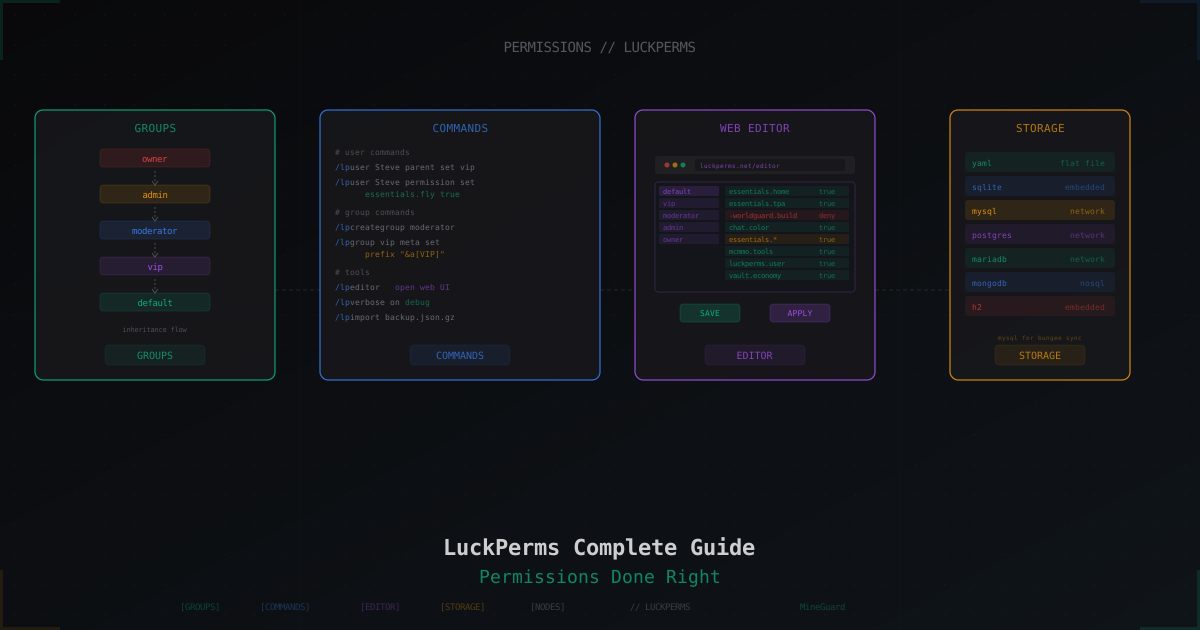
LuckPerms: полный гайд по настройке прав на Minecraft сервере
Установка, команды, группы, наследование, префиксы и веб-редактор. Разбор всех основных задач LuckPerms с готовыми примерами.